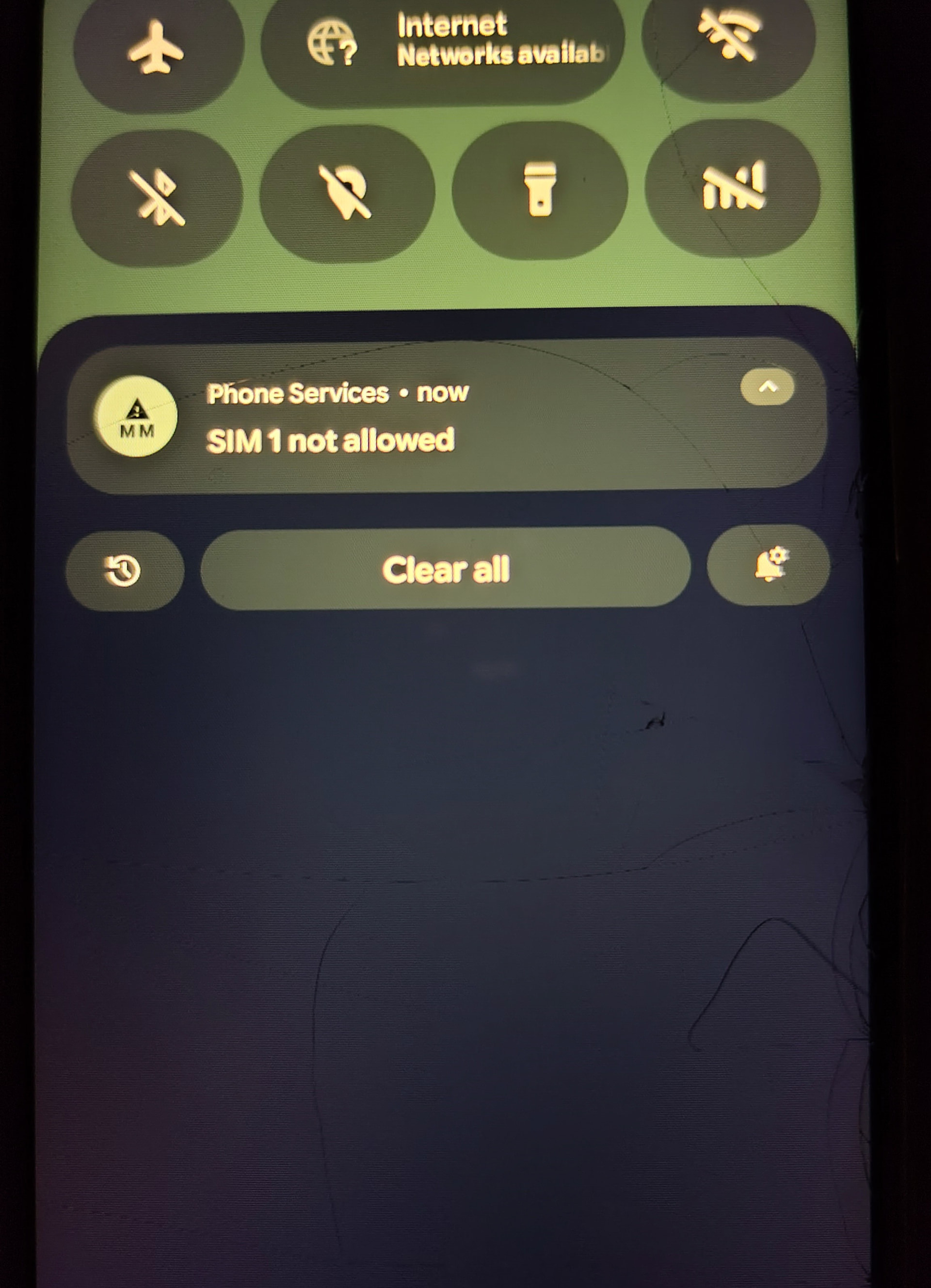
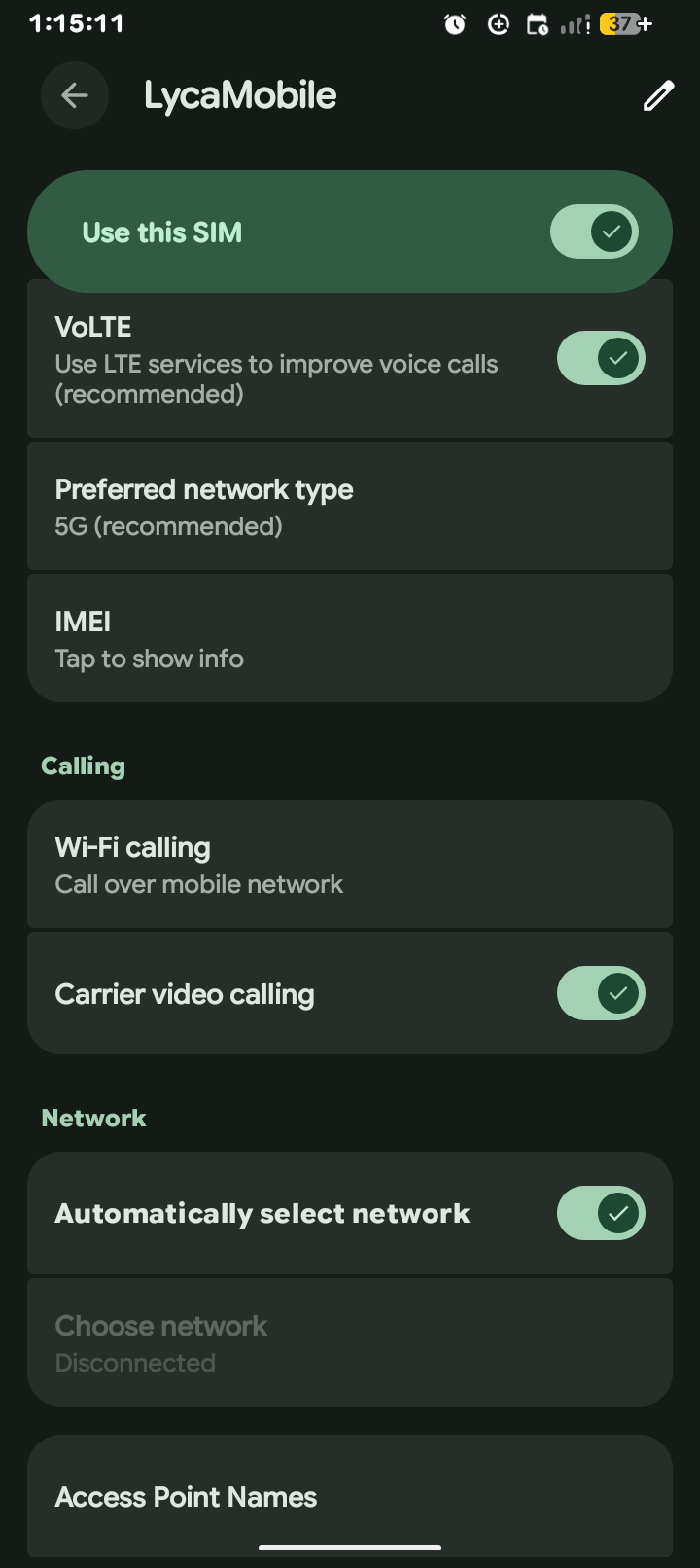
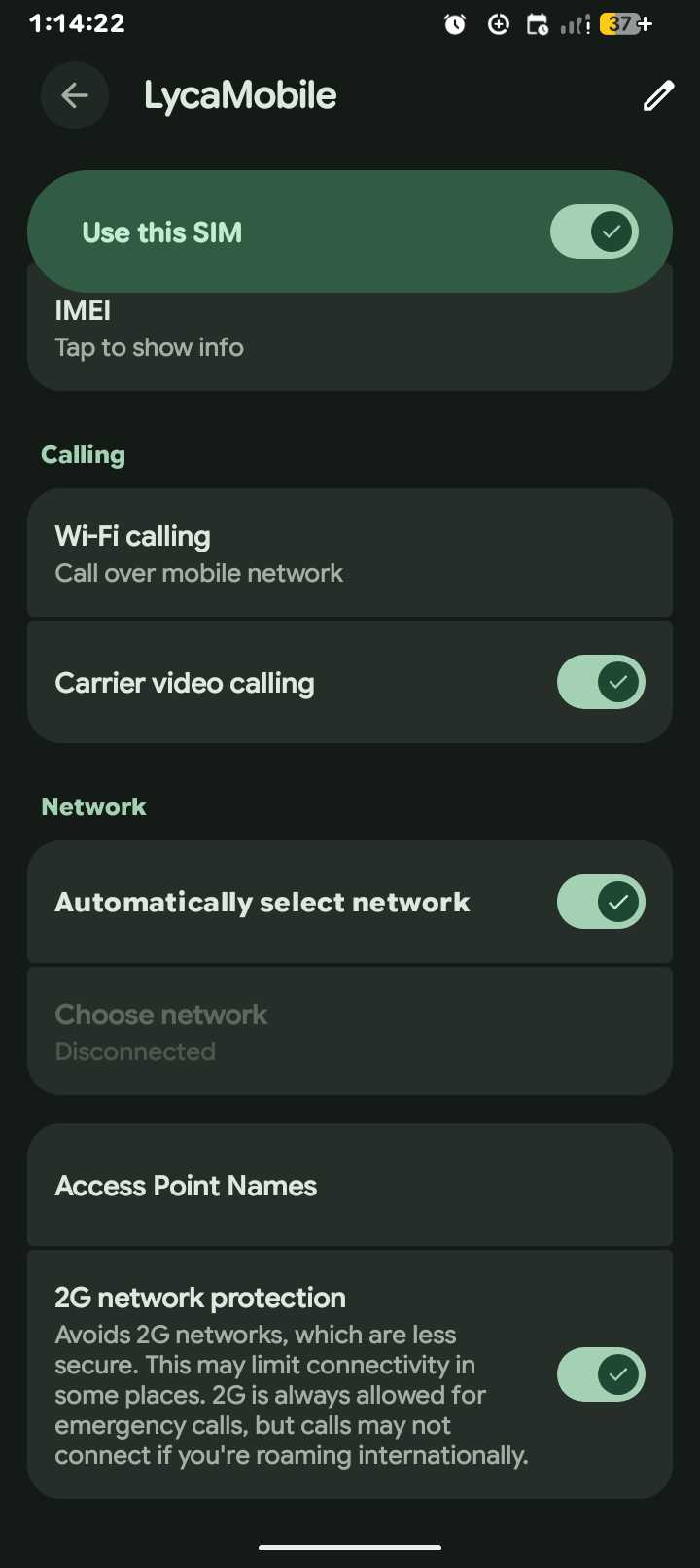
I have reset the network on phone 4 times and restarted it twice in a row now i don’t know if it’s got to do with IMEI of phone or some part inside that phone has defaulted to sim 2 witch is esim, looks like i be without a degoogle phone for while only, since i was relaying on that phone as main daily driver, now that went to shit only thing i got months back was a temp normy phone as a backup, as of it ,since i had fun times with phone since it’s only phone with headphone jack, it was working today with lycamobile (vodafone AU) mvno every thing work during day and night now at approximately, at 1:14am UTC+10 it malfunctioned on me, I tried to swap it out for old still active optus sim that didn’t work at all, now i was advised before the block begin to block out 2g witch i make sure did so and maked sure it was on 5g. has anyone experienced that problem before?
Hi there. Sorry you’re dealing with this, especially with the BraX3 as your daily phone.
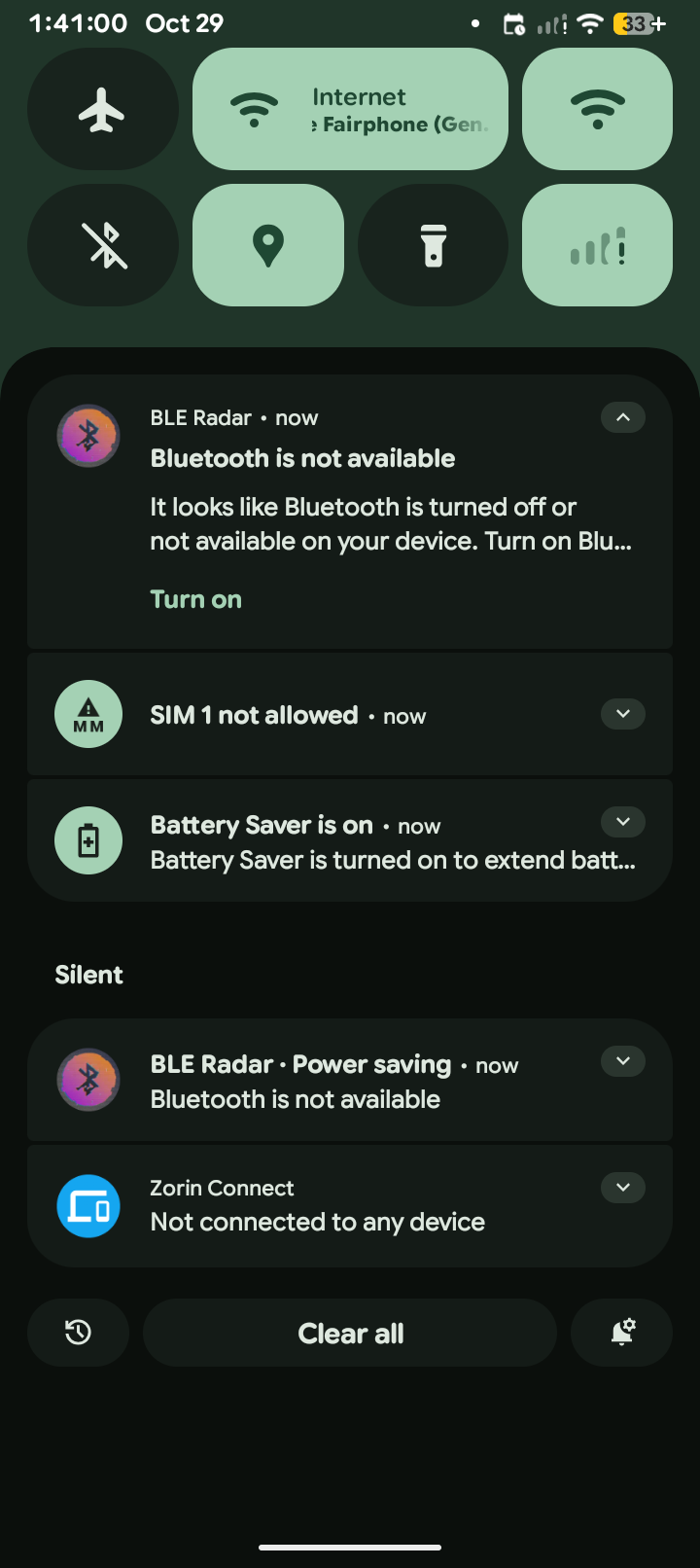
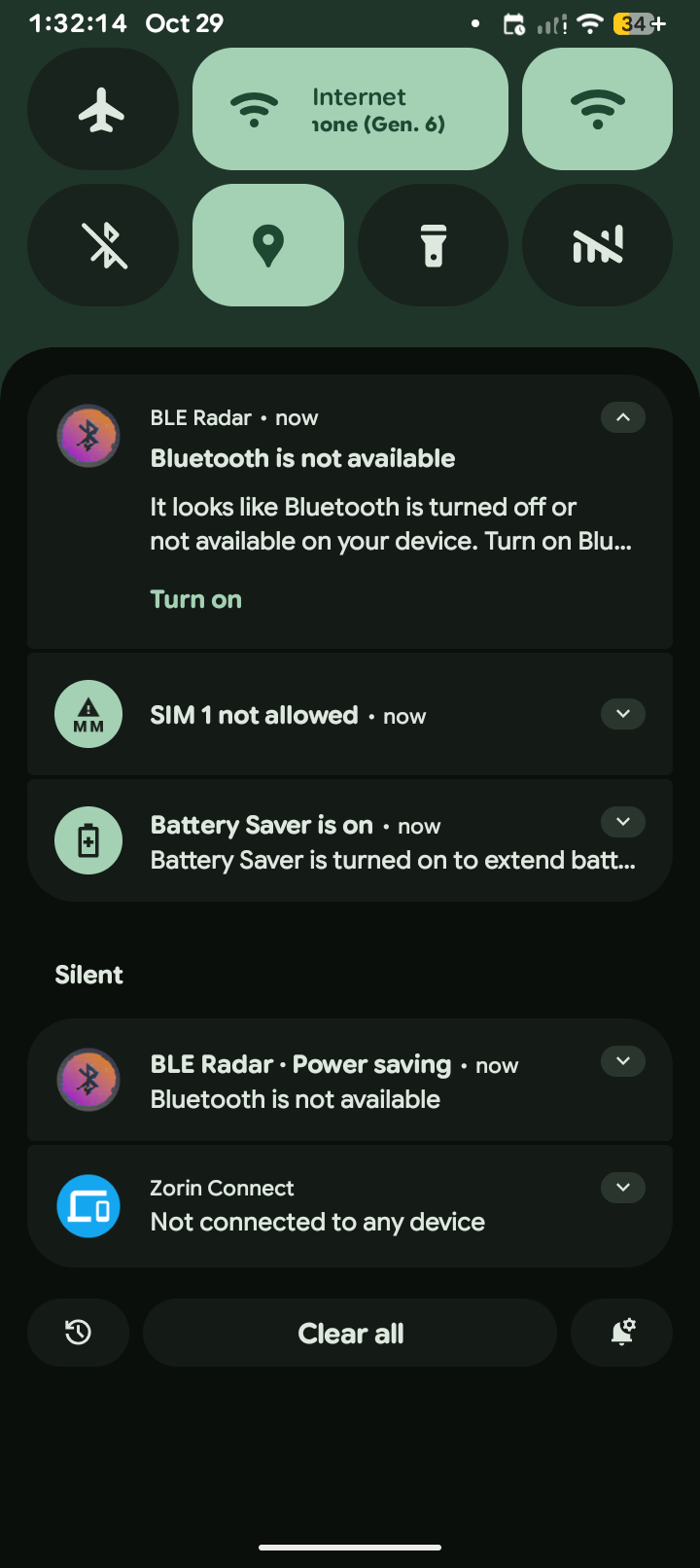
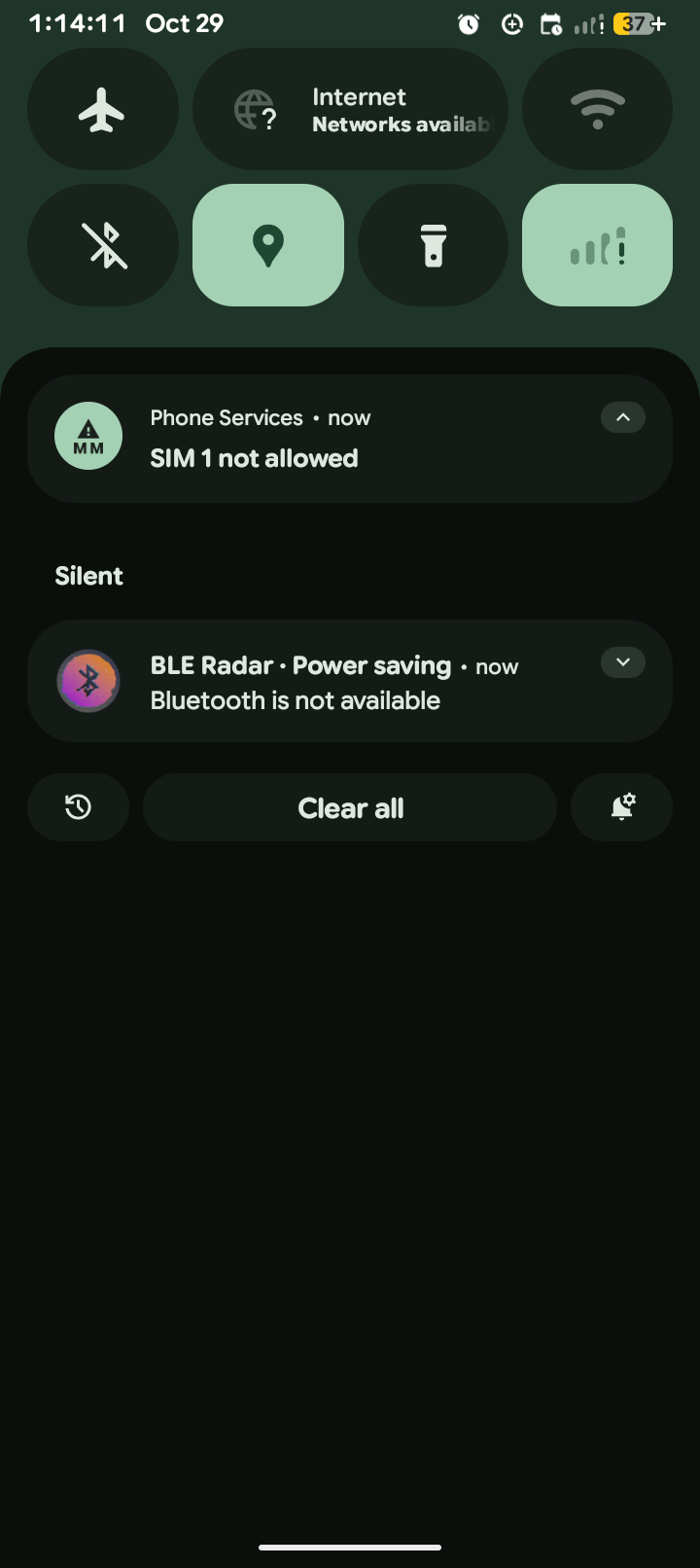
This is almost certainly the Vodafone block you got the warning text about in the other thread. Lycamobile runs on Vodafone’s network, and Vodafone has started barring the BraX3 by IMEI. Another Vodafone customer was given 27 October as the date. “SIM 1 not allowed” is the message Android shows when the network refuses to register the phone. Your phone and SIM tray are fine, and network resets won’t change it, because the block is on Vodafone’s side. eSIM / SIM 2 isn’t involved either.
Telstra and Optus both list the BraX3 as compatible, and other Australian owners are using it fine on those networks, including calling 000 on Telstra. To get going again:
-
Power the phone off completely (not a restart), put the Optus SIM in SIM 1, then switch it on. Once a network rejects the phone, the modem often treats the SIM as invalid until a full power cycle, so a SIM swapped in while it was on can fail too.
-
If the Optus SIM still says “not allowed”, check that it’s actually active, since old prepaid SIMs often get switched off after a period without recharge. Then post here what it shows, because that would be unexpected.
-
You can check your IMEI (dial *#06#) on Telstra’s and Optus’s online device checkers before you move your number. Telstra, Optus or an MVNO on their networks (Boost, Amaysim, Aussie Broadband and others) should work.
We contacted Vodafone Australia formally weeks ago to find out why the BraX3 isn’t on their approved list, and we haven’t had a reply yet. We’ll update the forum if that changes. We can’t recommend changing the IMEI. It can be illegal and it can cause other problems with your service.