I have the musicolet app installed from pureAPK and managed by Obtanium app. It is on both my BraX3 and my Pixel 8 Pro and both it and Obtainium are configured identically on both, and both devices have network, VPN, etc, identical.
The P8P happily updates Musicolet through Obtanium reliably. Never an issue. The BraX3, using the exact same settings and URL fails 100% of the time (since about May) - previously it also worked flawlessly. I haven’t seen this type of issue before…
It gives two errors, the first is for the App Source URL, if you try and set it up in Obtainium, which is:
SocketException: Failed host lookup: 'tapi.pureapk.com' (OS Error: No address associated with hostname, errno = 7)
Which basically means I can no longer set it up in Obtainium, on my BraX3.
The second is if you already had it set up pre-May and try and do the Download Release Asset to do an update, and you just get a Forbidden error.
In both cases it quotes a url that is valid (after the error message) and you can happily go to it in a browser, and it is one that is working perfectly in Obtainium on my P8P…???
Proprietary apps not working through alternative install methods on devices that don’t play by Google’s rules is not unthinkable. There are a lot of really great offline music players in F-Droid. If you give them a try you may find one that works for you and has all the features you want.
…Yes, well aware of that, Except it worked fine up until May or so, and still works fine on other hardware (e.g. P8P and someone else who does same thing on another device). I’m trying to avoid resorting to having another store/updater (the pureAPK one) on my BraX3 (for a single app) given I don’t need it on the P8P.
That was the reason I ended up with Musicolet to start with.
Thanks - yes I was aware of that, I’ve tried since first getting my BraX3, to have as few apps as possible through Aurora; to minimise the reliance on spoofing G Play.
Trying to focus on F-Droid/ioDroid and use Obtainium for balance of apps (I have a couple direct from GitHub, etc; and Musicolet from pureAPK obviously).
I can manually download the xapk file fine from the URL that fails through Obtainium - so will try manual update of app if I can to see if that resolves issue - but doubt it will. I also haven’t yet tried fully uninstalling Obtainium and reinstalling.
(*i.e. BraX3 has latest October 7.8 hotfix version installed (but never saw the original 7.8 version in Sept), has new GUI everywhere, but won’t pick up any iodé News updates in that app since 22 July when it got the 7.7 notice; while the P8P is physically stuck on 7.7 installed 22 July and won’t see any new updates in the updater since that date, and has the new GUI too except in the updater which is still in the old format, BUT has all the News updates since July (i.e. announcements for Sept & Oct releases of 7.8 are showing). So it’s like 7.7 update broke something on both devices, or didn’t fully install correctly, but its slightly different on each.)
So a bit of an update - I just decided to fully uninstall Obtainium (I had previously uninstalled Musicolet) and then reinstall Obtainium clean, and reconfigure Musicolet in it to see if it would reinstall Musicolet from scratch for me - on the off chance the problem was with Obtainium.
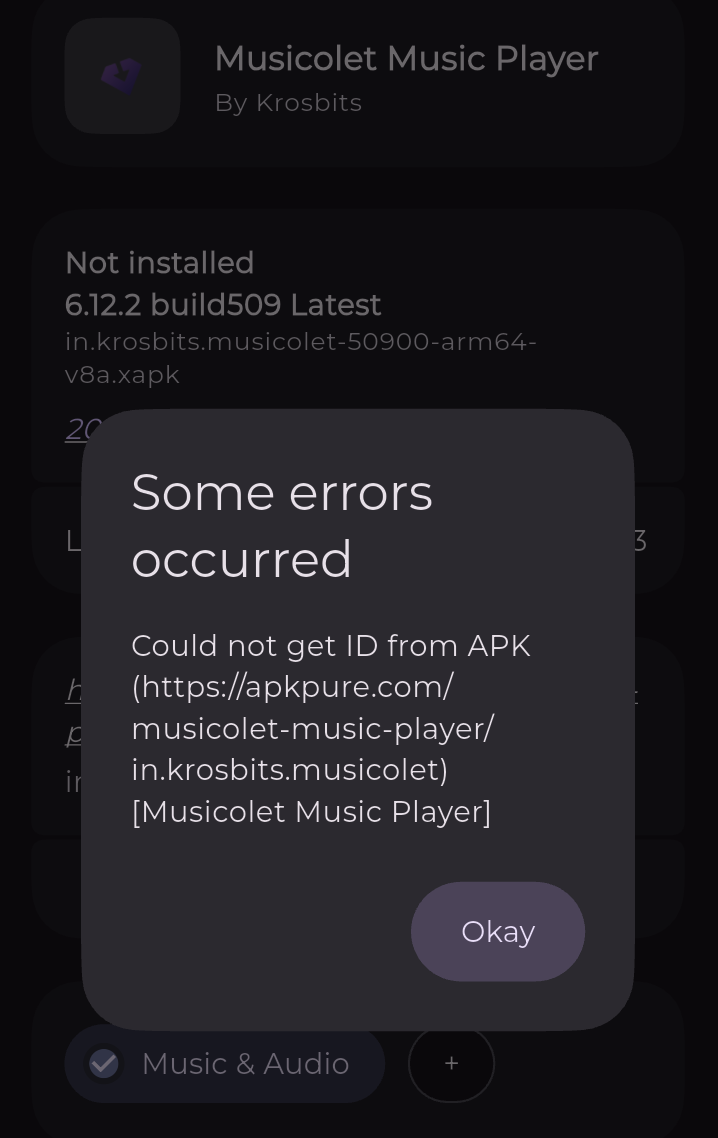
It failed. being a Saturday morning I persisted and retried using it to install Musicolet a couple more times, it failed. I then completely uninstalled and reinstalled Obtainium a second time, and it failed again - all these failures had this same message, which is different from all previous errors (but vaguely similar to the Forbidden error I mentioned above as the text of that referred to an ID too):
Note it was downloading the Release Asset fine, an improvement on previously where that’s the step that was failing, and now instead just giving this error when it endeavoured to install it.
Anyway on a whim I just tried install option a couple more times, and on the third attempt it just ‘magically’ completed the install happily with no error…
Given it was the same downloaded asset stored locally on the BraX3 that it attempted to install 3 times, and on the third it suddenly found the ID it didn’t the previous 2 times in the same package is, well, just weird.
So issue is nominally resolved for now - but why, and what the original cause is or was, I don’t know. So may (probably) rear it’s head again in near future… Given it’s been failing for months and previous systematic attempts to get it to work failed, and then a few random attempts this morning got a result seems a very erratic result…
I can understand that. I came to Musicolet on my previous stock Android phone, so just carried on the lazy way
just to be clear: did you use Obtainium to install Musicolet? i was going to suggest that as a way to make sure Obtainium had all its addressing right.
However,to muddy the waters further i have been headscratching all morning on how to manage an APKPure app, and it turns out my version of Obtainium 1.6.17(23563) installed from ioDroid, does not support APKPure directly, but requires a manual url setup.
Hotfix? Did you have a 7.8 beta installed? Then you wouldn’t see the Official Release 7.8-20260930. The iodé News is effectively just a changelog, which should have been updated with 7.8 but seems to have missed … And the ioDroid appstore app itself was not updated in 7.8, but demanded to update itself the first time I used it in 7.8. Aaargghh, you’ve gotta keep updating the updaters before you can update the real stuff …
Yes. But originally I installed Musicolet manually (side loaded) - August 2025 - and then added Obtainium a few months later - November 2025 - and all worked fine until around May 2026 which was the last update I successfully did to Musicolet through Obtainium on the BraX3.
I have always just manually added Musicolet to Obtainium by creating entry for it with the pureAPK url and then letting it do the rest. Likewise with the couple of Github apps I have like ZipXtract (just put in the GitHub URL for the app). The original Musicolet install was a real dog to do manually due to the .xapk archive.
Well that’s just even more confusing in some ways - and yeah I had the ioDroid store update too a while ago. And yes, realise news is just a change log, but if it’s in there it should eventually show in updater, unless the P8P has been purposefully excluded from last 2 updates… I remember there was one only for the BraX3 many months ago…
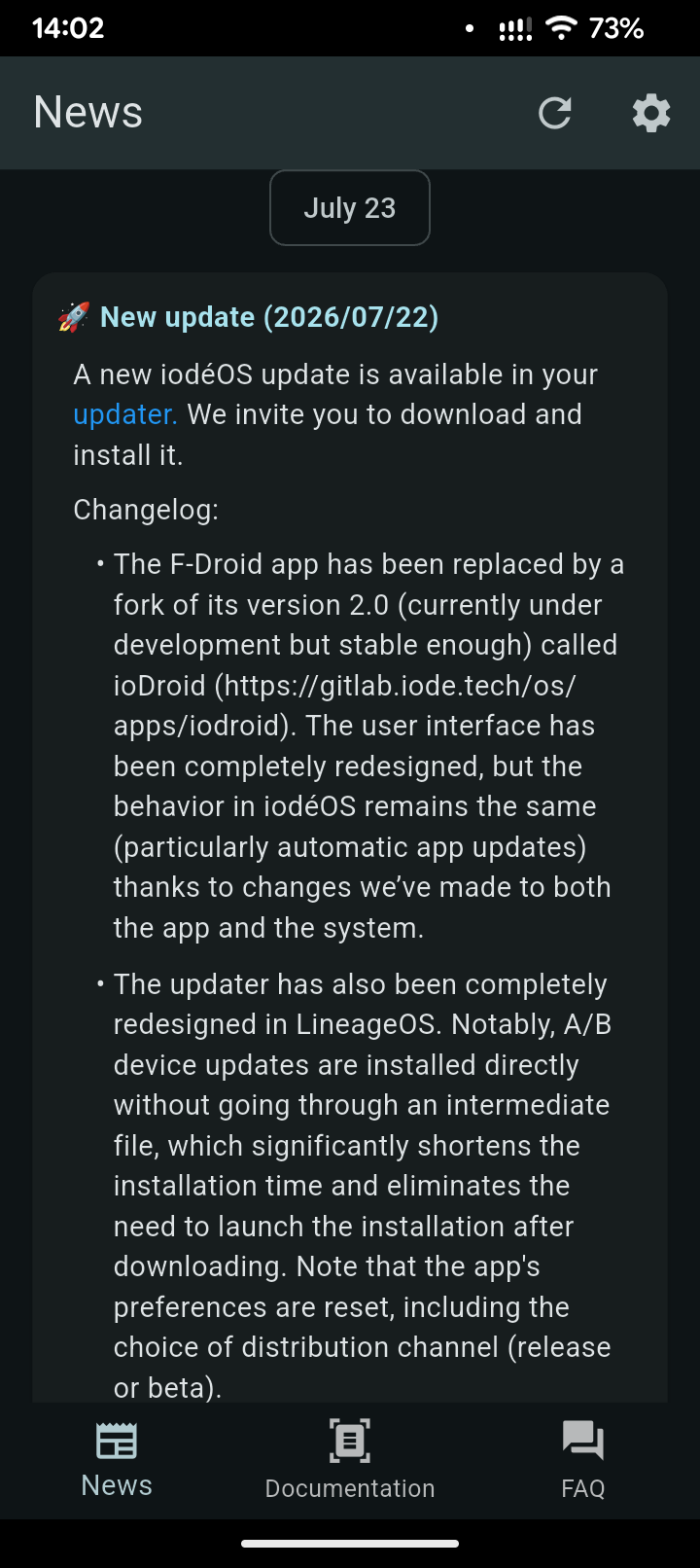
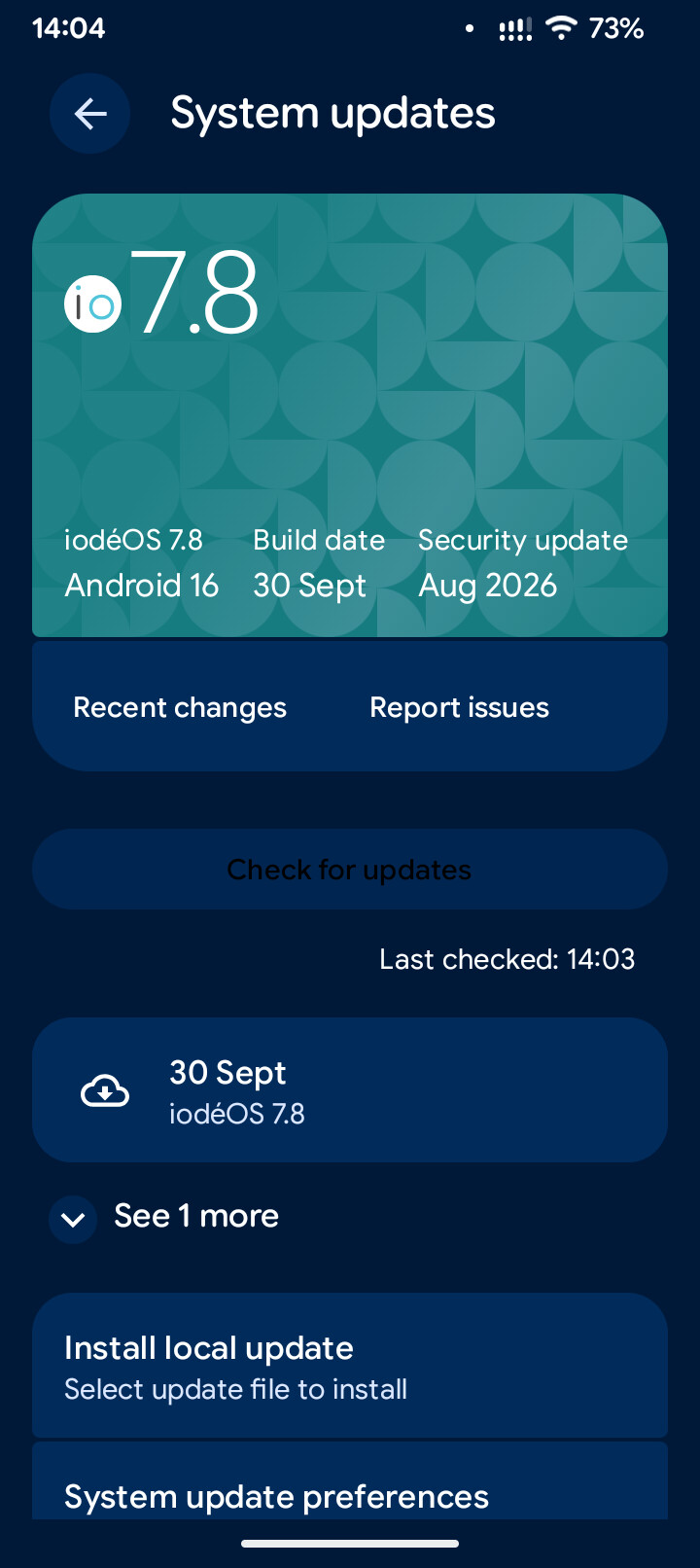
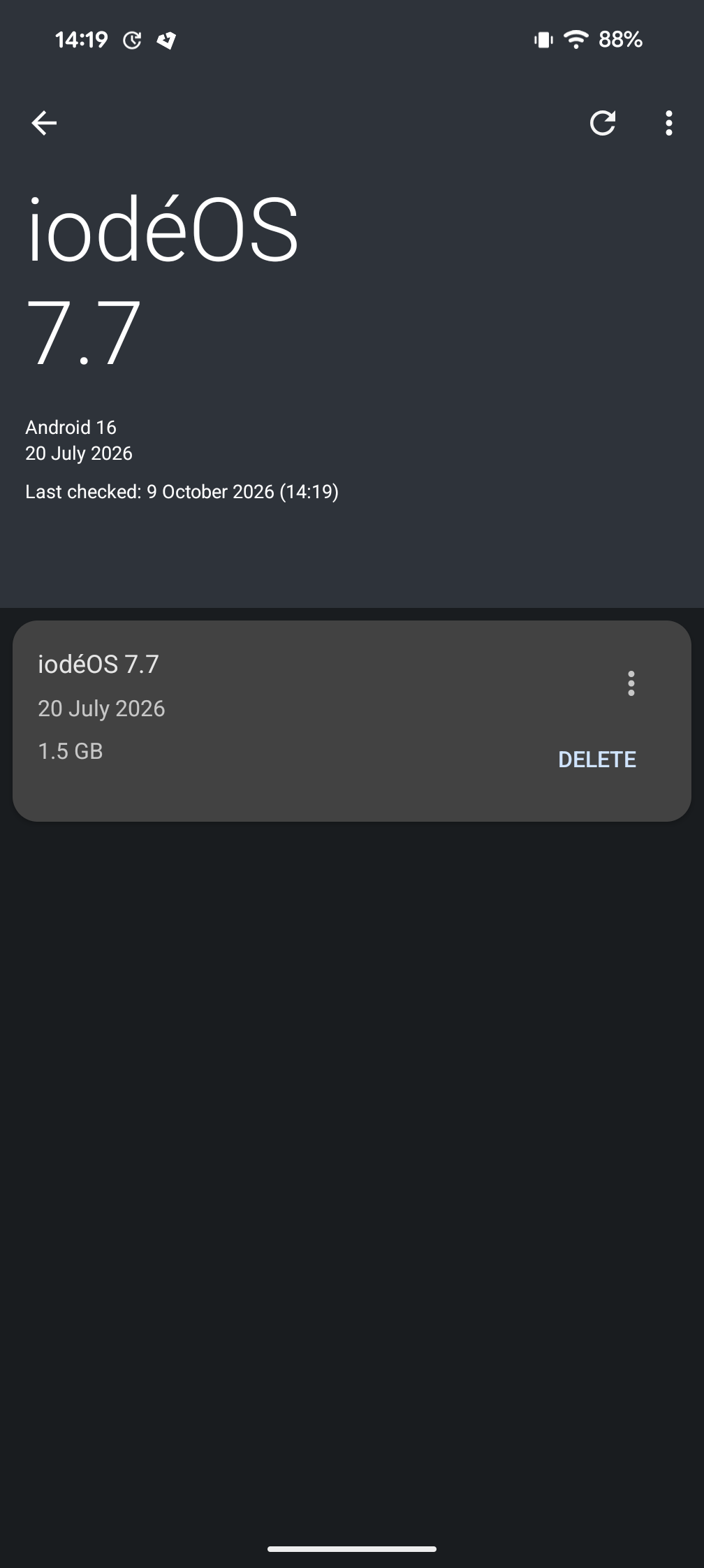
BraX3News shows no update since 22 July in the log, but I have successfully updated it to the October 7.8 version (but note the September update, whatever it was, never showed in the BraX3 updater regardless); and it also has the new UI in the updater that happened when (or immediately after) I did the 7.7 update in July (when the main system UI updated) so has had the new look for 3 months:
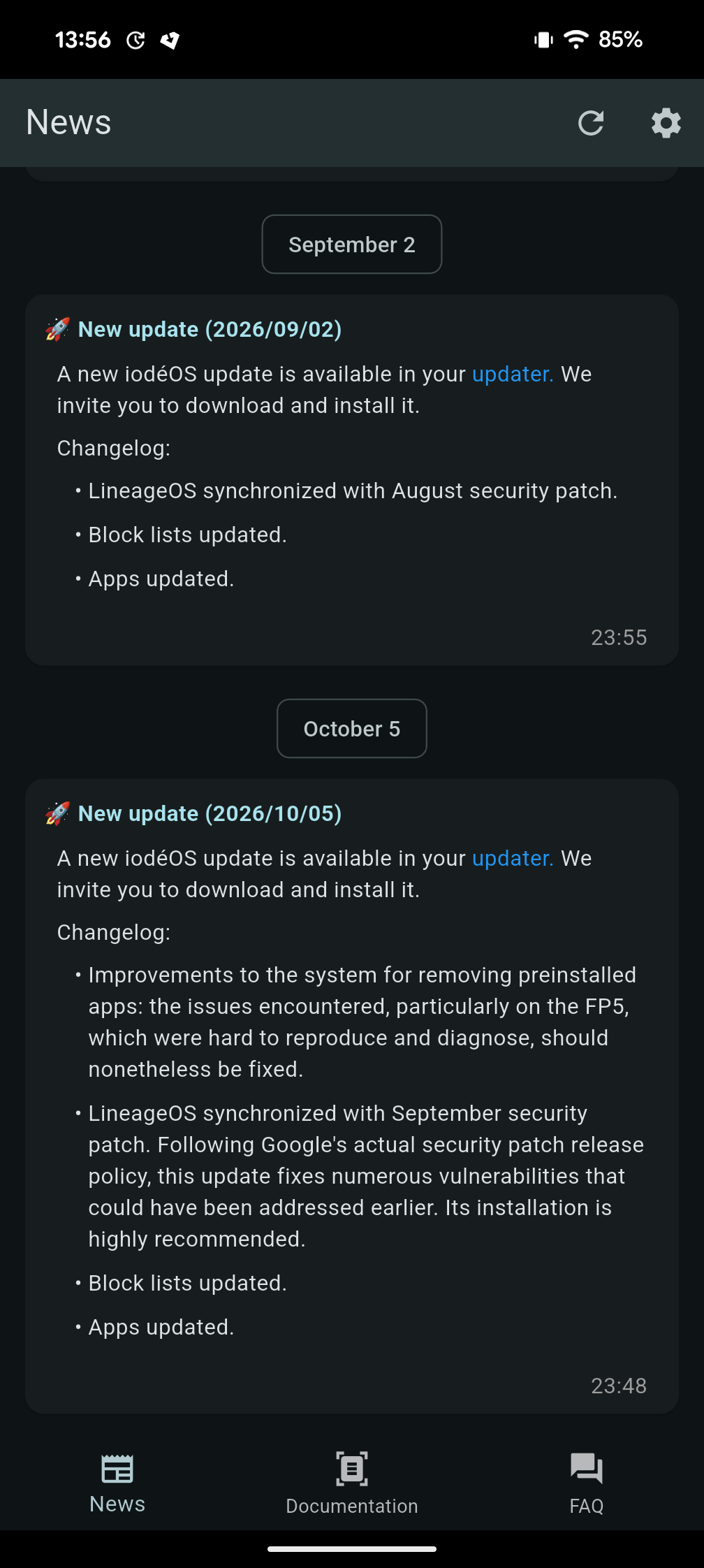
Meanwhile my Pixel 8 Pro shows in it’s News log the two 7.8(?) updates (Sept & October - I saw there was a hotfix for 7.8 so assumed Oct is that and Sept is the original 7.8 release); but itself is stuck on 7.7 and steadfastly shows no updates at all since 22 July, AND it’s updater is stuck on the old UI even though 7.7 is installed (and main system UI has also changed to the new look back in July with 7.7).
And lastly neither of them have the old 6.9 manual download updater still installed - as I removed it the day I did that update last year and have double checked - which rik @ iodé forum thought would probably be the cause of the P8P’s updater issue.
OK, well, just as an FYI if anyone reads this later - the Updater on P8P not updating was the local update installed from several months ago - I thought I had uninstalled it and I was checking in the wrong place to be sure…