I hope @plamen can see he’s being tagged here. I only have access to macbook. Not sure if an android can be connected to that. But I agree that it should be easier resolved in another way
The fastboot method works for Mac also but maybe Plamen knows something about this rare problem, the last time it was solved after attempting all the previous steps.
I thought that after the factory reset I didn’t install the transitional updater. Did that and tried again but couldn’t import the local update and it doesn’t show any recent updates by itself. So I hope @plamen can help me out here…..
It’s the only case we tried everything beyond a computer connection without a success.
I see that the updates where renewed 6 days ago but I get an error while checking for updates since February 26th.
@Privatus-Primum I just updated to 7.3 beta March 4th, try it in case it can be imported, the problem of not reaching the update server has not been fixed, https://gitlab.iode.tech/ota/betas/-/raw/master/iode-7.3-20260305-brax3-ota.zip
Still another option is to try this beta 6 updater after you remove the v6-to-v7, https://gitlab.iode.tech/ota/ota/-/raw/master/beta/UpdaterBetaIode6v3.apk
I don’t know whether this beta 7 updater can work too, https://gitlab.iode.tech/ota/ota/-/raw/master/beta/UpdaterBetaIode7V1.apk
Couldn’t import the 7.3 beta
beta 6 updater couldn’t import the 7.3 beta or 7.2
beta 7 updater couldn’t be ectivated
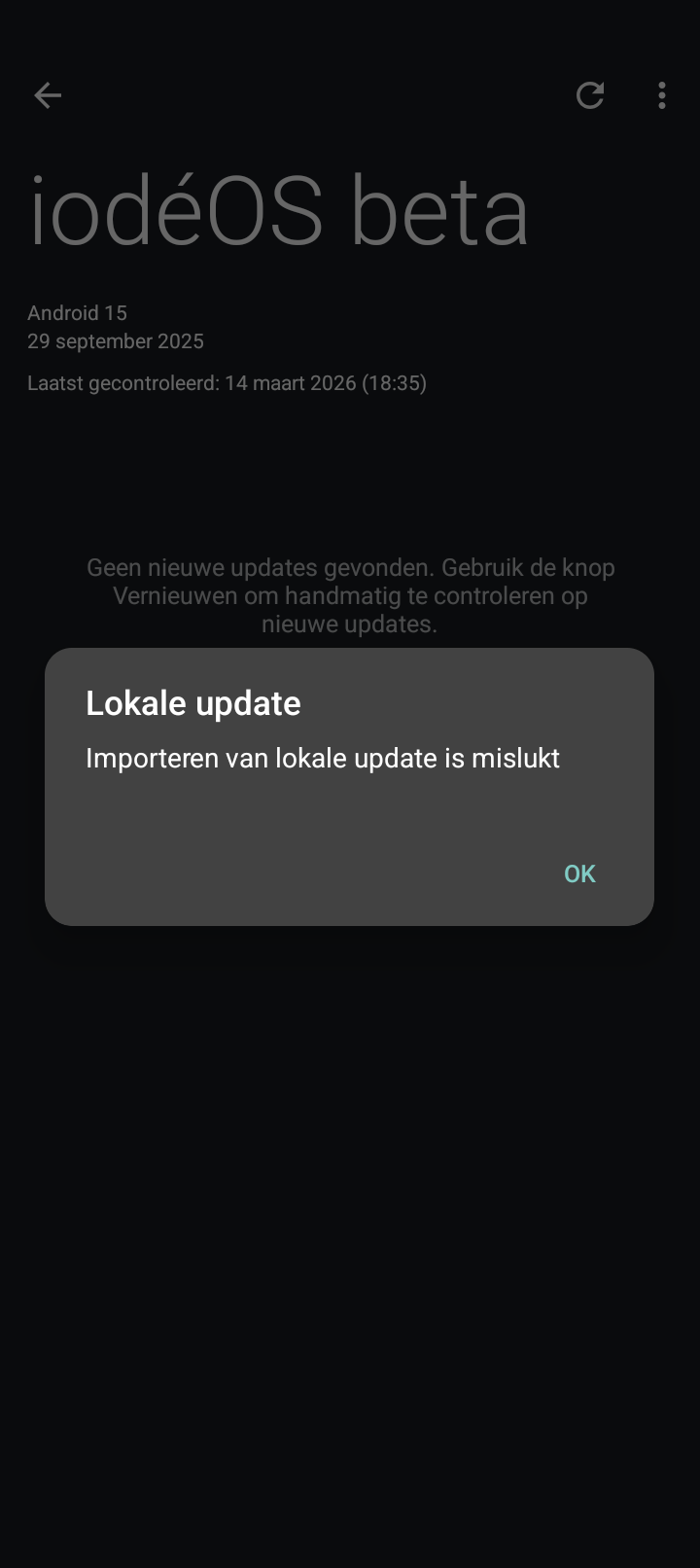

As a last try either with v6-to-v7 or 6v3 go to Settings > Apps > Updater > Storage & cache and clear the storage and cache and try to do the local update again.
Unfortunately those two didn’t work either…..
I checked my wife’s phone. I bought and received both phone’s at the same time. And that phone was already updated by her to 7.0 and I just, effortlessly, updated it to 7.2
Could it be I changed some settings during initial setup that is giving these issues ?
It’s some permission problem of unknown origin that appeared to very few users and you are only one who couldn’t resolve it, at least wihtout connecting to a computer.
Ok, how do I continue?
Not looking forward to a procedure that you describe as complicated….
”it can still be attempted connecting to a computer but it’s complicated”
I haven’t attempted it myself on this device, you flash the partitions with fastboot, read this guide and ask questions until it’s completely clear for you, you have to install the Android tools on MacOS, How to Manually Install or Update the OS on Your Brax Device - Open Source Community Guide