Access music controls from homescreen

When I just started to use the Brax, I had access to spotify player via the locked screen. I then decided to turn that off. Don’t ask me why.
Now I want to turn it back on, but can not find how to do that.

I went in settings > display > lock screen and turned on “Use device controls” But I cannot access spotify player [next song, pause] via the locked screen.

When I push the start button, it sometimes shows player controls and then immediately hides them.

It could be a bug, I had a similar problem with VLC in some previous version, the controls were disappearing if there weren’t any notifications.

I use Qobuz, and that setting is off on my device, and I still see the controls on the lock screen.

So then, from the lock screen I swiped the app right, and it was gone. I had to start a different app (vlc) and they showed back up.

Maybe something there will help you find the controls.

Also, when i search “android Use device controls” all my results say that is for Smart/External Device Control. So I’m not sure that setting is for the widgets or not. Maybe someone else can clarify.

It’s version related, on which iodéOS version are you on? Still 6.x ?

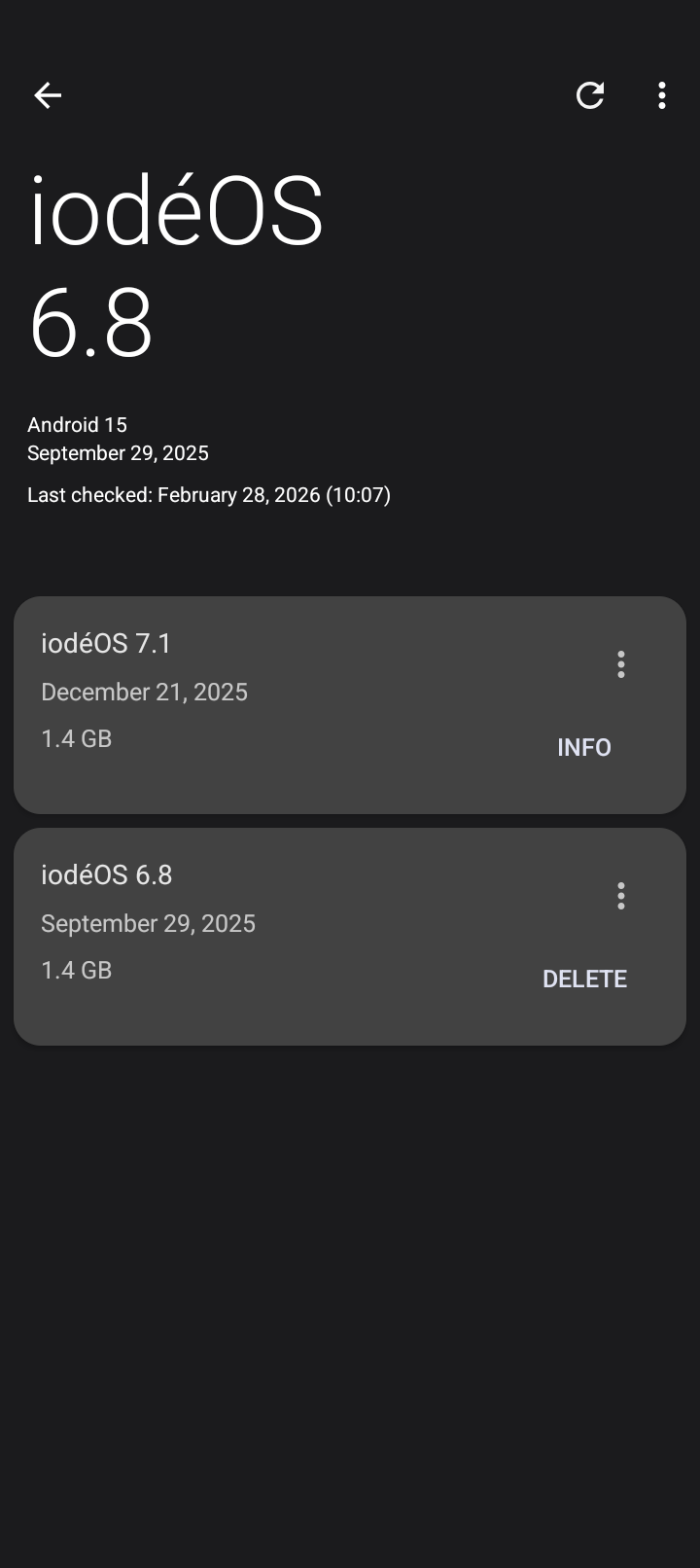
I’m still on 6.8
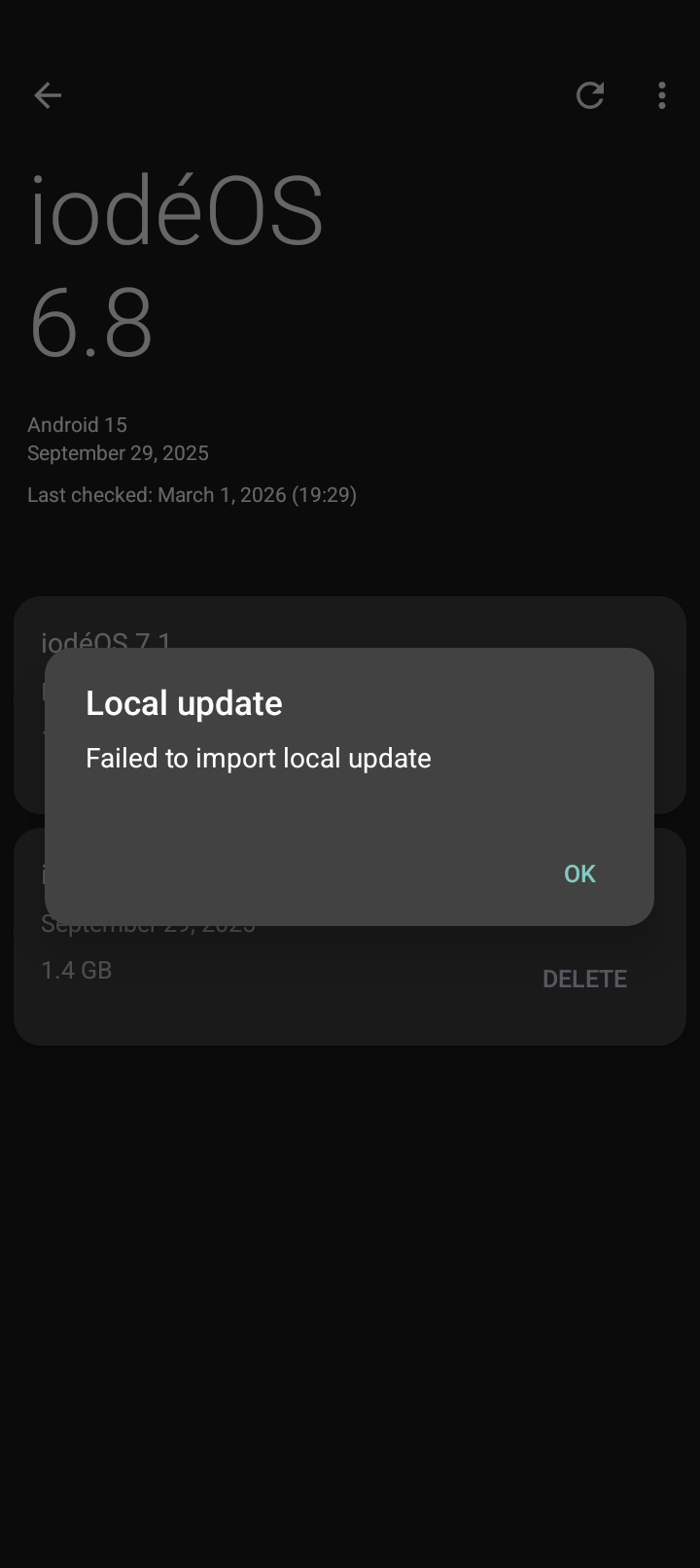
Tried to update via updater but all I got where these messages…..

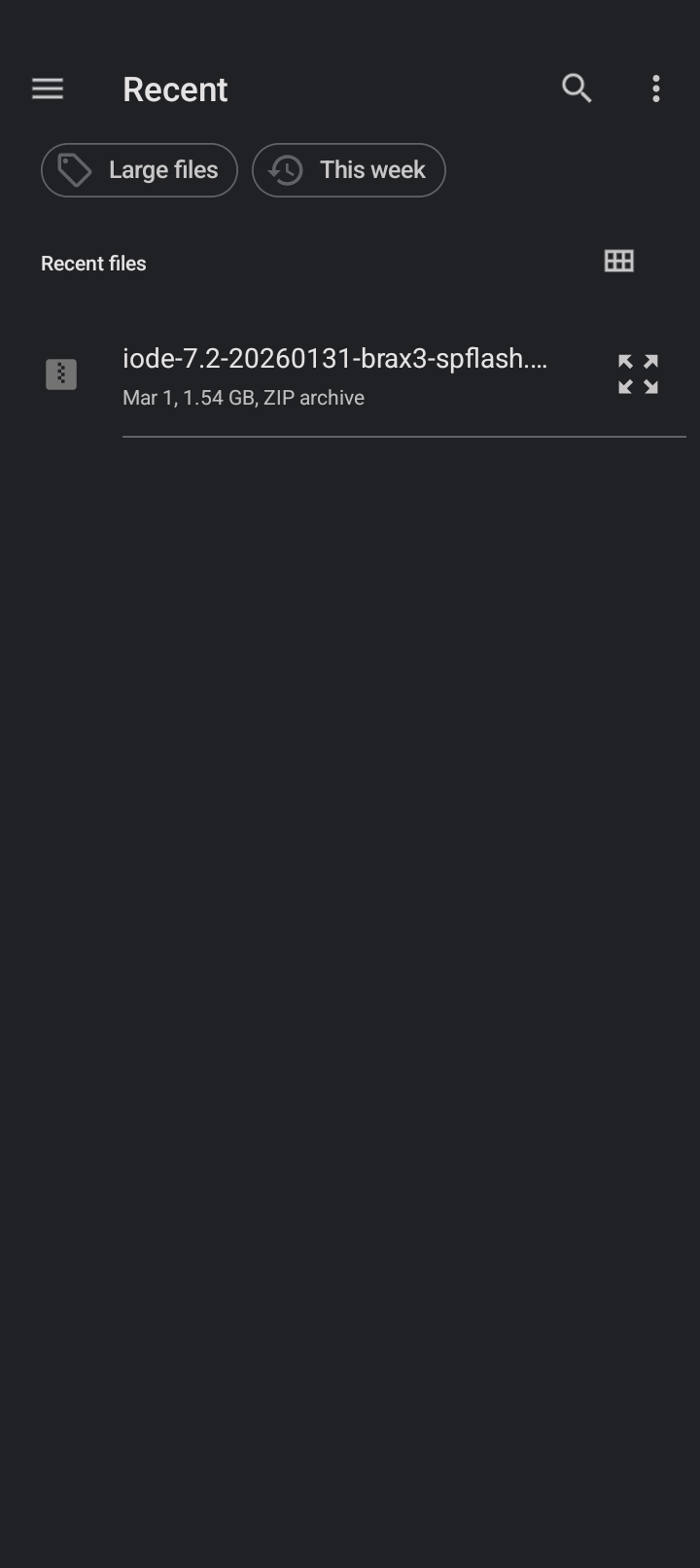
First download and install the updater and if you still can’t update download manually the ota.zip file to do a Local update pressing the 3 dots.

1 Like

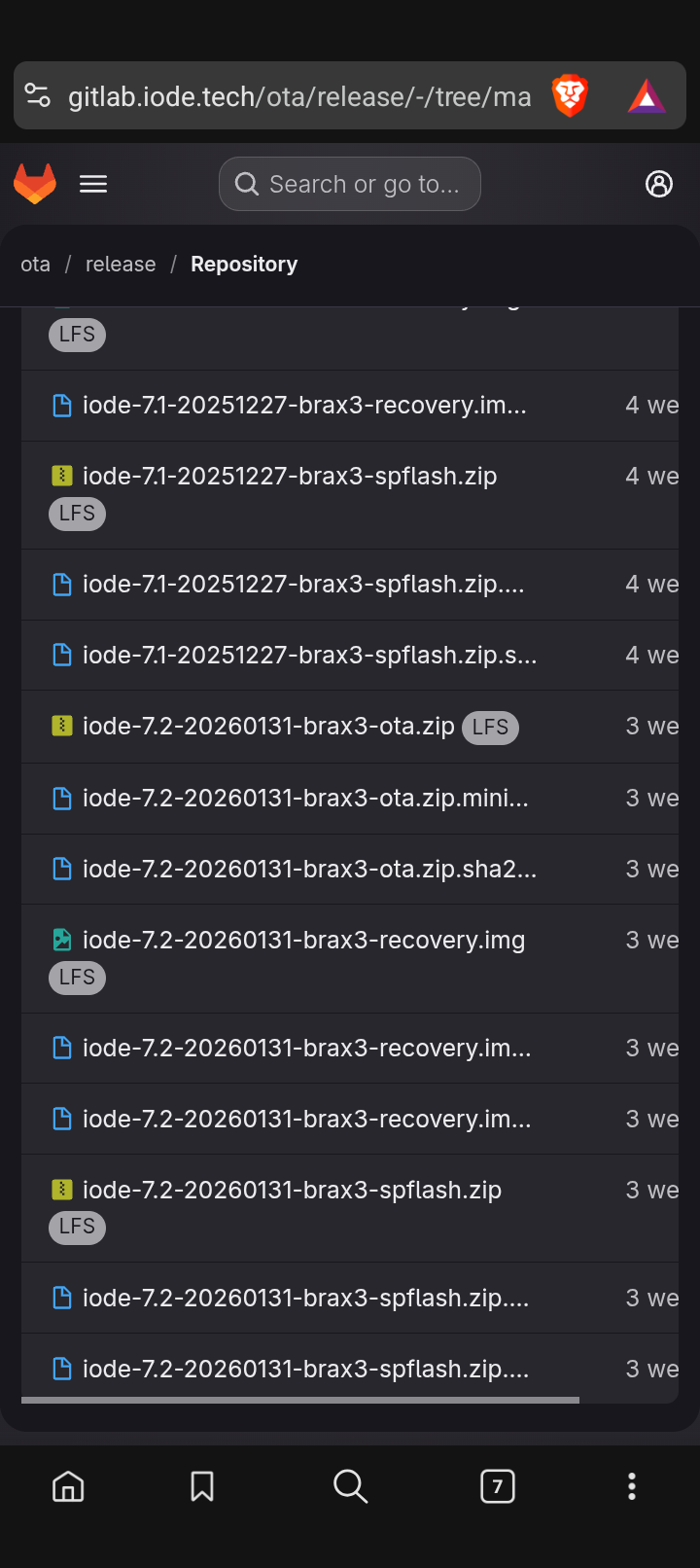
Am new to this, If I choose to update to 7.2. Which file do I use? The .img?

iode-7.2-20260131-brax3-ota.zip

Mmmm, looks like I’m in trouble….. :face_with_peeking_eye:

Someone had this problem and was solved with a factory reset.

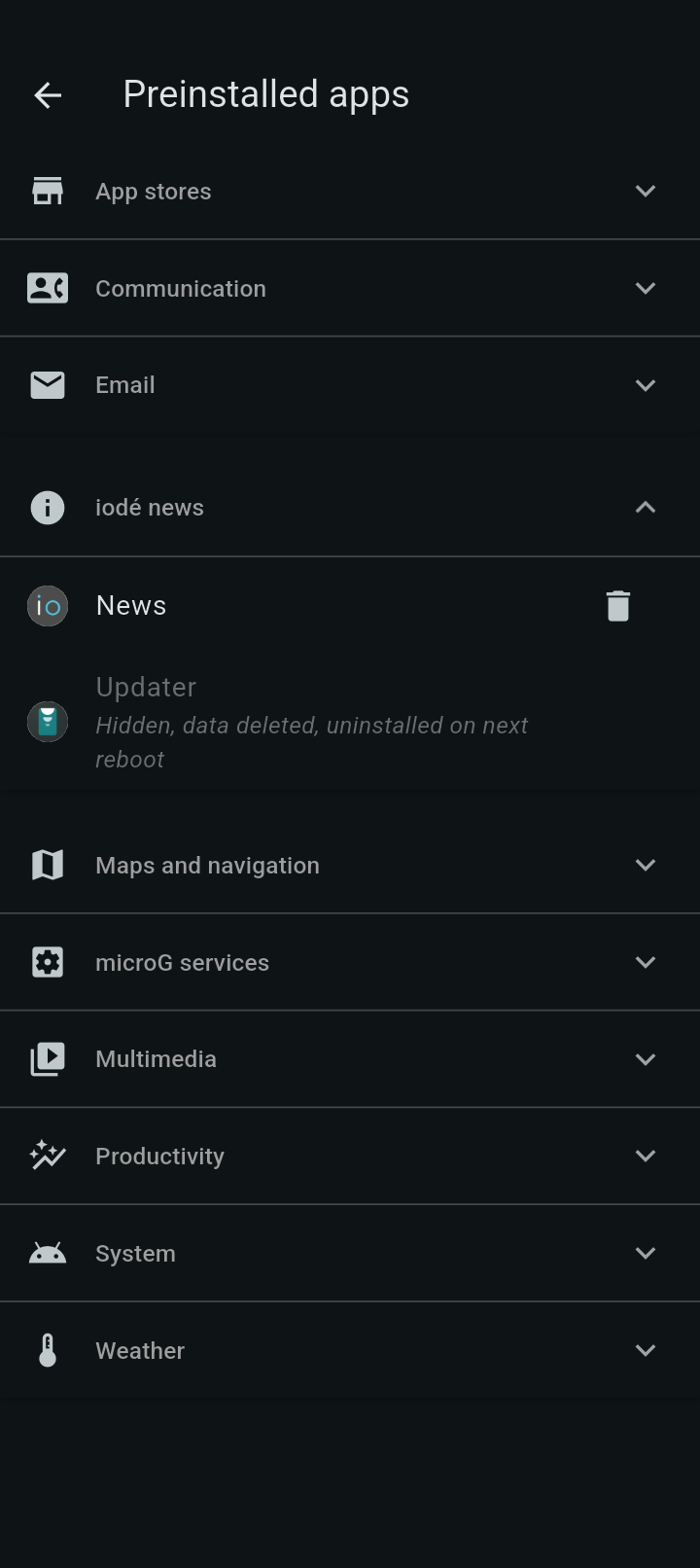
Go to the settings > apps > preinstalled apps > iodé news and try to remove the updater and install it again, I think it appears an arrow to download it again.

I tried that, but I don’t see an arrow….
Am hesitant to turn the phone on and off as it states updater will be removed on next reboot. Or is that what I should do to show the arrow?

reboot and check for the download arrow and if it’s not there install again the transitional updater

After reboot, the arrow appeared and I installed the updater again. It shows iodeOS 7.1 as latest update available. But I got the same message as above. Update blocked. And I still cann’t import the local update.

Did you install the transitional updater too ?
Someone else resolved it by doing a factory reset.
Can you try to import the 7.3 beta from here ? iode-7.3-20260305-brax3-ota.zip · master · ota / betas · GitLab

Sorry, as it showed the arrow, I downloaded the ‘original’ updater.

I looked for an app called “transitional updater” but couldn’t find it on the phone nor in the aurora store. Please advice. :folded_hands:t3:

Download this APK and tap to install it, fixes/Updater-v6-to-v7.apk · master · ota / ota · GitLab

You probably hadn’t installed it initially.

Downloaded the transitional updater, no succes
Downloaded the 7.3 beta and tried local update, no succes.

Am at a loss, but appriciate the continued support in this thread and my issue.

Now only the factory reset is left, back up your data and try it. It’s some permission problem with the updater which I don’t know where it comes from.
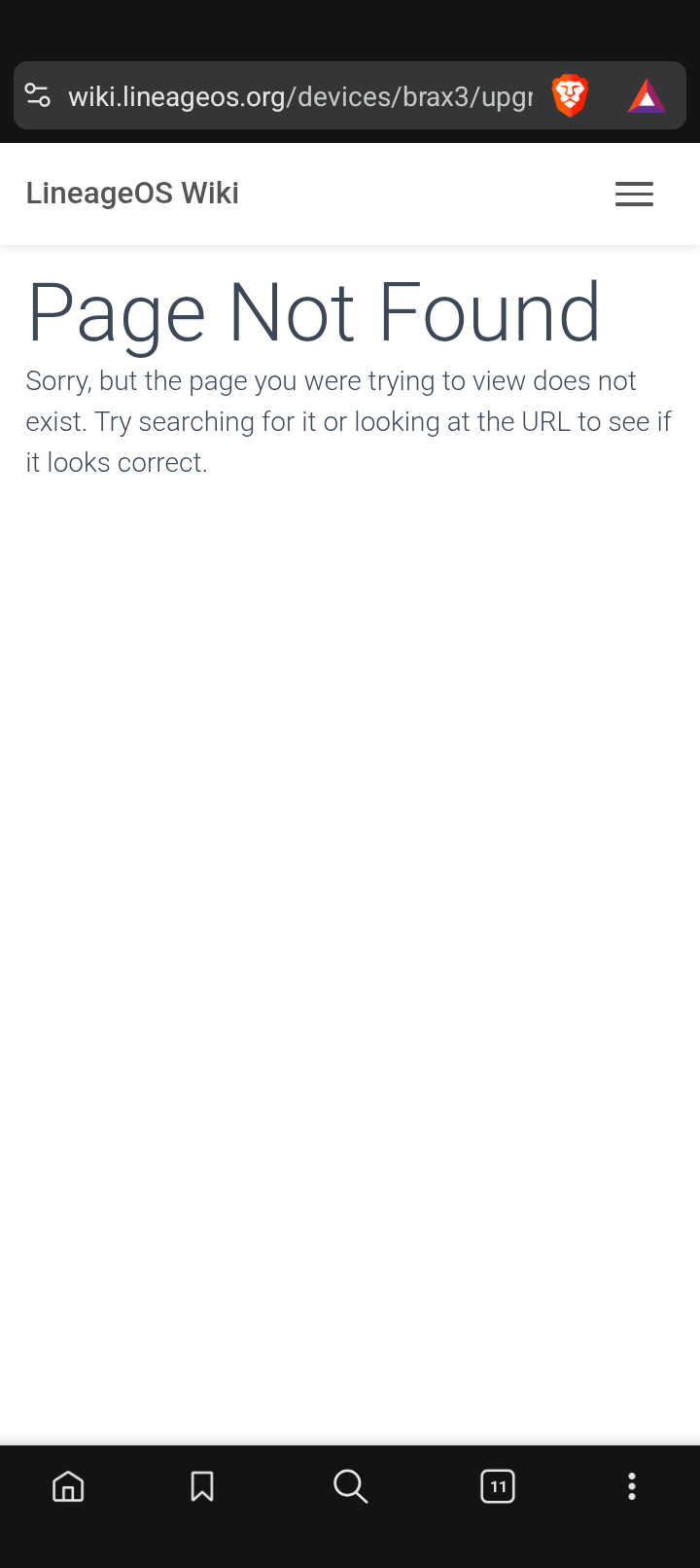
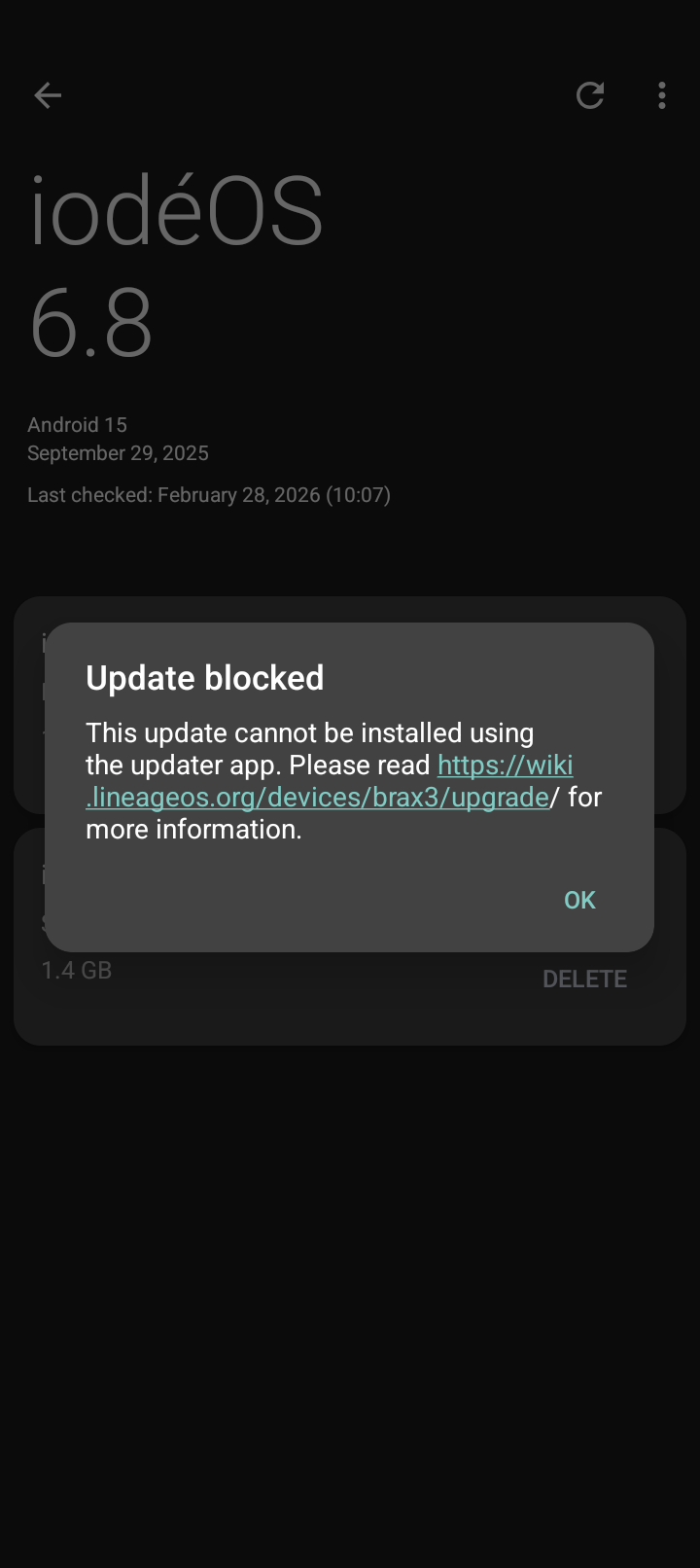
Just did factory reset. Same issues. Update not possible

Ask @plamen, it can still be attempted connecting to a computer but it’s complicated and the problem should be easier to be resolved in another way.