Hey Guys.
Here is how to add repositories to F-Droid via url along with some of the more popular repositories.
Go into F-Droid
Click on settings (The gear icon in the bottom right corner)
Click on Repositories
Click the on + on the bottom right corner
Click on Enter repository URL manually
Enter one of the following urls:
Click add
Once added, you can click on the repository just to see those new apps or you can do a search through F-Droid for a particular app.
Hey @Greenie
F-Droid can’t check all repositories. If you are not familiar with the developers or you don’t feel comfortable with third party repositories, please don’t install it. Some of the apps offered by this developer have been used by other members of this community with positive results, so I posted the repository. Its a matter of preference. I have attached their website so you can see if their products suit your needs.
This is where I got lost. What exactly is a repository and why do I want to enter one?
Is this so I can check on the integrity of the app I have?
Also, what exactly am I entering (though I guess answering the first question will answer that)
Thanks for the education and your patience with me.
Hi.
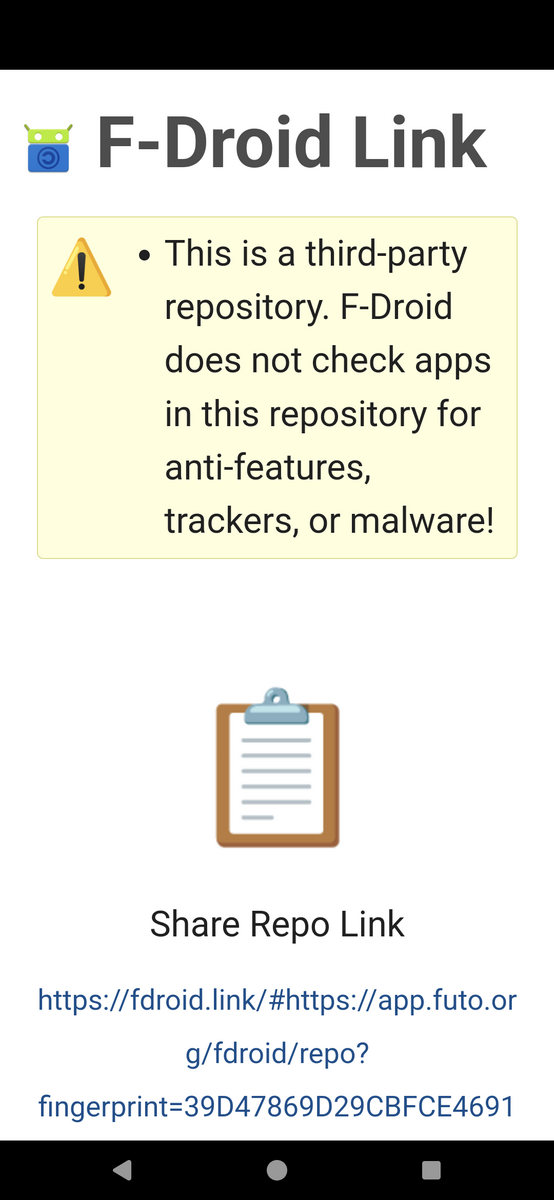
Think of a repository as an separate store with additional apps that are not available on F-Droid. Click a link, copy the URL you see, and paste it per the instructions.
@Mycenius
This appears to be the same link that I have already posted.
I have compared the Link, the Url and the Fingerprint. They are exactly the same. Am I missing something?
IDK @romluk, Whenever I click on the link you originally posted it didn’t work - it gave an error and what I saw looked different… maybe they had a redirect or something?
I can see they look the same as you say so can’t figure it out.
one benefit of adding a repository to fdroid is to get releases faster, as fdroid can be slow. adding the official newpipe repo, for example, will get the latest fixes as fast as the devs can publish them, not weeks behind.