Greetings,

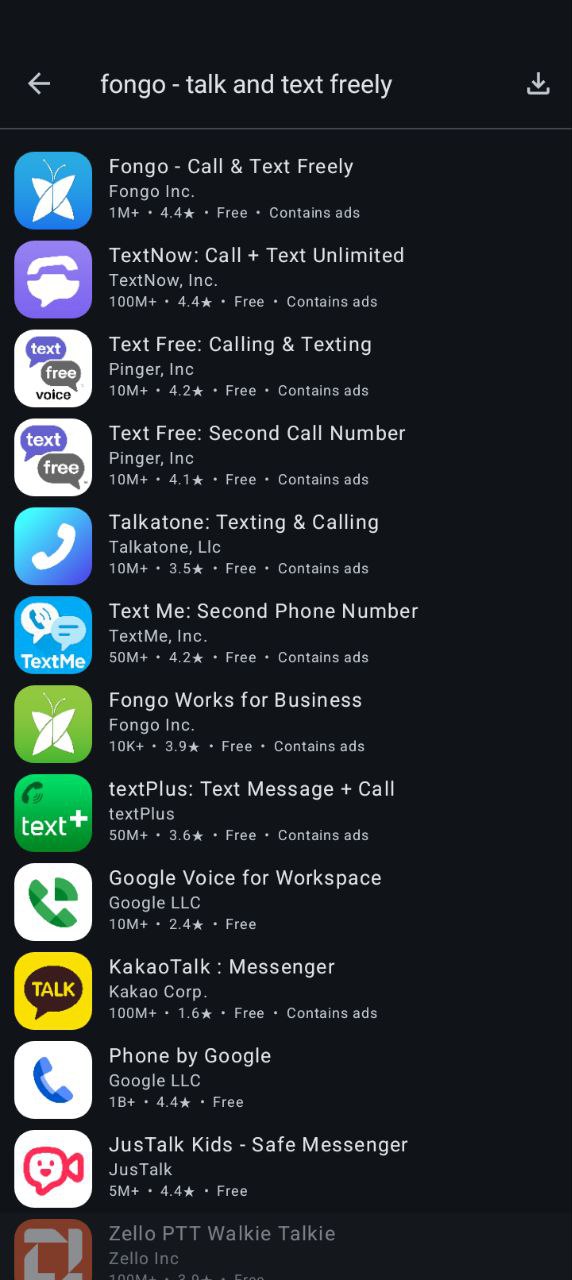
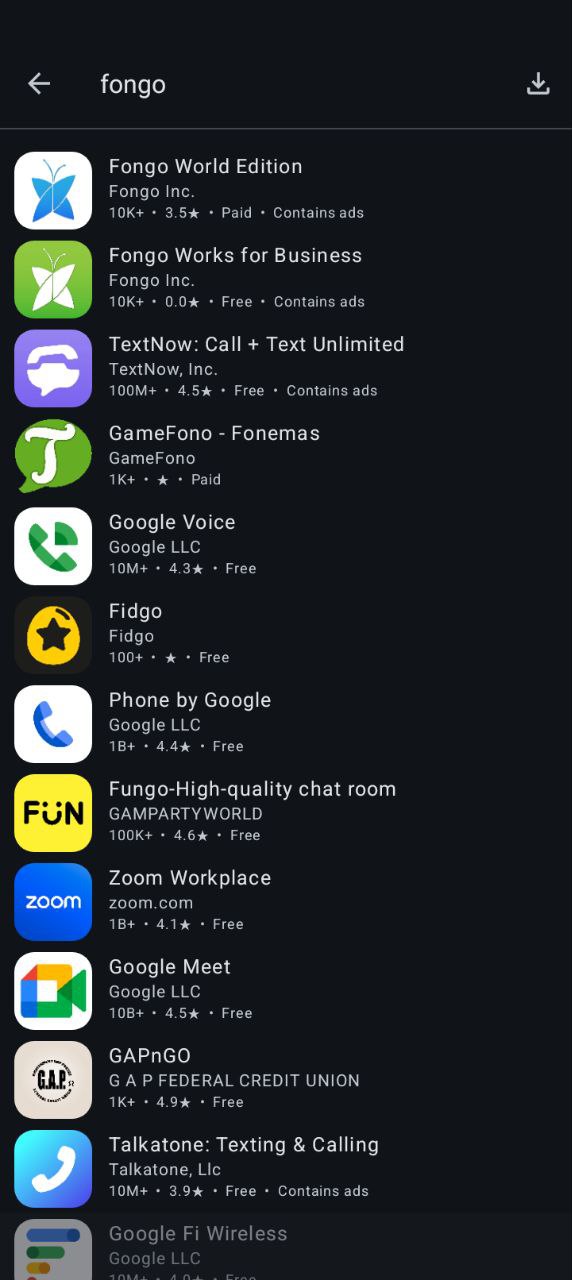
My wife purchased 2 BraX3 phones for us, the one I am using I was able to find and install Fongo Mobile App with no issue. On her phone it does not even show up in the Aurora store. We tried so many things with help from AI. Last one was take the APK App file from my phone to hers and the phone says it cannot be installed on this device.

If these phones are identical, why are we having these issues?

The reason we want this App on the phone is because we use their home VOIP service.
Is the phone defective?

Also, so many Apps we try to install and it says unavailable for this devise. We believed most Apps would work?

Ai says....... This is one of the most frustrating aspects of Android - sometimes devices that are supposed to be identical have:

Different firmware flashes at the factory

Different regional locks

Different security certificates

Different hardware revisions (despite same model number)
Have you tried, (1) not using a VPN if you are using one, or (2) on the phone you were able to install it, doing a ‘manual install’ there which I believe will download an apk file directly to the phone? Don’t reisntall it there, but you can then copy that apk file to the other phone and manually install it there using the downloaded apk (I think)?
I’d suspect there is some weird geofencing thing happening for your second phone - I have had similar issues on my single phone with apps that I can access in Play Store on stock Android, and in Apple App Store on my iPhone, but it says not available to my region in Aurora (e.g. I am in NZ but I often get Aurora Store coming up with RU language; which also makes be just a little nervous installing my apps from there)… It could also be the constant random blocking of Aurora Store by G causing random stuff to be inaccessible.
Just tried the spoof with several different phones. No go. Phone one is mine, in the Aurora search the App comes out first, on the other phone, it does not even come up. I tried with the same search wording, no difference.
Yeah I think I have had that too - which is why I end up forgetting about doing spoofing because often it doesn’t help.
This will be G deliberately blocking or disrupting Aurora I suspect - its probably just pot luck which Aurora server you connect to and if it has its play store access being disruptive.
Have you tried with a VPN active (and if outside the US, VPN into the US, or choose the same location you are resident in)? That worked for me one time.
One other last crazy idea - may not work or be logical (as not sure how Aurora Store actually is structured) - but - if it’s showing on phone 1, then close all the apps on phone 2, reboot it, and immediately disable all internet (SIM, wi-fi, etc) on phone 2 once it restarts; and then Hotspot phone 2 to phone 1 so it uses the same internet connection and might ensure it directly connects to same server instance or location, and through using the same connection phone 1 has might then show the same app selection? Probably won’t work but worth a try as last resort…?
Otherwise you may have to just be patient and keep trying every couple of days or so… (but don’t keep trying every day or multiple times a day) - and hopefully it’ll eventually be accessible after a week or two. That’s what has worked for me every time I’ve had this issue…
(EDIT: also it looks like - to me at least - they are connecting to different aurora stores in different geographic locations looking at the apps shown - see my last paragraph - might just have to not use Aurora store for several days, reboot phone, etc, and hope to get a fresh connection with different location when you try again next week or something? …if using VPN doesn’t help - it may not given how Aurora works.)