The day after I got the phone and set it up, an update for Google Play Services showed up on Aurora. I don’t want that, but I can’t find a way to make it go away. Is it going to be there until the day I die?
With it in the update screen, long press and blacklist
That shouldn’t happen if the app isn’t installed. I only have aurora store installed, and I have been able to install any app I need to so far, except last pass authenticator. See if it is in your apps and uninstall it, unless there is something that you can’t download through aurora or the other stores.
microG needs to use the Google Play Services app identifier in order to spoof apps and APIs that expect it. Never fear, install or not from Aurora will not actually install the Google app. But the microG update is better done from within F Droid updates or just as part of system updates.
I think we should blacklist this and a few others from Aurora to avoid confusion.
Yes, to the phone microg is Google Play Services. It won’t actually update if you try. So can either just ignore it or blacklist it
Aurora started behaving weird a while back so I installed older version, 4.5.1. Never updated it, no more problems.
Hello Rik and Guardian241, at the moment I am a bit confused and hope you can help me out. An update for Google Play Services showed up on my phone and I want it to go away. Can I just make the update, because it doesn’t really matter, or do I have to blacklist it? If so how do I blacklist it?
That it’s showing up because it thinks it’s installed on your phone but actually it is MicroG spoofing it. You can either ignore it and it will go away once MicroG updates to the equivalent, or you can blacklist it in Aurora store. To do that, long press it in the list of available updates, and choose add do blacklist
In addition, if you do accidentally update it from within Aurora, do not fear it isn’t actually installing the actual Google version (it is basically just ignored).
Point is, you can safely click update, not update, or add to the blacklist (adding to the blacklist is the cleanest way and my preference, @guardian241 is spot on).
Thank you for the quick response Rik and Guardian241. Good to know that I can’t really screw up on this. Actually it started updating while I was looking for apps in the F-droid store. Later I tried to look in the Iodé app and under Report and Stream I found this:
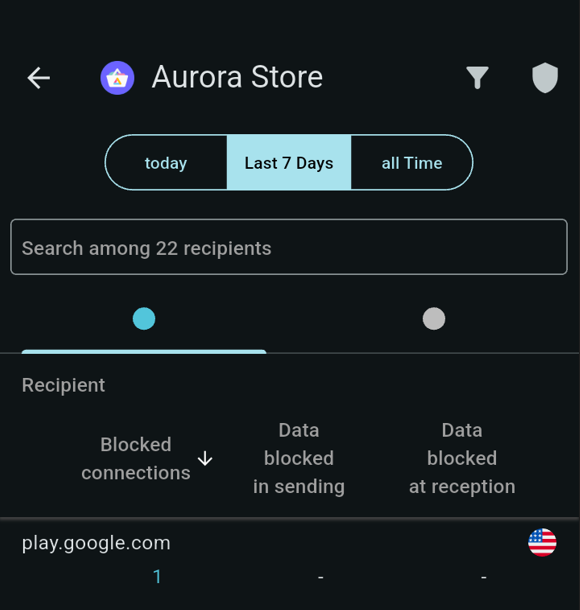
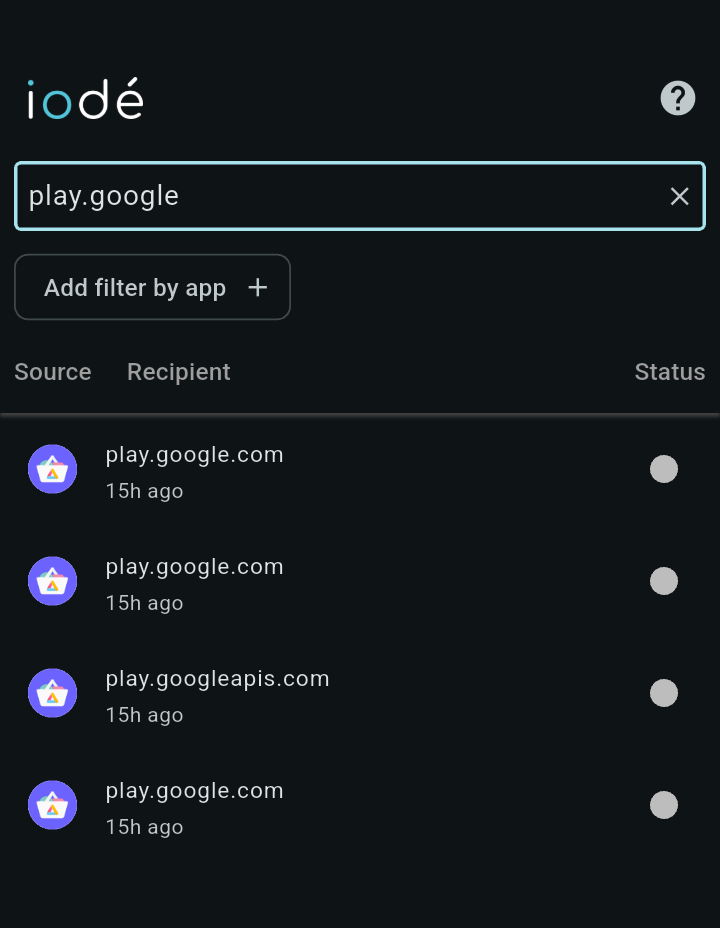
Should I be conserned? I’m in a learning curve regarding privacy and really appreciate your response.
No, this is “normal”. What happens is Aurora combined with microG “impersonate the Google Play Store” and make the calls to it. What they are requesting are things like “is there an update for an app available?”, and also updating the list of available apps in the Store. And then of course if you install something it will show in the list too.
All of this is because the store downloads are actually from the real “Google Play Store”, but the connections to them are done anonymously and without sending telemetry data, etc. The code for microG and the Aurora store are opensource, so anyone can dig it to see what is actually sent in the requests to Google.
Moving from iPhone so Android is all new to me.
I have checked Aurora and FDroid for some apps I need from local bank (Central Bank of Utah), credit union (GWCU) and chirp audio app. I can’t find them. Is there another SAFE way to obtain these from the G-playa store?
All 3 of these show for me in Aurora. If they don’t show the full details and say “Unavailable”, then please force stop Aurora (Long Press Aurora Icon > App info > Force Stop) and re-launch it, then try again.
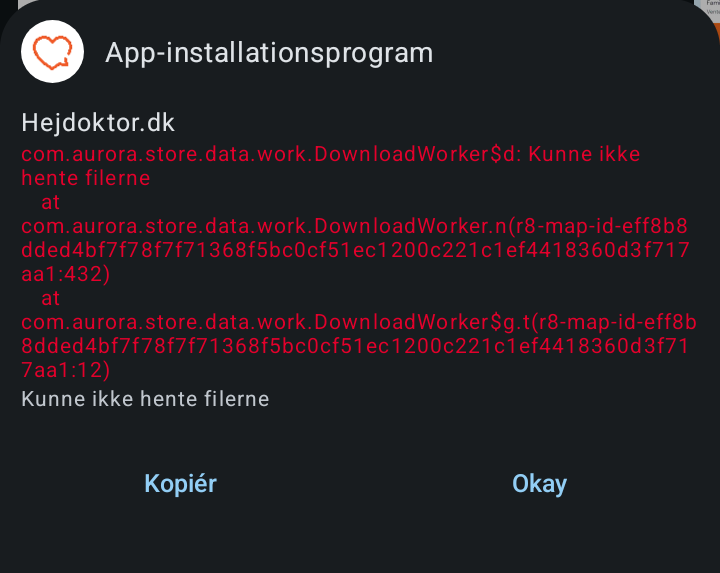
If you force stopped Aurora and after restart it is the same, it could be that the app is only available in your region. Do you have a VPN connection to another location active, if so that could be it (if the app download is limited regionally)? Also, look at “Aurora Store > Gear icon > Spoof Manager > Language” and see if chaging to German (?) results in being able to download the app.
I tried to force stop and restart Aurora and tried with and without VPN connected to the country conserned and the language is ok, but I still can’t download the update (I am resident in the country where the apps are developed). I also uninstalled the apps but now can not install them again. So apps I installed a week ago is now not available anymore (got the same message as added in my first post). I have updated other apps easily. The two apps in question:
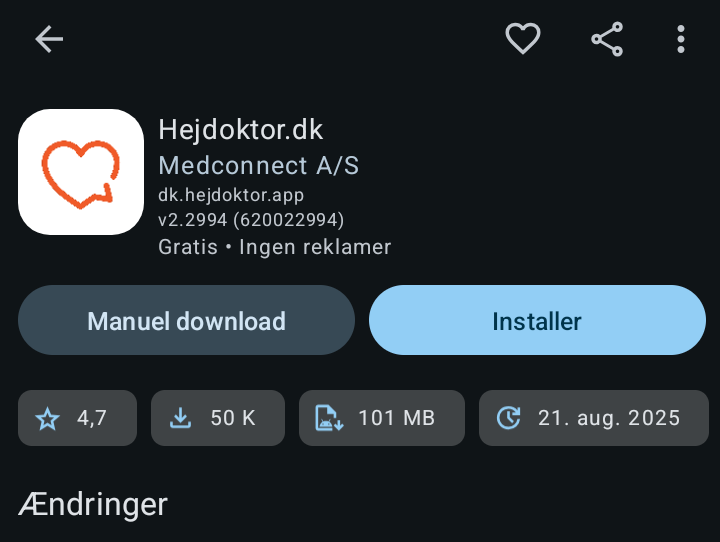
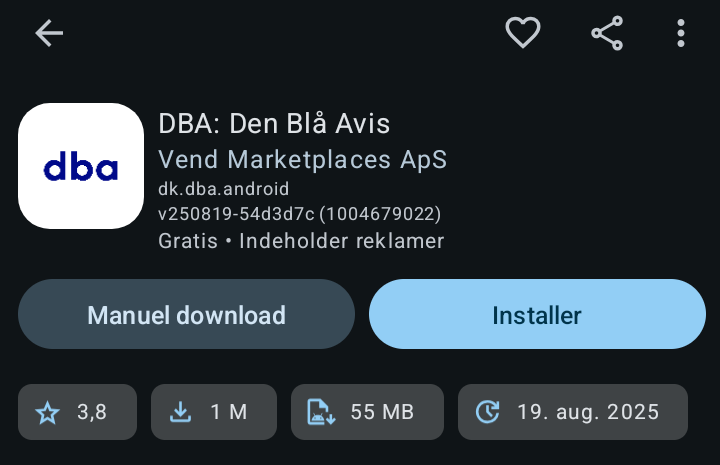
I wonder if you are able to download them? What could be the problem? Because to me it is a bit strange that it is not a general problem with updating - it only consernes two apps (for now at least)
I ran into this problem with the DownloadWorker when installing an app for the first time.
I tried the solution in this thread as well, and it worked for me neither.
There may be one or two essential steps missing, no. 1 and 3 below, that are needed to make it actually work. After reading that on Github, I tried the following steps and it worked for me:
- Log out of anonymous mode
- Force close Aurora in the Android settings.
- Wait about 15 or 20 seconds.
- Generally, after that, you can perform the updates that were blocked, and no longer receive the error message.
Spot on Geert. Thank you for the advice 
Great this is helpful but in addition to the blacklist option there is an uninstall option, why not uninstall?
I’ve also just had this exact issue. I got around it by (1) waiting 24 hours then (2) force stopping Aurora App, (3) followed by restarting my BraX3, then (4) disabling my VPN immediately after restart, before (5) going back into Aurora immediately after, and it worked.
It was a strange error as I was installing about 12 assorted (undesirable) apps into my work profile yesterday (with cloned Aurora Store in Shelter), and all of them worked except two, and some of the ones that worked were region specific and similar - and I tried with and without VPN.
