Aurora Store App not working

Hi there, I have been attempting to access the Aurore Store app. I want to use it via “Anonymous”. When I click on “Anonymous” I get the following error: “

failed to connect to Aurora(port 443) from /2a07:b944::2:… “

I need Aurora to be able to download the newest version of the messaging app I use, otherwise I can’t use the phone.

If any can help, I would really appreciate it!!

When I encounter an issue with Aurora, this is what I do to fix it.

  • First, I long tap on the app icon and got into the app information.
  • I do a force stop.
  • Then I clear the storage.
  • Start the app again as new.
3 Likes

From the issue you shared, it seems to be a server issue on Aurora side. Aurora works for me as I just checked.

The store works fine for me too…just from time to time I encounter issues…such as updates won’t install or an app says it’s not compatible with the phone.

Force stopping Aurora, clearing the storage and starting again seems to clear those issues up.

1 Like

I just went in Aurora store and every app I tapped on said not for your device. This has happened before and rebooting the phone gets it working again. That’s what I just did and all good!:oncoming_fist:t3:

1 Like

Thank you for your responses. However, I have tried these things and the app is still showing this error. Any other thoughts? Thank you!

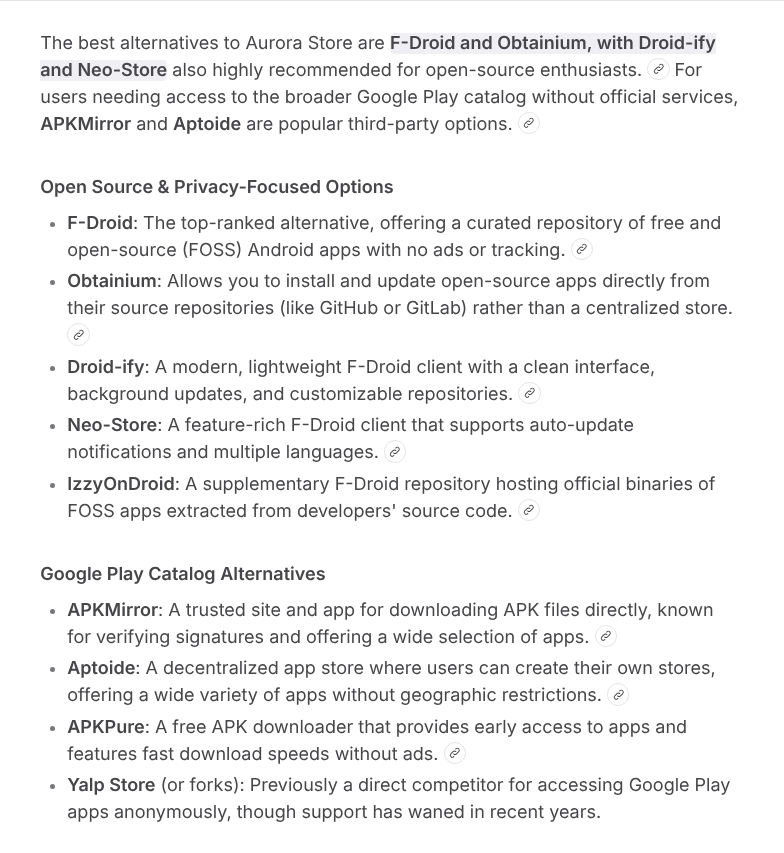
I know that Braxman has recommended APKpure before. Here are some more possibilities to download apps and files if you can’t access Aurora store.

I’ve found when it gives that message about “not for your device”, force stopping the app and clearing app cache does the trick.

1 Like