Just changed all my breezy weather sources to accuweather, I’ll let you know how accurate they are. 
I’m in the US, western state.
2 Likes
Cool & Thanks! 
1 Like
I am having something similar. Wondering if what we’re asking should be a separate thread, as the rest of this thread seems to be about in-app updates of weather conditions.
For clarity to thread, I’m getting iode notifications that there’s an update for Breezy. Current breezy version from settings shows version 5.4.8, which Fdroid repos confirms, but doesn’t show an update for. So, when I click download update from the notification, it takes me to github, and I’ve downloaded and attempted all versions even tho I knew which weren’t actually valid, but for all of them I get the errors either 1:“App not installed as app not compatible with your phone” but I don’t need to know why that says that, I get it, just putting here for completeness, or 2:“App not installed as it conflicts with an existing version” and that’s what I don’t understand, what I’m asking about.
So either A: since update won’t show from Fdroid, is it an invalid update from the creator for this stream and I should just ignore?
Or B: am I doing something incorrect to load a valid update?
Or C: is it a bug I should report?
P.s. I do have side loading enabled, so I know that’s not the problem.
Thanks in advance to all.
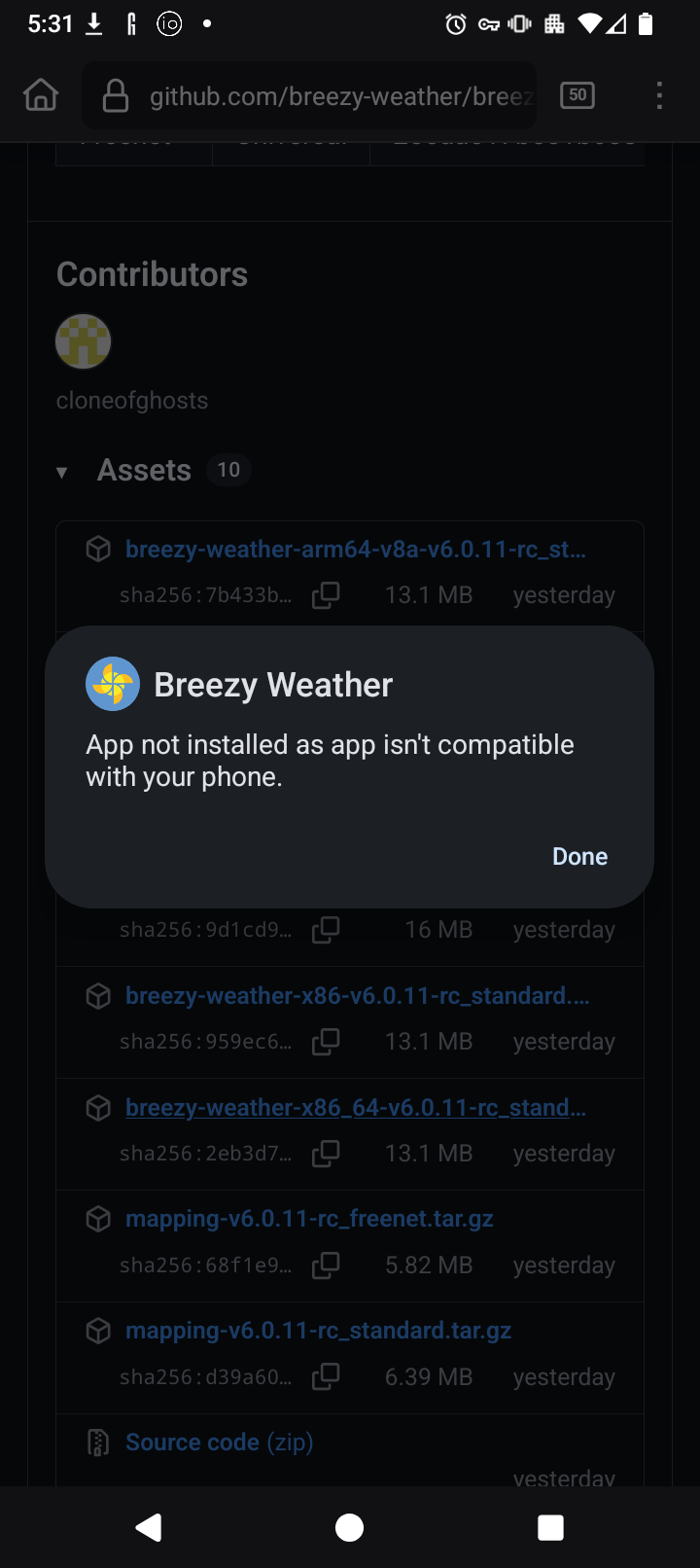
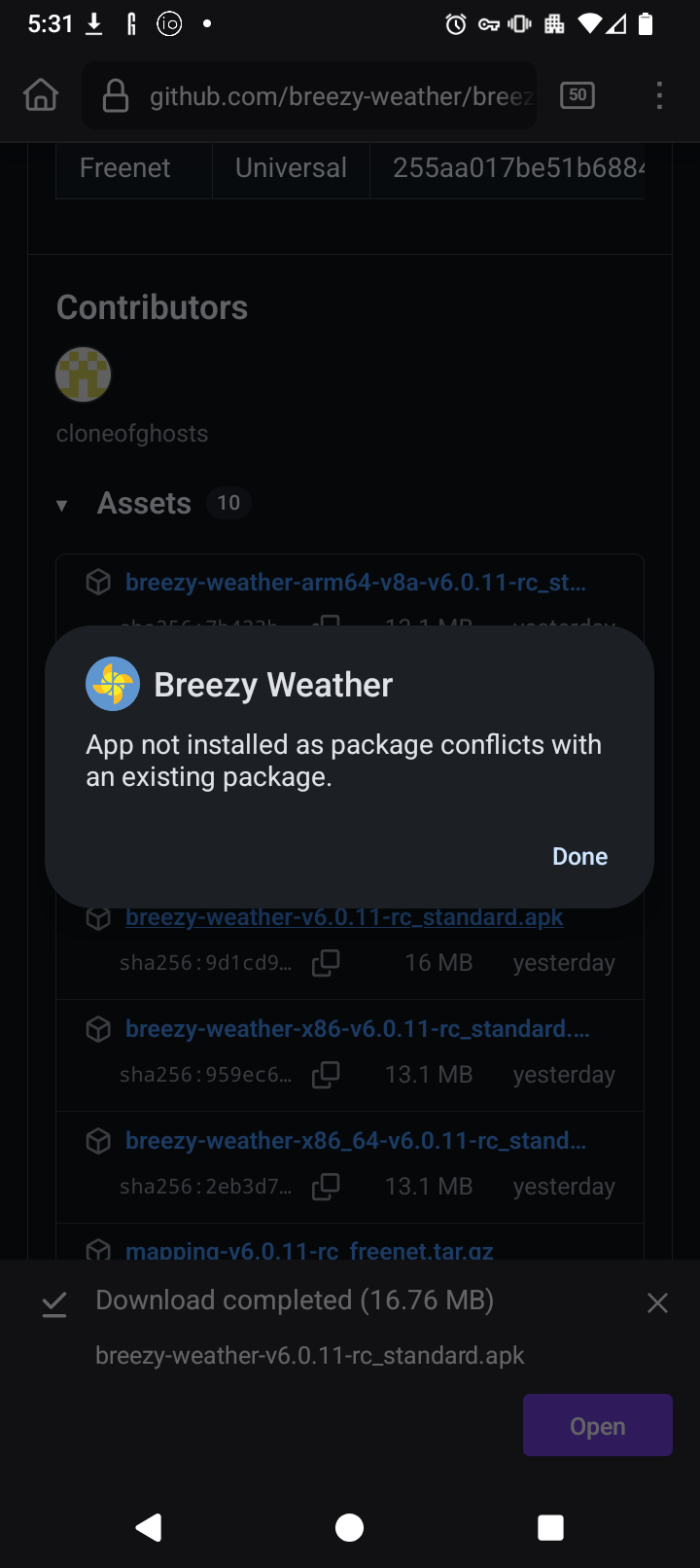
1 Like
! [Name of city]
- Open-Meteo: Source doesn’t support one of requested features
Above is the error message I get when breezy tries and fails to update. Sometimes VPN is on and sometimes not.
1 Like
I am also a person that is having the Breezy Weather updates fail. The app is the best weather app I have seen … when it works. But many times it fails to update the data for hours. Sometimes a whole day. Then it will be fine again for days. Rebooting the Brax3 sometimes works, more often not. A swipe from the top for a manual update doesn’t work either.
When it don’t I go over to weather.gov (which is only fine if you are in the USA of course).
I saw the suggestion of trying Accuweather as a source. Next time when it gets cranky I will try that and see if it makes a difference.
Also with regard to the software update from the normal F-Droid store, to do that you have to remove Breezy Weather first which being a default installed app you have to do it from here:
Settings >apps>preinstalled apps >weather
Then you can install it from the F-Droid store. The preinstalled version is one managed by Iode which is why it won’t let you do that update directly.