At the risk of mortifying myself with such a basic question on the forum… I can’t figure out how to get a US Mobile eSIM (using T-Mobile’s network) to activate on my phone. The install seems to go well but I end up back at the general connections screen and searches in settings for another screen come up empty.
Could you clarify a few things.
We were able to test setting up a US Mobile eSIM on a BraX3 (running latest OS), and it installed and connected without an issue.
Could you help clarify a few things:
- What OS version are you on? If not on the latest (7.7), we suggest that you update it as your first step
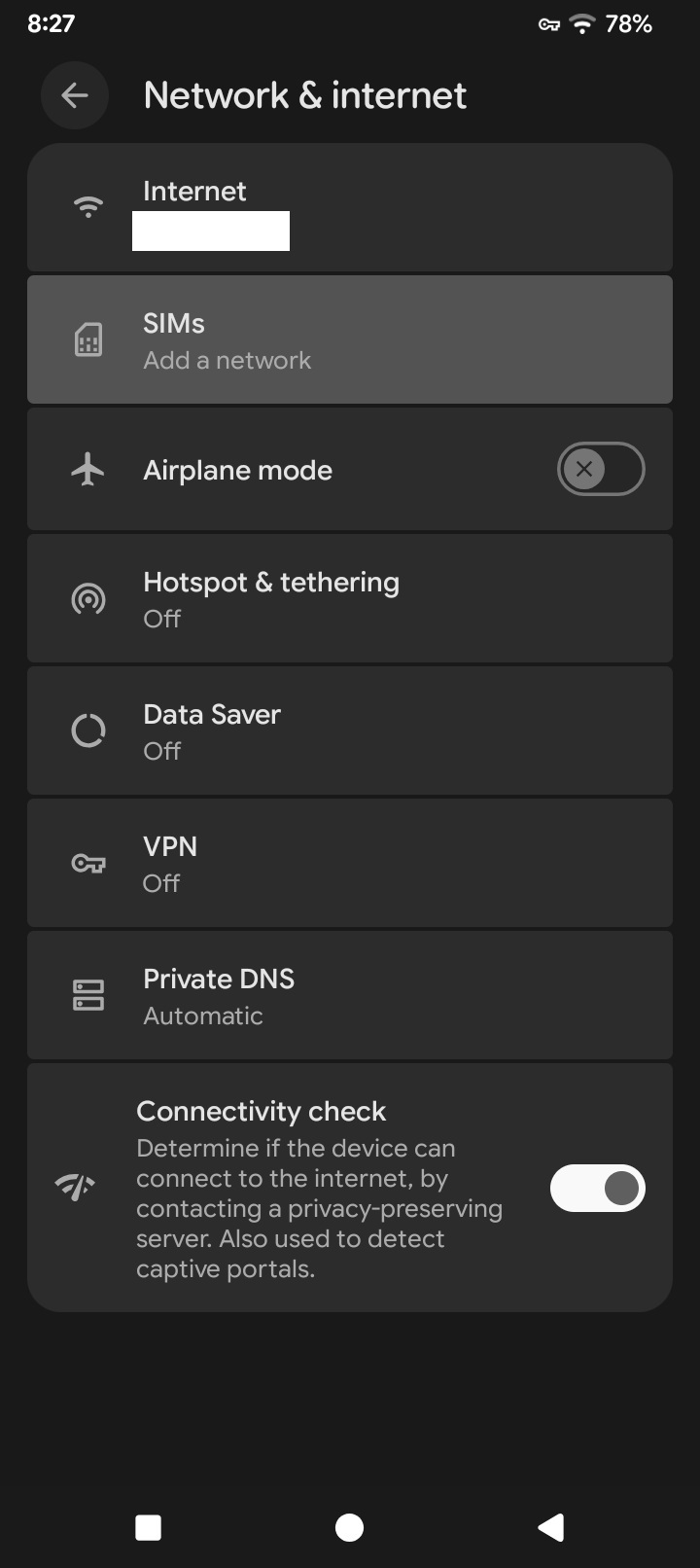
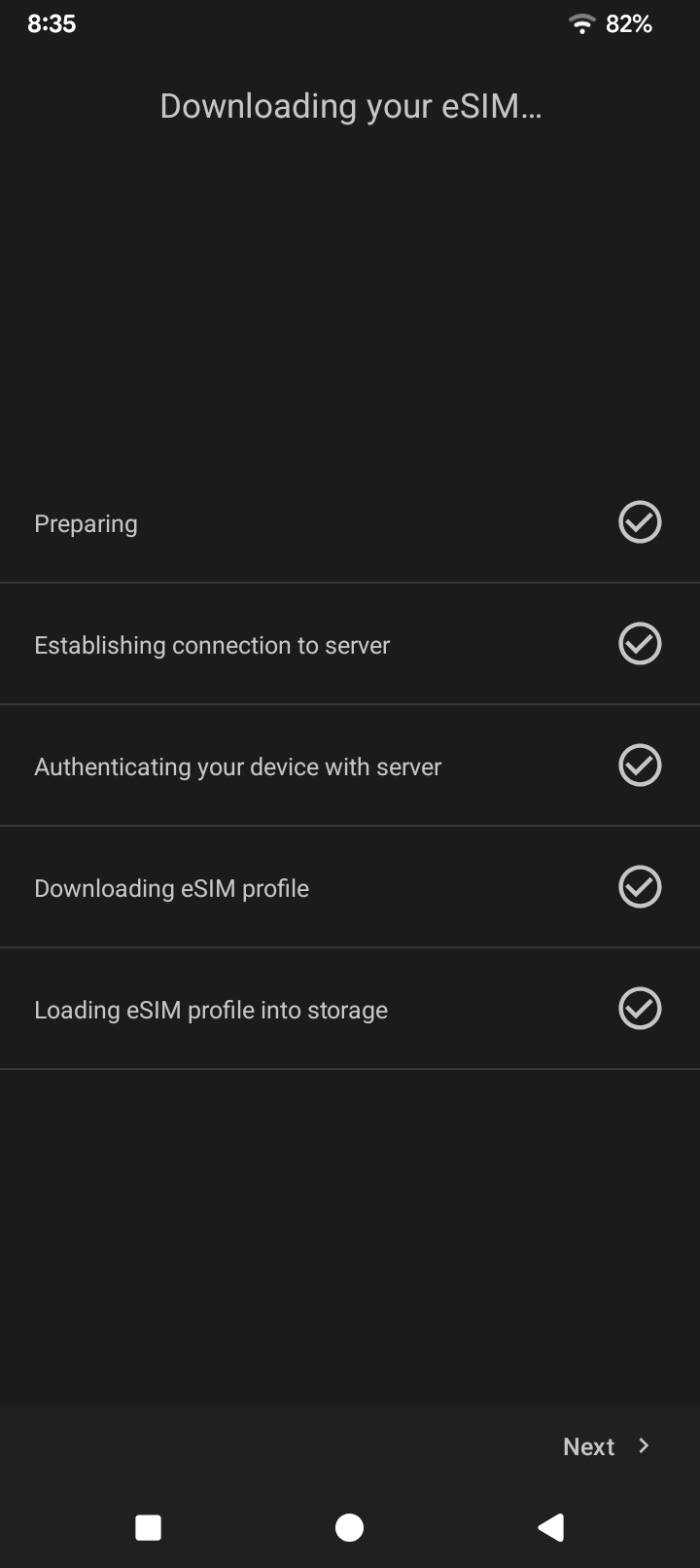
- So basically the eSIM shows as correctly set up (your screenshot from 8:35) but it’s not shown as available in the Network & internet (screenshot from 8:27)? What happens after reboot - that still doesn’t change? And what if you try to set up the eSIM again - does it go through the same flow and show the same result?
- Have you contacted US Mobile support to see if they can see your device connected to your eSIM profile in the backend? That could be an indicator of whether the eSIM set up process is actually completed.
Use the US Mobile app if you didn’t, not the app that comes with the phone, to add the eSim, then restart. My install thru the app went fine.
What do you see in the OpenEUICC app, does it show the eSim there
What happens if you try to install the eSim again? Does it start doing it or does it say already installed?