Developer Options - turn Sensors On/Off to block the camera and other things?

Has anyone fooled with the Developer Options and enabled the “Sensors Off” setting?

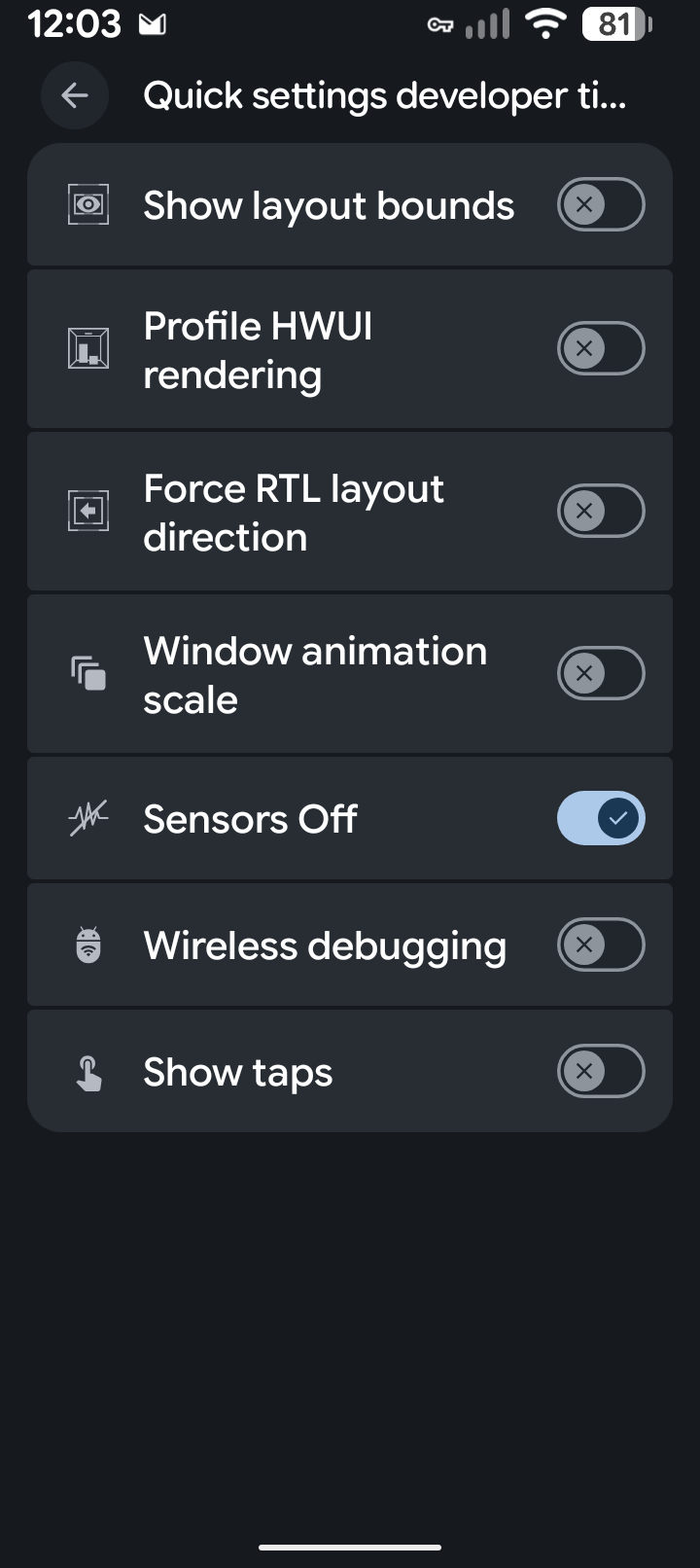
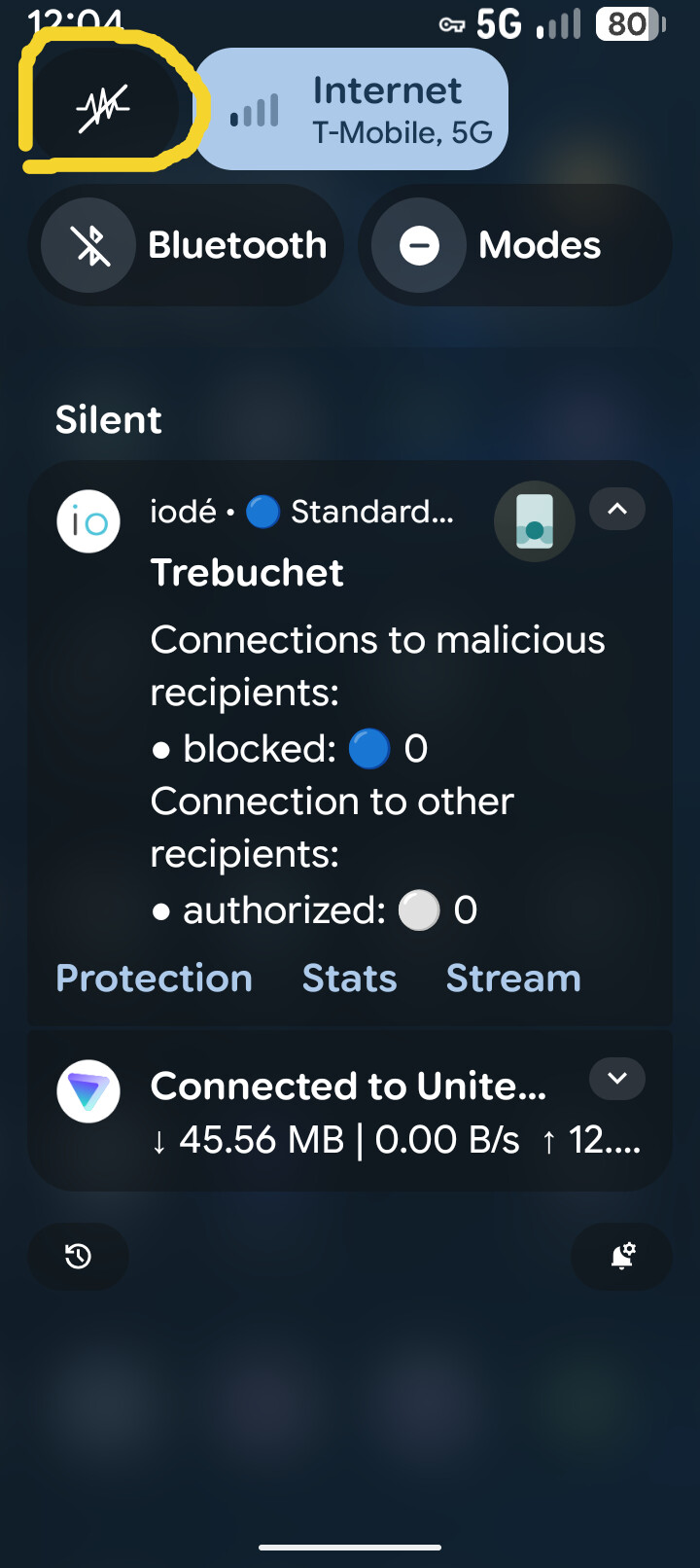
Once enabled under Developer Options like the one picture, it places an “on/off button” at the very top of your notification screen for easy access.

When on, it seems to totally disable the cameras and some other things. I am not sure what all it does yet, just found it and started fooling with it. :grinning_face:

Might be a solution for those worrying about the camera spying on them, disable it when not needing it, BUT “not sure” what else this disables.

Hi, yes. I tried using “sensors off” by default (for example, on a lineage OS latest release Android phone). But there was an issue ( me forgetting to turn it back on ) for 2 apps that apparently need it. One was the camera, which just fails to start. I think I need a new camera app that does not rely on sensors. One of the call/msg apps seemed to require the sensors enabled before answering incoming calls but I am not remembering all the details right now.

Another somewhat useful dev only option is the network traffic monitor that can be placed on the status bar.