Hello All,
I’d be grateful for any help please as my screen has a ghosting, multi-overlay, “after image” issue where essentially every time I turn it on another screen covers or stacks over a previous one (see images).
Also it actually seems to get worse the more I turn on the screen or reboot (the discolored line in bottom of the “Iode” image was from a previous reboot from the Recovery screen).
I’ve only used the phone as a backup on and off a few weeks and usually leave it on a charger. Recently I left it unplugged for too long and the battery died. The screen issue happened upon starting up the phone again after the battery died.
Things I’ve tried:
- Reboots/Shutdowns (seems to just make it worse)
- Installed most recent 7.6 update through setting (which somehow still remains after factory resets…?)
- Running Display diagnostic in settings (the colors pop up on the screen just fine and no dead pixels, but that setting offers no fix or repair)
- Factory Reset through normal phone settings
- Another Factory Reset through Recovery settings upon boot (using Volume+ key)
The issue persists nonstop even on the startup screen or the charging percentage screen, the stacking screen overlays seem somewhat “dynamic” and not completely static or fixed if that makes any sense.
Please help, I really want to like this phone and wanted to eventually make it my main primary phone but this headache-inducing screen issue makes it unusable. 
I’m not sure if this is a hardware/firmware issue or software issue.
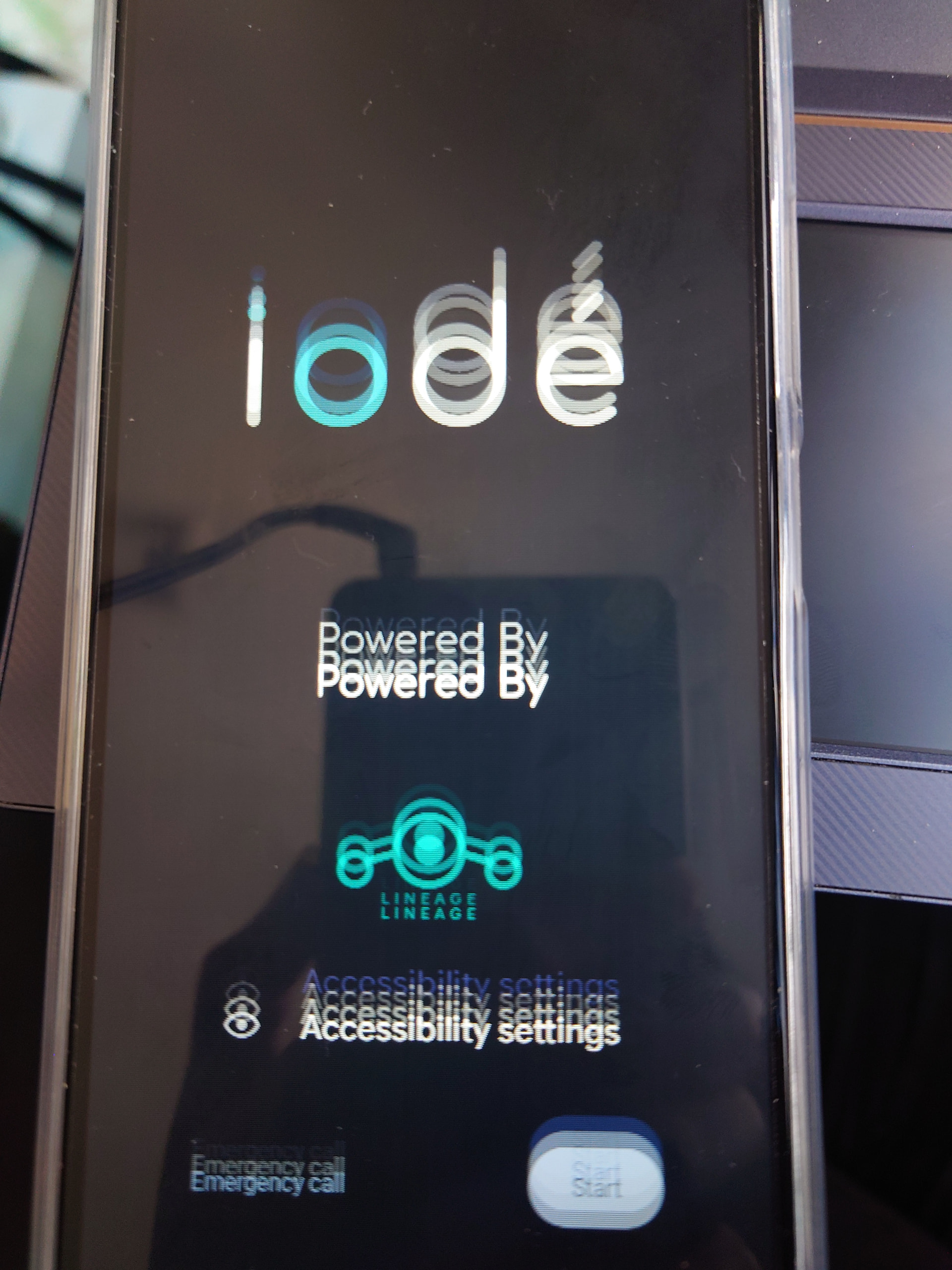
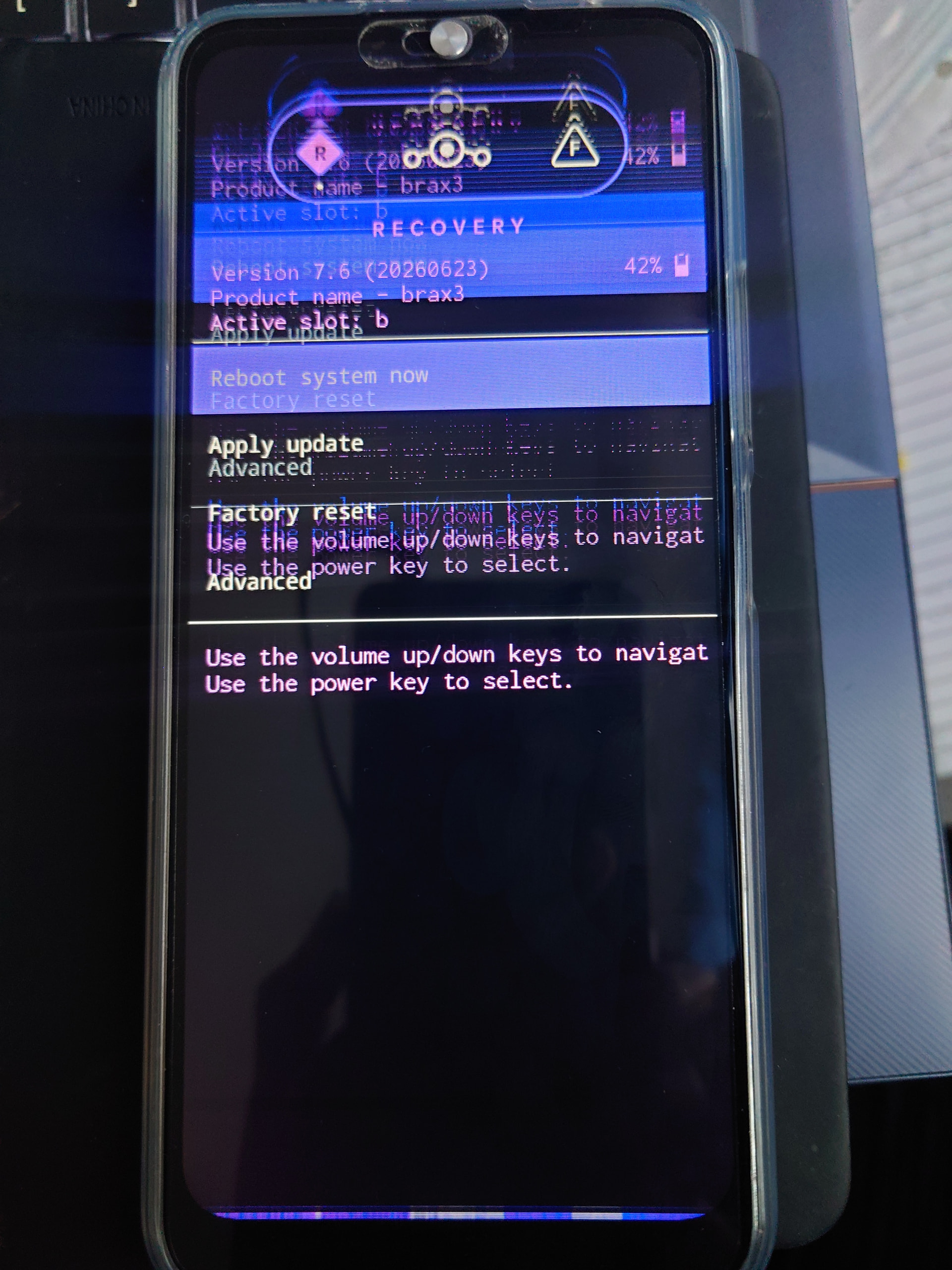
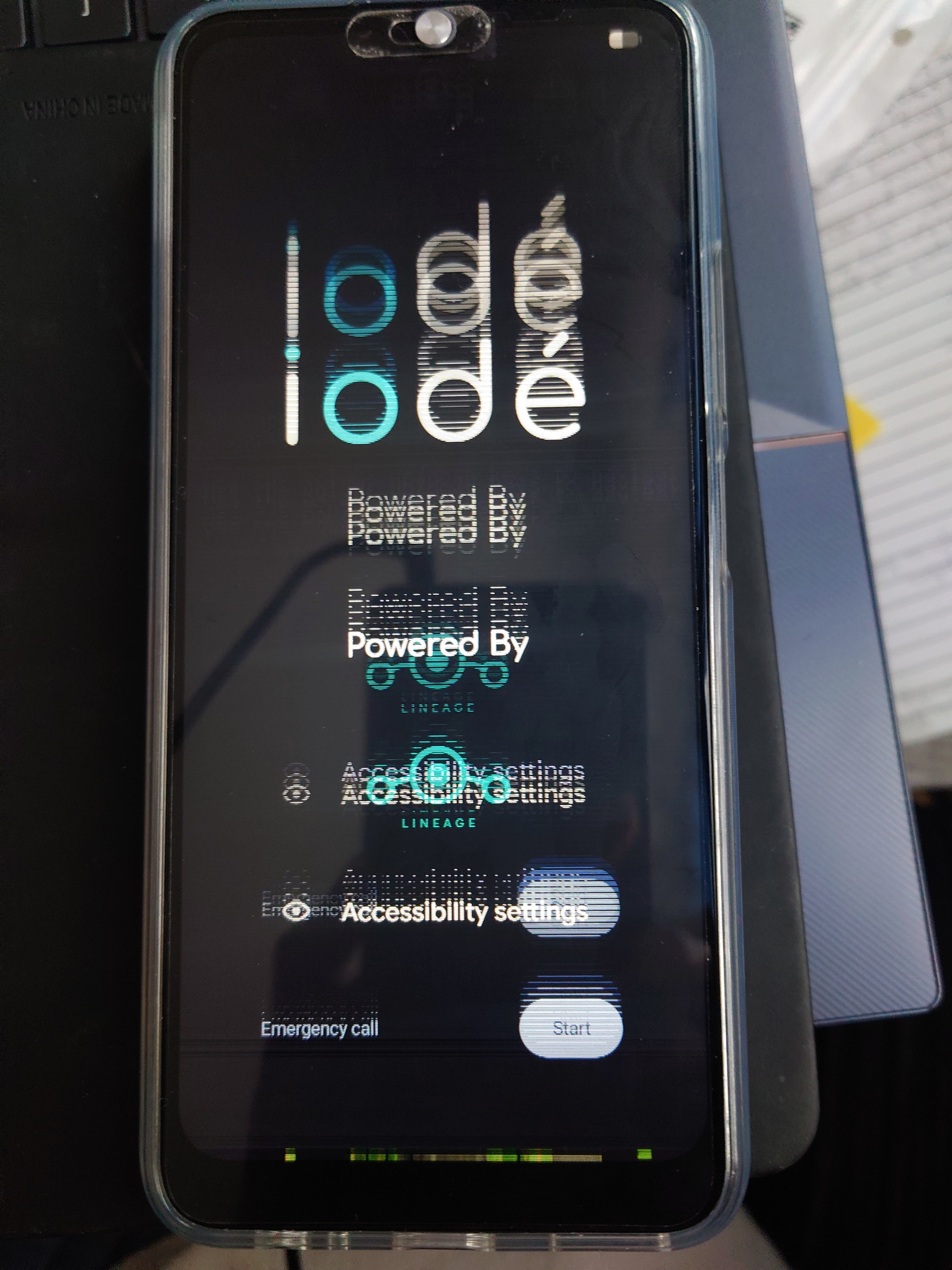
(screen after factory resets/reboots)