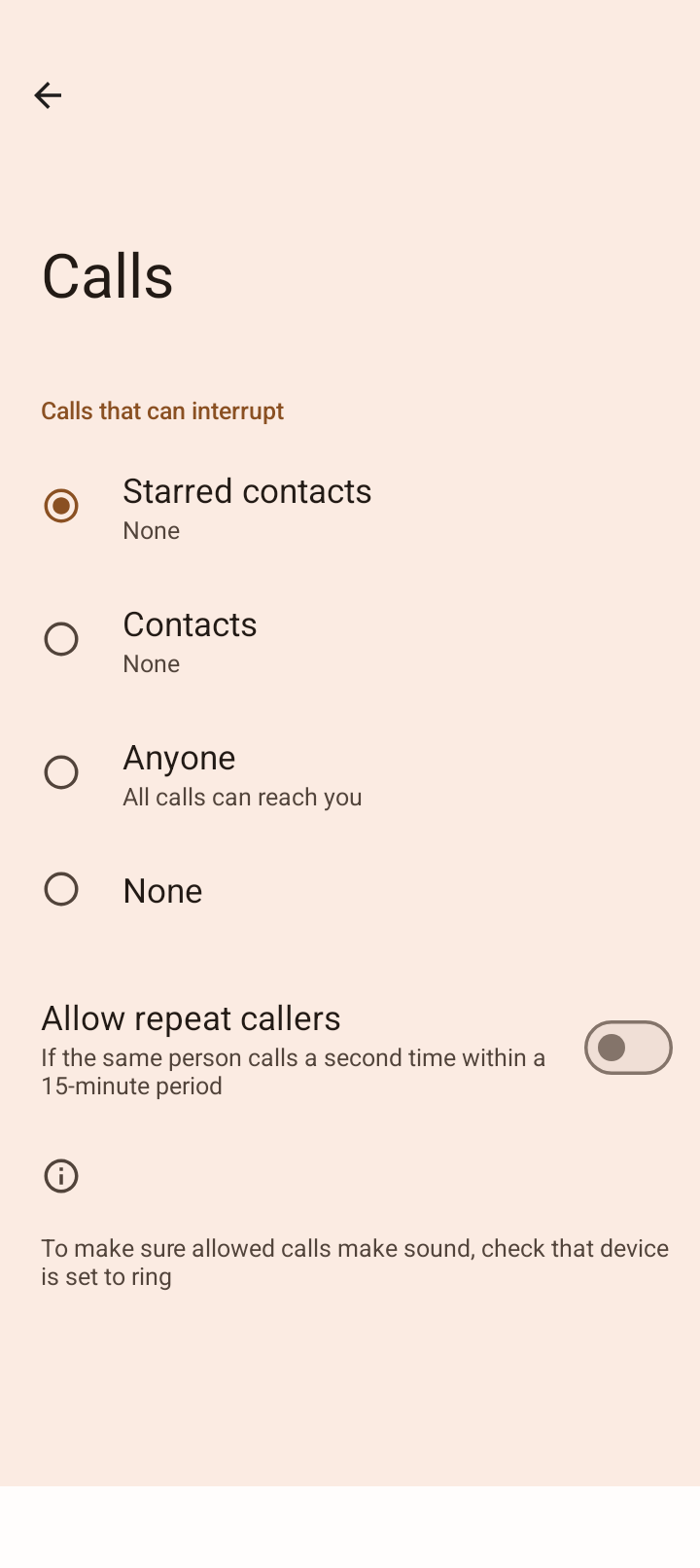
I use “Do Not Disturb” a lot especially overnight. I have “starred” a couple of contacts that I want to be able to reach me when this is set. I can see the calls coming in but the phone ringer is silent. I seem mention in the “Do Not Disturb” settings “To make sure allowed calls make sound, check that device is set to ring”.
Maybe a dumb question but how do I do this, please?
Is your ringer turned up before you put it in DND?
I can see where if the ringer is set to silent first, it won’t ring since it is basically reverting to the last volume state
Yes the ringer is on at full volume
I just testing and it seems to be working as expected for me (when in “do not disturb” a call from a “starred contact” will ring).
So you have System Settings > Modes > Do Not Disturb > People > Calls > Starred contacts selected? If so, when you click the gear next to Starred contacts in that DND setting, does it open your Contact list? If not maybe there is a permission not enabled for it to access your contacts.
2 Likes
Hi rik, looks like you and I are working this one on the IODE forum. I’ll update this if/when we get a solution 

1 Like
I do not see a gear setting option once I get to Starred contacts option. That might be part of the problem. I “starred” my contacts through the Fossify Contacts app. Conicidentally, under the Starred contacts and under Contacts, both are showing as None… I think you are on to something but why I cannot see the gear is a mystery. I am on IODE OS 6.6-20250803-brax3. Android v15
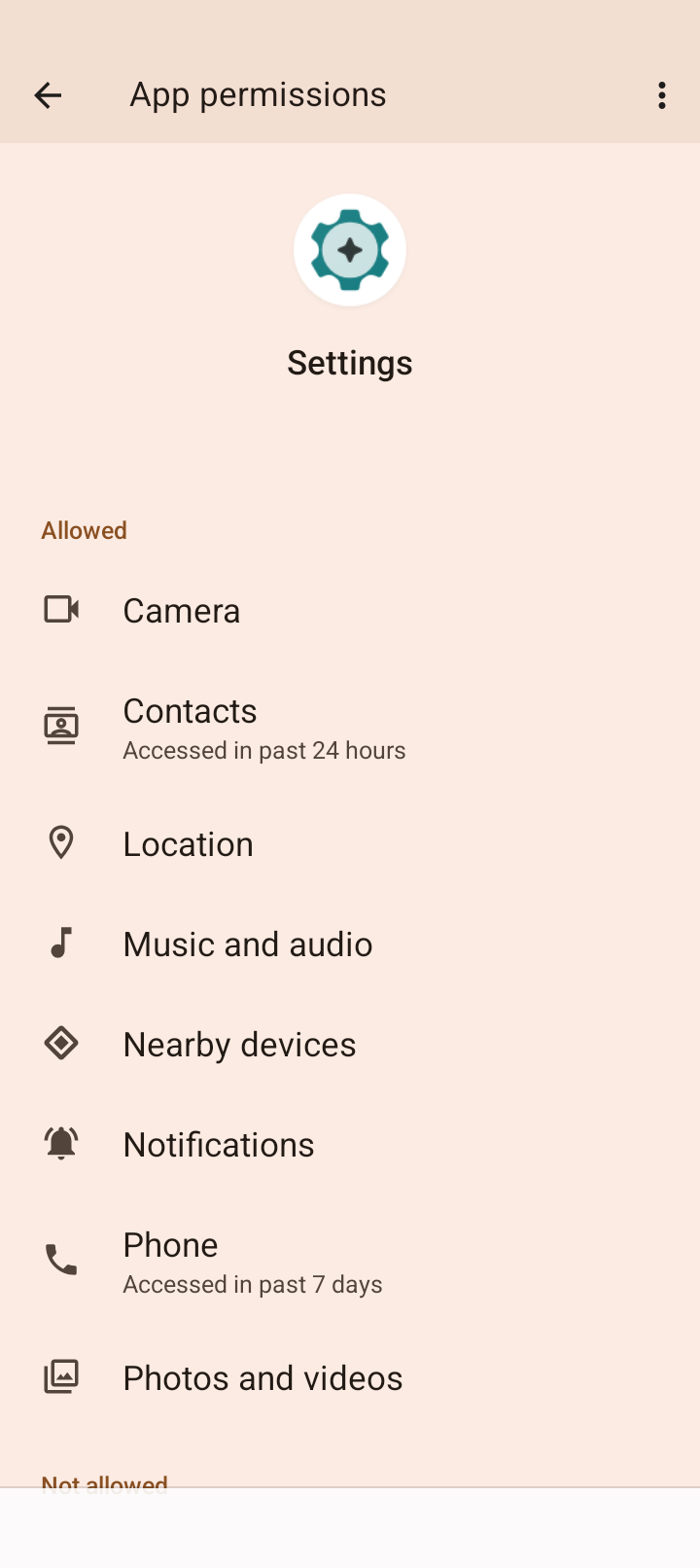
See if app info for system settings has permissions to access contacts
I believe that I have finally figured this out. The clue I guess was in “None” showing up under “Starred” and “Contacts”. When I dug deeper into the individual contact information, right at the very bottom of the info it says “Phone storage (not visible by other apps”. If you click on this, you get a bubble giving options to switch between DEVICE or remain on Phone storage (not visible by other apps). I switched to DEVICE and then the contacts started appearing under the various starred or contacts categories under DND.
I think this is now closed but I am wondering why all my contacts imported in as Phone storage (not visible by other apps). By definition, this is weird especially as clearly the Contacts are visible to e.g. Messages.
Anyway, if anyone reading this can explain the nuances of this last point, I’d be grateful as I don’t know if fixing one thing may inadvertently mess up another!!!
2 Likes
This is where in Contacts app again? I am not familiar with it…
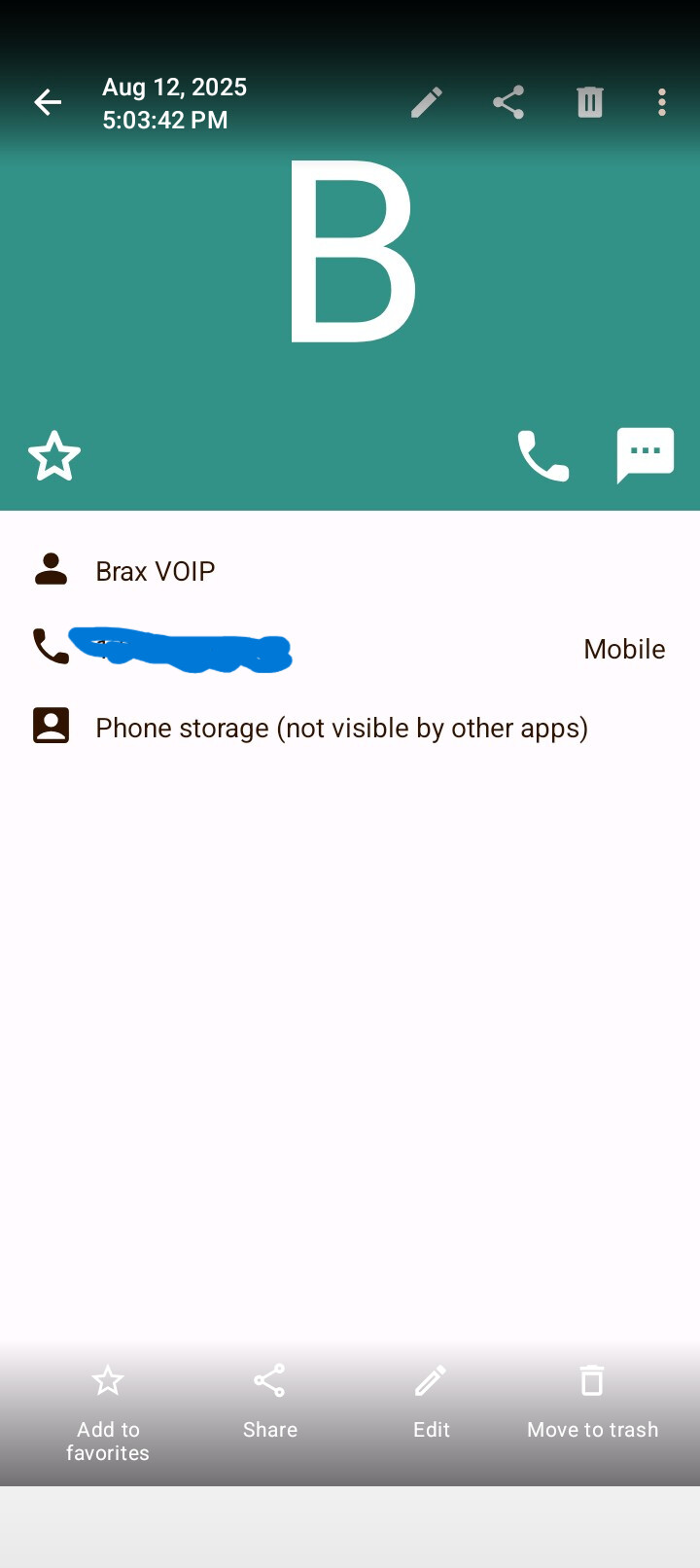
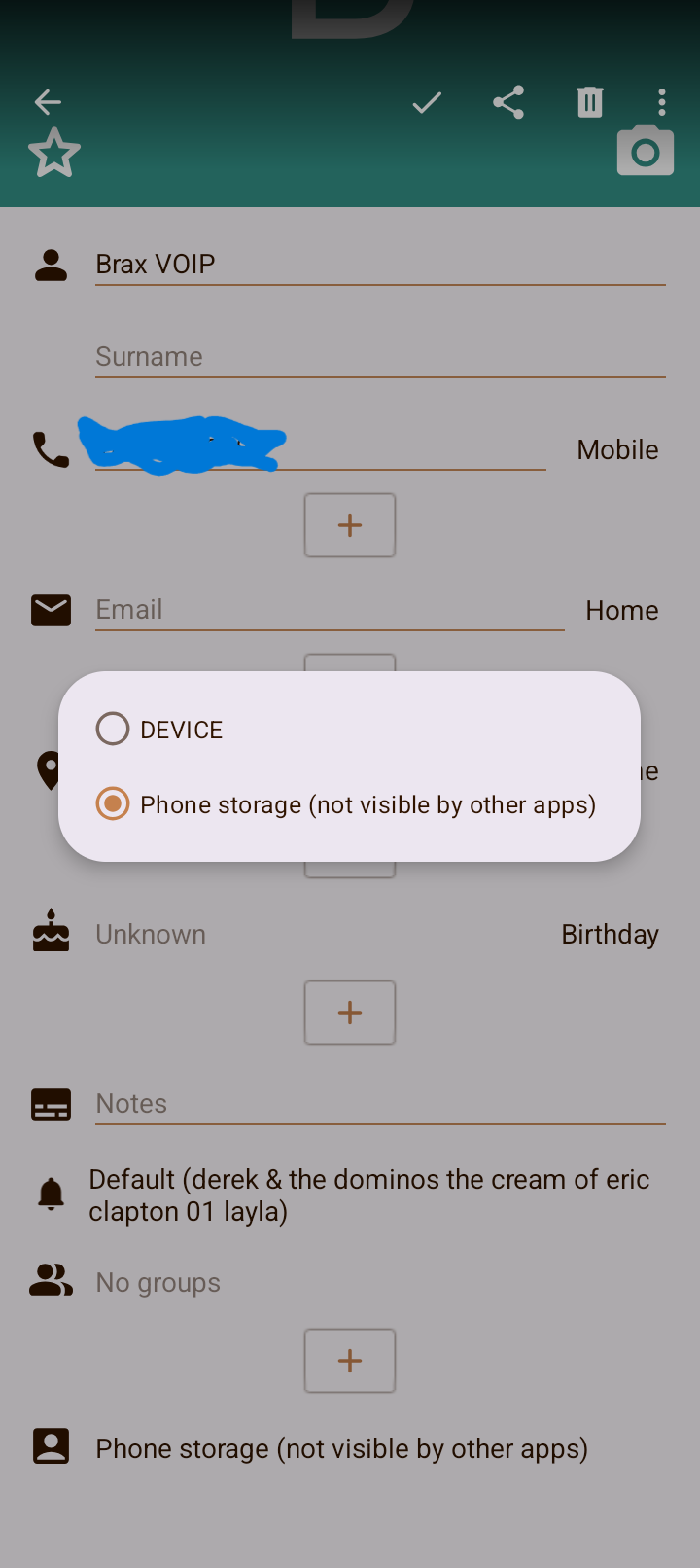
OK that must be to your sim card. It is an option for storage, but apps there can’t cross access (as the message says).
For me, I use DavX to sync contacts and calendar events to Nextcloud (or you can use Google or other providers that support caldav and cardav syncing), so that is where all my contacts are. In settings I make sure that DavX account is the “default for new contacts” and I also have the display filtered to only show that account.
1 Like
That’s interesting. I didn’t have the SIM card when I did the initial contact list vcf import so I wonder where the contacts got stored on the phone and why/how it became “Phone storage (not visible by other apps”. I keep all contacts away from anything that smells like Google  I use Proton to store my contacts but unfortunately cannot synch to any phone i.e. I have to do a manual import.