It was an ordeal, but I got it running by mostly following the instructions.
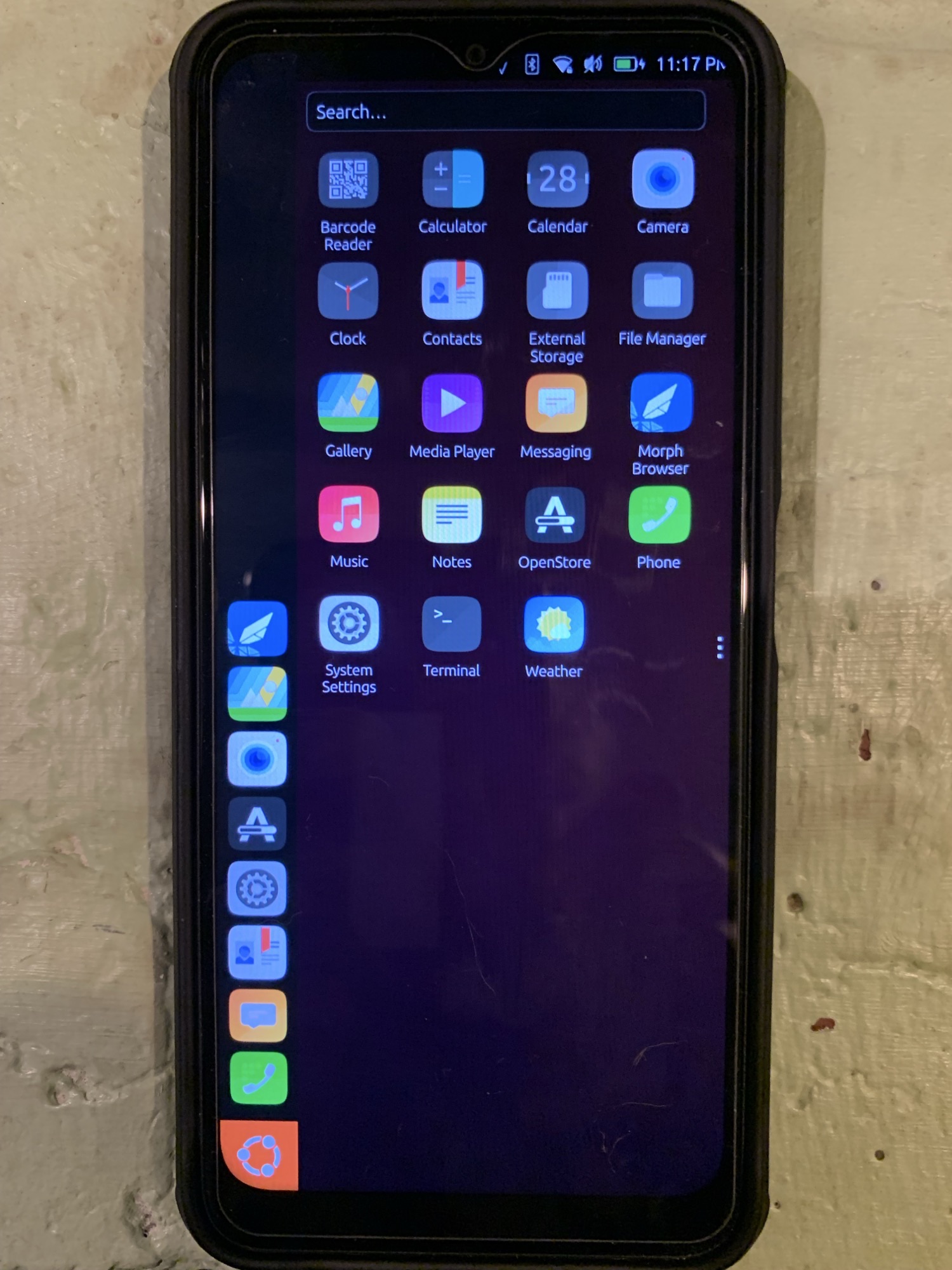
In case anyone else wants to try, here are my notes.
- The 3 big steps I needed were
-
- unlock the bootloader - see How to Unlock the Bootloader of Your Brax Device
-
- install lunaros - see LunarOS MEGATHREAD
-
- install ubuntu touch - see Releases - Open Source Community Guide
-
- Instead of downloading the android platform tools, I used the android-tools nix package at NixOS Search
- For installing lunaros, I would’ve preferred to use fastboot instead of spflash, but the fastboot instructions say to use flash.sh. That’s no longer in the platform-tools software,
and I couldn’t find it elsewhere with a cursory search. (@plamen , the instructions need updating.) - On that same page, there’s a pointer to the windoze version of spflash, but the pointer to the linux version seems garbled (cut/paste error - @plamen , please correct ). I found it at SP Flash Tool v6.2228 for Linux - MediaTek Flash Tool
Some specifics:
- note the 2 IMEI values under settings | about | imei , and the serial# under settings | about | model
- unlock the bootloader. I had to run “sudo fastboot” instead of “fastboot”
- mkdir ~/Downloads/lunaros
- downloaded into that dir all 8 lunaros 6.0.0 files
- cd ~/Downloads/lunaros
- md5sum -c flash.zip.md5 && md5sum -c otapackage.zip.md5
- unzip flash.zip && unzip otapackage.zip
- I needed “
xhost si:localuser:root” for spflash to run - I needed to use "
sudo sh SPFlashToolV6.sh" for the spflash command; that sudo is why I needed the xhost command above - Because my laptop’s sole USB-C port was occupied, I initially plugged the phone into the laptop via a USB-A port. Big mistake: it took about an hour to crawl along & eventually pulled a "
data_mux receive timeout or canceled" error. Things worked MUCH better on the next attempt using the USB-C port. - I did not forget to revoke the xhost priv with “
xhost -si:localuser:root” - The ubuntu touch install was far easier than that of lunaros, but as with unlocking the bootloader, I had to use sudo with the fastboot commands.
It was such a pleasure to be back on the OS most comfortable to me. Kudos to all who have worked on it. Unfortunately - as you tell by the lack of a mobile connection indicator in the screenshot - it’s not connecting to my mobile phone carrier. On my ancient nexus4, under settings there’s a “Mobile” icon in the Network section, but it’s not present on my brax3.
I could live without a camera - the camera & barcode scanner apps die after a few seconds - but I can’t live without telephony & SMS from a phone not connected to wifi. Those are my bare needs from a communication device.
Because of that , I’ll probably switch back to iodeos until I can secure a 2nd brax3 for testing (with my backup SIM). However, I’ll leave things be for a couple days; if anyone wants me to check something - or if anyone has ideas on getting the mobile connection running - post here.