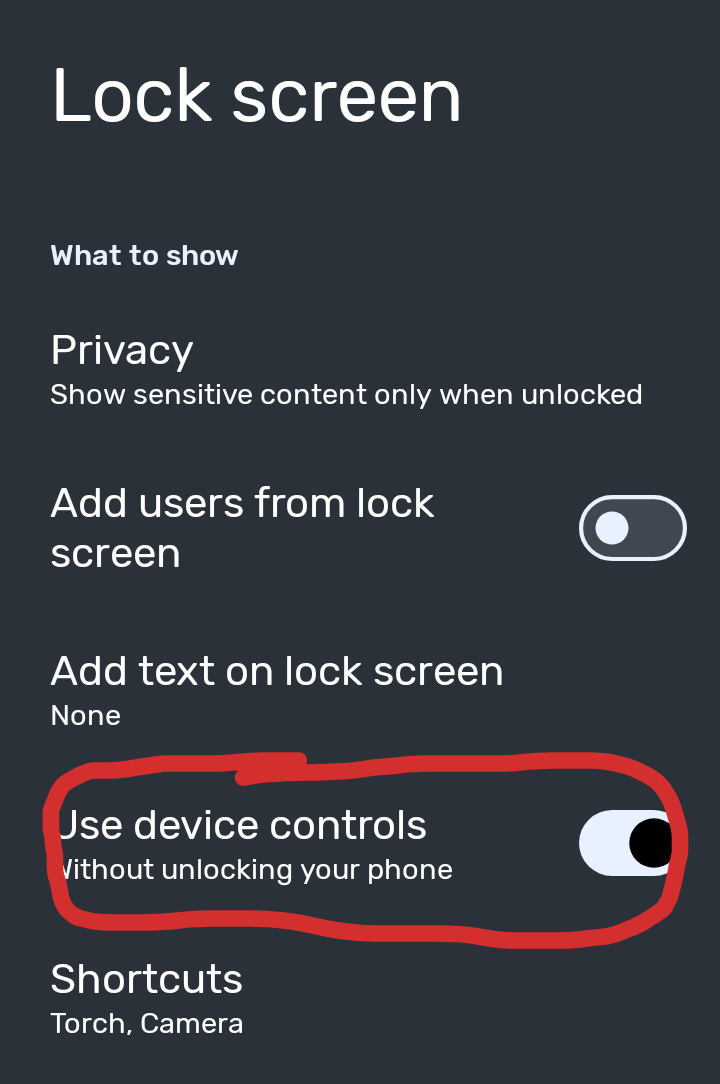
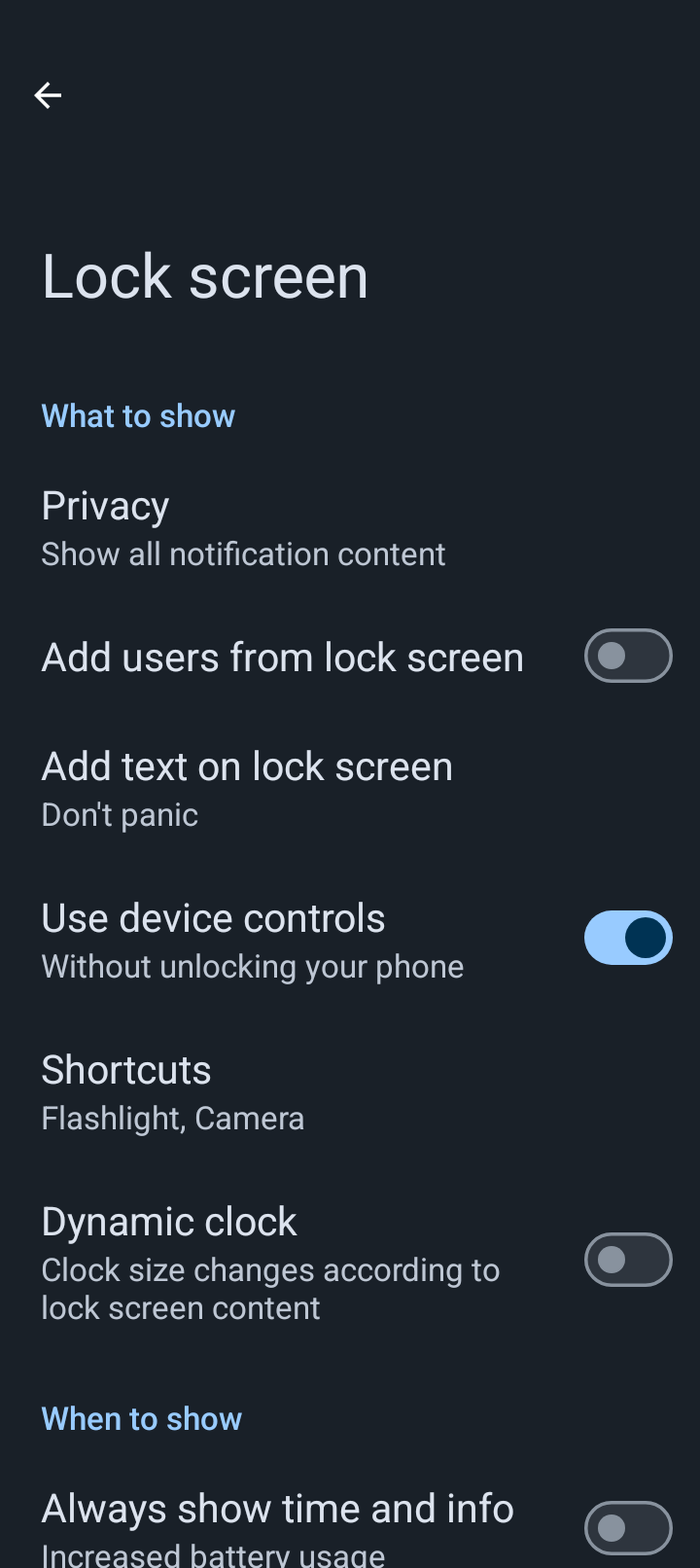
Figured I’d mention them here before I email support.
First, I put the flashlight and the camera buttons on the left and right bottom corners of the lock screen.
I’m used to this on previous androids. But neither of these work on the Brax3. Try to use either shortcut just opens the keypad for unlocking the phone.
Once its unlocked it doesn’t open either shortcut either.
So they’re worthless for now.
2nd issue: I had all my apps in groups whole using the 5x5 layout for app button sizes. I experimented with the different layouts but decided I liked 5x5 best. When I reset it to that size 2 of my groups of apps dissapeared completely. I looked around and couldn’t find them.
Had to go to the app list and move them back to the home screen.
Thsse both work fine for me so its most probably a setting…? Are you doing press and hold to activate them?
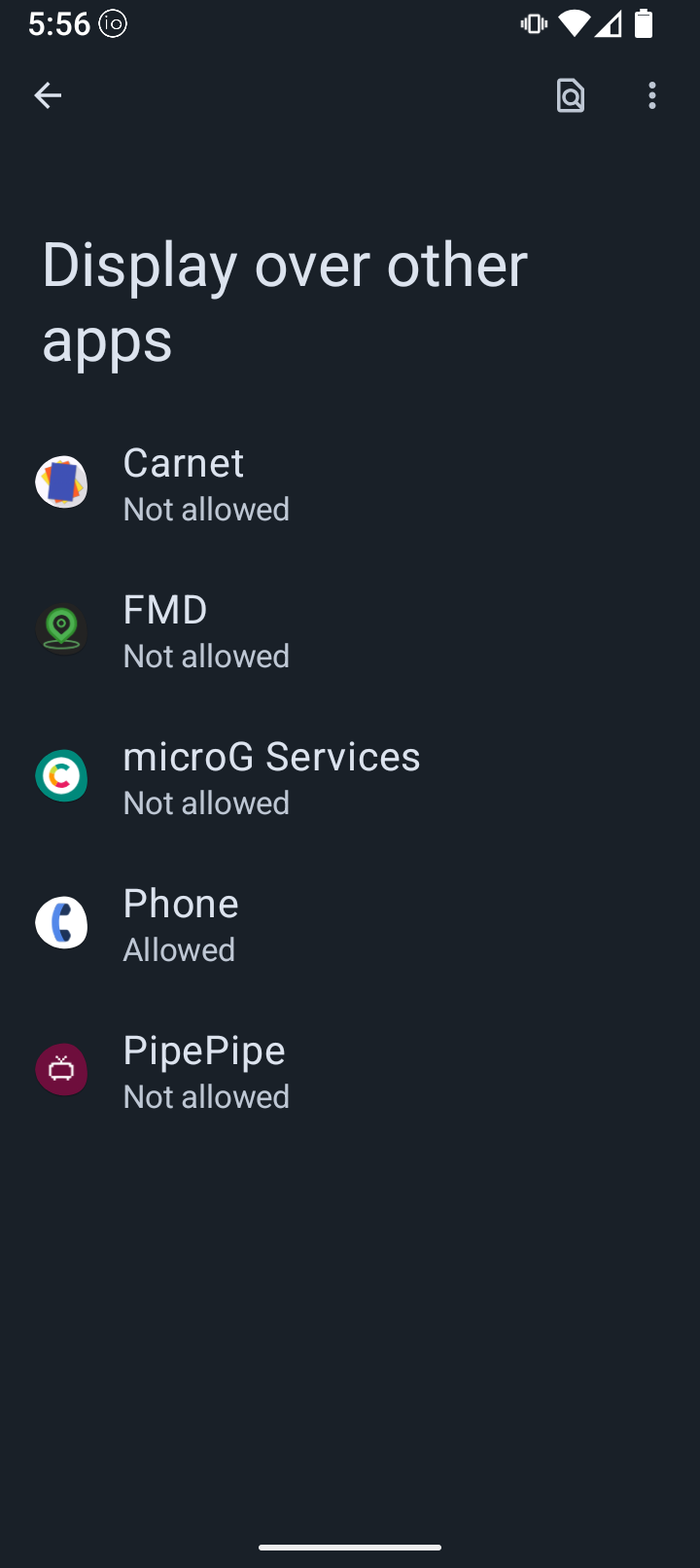
May also need the display over other apps permission enabled for the camera?
That could be expected, as you are effectively changing the screen “resolution” (for want if a better term) and LineageOS / iodéOS may not have any built in functionality to deal with that (e.g. push overflow to the next screen panel/page… I bet you had it on a smaller (or larger?) setting immediately prior.
Manual solution is to make sure you only have the number of items that will fit on the screen on each panel/page for the new setting before changing it.
I’ll check. That makes sense. It is likely that my last phone just required touching and swiping up. Its either user error or a setting.
Okay, just tried it. Even pressing the bottom corner buttons (basically anybtoich on the lock screen) opens the keypad for my lock screen pin. I long clicked the flashlight this time and it still demanded I unlock the phone, but then a pop-up asking which camera I wanted (just once or always).
I downloaded Open Camera from F-droid to compare as that’s what I have uses in the past.
As for the app button size, you’re probably right. 5x5 is about the middle of the options. I tried all of them so I maybe made the screen too small for all of my buttons.
I bring this up because of the PDF Viewer. I downloaded one because I didn’t have one. Or so I thought.
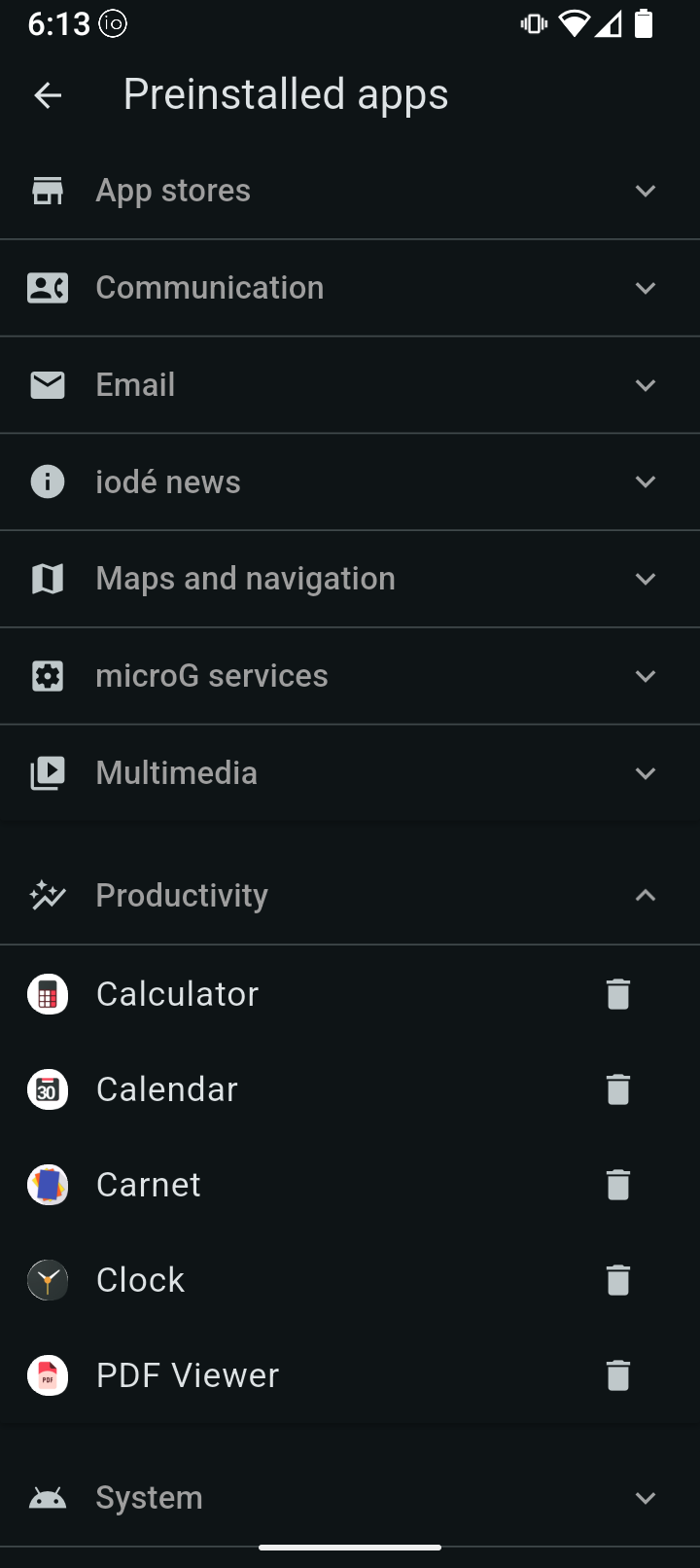
Did the new one overwrite the one that came reinstalled? Or did this phone come without a preinstalled PDF.
So when I found it unwanted to reinstall it, using what was designed for the phone, but there is no reinstall button. So I’m curious why it would say reinstall at all because, as it seems to me, that your have to to to F-Droid to install.
But I didn’t see that icon on F-Droid. Maybe I’ll just go check again now.
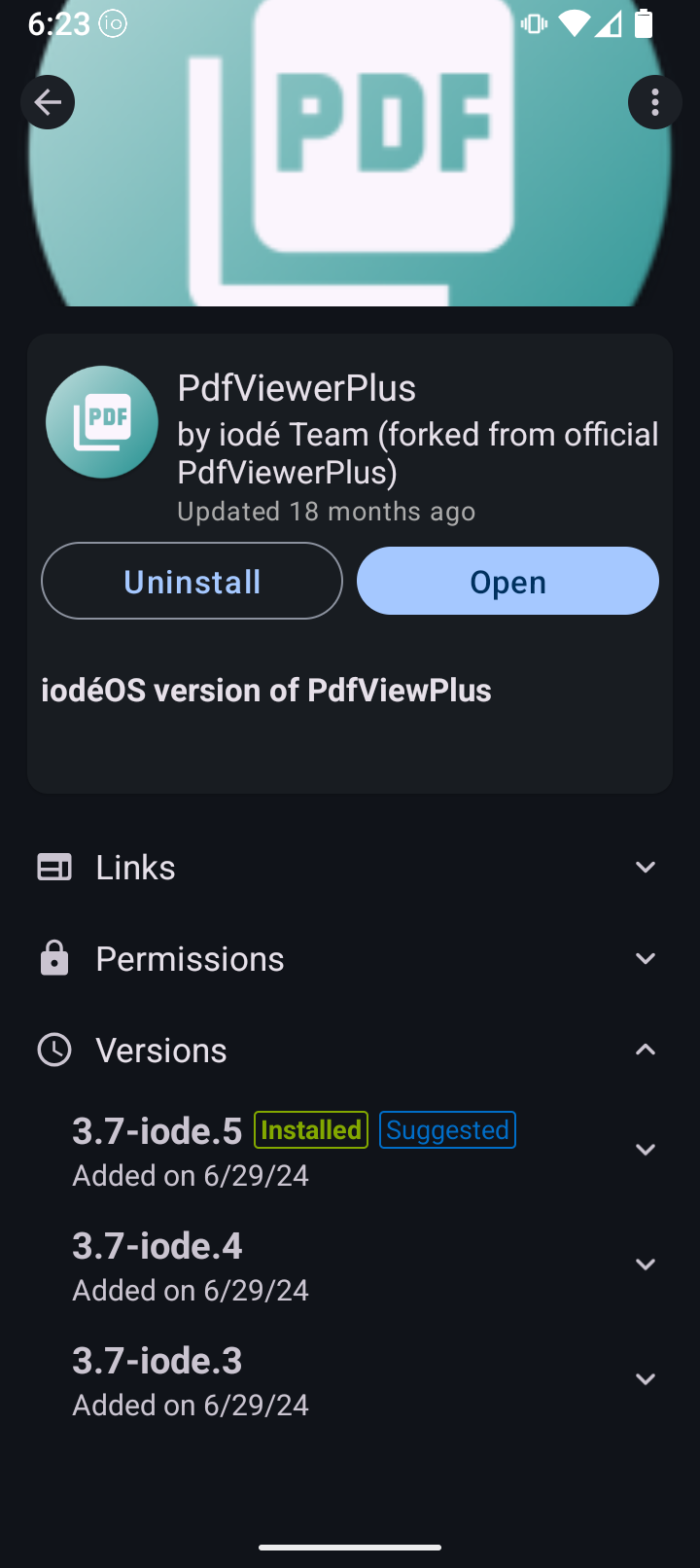
Okay…this is the iodé PDF viewer from F-Droid. So idk what the one on the preinstalled list is. Can’t find a viewer with that icon on F-Droid nor Aurora Store…
So now that I’ve downloaded the OG Open Camera the lock screen shortcut works. Not without unlocking the screen but at least when I swipe up, it offered the screen lock keypad, then the camera is open.
The flashlight still doesn’t work form the lock screen.
Anyone know how to access the SD card for storage of pics?
When I downloaded the Open Camera app there was a pop up that said something about storing to the SD card but it disappeared before I could read it all.
I found the card through settings/storage/internal but can’t figure how to move anything to it.
Also, every time I according as it I get the card needs formatted popup and have to reformat it.
Ummm, once the screen is unlocked it shouldn’t show IIRC. It should only show on the lock screen… So if you arent on the lock screen you shouldn’t see the shortcut.
Also, you should just press and hold, not swipe, to activate it - although it might do both…
It must be either the overlay other apps setting or something in your screen lock secutity setting blocking it.
A silly question, but, do you have the rugged privacy case with the camera cover? Have you slid the cover open, out of the way, when you try and turn on the flashlight?
Also does the flashlight icon change when you press and hold it (it might be turnjng on but there is a hardware issue wirh the light or something)?
Yes, I’m talking about the bottom corner shortcut with the camera at the bottom of the lock screen.
With the original camera I could swipe up and the camera didt open at all…just the lock screen pin code keyboard, then the home screen. I still had to select the camera.
But with the Open Camera I can swipe on the lock screen and it does open, albeit after it requires the passcode. So swipe up, pass code, camera app opens, not the home screen.
Lol. I do not. And had I realized that the clear case came with the Brax3, and the rigid case covered the light LED, I probably wouldn’t have bought it.
OK, well that’s certainly not the behaviour on mine - both are press and hold and work fine with the screen locked… So it must be something with settings or permissions being different or a combination of that IMO, just FWIW.
Just a really really left field thing - but - you are using modern swipe gestures right? And haven’t got your android system set to the retro 3-buttons at bottom of the screen thing? If you have, there’s always an outside chance it’s some weird idiosyncrasy to do with that perhaps…? Unlikely but who knows…
It didn’t work with the preinstalled camera either. So I don’t think its just the app itself. Thoughi did attempt to go throughOpen Camera’s many, many settings.