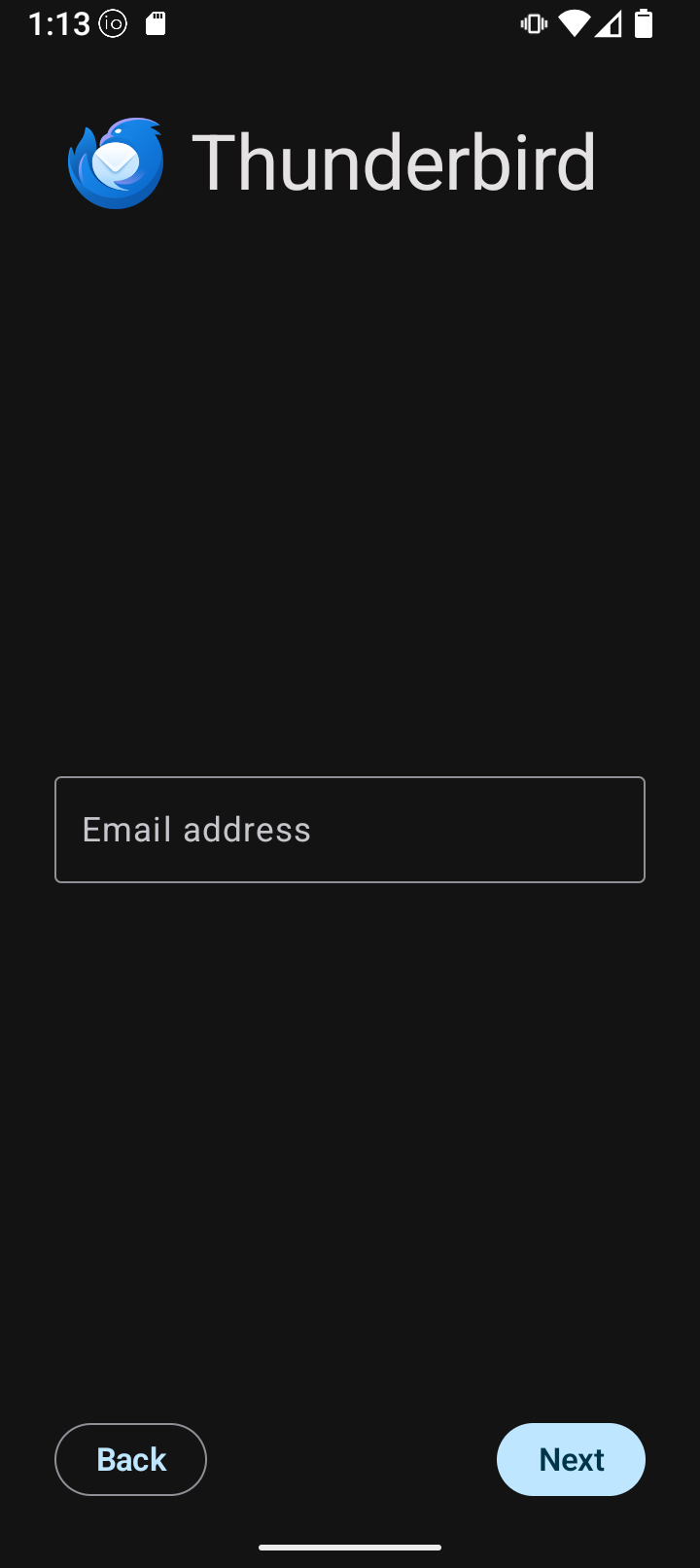
I’ve tried putting in existing email addresses I have in case its wanting a secondary account for backup, and I’ve tried making up a Thunderbird email.
It just keeps saying it “can’t configure”. Go figure.
Go configure!
Well, it does offer to let me “configure manually” but that is no help to me.
You need to have an email account already. The reason it’s asking for an email address is so it can attempt to configure at least some of the info for you. For example if you put [email protected], it would know you want to use gmail’s servers for incoming/outgoing, it knows how to set it up, etc. and would just need the password (it already has the username, because it’s the part in front of @gmail.com).
So step 1 is to already have an email address you want to use (I wouldn’t recommend gmail for obvious reasons, that was just an example of how the program works).
I’m going to guess that the “can’t configure” error just means it can’t auto configure based off the email. I.e. it knows how to handle @yahoo.com, @gmail.com, @majorisp.com, but not @customdomain.com or other email addresses that aren’t that popular. You should be able to go into custom configuration to set the incoming/outgoing (often the same, but not always) servers, security settings, username (often the same as your email address but not always), password, etc.
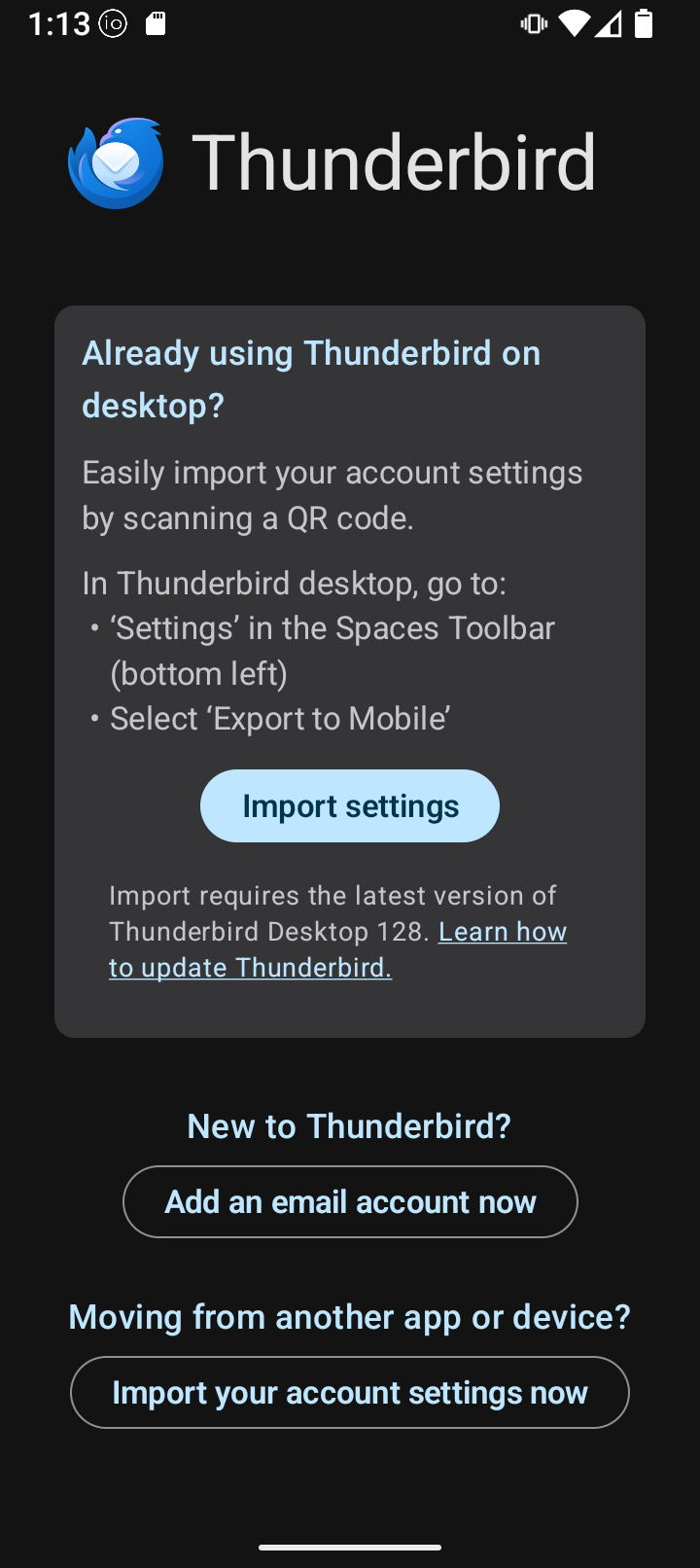
I’ll admit I haven’t setup Thunderbird manually on a phone, I use Betterbird (Thunderbird fork) and just used the qr code to automatically set it up in the Thunderbird app.
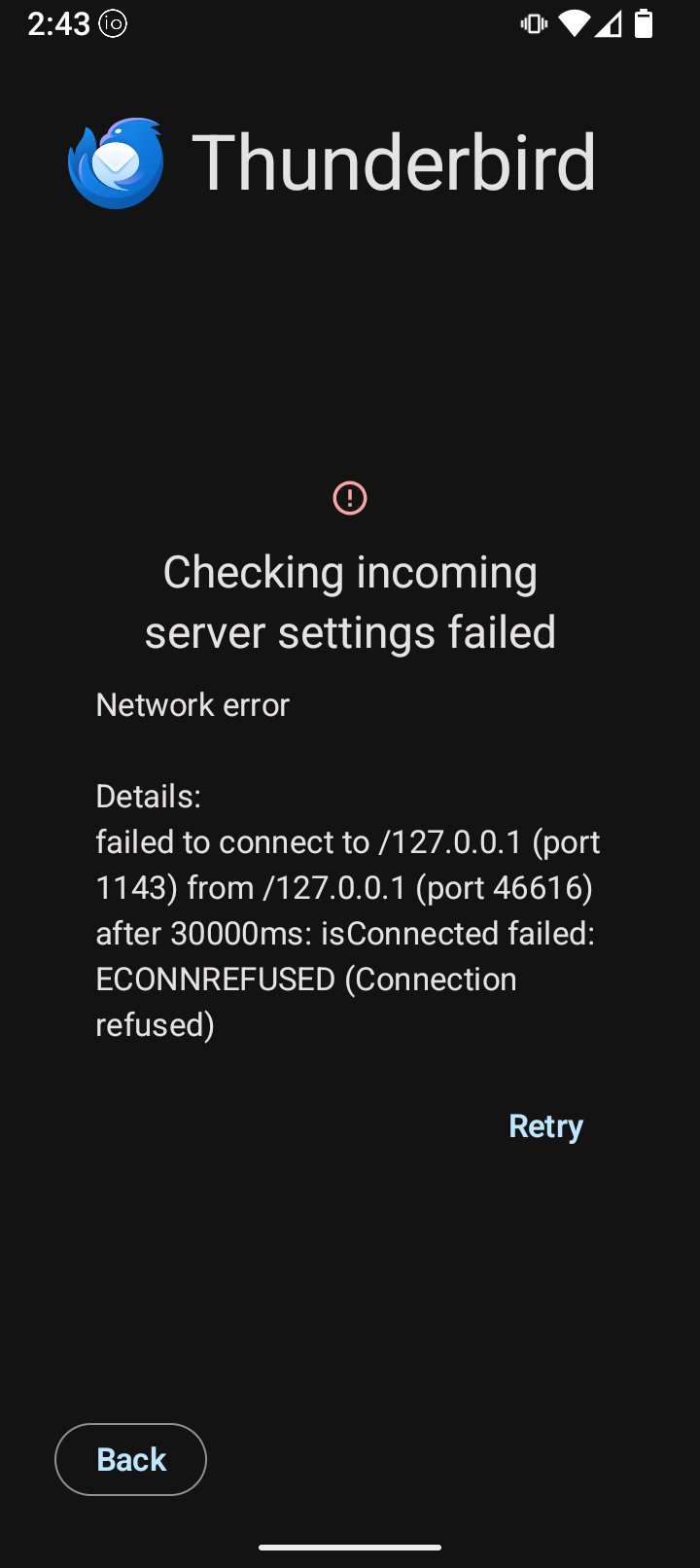
Re: your screenshot error. Again I don’t know exactly how proton is setup, but the /127.0.0.1 means it’s trying to connect to localhost…i.e. something on your phone. I am pretty sure that’s not correct.
I have the paid version of Tuta and can have up to 15 email addresses; 10 I think being alias addresses. May not work for you, but I find it worth not having multiple free, single address accounts and matching issues.
On my laptop (Linux mint - which may make this whole comment irrelevant) I needed to use proton bridge to get protonmail working with Thunderbird. Not sure if that’s a Linux thing, or a proton/Thunderbird thing.
Yes thats essential - Proton mail is encrypted so third party mail apps won’t work without Proton Bridge to decrypt the mail box. This is all well documented on Proton site including what email apps bridge supports.
Like Tuta, Proton has a very good mail app that you can get through Aurora store: