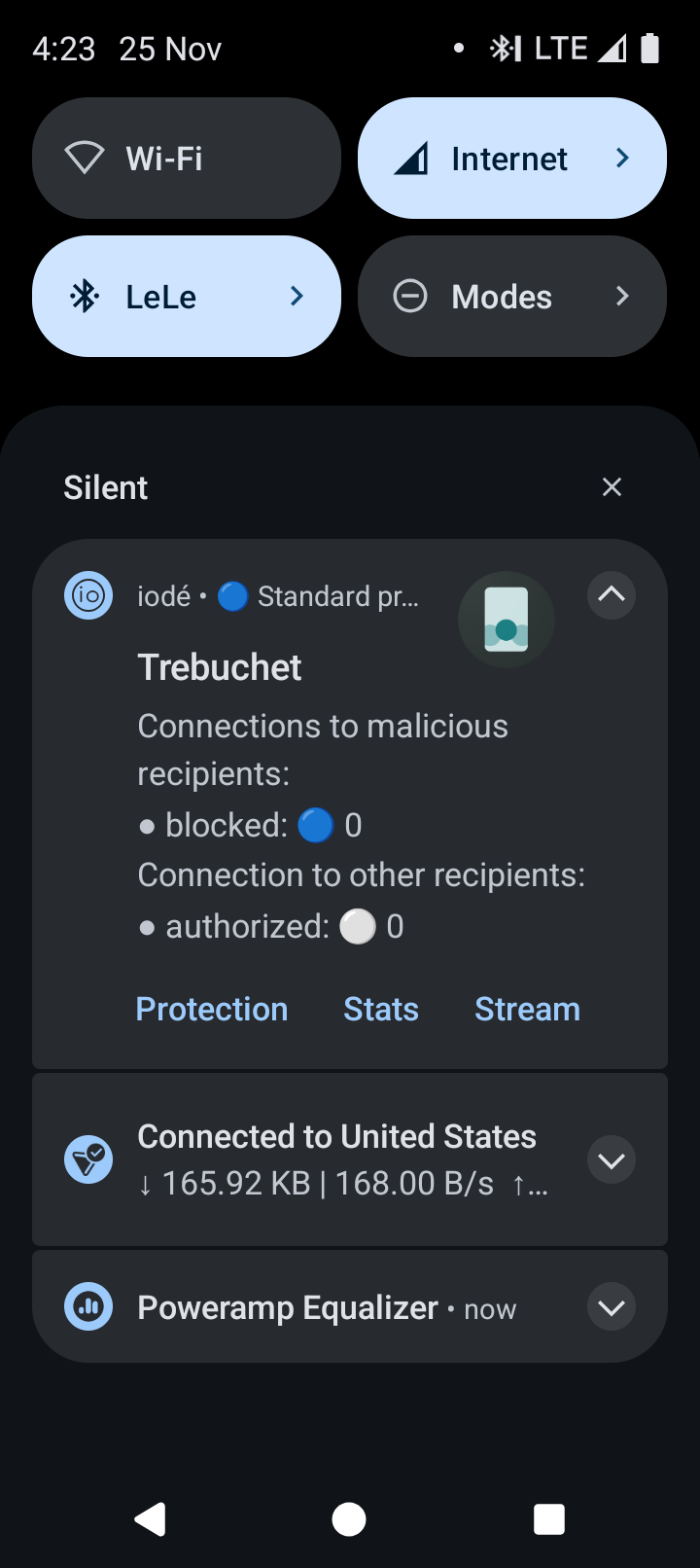
Hi everyone, I can’t figure out how to stop Trebuchet from being alerted in the IODE blocker. Does anyone know?
Can you share more info - where do you see the alert? A screenshot could be helpful.
Open the Iodé app>settings>notifications turn them off. Also, go to the News App, at the bottom tap Documentation. Scroll to Iodé App and Iodé ad blocker at the bottom. Plus all the other info in the Documentation section.
Thanks but doesn’t resolve the issue. I don’t want to disable all Iode alerts, only those from Trebuchet given it’s not a threat.
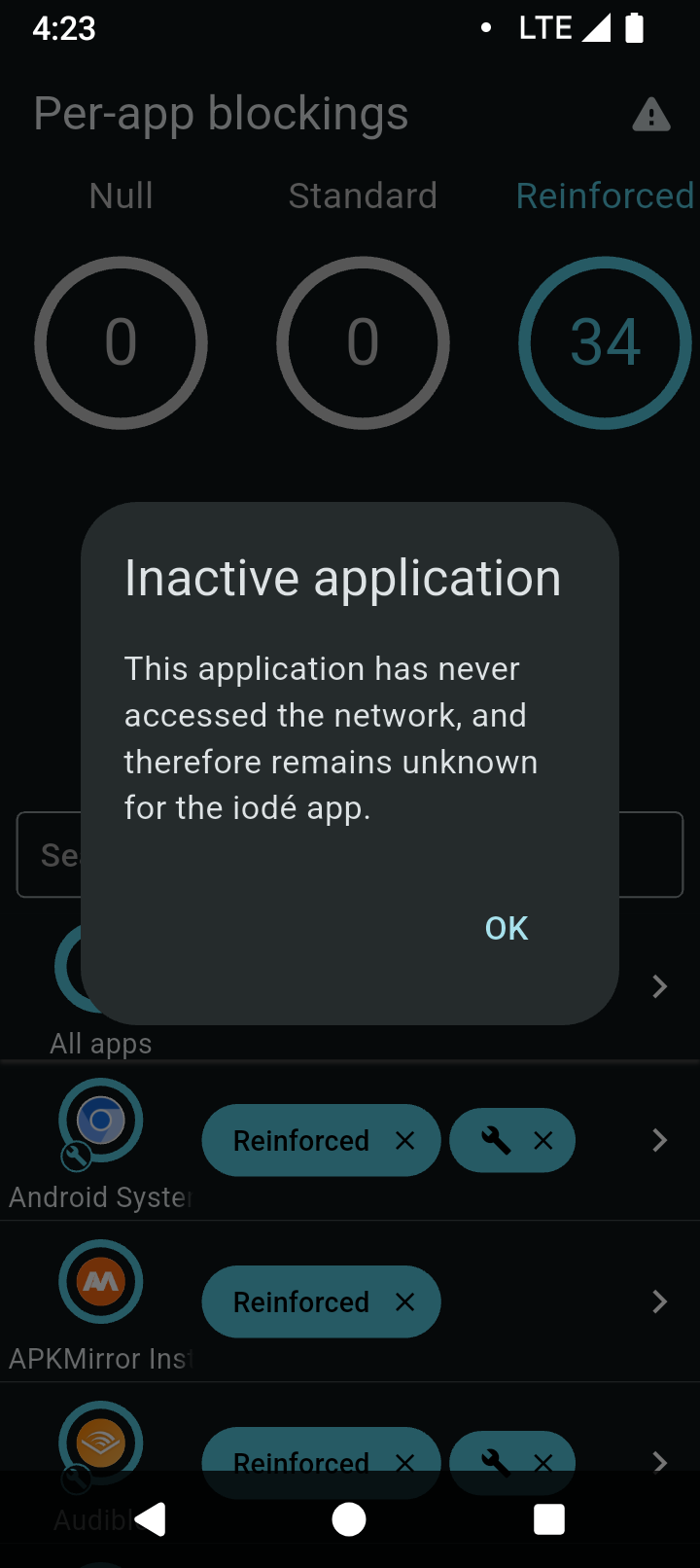
I’ve also read the instructions and there’s no mention of how to manage an ‘inactive application’.
The blocker notification always displays information about the top-level running application. Trebuchet is the launcher : the app which displays the home screen, the app drawer, etc. Trebuchet never communicates through the network: that’s why the statistics stay at 0. That’s also why it is unknown by the blocker once opened: the blocker displays information only for apps that communicate through the network, so you won’t find it in the blocker data.
From the perspective of the blocker, a launcher is an app like any other ones, it does not have a particular status. You can get the same behavior if you use the calculator, for example. You may also install another launcher which would maybe use the network, and then you would see more interesting results.