Well, I went back to Iode’ OS & Lunar OS for a while after first installing Ubuntu Touch back in January. I got my IMEIs back on my phone and know that this 2nd BraX3 is able to make phone calls. So now I want to go back to Ubuntu Touch from Lunar OS and keep getting boot loops after the install.
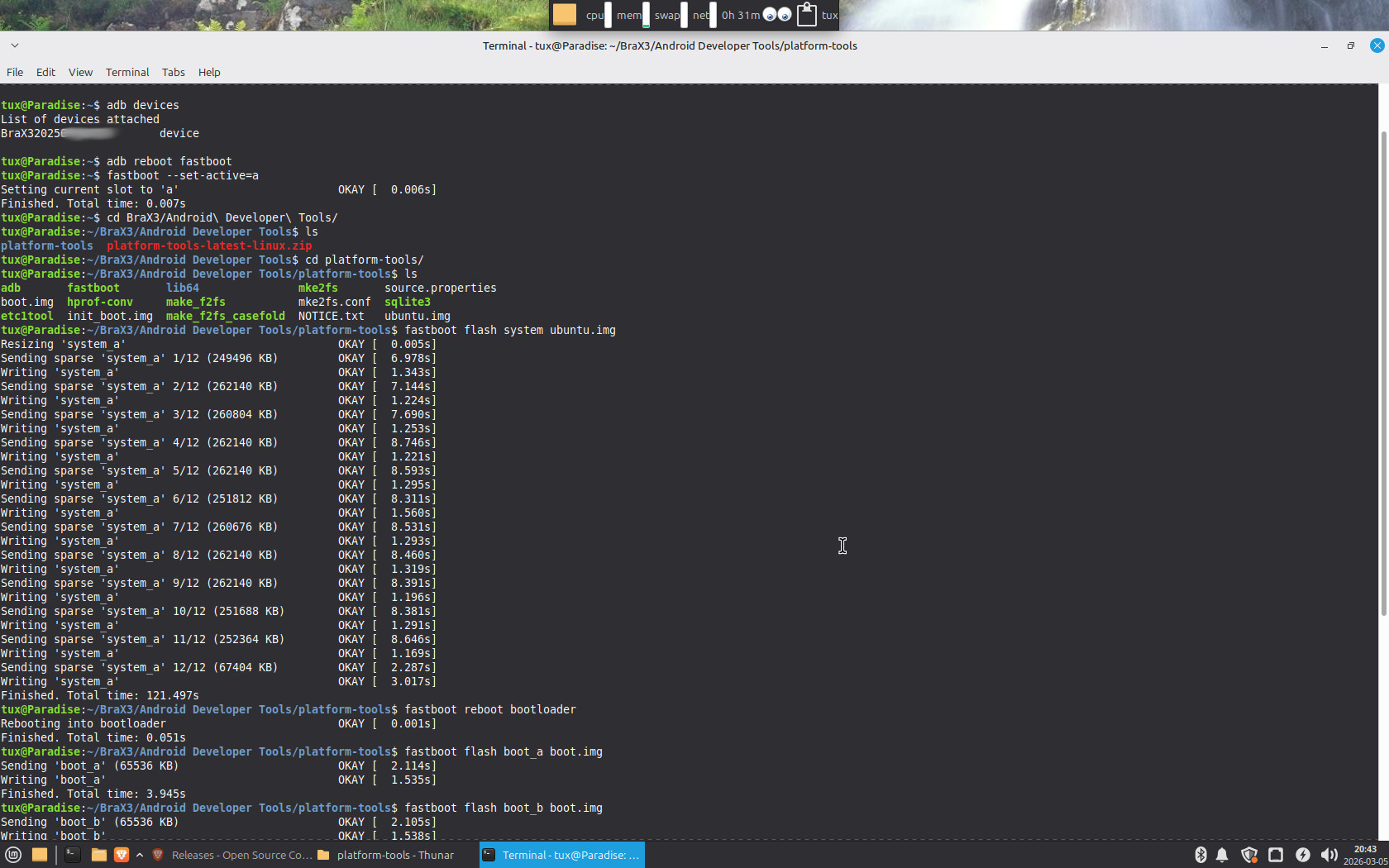
I am following this Ubuntu Touch page after unlocking the bootloader and get all OK prompts with fastboot.
I have done this several times and it appears like it should work but sits there rebooting for 15 minutes. The only things I can think of is to try this on another computer with a fresh download of UT.
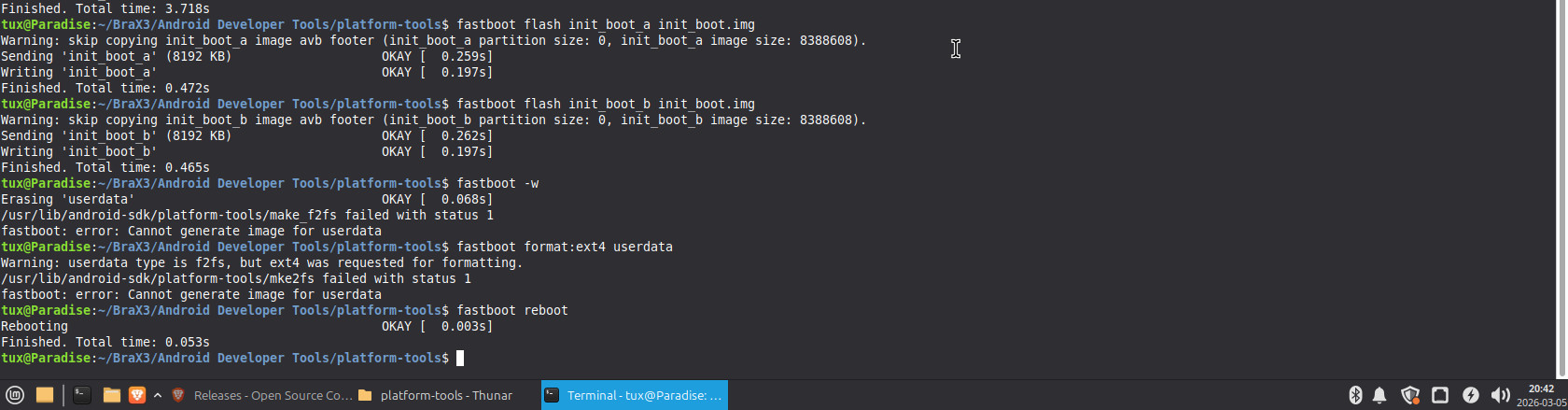
I got it working on another computer. I’m not sure why it took as the last 2 commands gave errors but said okay…I guess that was good as my other computer was able to execute those commands but then messed up the phone!
I attached some screen shots from Linux Mint 22.3!
I was thinking it was because I have the most recent Android Developer Tools on the computer that failed. I put those in the path. Maybe that’s why my UT system is mounted read only? This is the version of fastboot I’m using that failed: