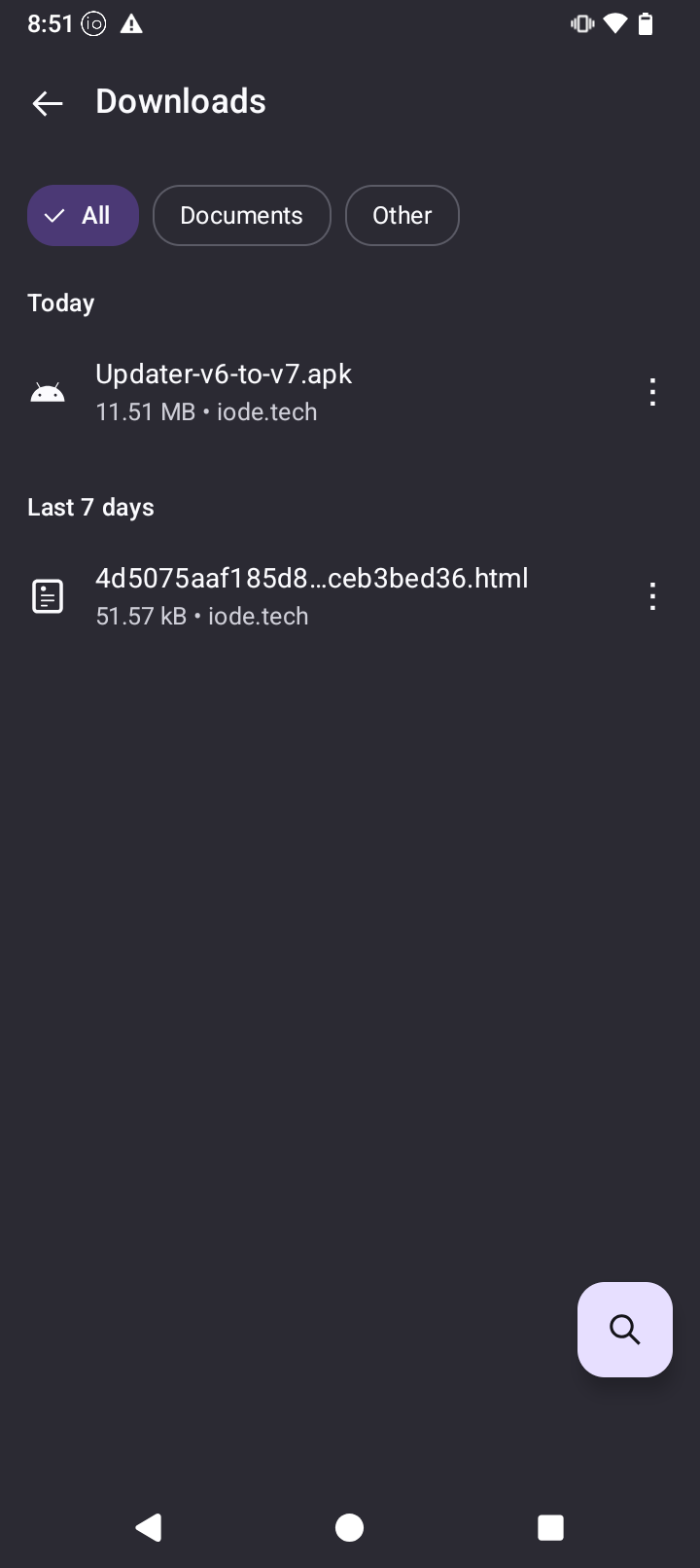
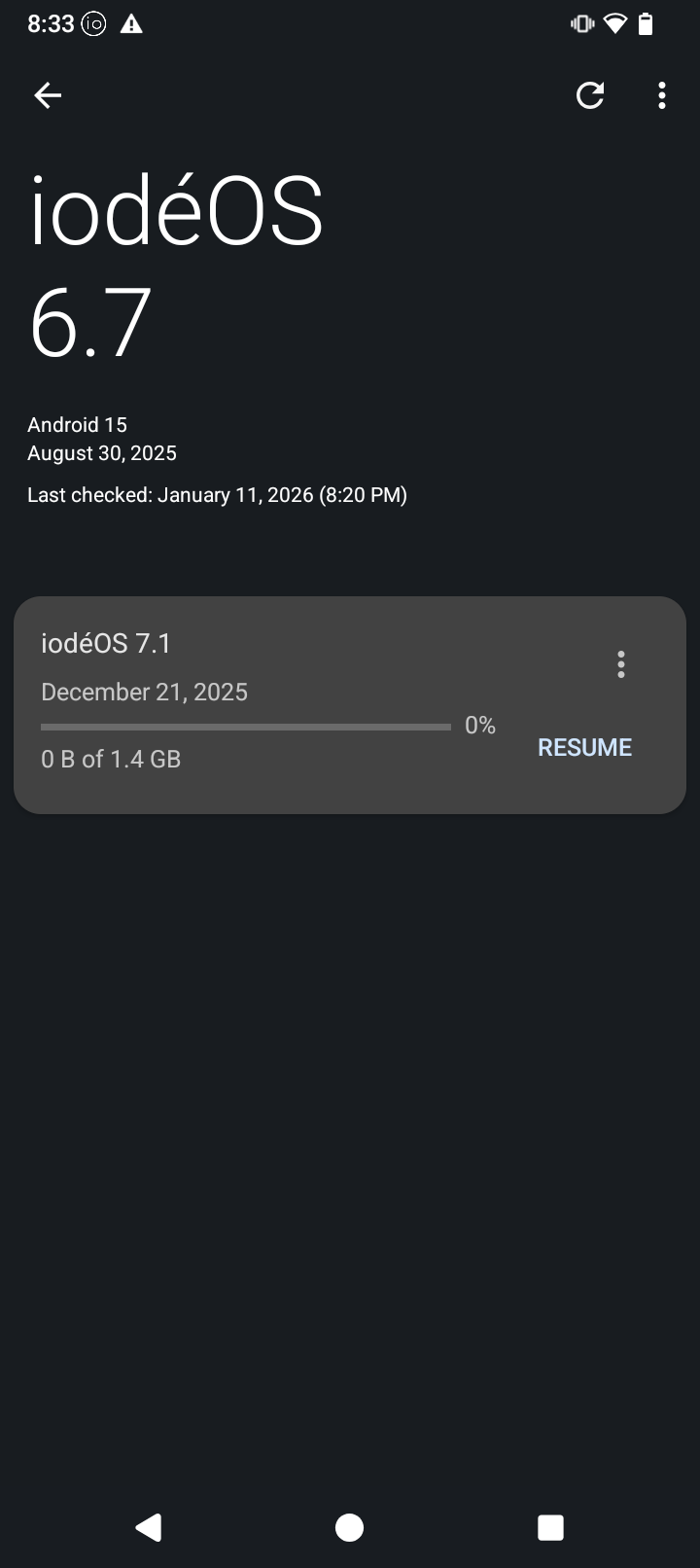
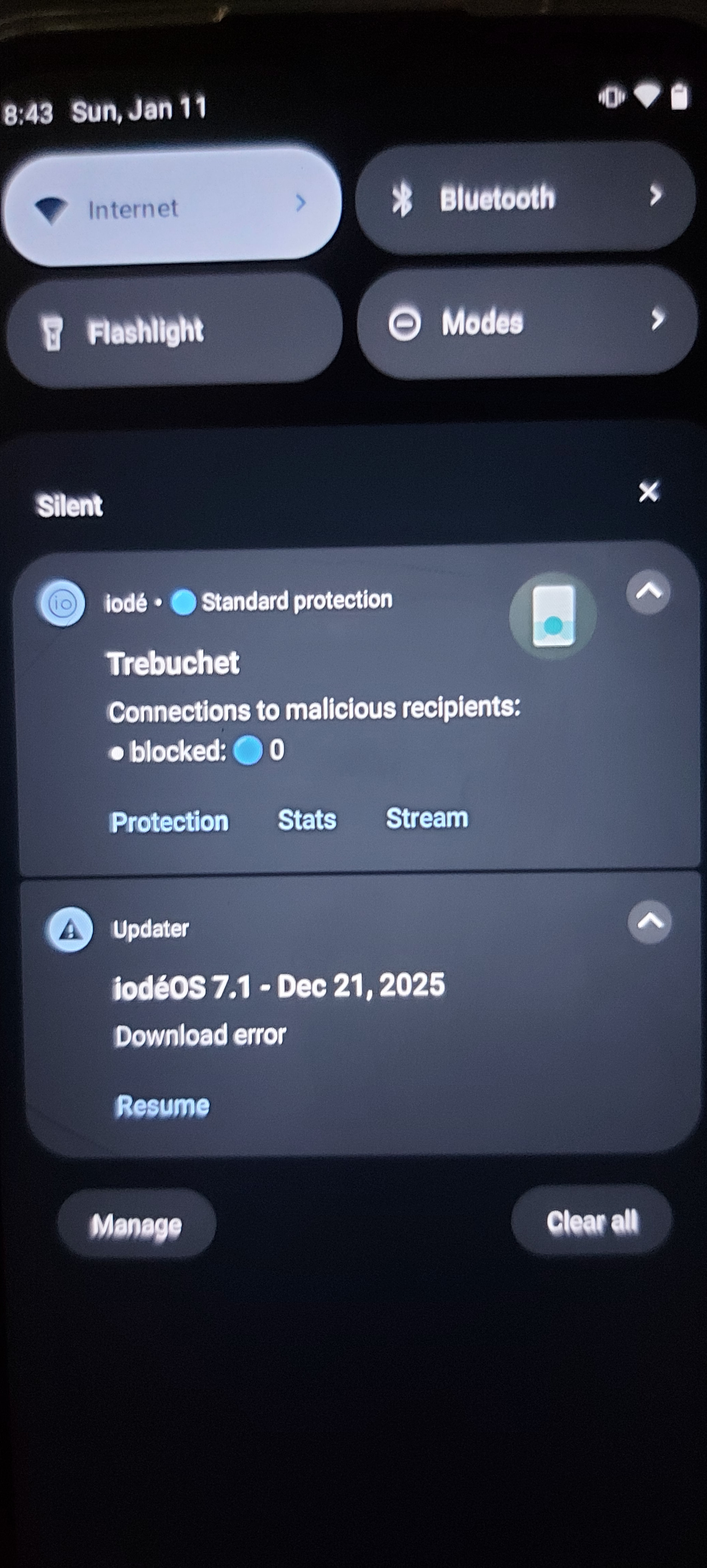
Hello Brax3 fellow users. I have not updated my phone for months after I received it. Today I realized about this and wanted to catch up. Even though I followed those directions in the December 7, 2025 post in the News app: “iodeOS version 7 upgrade important information” I could not install the update. After hitting the link in that post and allowing the iode Browser to Open Links, I was able to download the Updater-v6-to-v7.apk But after hitting that Updater to install, I got an instant mesage in my screen: “The download failed. Please check your internet connection and try again later.” Also received a warning sign in my notifications saying: “Download error.” My WiFi is working great. Anyone could help me fix this issue? All insights are welcome!
Download this file and then choose local update from the 3 dots on the top right brax3/iode-7.1-20251227-brax3-ota.zip · master · ota / release · GitLab
Thank you, George. I downloaded your link as a Local Update and that worked. I appreciate your kindness to read and respond to my post.
No problem, now you have to remove the transitional updater,
hold on the updater icon > App info > 3 dots > Remove update
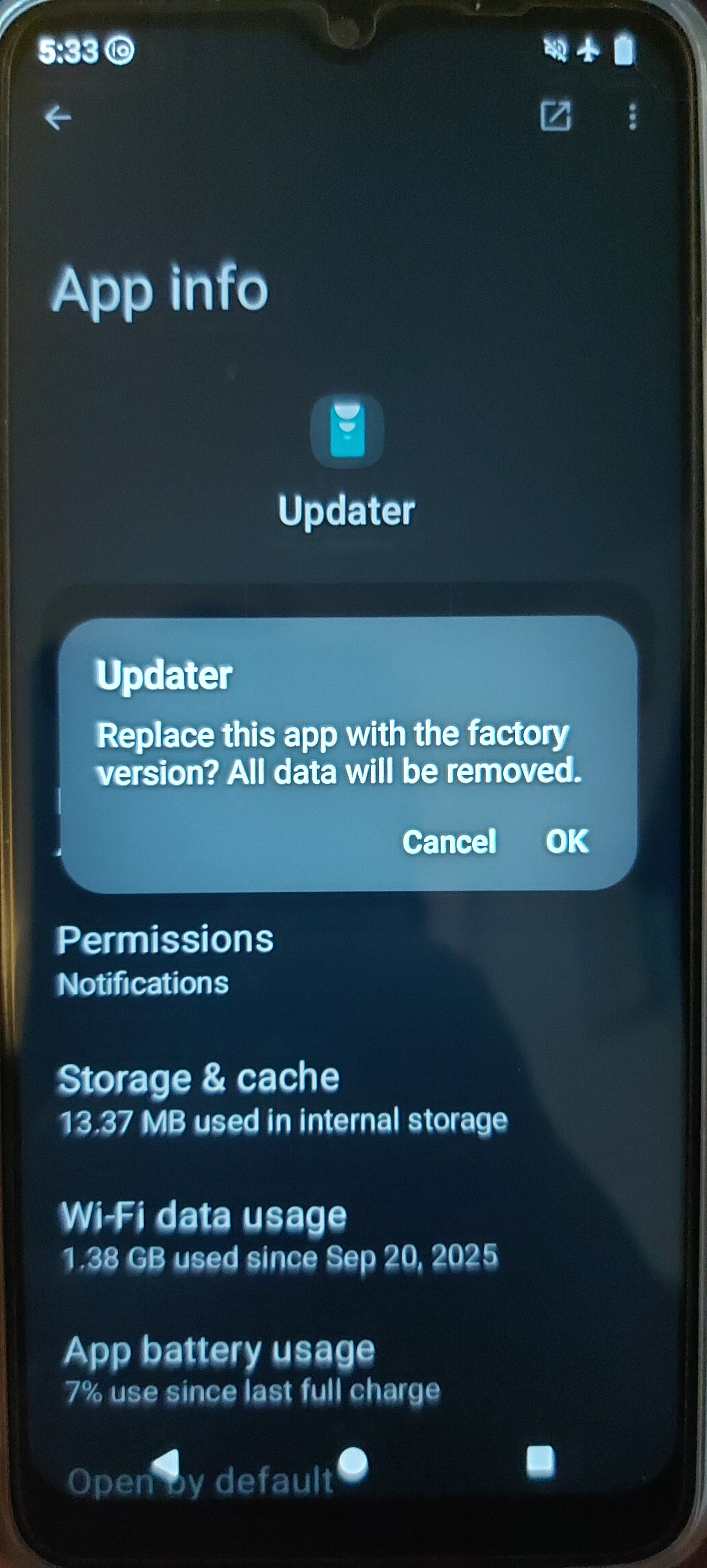
Hello George. Thank you for providing all the steps to complete the update.
I have followed your last directions to delete the Updater app updates. After I pressed and hold the Updater app icon, went to info, three dots to the right corner, I got that screen I showed here. Is that the screen I should get?
I have not finished the proceses waiting for ur confirmation. Thanks again.
Yes, press OK.
Got it. Thank you, George.