When I first setup Ubuntu Touch back in January, I tried to get libertine working and had trouble. I doesn’t by default give a lot of feedback. I just watched a video of a guy showing how libertine works and there is a way to get details of what it is doing by tapping on things. His video is informative:
I got GIMP installed like he did and it is small on the display like in his video, but it works.
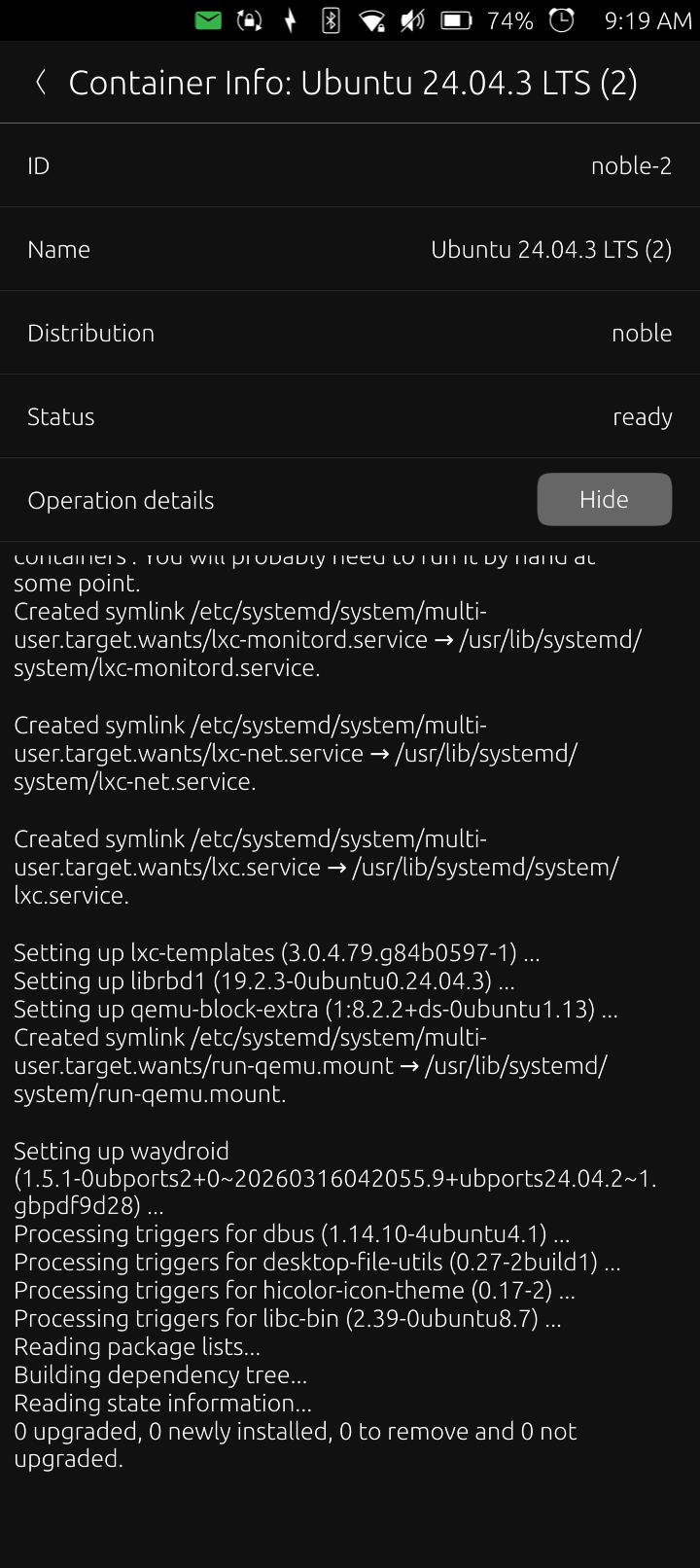
Waydroid is being installed right now inside a libertine container. It takes a while bur I see messages now. Keep the window open and just let the screen time out.
Hopefully it more usable than gimp which I deleted!
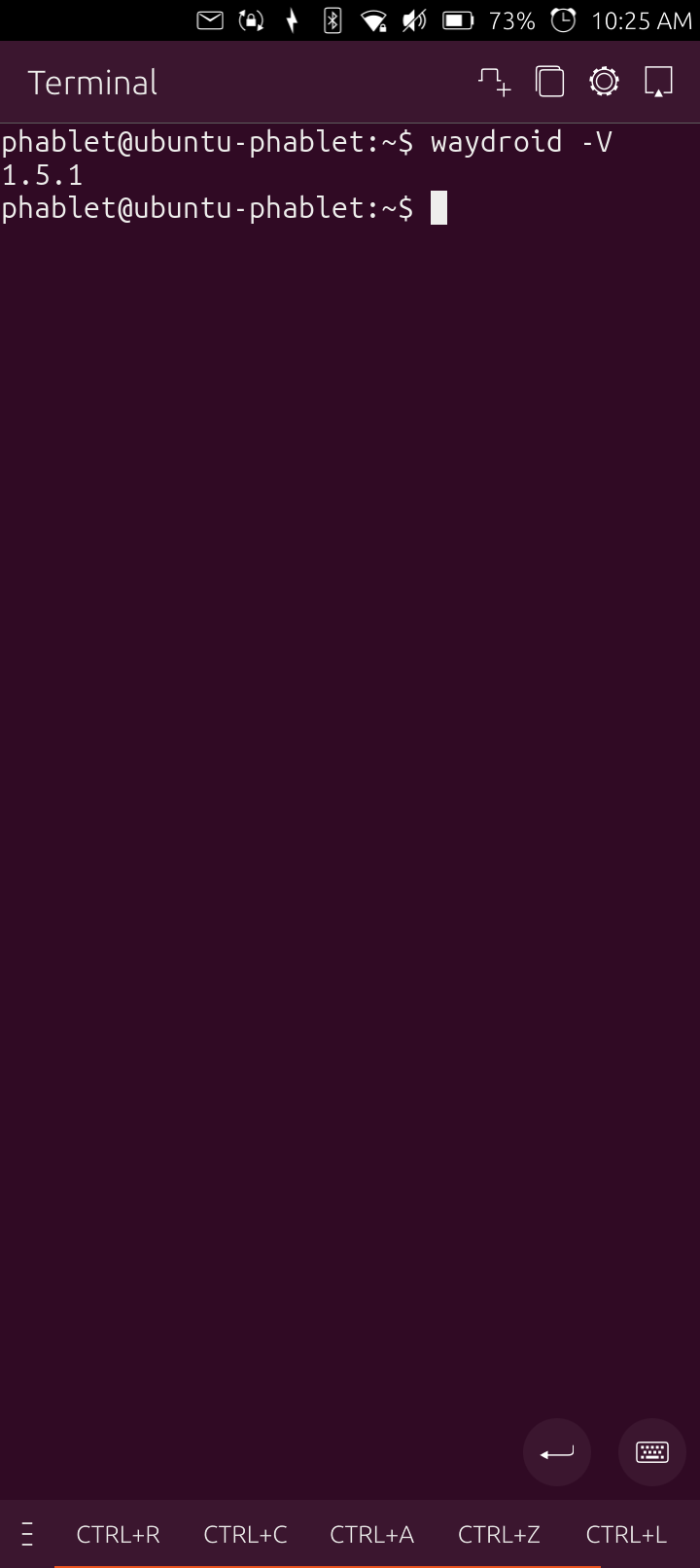
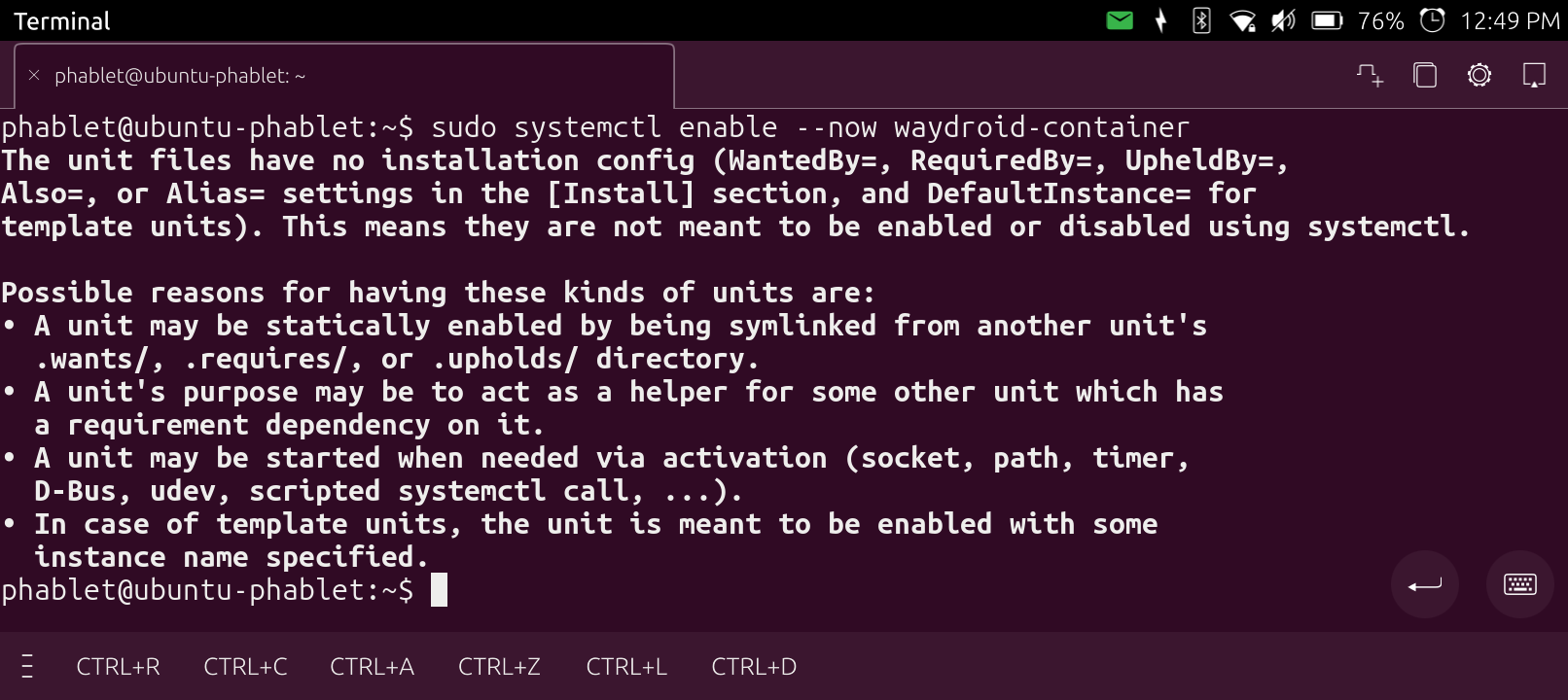
Well, i got waydroid installed in libertine with no errors. I restarted the phone and no launcher appears. I can access it from the terminal but I’m not sure how to install an Android app. Here’s some screenshots:
On Waydroid you download and install the apps with Aurora and Fdroid or download the apk, else you either mount the container and copy the apk or you give it permission to access some external directory to find and install the apk.
I did the first 3 commands yesterday and u get an error about not having an _apt user. I added the user and didn’t get that problem anymore but the cache apt uses for package lists fills up quick. I linked it to the /userdata area and then got another error. Ubuntu really locked down Ubuntu Touch!!
I am hoping it will stay stable if I take the libertine approach!
OK, that libertine install didn’t want to do anything so I removed it and rebooted. I installed waydroid by making the system writable and apt worked. The error I’m getting I didn’t see in any video so maybe this is an Ubuntu 24.04 thing but it’s missing a kernel module from what I found looking this up:
ERROR: Binder node “binder” for waydroid not found