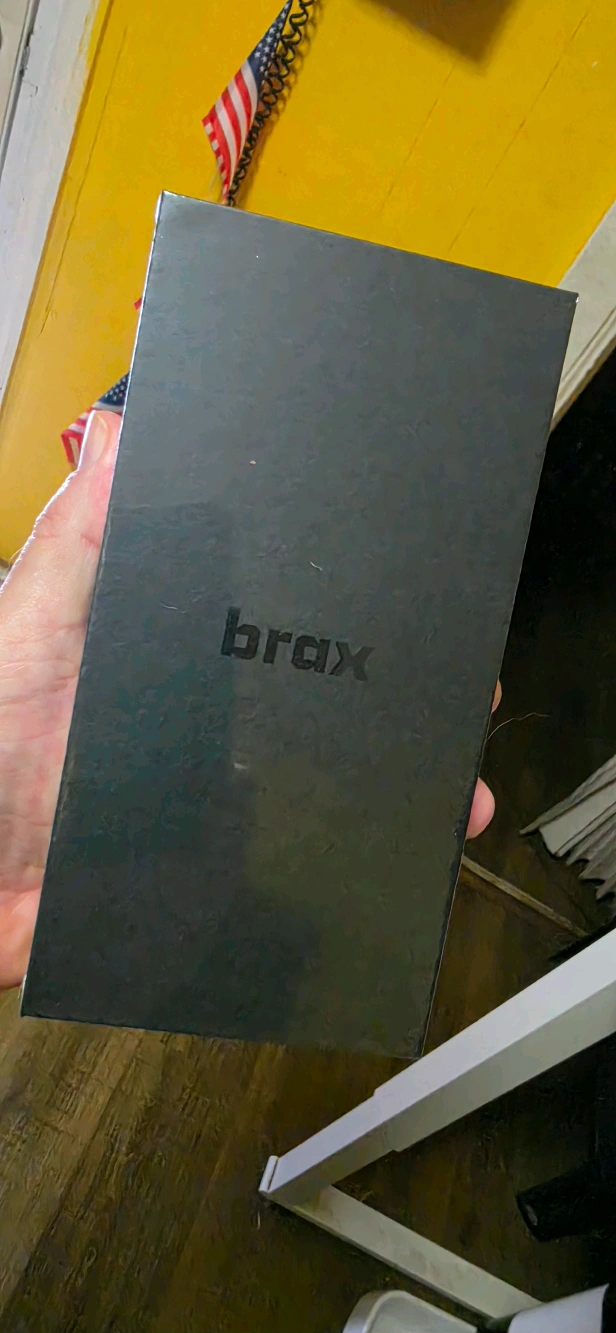
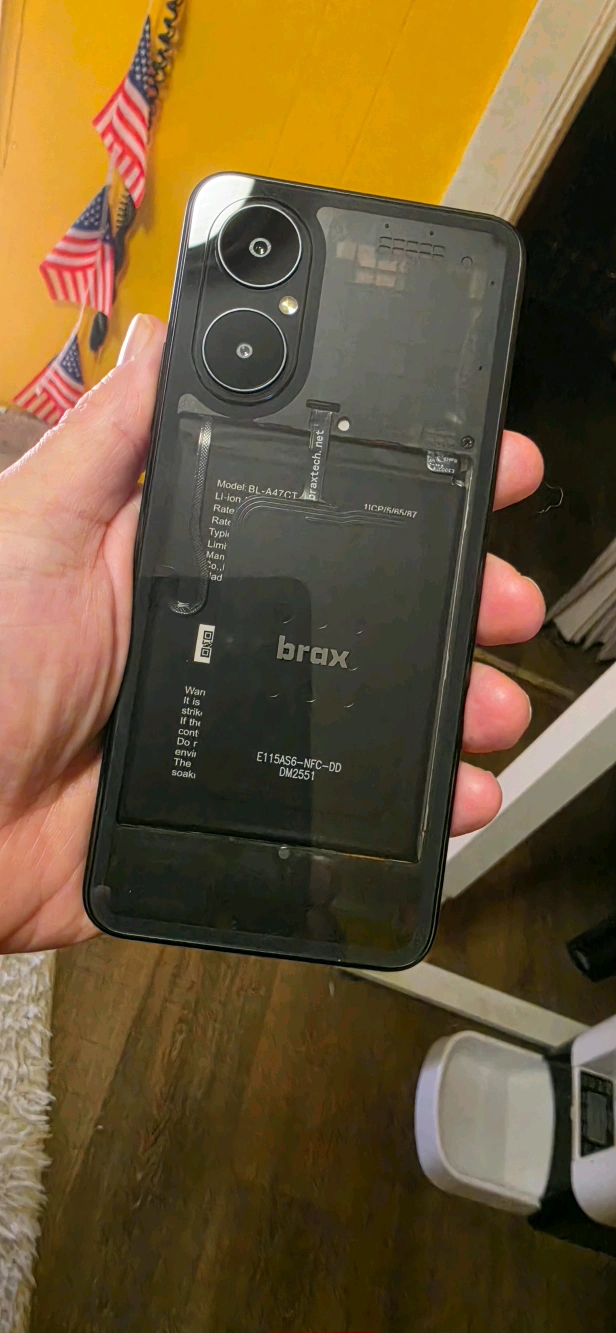
The Brax3 came yesterday and I was very happy with the looks and feel of it as I was not sure what to expect. It is about the same size as the Samsung Ultra and a good bit lighter.
I am in no rush to get it going and planning to take my time and set it up over the next few days and hope to make the full switch by the weekend.
Day 1 - I setup Wifi 5, installed Proton VPN , updated the OS to 7.7 then imported all my photos and contacts. This took a few hours as I imported a lot and had a problem getting my “hidden” wifi SSID to work, finally found the setting I needed.
Day 2 (today) - I plan to import my txt messages if possible and install the same apps that are on my other phone. This should take a while as I have to sign in and all that stuff to most of them.
Day 3 - If things go well, I will try to activate the cellular, sms, mms.
Day 4 - (Friday) Just in case of problems, then Saturday hope to fully switch to this.
I just dont want to rush this and forget to move over something, so a 3 day plan with day 4 in case of problems activating the cellular.
So far going well. Days 1 and 2 went very smooth, I installed all the apps my old phone had and copied all my photos, contacts and other things. So pretty much setup except for cellular.
Day 3 is today and I installed my Mint Mobile eSim. It went fine my phone is working for calls and sms, but not for MMS.
This is kinda what I was expecting from reading these forums, so I planned today to try to get MMS working, but at least sms and voice works.
This is odd as it looks like it “IS” working except it will not send every picture. I can receive any size picture, so receiving works fine it looks like.
It seems to only send “some of them” making me think the installed sms/mms app might not resize the images so some are too big??? Most images were from the Samsung Ultra I imported, so taken at 50-200 mp’s depending on the lens it used so some could be pretty big.
Maybe I need to try a different app, not sure though.
You should up the privacy blocking aggressiveness via the iode app
The iodé app is the system-wide control center for the integrated ad-blocker and network privacy features in the iodéOS mobile operating system. It operates at the system level to monitor and manage data transmissions, allowing users to block malicious connections, prevent tracking, and reduce unwanted data from installed apps.
I found you can set an extra password to protect the sms app and Aurora store so far. That’s good as even if someone gets in the phone, the sms app is still protected.
In the Iode app, I have everything set to reinforced and will see if that messes up anything for any of the apps. Most were standard by default and I changed them all to reinforced, hoping that does not mess up any of them.
I know its only been a few days, but I am really liking the Brax 3. I still have some things to figure out, like I can send and receive pics but I can’t send videos, other than that everything is going smooth.
I was coming from a Samsung Ultra so was sort of expecting a hardware downgrade, but overall the Brax 3 is working out. Even the screen while not the same level as the Ultra, its not bad and I am already used to it.
 my phone is working for calls and sms, but not for MMS.