I looked over one back in January and it left me with questions which u might have too. This one clarifies one of those-u are cross compiling on a PC. They also have a video that is good:
still didn’t work. No errors but wouldn’t build on this PC. It wanted more dependencies which I installed but got errors. That video assumes u have already gotten this installed. I think these directions are at least 2 years old. I’m thinking I should set up my PC with older software.
I was told by Brave AI that app development is best for the Ubuntu Touch phones using a LTS edition of Ubuntu. So last night I wiped MX Linux 25.1 and put XUbuntu 24.04 LTS on my mini PC.
Now I will see if MY computer will actually build a clickable package!
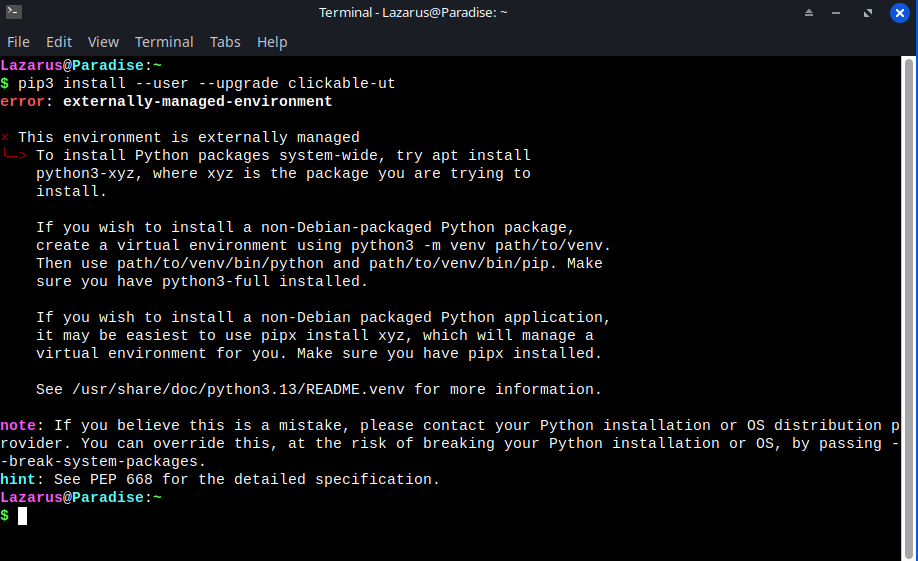
I got further by installing XUbuntu 24.04 LTS and using that to build a default clickable project. I used the the first pipx method in the above article:
I didn’t have any problems until I tried to set this up as explained at the bottom of that page. I was getting a permission issue that I could not resolve with sudo or as root. I wound up doing this and it worked:
sudo chown lazarus /var/run/docker.sock
clickable setup configures your app making workstation. To make an app continue with:
clickable create
and then
clickable build
U can see this on your PC with:
clickable desktop
The default is to display the long used:
Hello World!
Now to figure out how to get the open source GitHub directories and files to be built by clickable or docker!
I watched a YouTube video yesterday where a guy made a game for UT. He copied all the code files and directories into a new directory called www and used an html template. Is that a usual place for the code to go?
I installed FreeTube on my XUbuntu 24.04 PC and added some videos to my que. I’m following UBPorts but don’t see much besides that first video they shot which doesn’t explain how to build a real app…just something that says Hello World!
I did find the UBPorts documentation, so I’m reading but they don’t seem to answer that question. It seems like something any developer would want to know-where do I put my code to get clickable to cross compile it?
Here are the docs and look under the development section:
As it is described here, Commands — Clickable 8.7.0 documentation , the build command is complicated and needs to know the builder, that is depending on the programing you’re doing you have to define the appropriate toolchain.
It’s better to start from packaging binaries into click packages and then decide your programming platform and either compile them there or configure clickable on how to compile the code.
The GUI can be done with QML or HTML and the logic can be programmed with some other language.
For most applications you can already find the aarch64 binaries, build as many as you can as click packages. The programming depends heavily on what you are trying to do, most people use Python because every kind of library has been developed there and then Qt will be used for the GUI.
Go through the course to understand the mechanism and then decide what fits for every purpose.
Building existing code from github shouldn’t be easy, you have to import it and adjust it.
Already on Android most apps just open a browser (WebView) and present online content. Creating buttons and Kotlin logic takes time. For local purposes you can run a web server and access it as a loopback.
I built my own app for the desktop! It was already published but I wanted to see what happens and the directions were given in the readme file on gitlab. U don’t need these templates that clickable provides. That is there to confuse u it seems! Just go download the sourcecode and download it as a zip file. Then extract and go into the top directory. From there just type clickable.
That command assumes that your phone is connected by USB to the computer. For some reason, the BraX3 is not showing up as a device when plugged in. I got it to build by typing:
clickable build
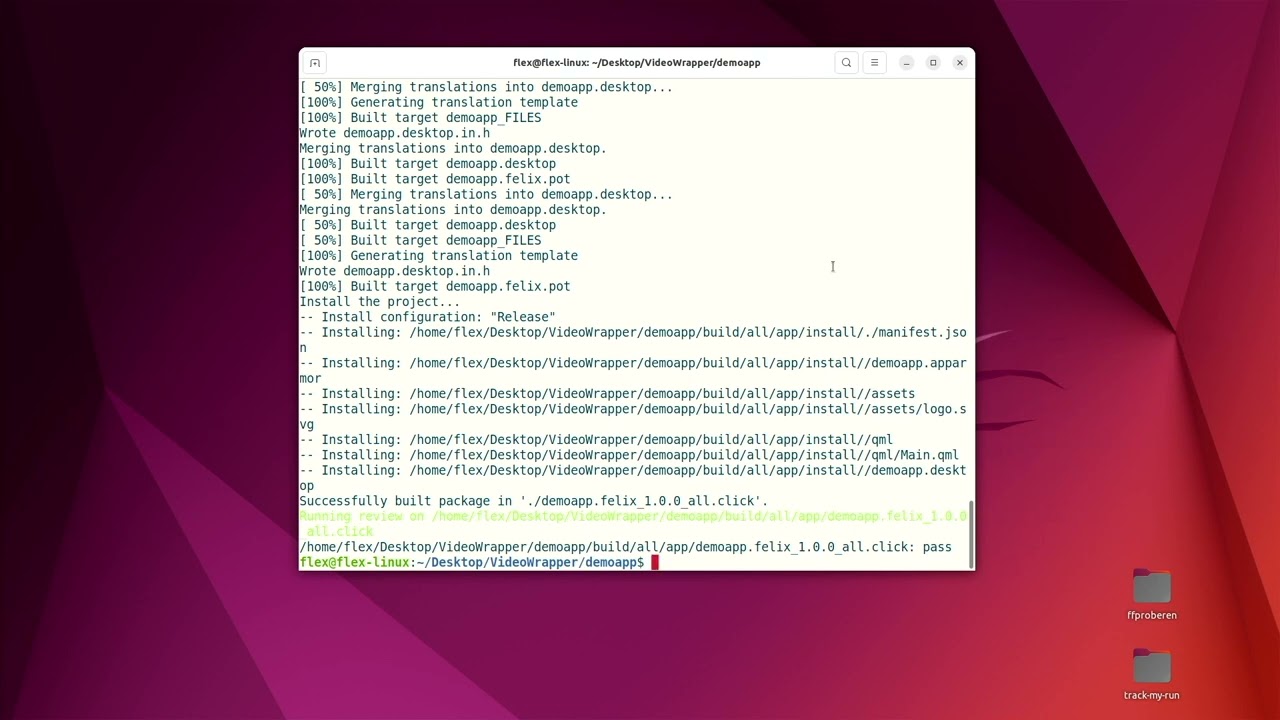
That builds the file for a computer that my computer in Ubuntu sees as a Debian file in the build directory it is a file.all.click file. It seems the cross compiler needs instructions to make this into an arm64 file!
U can see this on the desktop with this:
clickable desktop
That video above says put in this:
clickable -a arm64
Our device isn’t seen by the computer. The clickable file provided in the package I downloaded indicates a “pure” build. I’m not sure what that means but it won’t let me change the architecture for this program I am experimenting with. I will try another. For a project without a clickable file u do need that template first. Then just copy the sourcecode into the same directory that clickable.yaml or clickable.json is in.
I don’t know, I thought it would finally make a clickable file but no. This time I tried an open source file from F-Droid and linked on GitHub. Watching the output I determined it needed a C++ template. I was able to do:
clickable build -a arm64
by first doing this:
clickable create -a arm64
It wouldn’t let me read the log files because my phone wouldn’t attach to the computer!
I think tomorrow I will try to get the BraX3 running UT to build a clickable app. It took under 5 minutes on a mini PC that probably isn’t much faster than our phone. At least then it will make the clickable file and give the logs!
Cross-compiling can be very tricky. For the connection ask the developers, when I connect the phone to the PC with iodé I see nothing until I activate the file transfer,
> lsusb
MediaTek Inc. Cyrus Technology CS 24
this is controlled by the Mediatek blobs and thus it’s the same for Ubuntu Touch.