I replied to ‘George’ regarding a few file spec. I have limited ‘recent’ software experience, so I am open to trying some open-source options on a Linux platform. Your point about the gpu is an improvement consideration. Perhaps this Slate is the place to ‘begin’, and then invest in a carbon if I find I need more muscle?
The maximum RAM on the Genio 720 platform is 16GB. It is not an option to go 32GB.
Something to consider is that 16GB on ARM is not the same as 16GB on Intel - due to the ARM architecture, 16GB on it will be snappier than 16gb on intel. There are many source out there that provide more thorough info on this.
1 Like
I would recommend you to go the initial path of buying a cheap Carbon to learn Linux and do your job comfortably. I believe the cheap $200 7th Generation Carbon that someone else is using here is more than enough.
Linux offers all the software you need and even some older Adobe software through emulation. Adobe doesn’t offer software for Linux even if you pay though now they have gone on the cloud.
The tablet would get you through various complications like that initially ships with Android and you will probably need an external screen for more optical space. Ask Plamen for more details.
1 Like
We’d love to hire you if you can optimize a third party display for this motherboard.
But on a more practical note, this usually isn’t open-sourced. It’s proprietary source code that manages the optimization. We can share more info when the we releases source code, and a first beta version of the software.
Wait…are you saying ‘possibly’ that an older version of adobe cs could run by way of an Lenox emulator? I own CS 5.5. I would quite pleased if I could install and use my older, but beloved software again.
I do appreciate your suggestion. Thank you for replying.
to be honest, for some time I studied Lup Yuen’s work on the Pinephone, e.g. NuttX RTOS for PinePhone: MIPI Display Serial Interface, NuttX RTOS for PinePhone: Display Engine , and though I could follow and it was interesting my head was about to explode.
Having documentation about the hardware could probably make it feasible though I don’t think I have the energy to go the M1 Alyssa Rosenzweig way.
Older versions of Adobe that are not based on complicated online authentications run through Wine(Windows Emulator).
2 random links to get an idea,
https://www.phoronix.com/news/Adobe-Photoshop-2025-Wine-Patch,
Wine Patches Bring Newer Versions of Adobe Photoshop to Linux - OMG! Ubuntu
1 Like
I assume we will be able to install any linux distro on the slate that is not offered on the original release. I’ve been through a few Mint versions, Ubuntu and recently am running Zorin on my current laptop. My wife was not comfortable with linux until she saw the Zorin interface. This device looks awesome. Impatiently waiting for the pre-order availability!
Even 3.0 would be a reasonable improvement.
My apologies if this has been covered but if it’s there my eyes skimmed over it. What’s the ability of this device to run multiple monitors? Can the GPU handle that? Is there a limit? I use a KVM switch at my desk to switch between devices and would love to add over my old laptop.
Pardon my ignorance on this part, I haven’t been a hardware guy for a long time, but what about docks? Could I plug in an old Dell dock and use that to expand my USB and video options? Or a generic dock I can find online?
isn’t that what the displayport going to be for? displayport to hdmi cable? also, will any or all of the usb-c port be able to send video via a usb-c to hdmi cable/adapter?
Beyond that the distribution should have an aarch64 build it also needs specific tuning for the device, don’t expect anything else to run out-of-the-box.
Hi community, it’s been a minute since I last posted an updated.
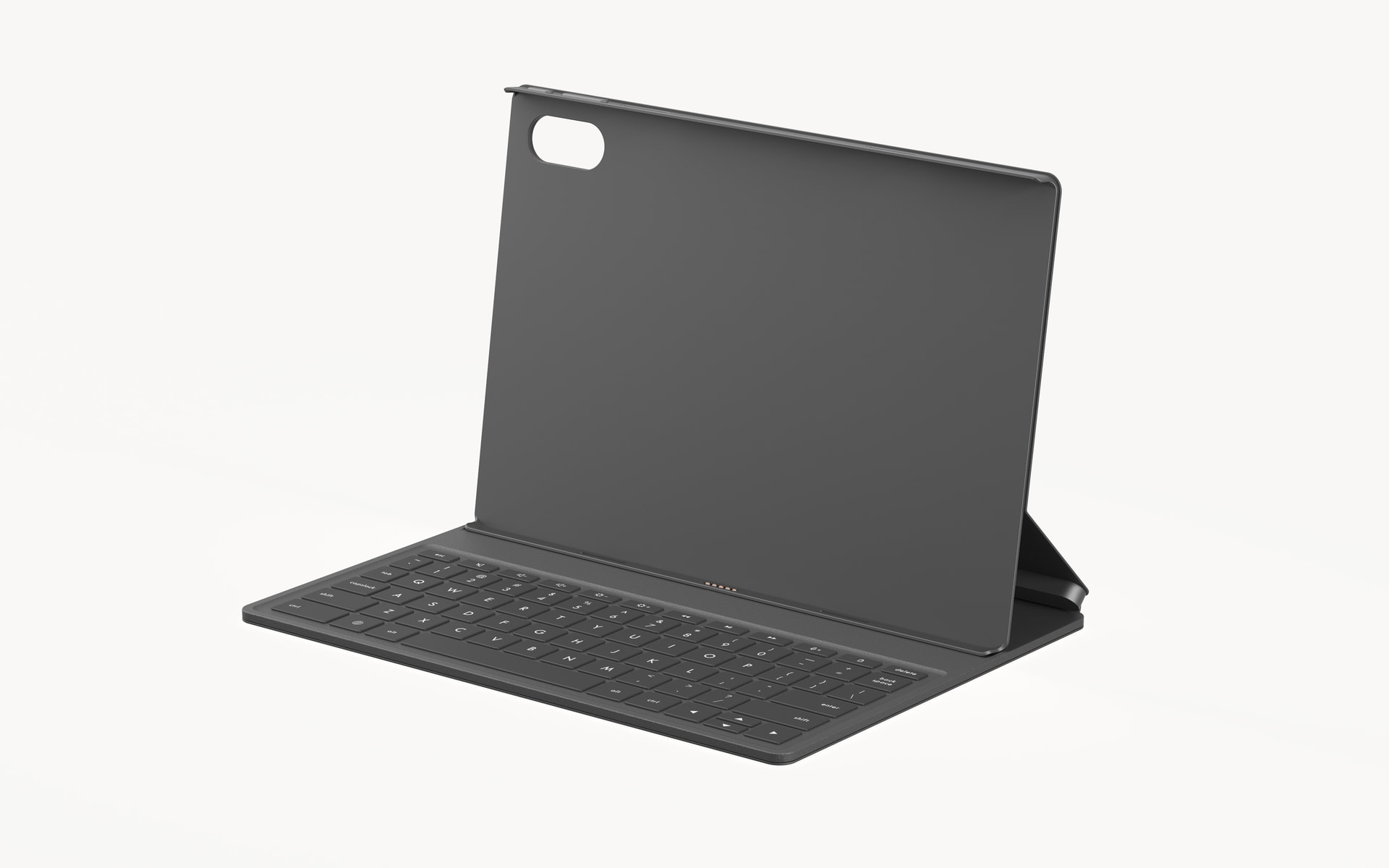
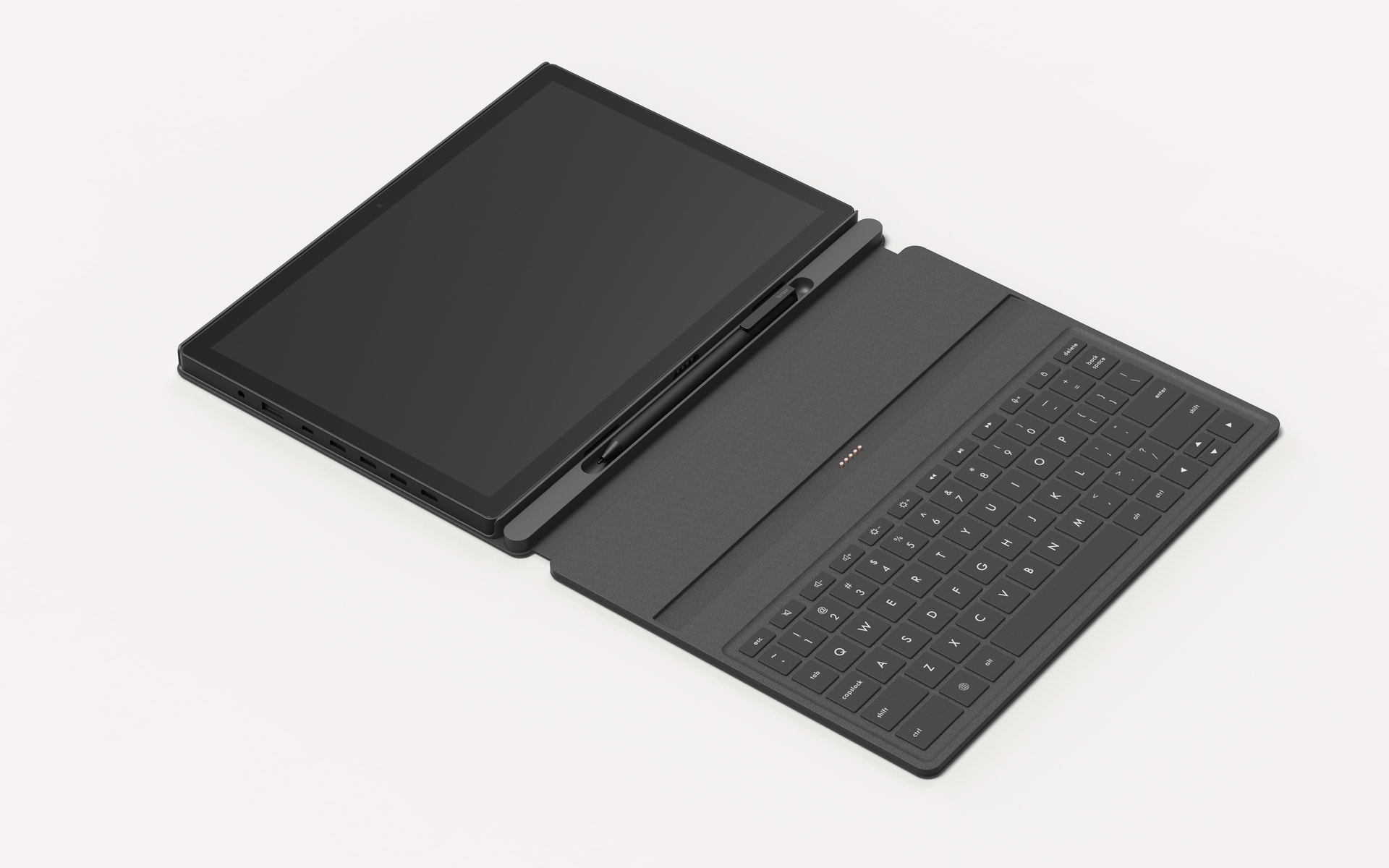
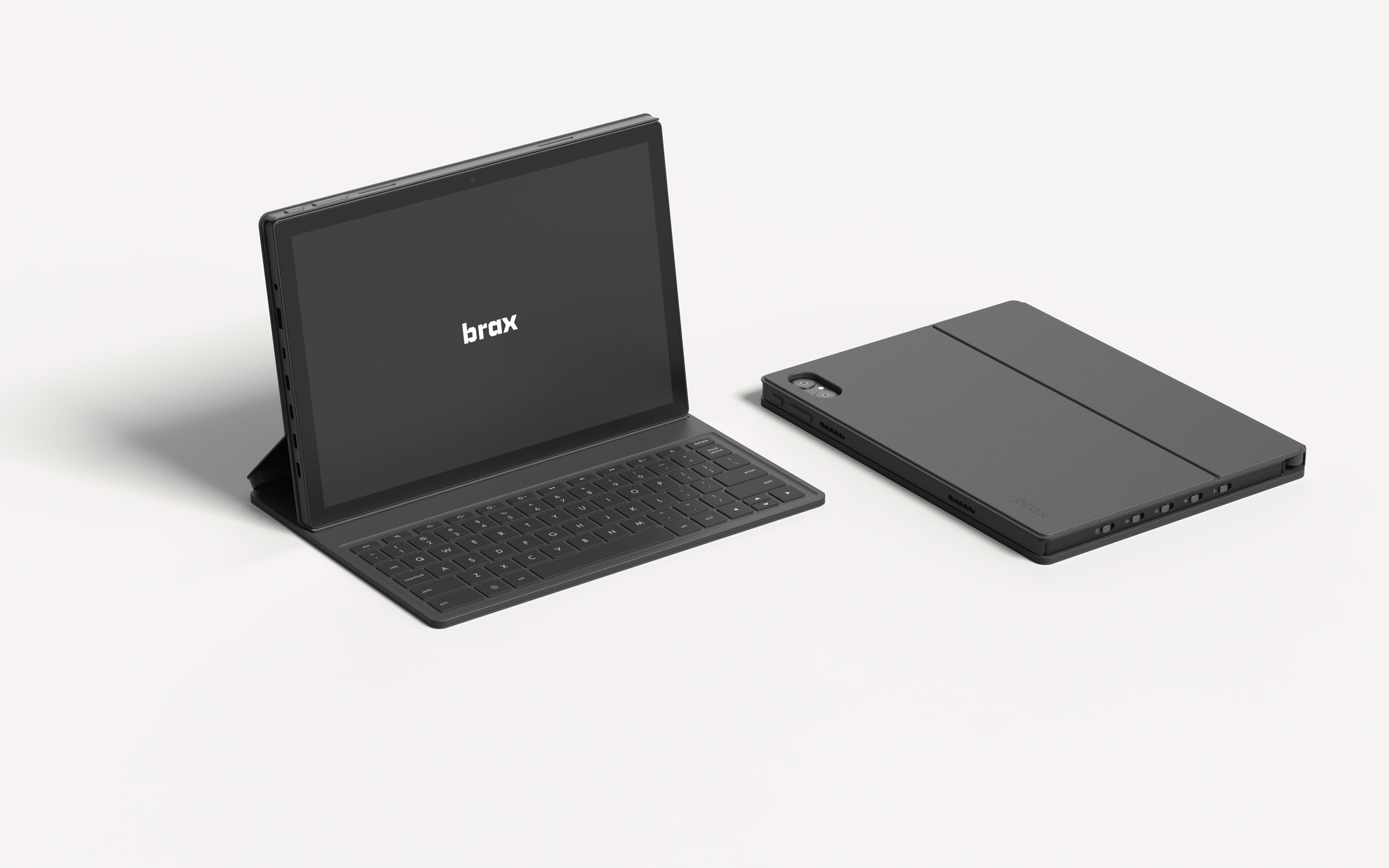
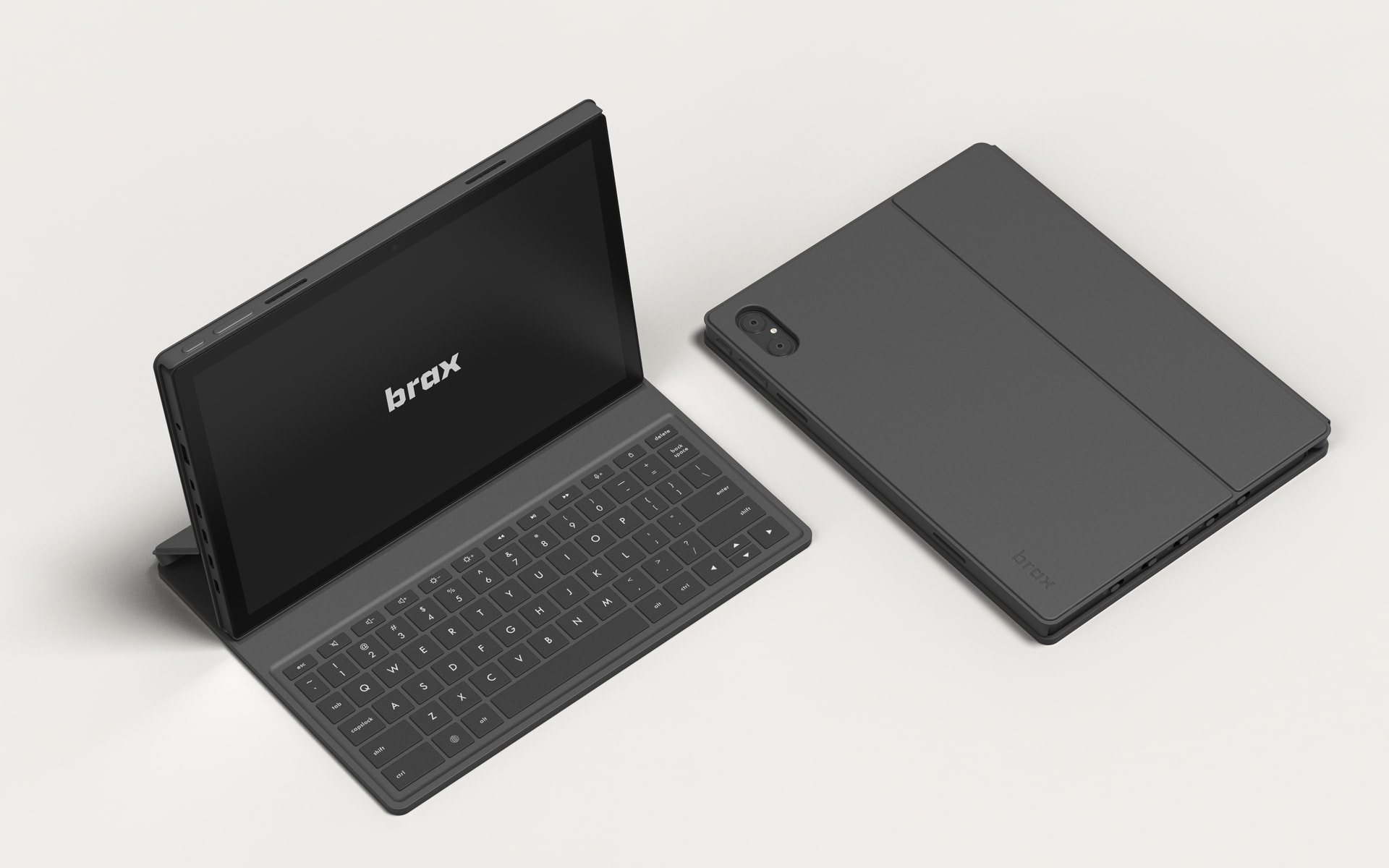
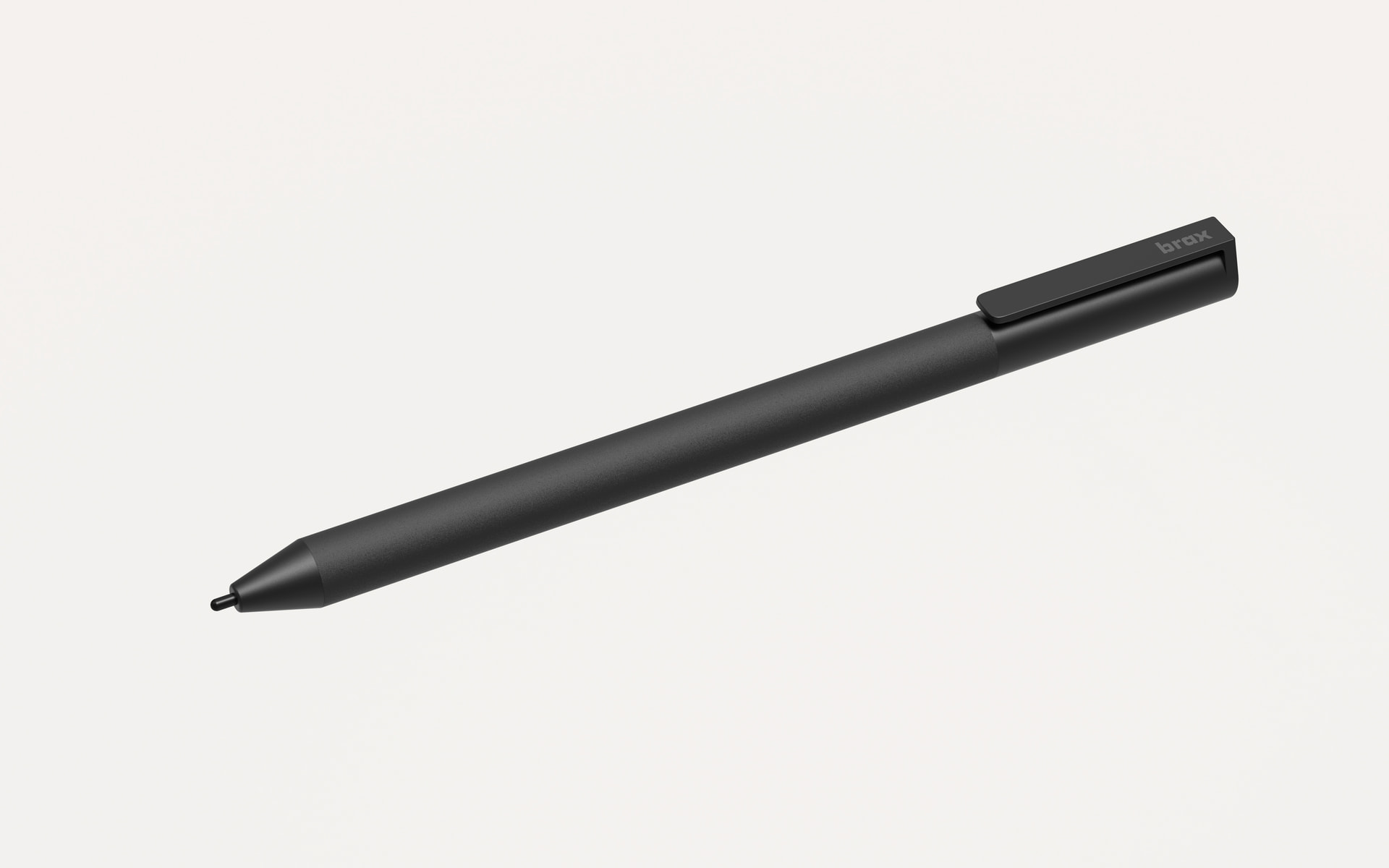
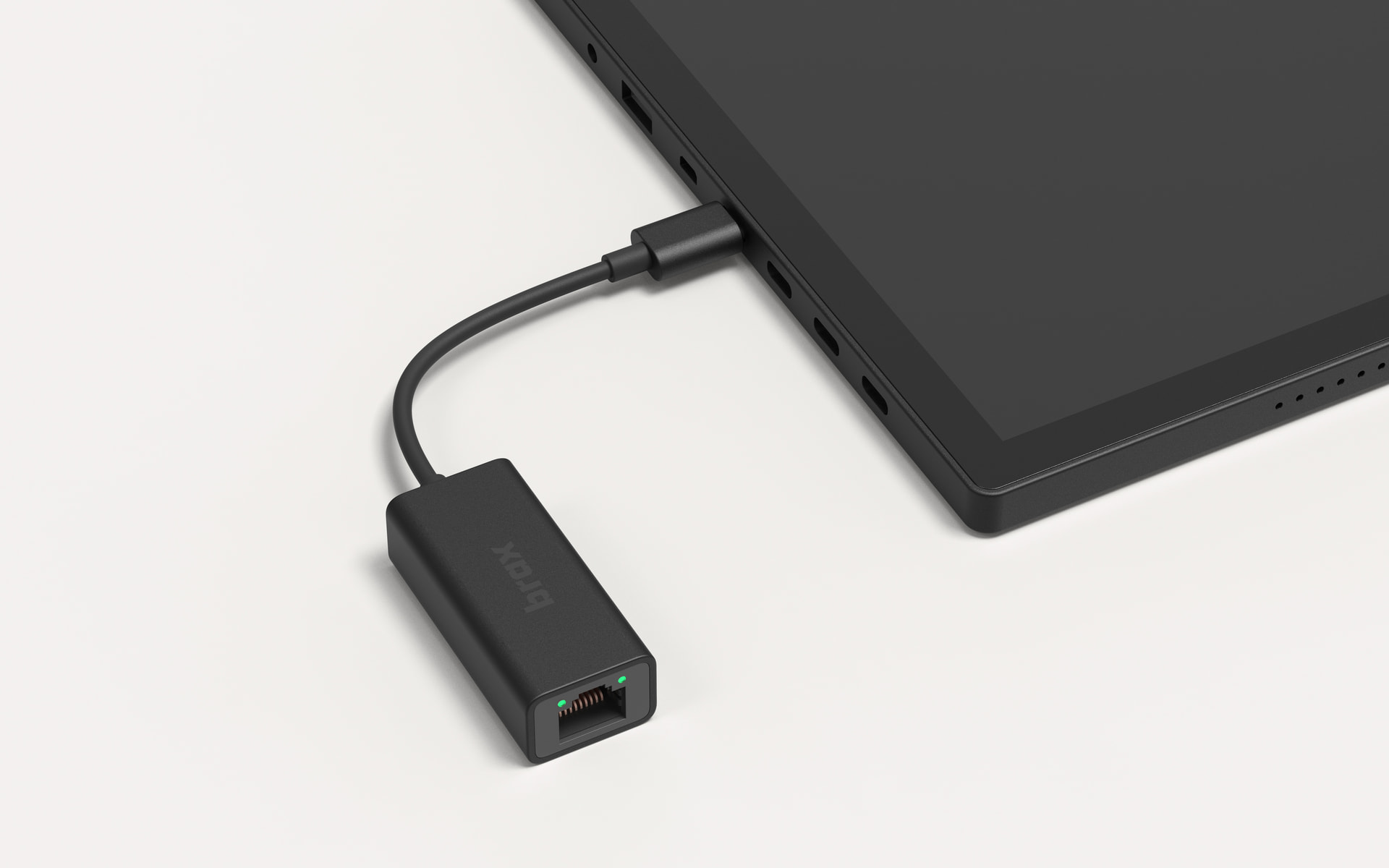
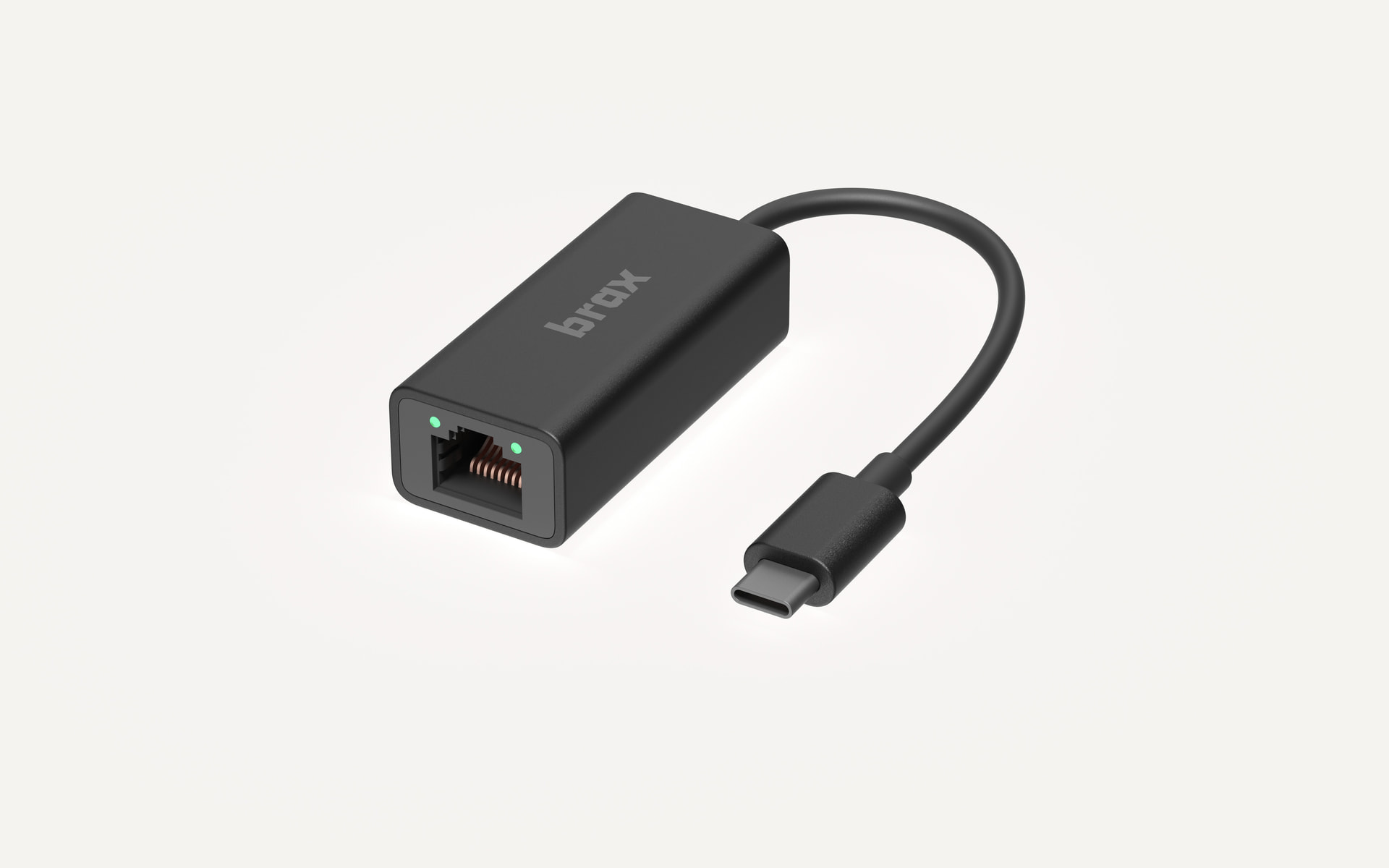
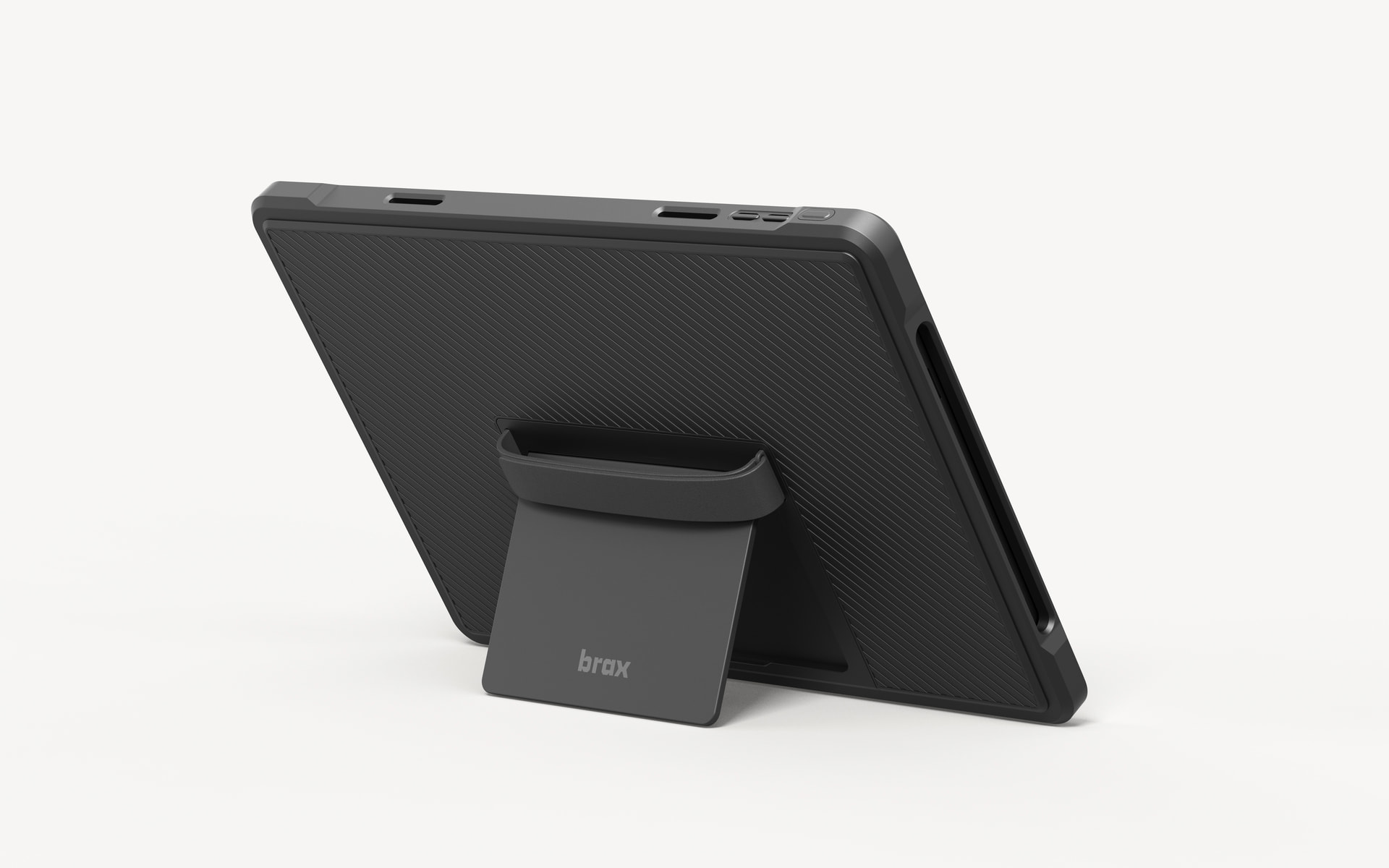
I am happy to share the full line of accessories for the open_slate.
With that, I am also opening a poll to see which accessories are most sought after. Let us know if you’d like us to add any accessories. If your suggestion gets some traction, we can include it in the line up.
What accessories are you looking to add to your open_slate?
- Folio case
- Keyboard + folio case
- Rugged case
- Stylus pen
- USB-C to RJ45 connector
- None - I will go vanilla
0
voters
Folio case
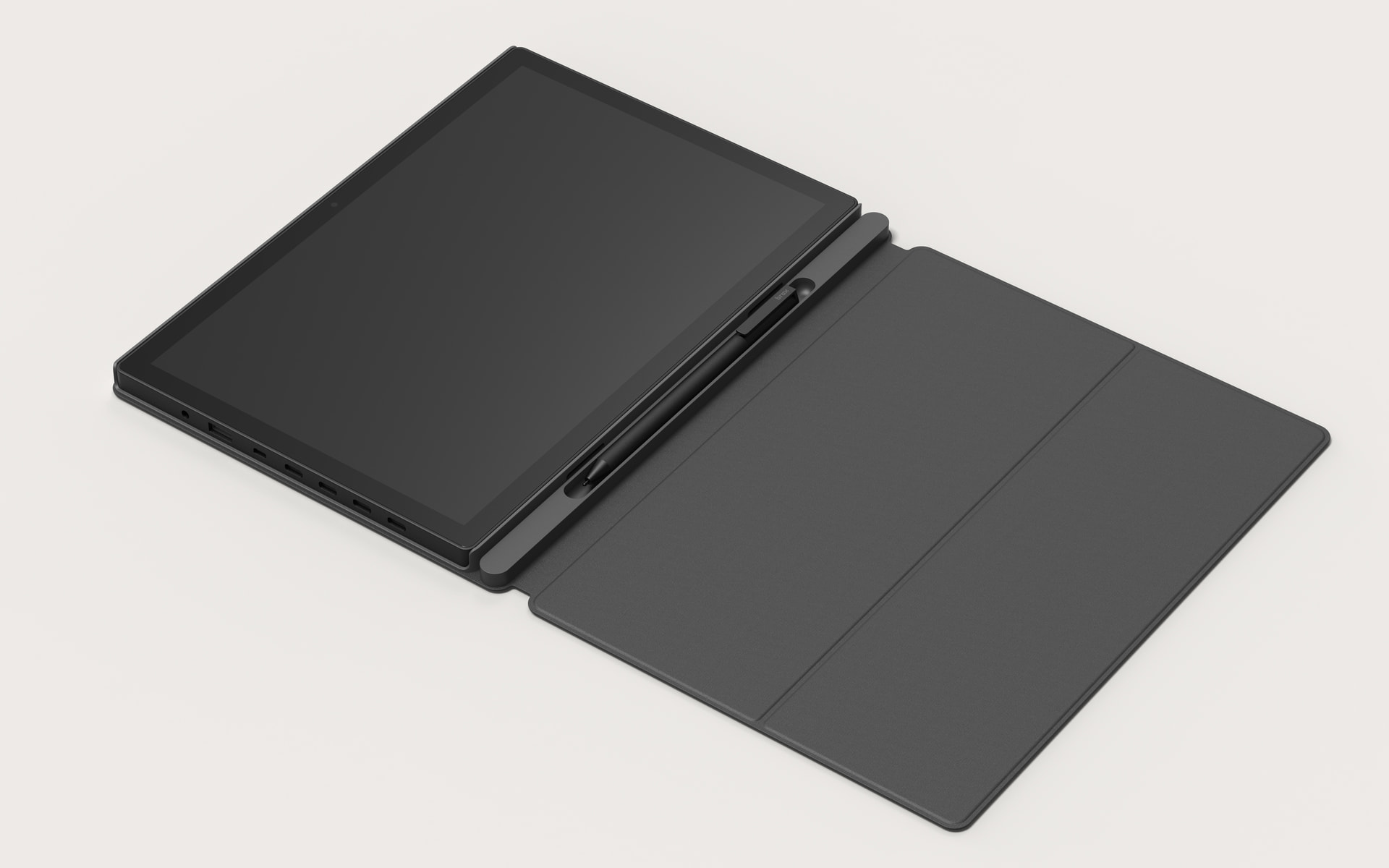
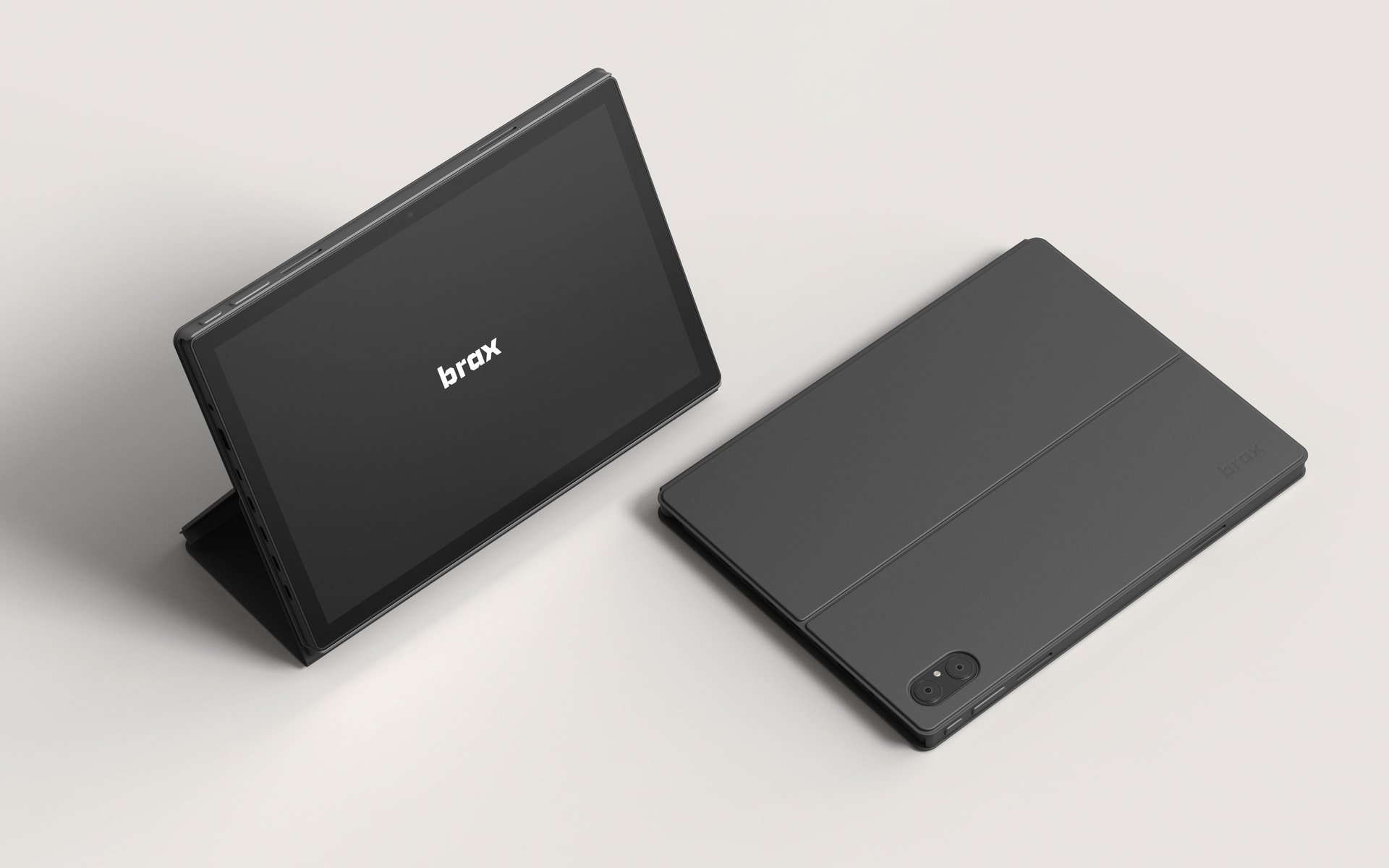
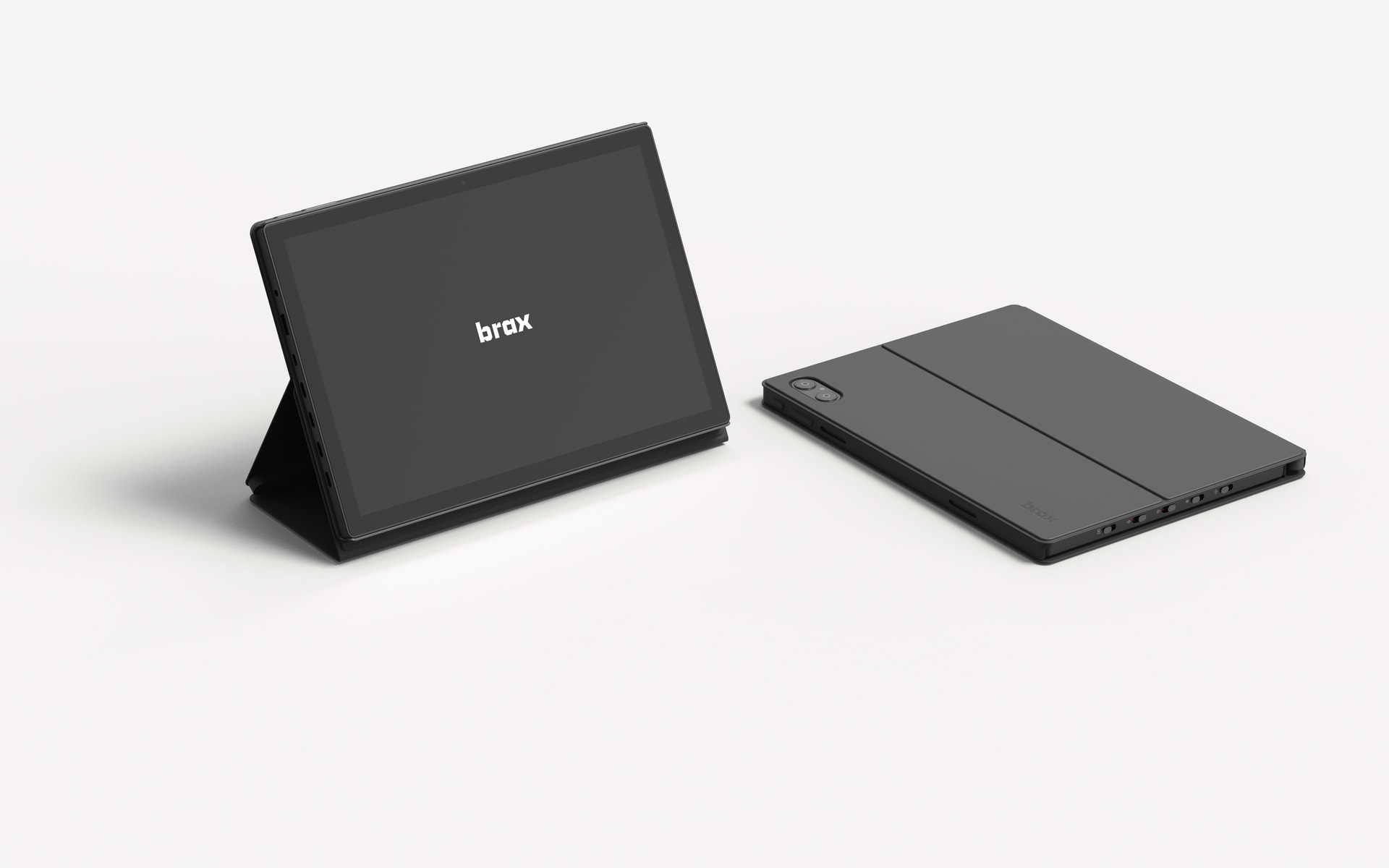
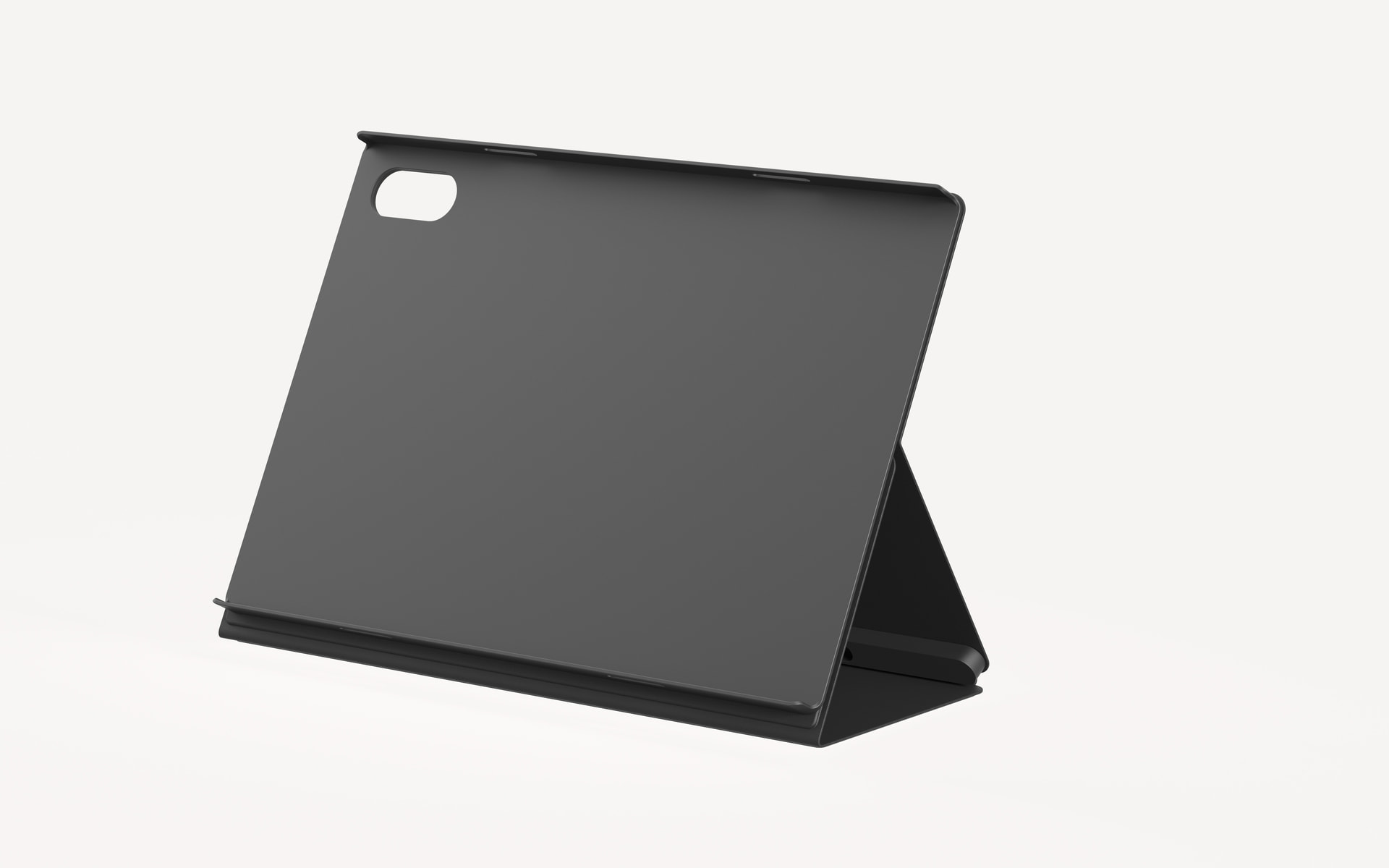
Keyboard + folio case
Stylus pen
USB-C to RJ45 connector
Rugged case
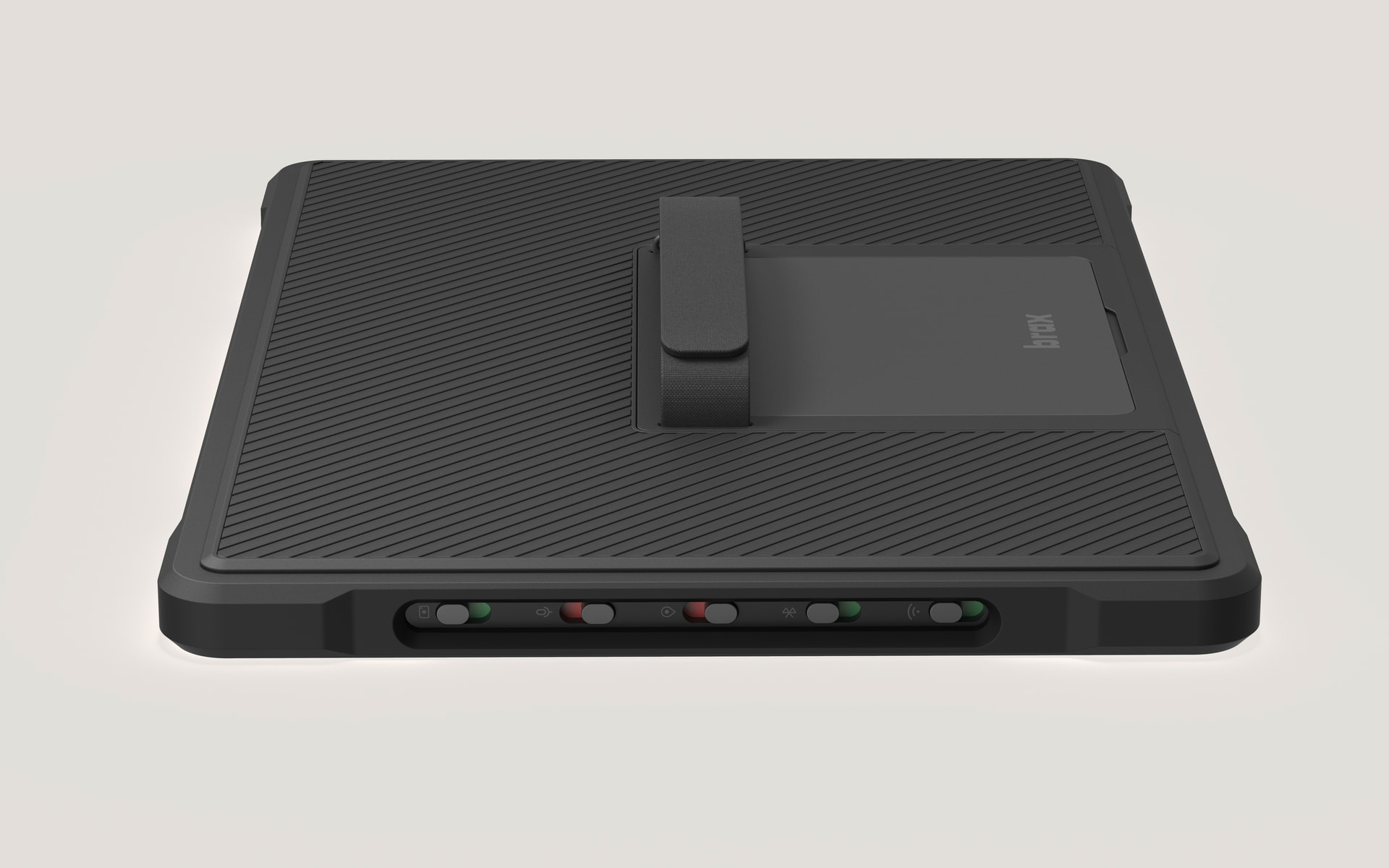
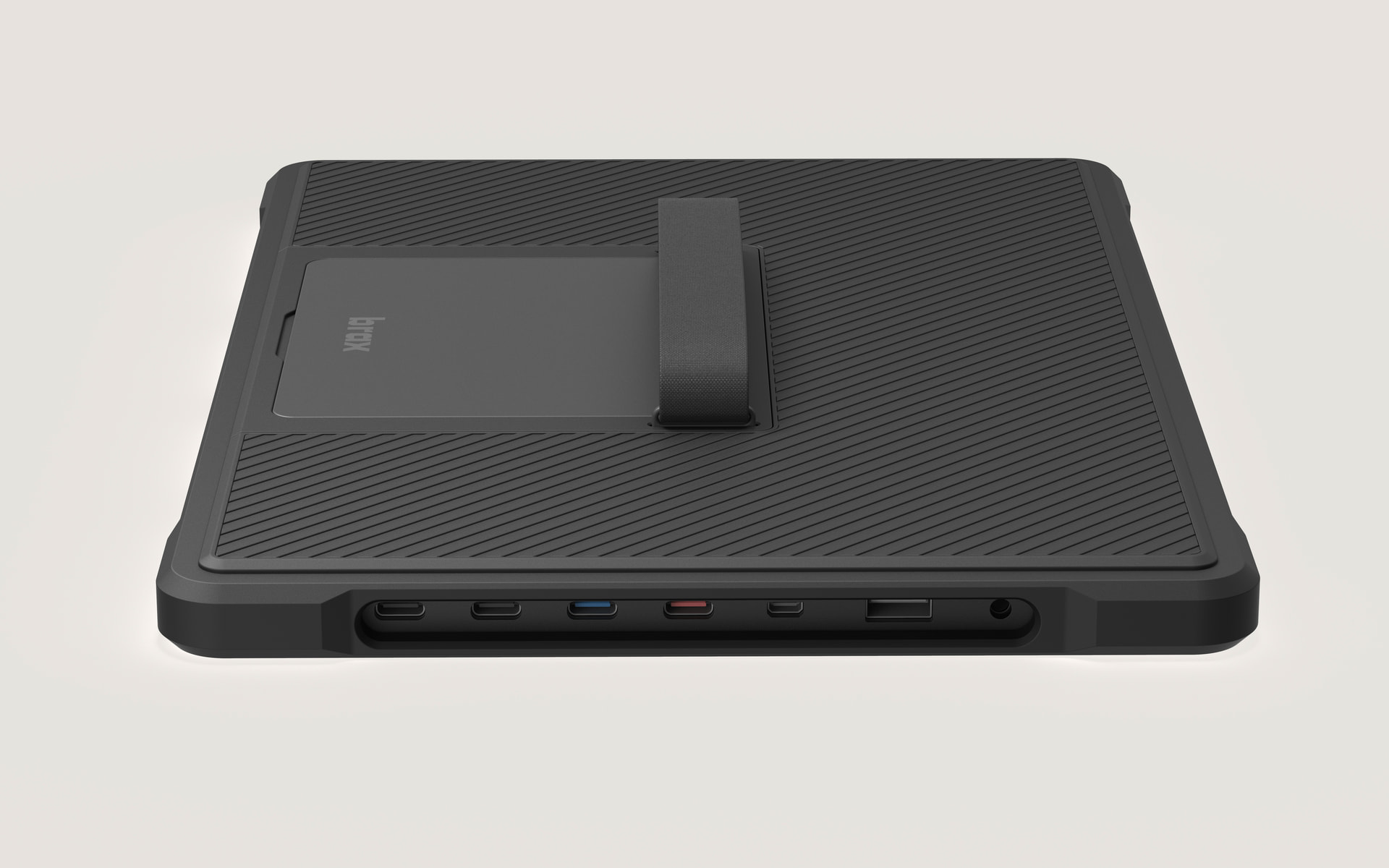
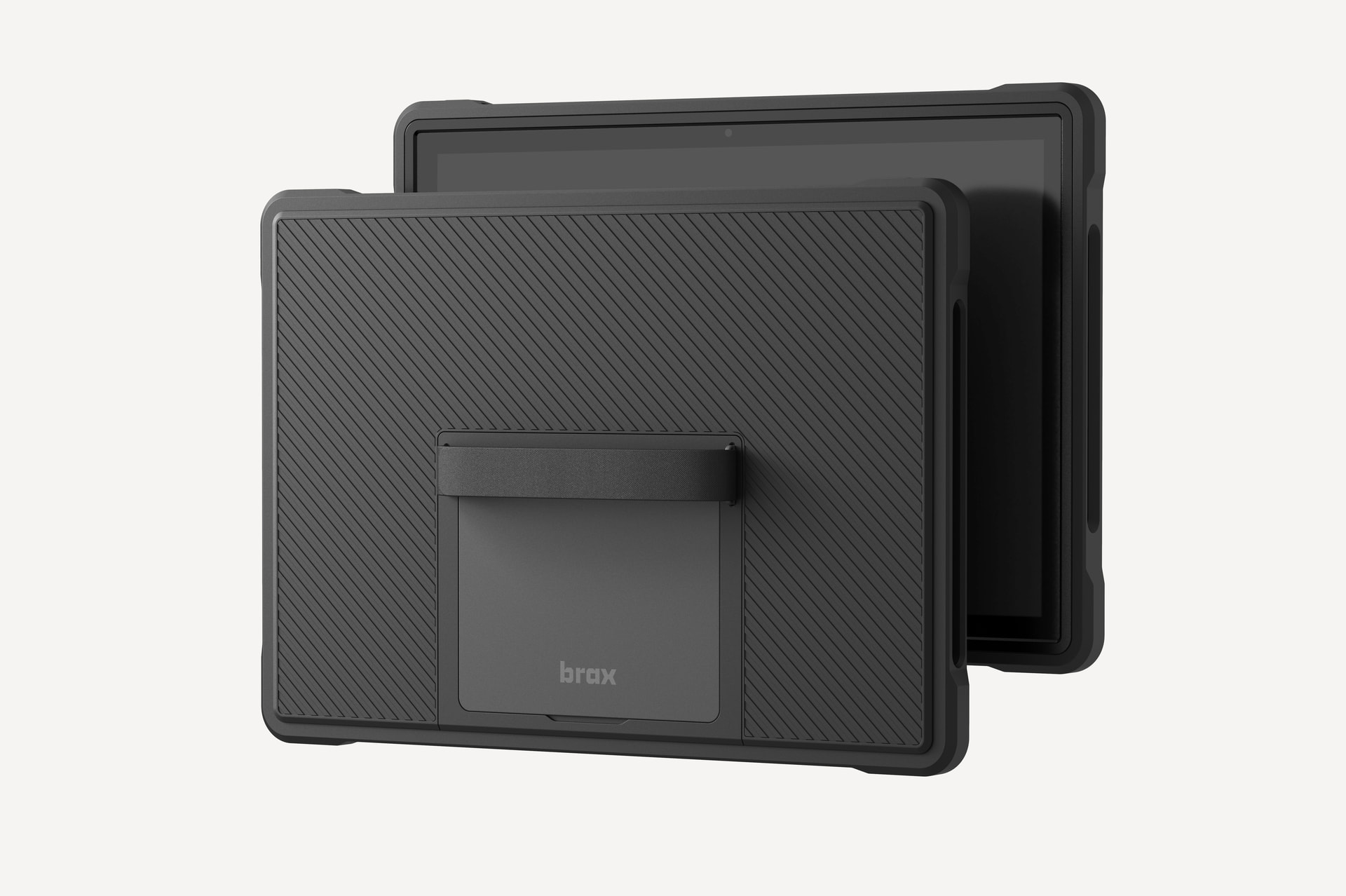
6 Likes
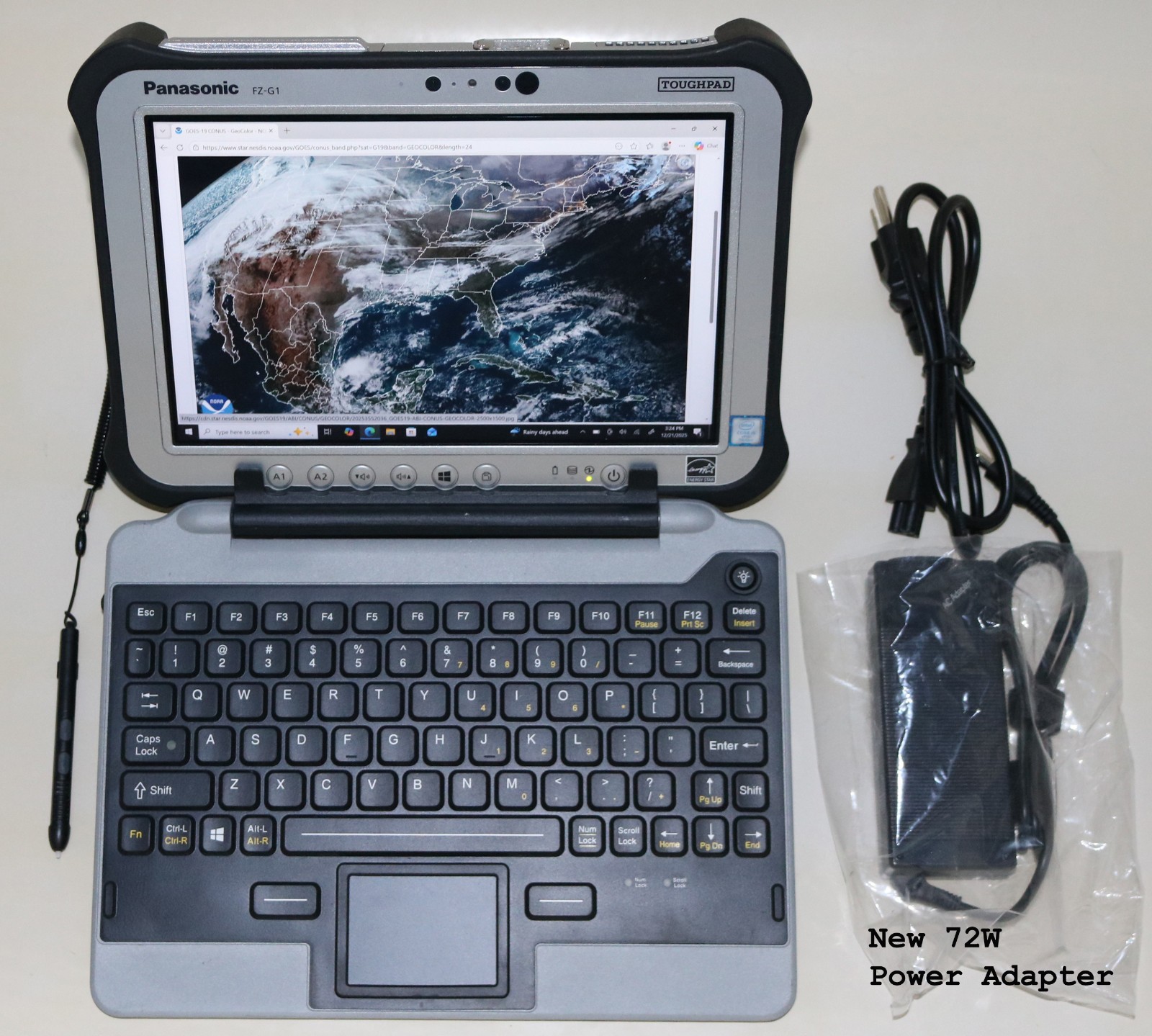
I want to see a rugged version of the keyboard case, I can see that being popular with outdoor digital mode HAM field operators. Above device is one of the most popular options for HAMers and they are using linux, but its old and expensive. The Panasonic above was made in 2018 and costs usually over $500 on Ebay.. The modularity of the Slate also reminds me of aforementioned device which is synonymous with the security industry.
14 Likes
Yes, would really like a rugged case + keyboard combo option.
10 Likes
Any ideas yet on when the release date will drop for pre-order? We really want to order as soon as it drops and dont want to miss the opportunity. It would be best if it drops in the afternoon/evening as an early morning drop will make it impossible for us to get to it quickly enough due to scheduling conflicts and responsibilities.
2 Likes
Very nice, already like the overall design you are going for.
I think there should be a touchpad on the Keyboard, as many Linux apps (especially workstation software) still don’t offer full touch support. Perhaps a design similar to starlabs starelite or chromebook duet would be a better choice here.
Furthermore, I don’t see any F keys or a Fn key for that matter, which is somewhat crucial for Linux.
I really enjoy this pre release forum by the way, with all the feedback and polls.
5 Likes
I think plamen makes great points about the touchpad and keyboard keys.
5 Likes
Will the rugged case be anything like the Brax3 rugged case? Wait one year to see if it exists?
I would pay Rob to not send the case specifically to you.