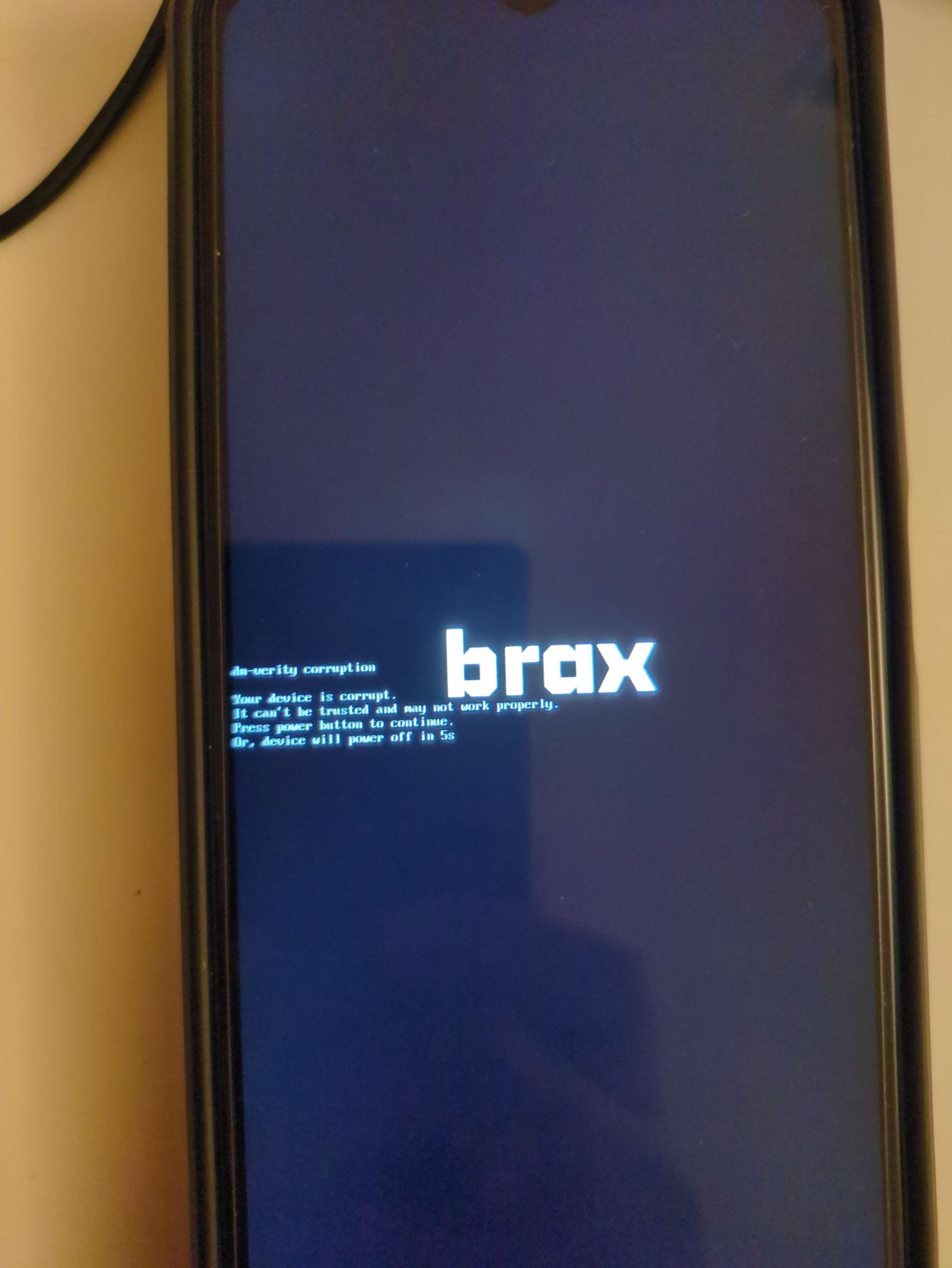
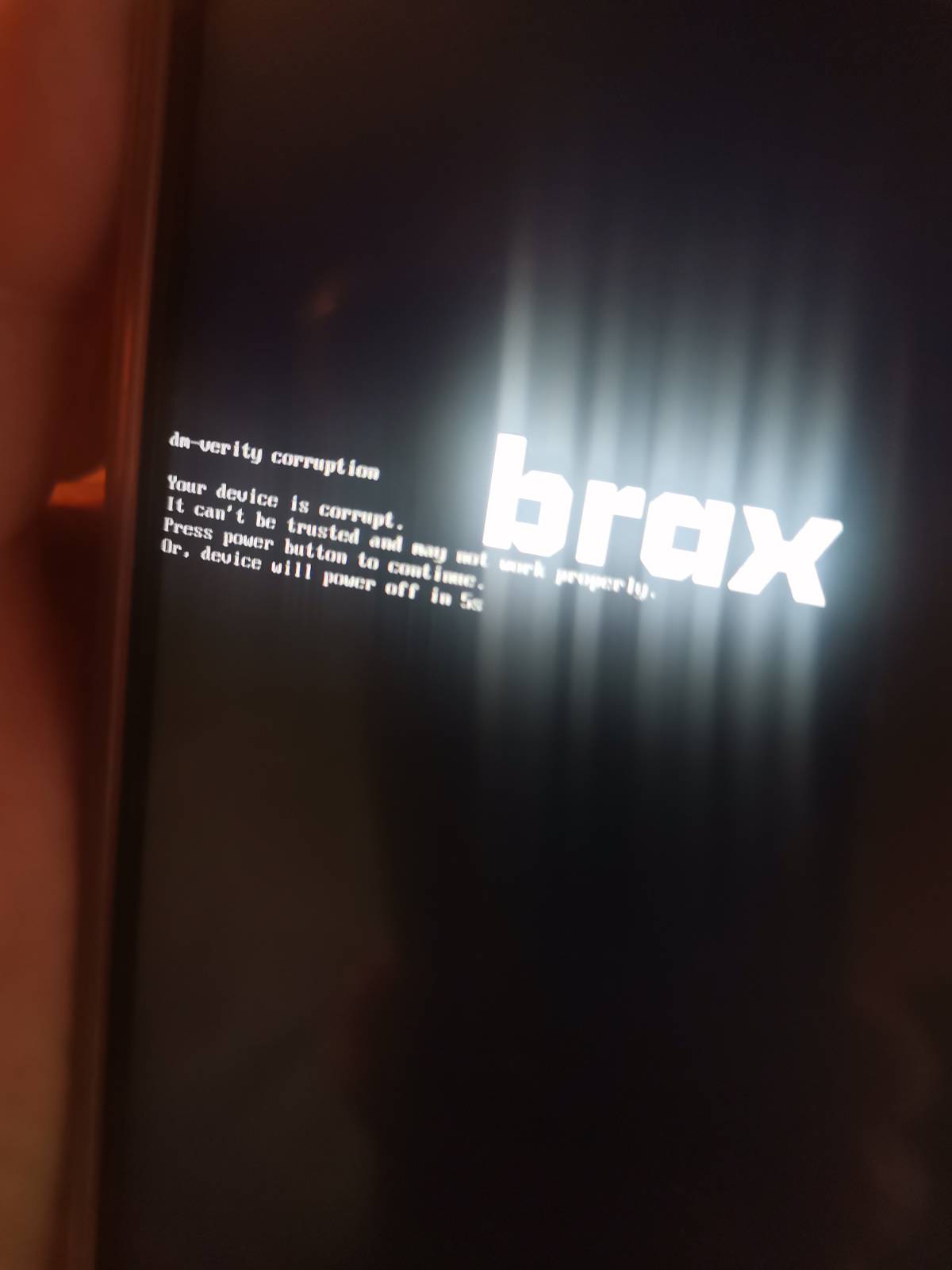
Help! I have had my new Brax3 phone for a couple of weeks now and was loving it, however, two days ago I got this message on the screen:
dm: verity corruption
Your device is corrupt. It can’ be trusted and may not work properly. Press the power button to continue,Or,The device will power off in 5s
What in the world is going on, and what do I do now?
I received a “dm-verify corruption” prompt at the brax3 part of the boot sequence. I reset the phone, but I still receive the “dm-verify corruption”, and will not boot completely unless I press the power button when prompted.
Is there anything I can do on my end to resolve this?
@Heritage13@rad there are other posts on this issue - just search for them. It’s either an update failure and you need to reset the device, or it’s a hardware failure and you’ll need a replacement phone.
I saw the other posts, but there did not seem to be any real answers, but only suggestions as to what might be the cause. Also, I sent this same message to Support @braxtech.net and have not received any response. Furthermore, one of the suggestions was to reset the phone. Well how do you go about doing that, how do you reinstall the operating system after reset. Someone in tech support needs to provide some very explicit directions for those of us who are not computer wizards. Please help me. And further furthermore, what is the procedure to return the phone for replacement? Is that addressed somewhere?
Yep - to get a replacement just email the support email with your order number I believe…
There is a startup reset I think you can do using the Volume + button (hold it down) - it’s mentioned in several other threads so you should be able to search and find it fairly easily…
dm-verity corruption
I have the same issue.
This is what the support answered: For product-related questions or support with the BraX3, we invite you to visit our community forum
You might find this thread useful, has some additional info (there is also another thread that discussed this a couple of weeks ago I can’t find as yet):