Daily driving I plug phone into car stereo. Phone is not recognizing cable. This along with no WiFi phone is barely functional and I can’t use phone speaker as backup because sound quality is so crap.
2 Likes
I have the same problem connecting the phone to my car, can’t help you so far 
2 Likes
What type of cable are you using? Is it the 3.5mm plug or the USB-C port?
1 Like
I’ve tried both. Headphones work so I know the 3.5mm jack is working.
1 Like
So I just went out and tested. My vehicle is older and has a uConnect (not Android or Apple aware).
my BraX3 works via the 3.5 jack, but I had to give it a second to connect.
It doesn’t via the USB-C and the USB-A of my stereo.
Now, I have logged a few issues with sound that Iode has not done anything with.
Here is another thread where I posted a USB fix with a DAC and the USB-C port.
Essentially, the Iode Brax USB driver is broken for most audio stuff. Until enough people make them aware, this is how I work around.
If you get that driver and one of these tiny DACs, you can get really good sound out of the USB-C. They are like $15
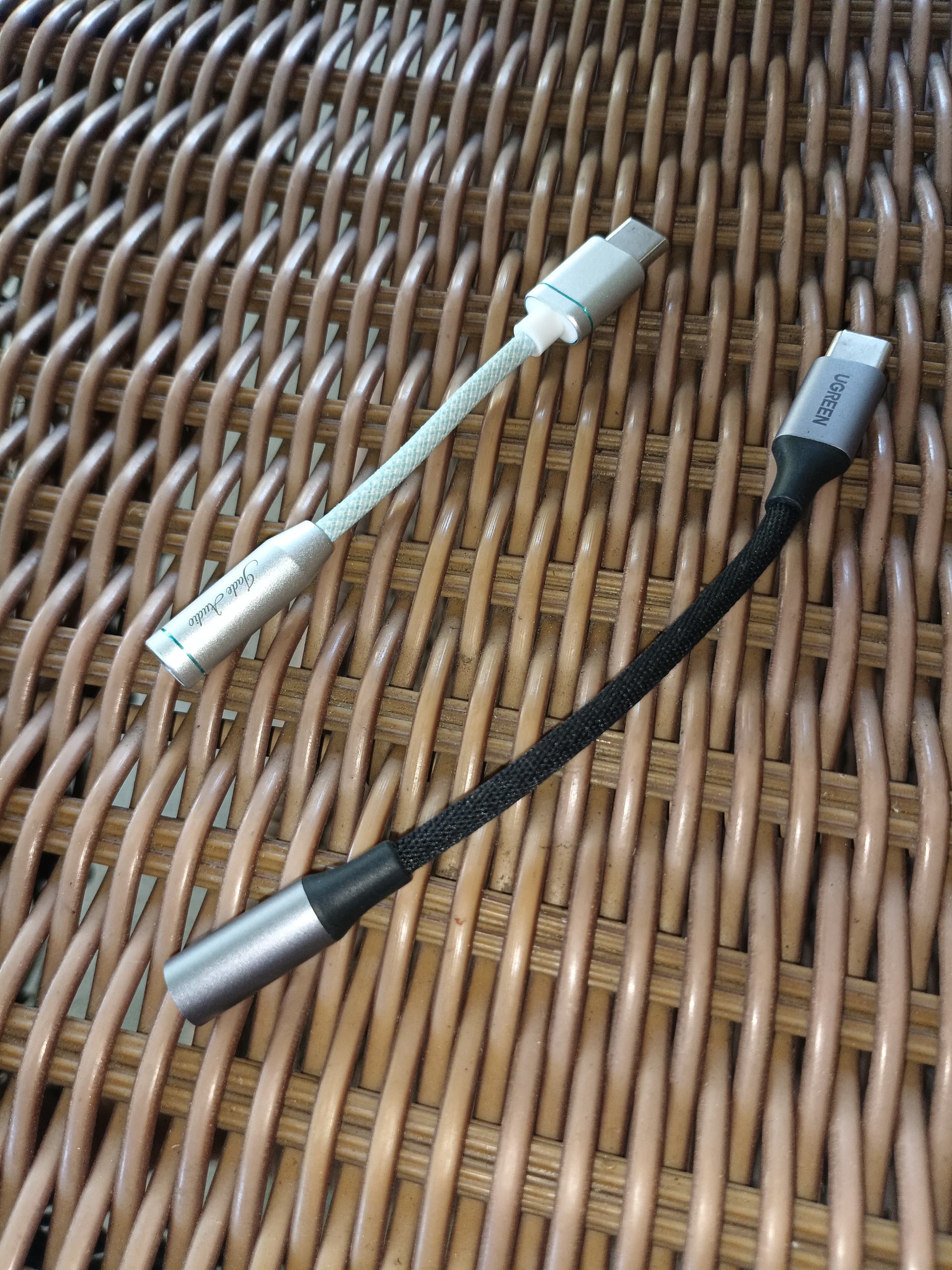
2 Likes
Thanks. Yeah I do have USB-C to 3.5mm jack cables, I might try that app. I also discovered there is audio out I just had to wait a while for it to work and turn up my stereo almost to full volume, not sure why and I swear audio quality is still poor compared to my old phone.
1 Like
If you wish to test before you buy the app, visit the Dev’s website. You can download a Trail, and just side-load it
and I agree with you 100%. I have a Fairphone 4, with Iode on it also (same version) and the USB-C port works great.
2 Likes
For me, usb-c works fine for phone calling but it does not work for media playback. USB-C must be an audio driver issue. If 3.5mm jack does not work, it sounds like hardware issue.
You can connect the phone to the computer through WiFi to get a debugging LogCat and then connect the USB converter to capture the errors so that we may find some solution.