When I run my mirscreencast command I get an error libq_cust.so not found… This error indicates missing dependency for mirscreencast. The issue might be related to your specific device port. You my need to reflash UT or check if the device port has known issues with mirscreencast
Same here-I will search this with Brave! 
I don’t have the bandwidth right now to set up a libertine container so apt can grab packages. But the name of the needed package is mir-utils. Hopefully this works-I will try tonight! 
It looks like debmirror is what is needed in Ubuntu 24.04. libertine is taking a longtime to install so I will look for that package tomorrow.
I finally got libertine working but now Brave AI is telling me that I don’t need libertine for screencasting. There is supposed to be a program installed in Ubuntu Touch 24.04 called aethercast. I don’t think it is on ours because this doesn’t show where it is:
which aethercast
I did find it in my libertine container and installed it in my new sandbox but I’m not sure how to get the phone to use it!
EDIT:
Maybe aethercast will be setup on UT 1.0? I tried to mount the system as writable but there was not enough room on the partition given to apt-this thing is a puzzle!
I cant wait for UT 1.0!
I was messing around with this again and I ran into two walls. First you can’t connect the UT phone via USB at all and second, you can’t remote into the UT phone without permission. I was hoping to find mirscreencast working with a direct USB connection. (observation developer mode doesnt stay on) I need to try that elevated permissions trick by using the tweak tool?
I got ssh working to log into Ubuntu Touch from another computer:
So I guess Im asking did you try mirscreencast while connected with USB and/or using abd connect?
I can’t remember but I think the cust.so fault happened to me while I was using adb connect and I wanted to try direct USB connection.
No, adb doesn’t seem to work for me. I tried mirscreencast directly from the BraX3 phone and having the adapter wired into a monitor by HDMI connection.
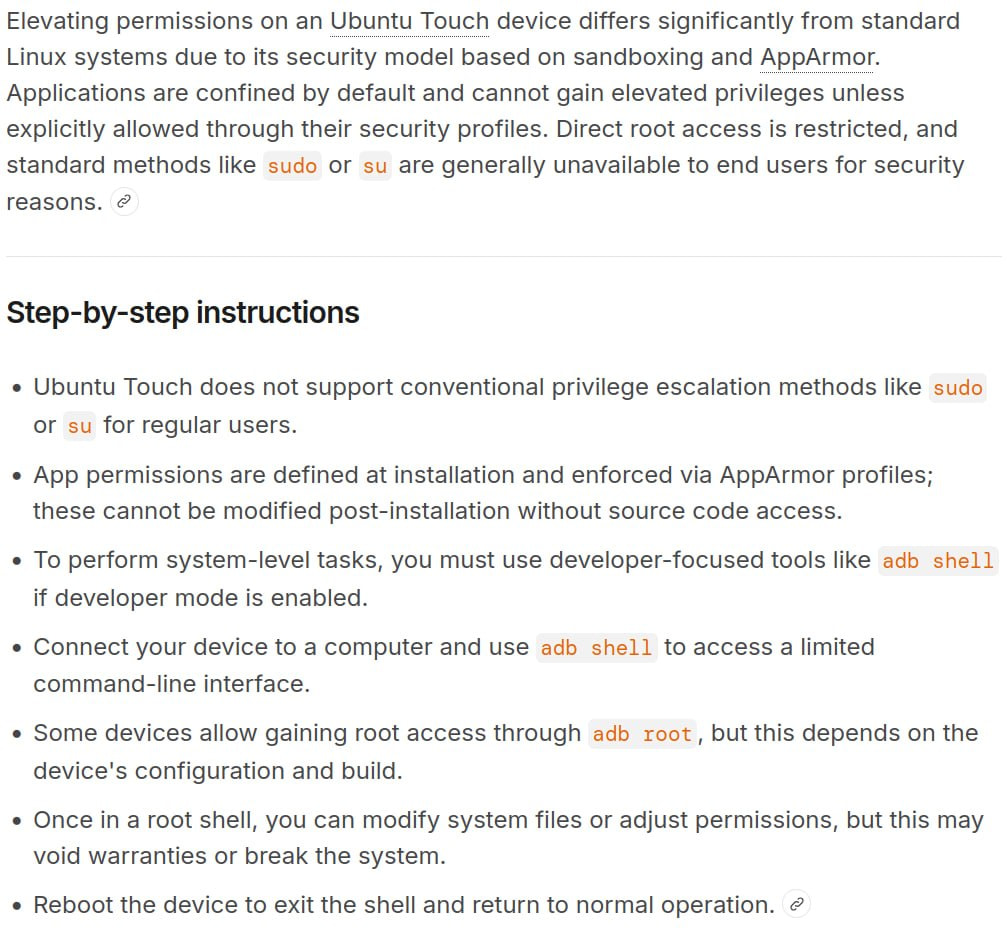
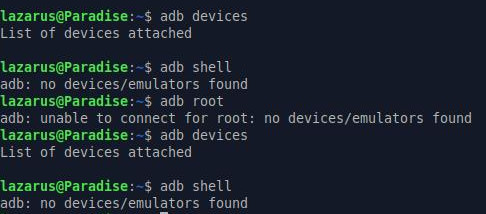

I guess thats just redundant anyway.
I was thinking to run apt update at this point to see if the cust.so library would be updated but its read only mode untill I try the UT tweaker tool. I guess Ill try the tweaker thing next.
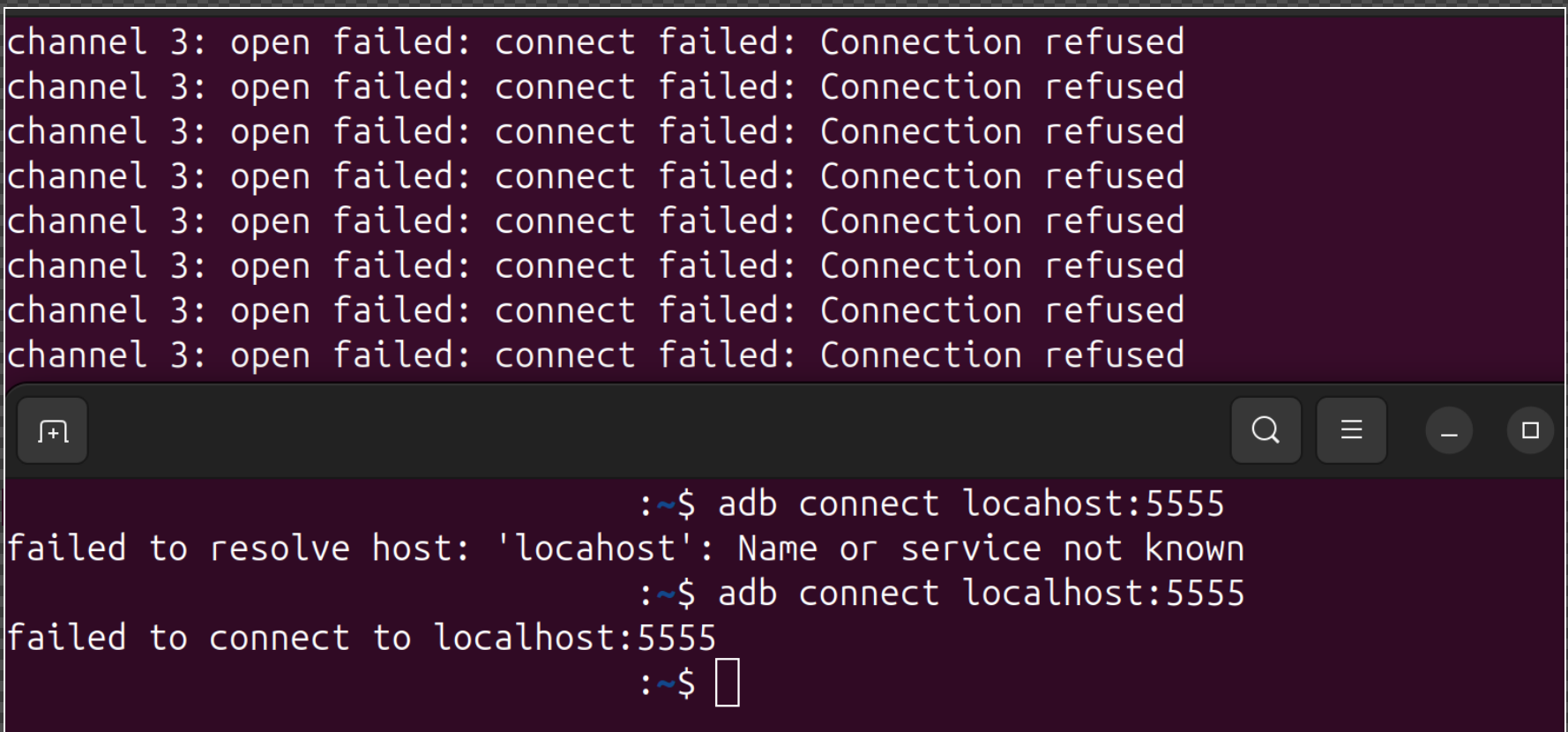
I cant run sudo apt upgrade until I free space in /var/cache/apt/archives/. Let me know if I should try increasing free space available to /dev/mapper/system_a
/dev/mapper/system_a 3.3G 3.2G 0 100% /
So in order to run apt update you have to use the tweaker tool to make the filesystem writable and then increase the size available to this partition system_a. Someone tell me its all good to do that.
I did both of those things and did get apt to update part way and then it runs out of space again. This version of UT is very restrictive and I think that is why things that should work in UT don’t.
So what we have to do is include the custom library with the original package we flash the phone with.