I get this pop-up warning after reboot and when I open the phone app.
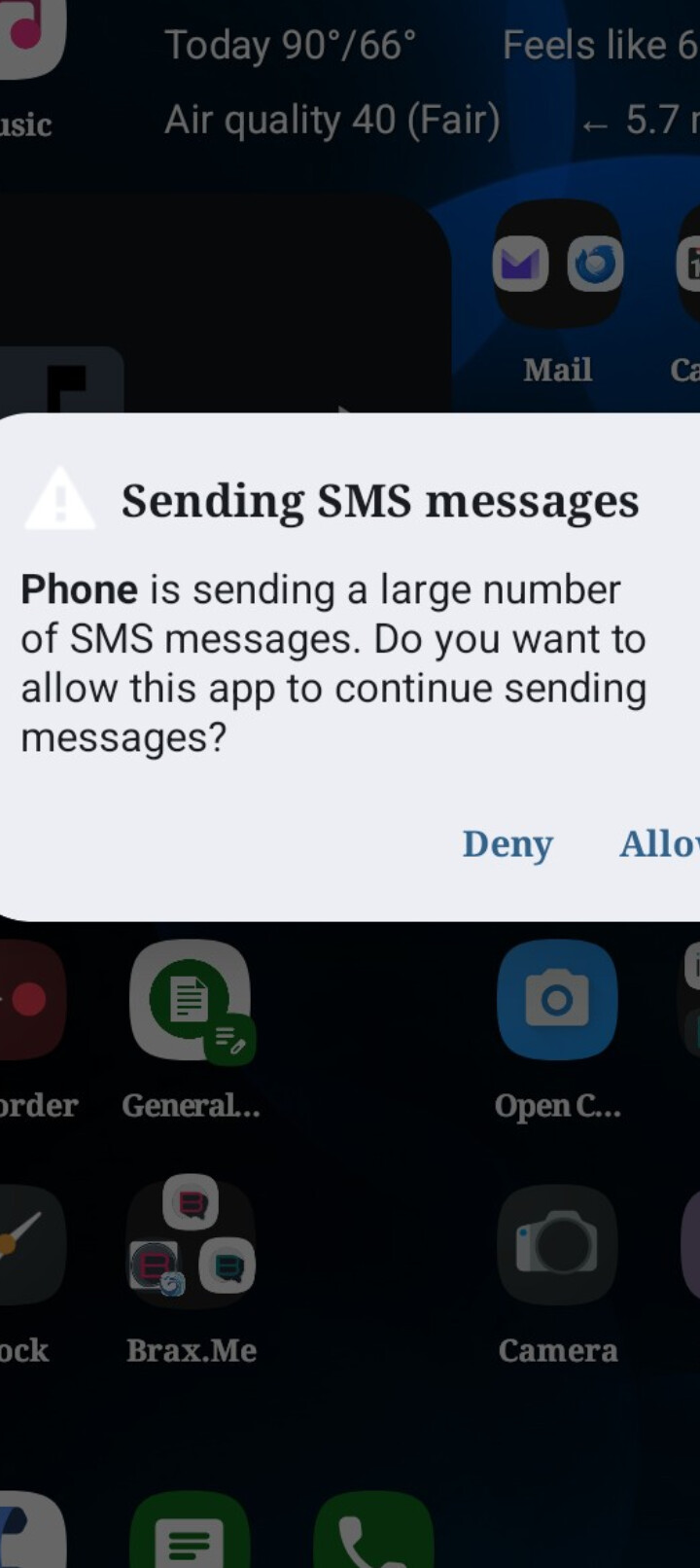
Did you try to click deny, go into system, apps, messages, force stop, reboot…
Went settings, typed in messages in search, went to message limits, put on 5 instead of 'always confirm". Saw no alert after rebooting
Cool. Glad that worked for you.
As a possible addendum, by default the Messages app will send group messages as multiple individual SMS messages rather than a single MMS message. Go to Messages App > Settings to enable sending group messages as MMS (if that is what you want).
I had changed that setting already trying to fix group text messages. Worked as far as all people could see each other. But then found out, it out both mobile and home numbers in automatically from 2 people. So thats still not right either. Might as well explain a bit. When I added 2 people, they could see my texts but not each other AND when they responded it was from individual not in the group.
I had found that in conversations I initiated if I had sent accidentally as “group individual SMS” then later another as a proper “single MMS” that then when iPhone users replied they kept replying to wrong things (either to me individually or something like that). I tried to wipe out all my SMS databases on the phone, have them re-send a message and it was still messed up. The best I can gather is that it is something also on their side’s cache where iMessage is smashing together the individual SMS and the group MMS and when they reply they don’t know what they are replying to.
If I can sit side by side with them I am sure we would clean up the “mess” which MAY be from me giving the multiple individual group SMS and later the single group MMS, but it was (and is) a mess for this one group (my extended family unfortunately).
Others that I am added to a group conversation on I can then reply to and everything works correctly (from their standpoint and mine).
Maybe this is partly what you were describing?
I found that there ia a preset SMS message limit (default 30 messages in 1 minute) setting in “Trust”.
settings>security&privacy>more security & privacy>trust.
select 5-200
There are also settings for USB restrictions.