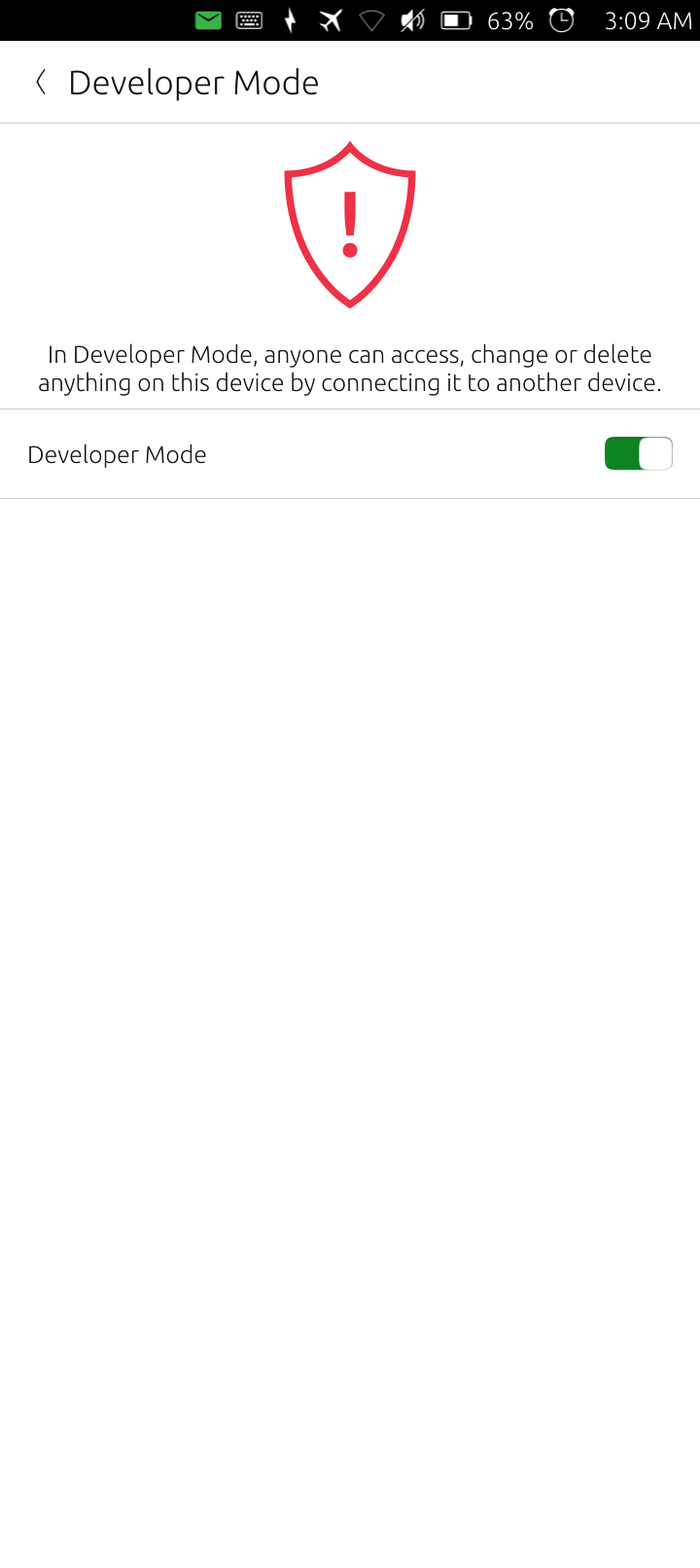
The Ubuntu Touch system is in a read only state outside of /home/phablet. There is this developer mode which can be enabled at the bottom of the settings page. It indicates that the system can be changed by connecting it to another device.
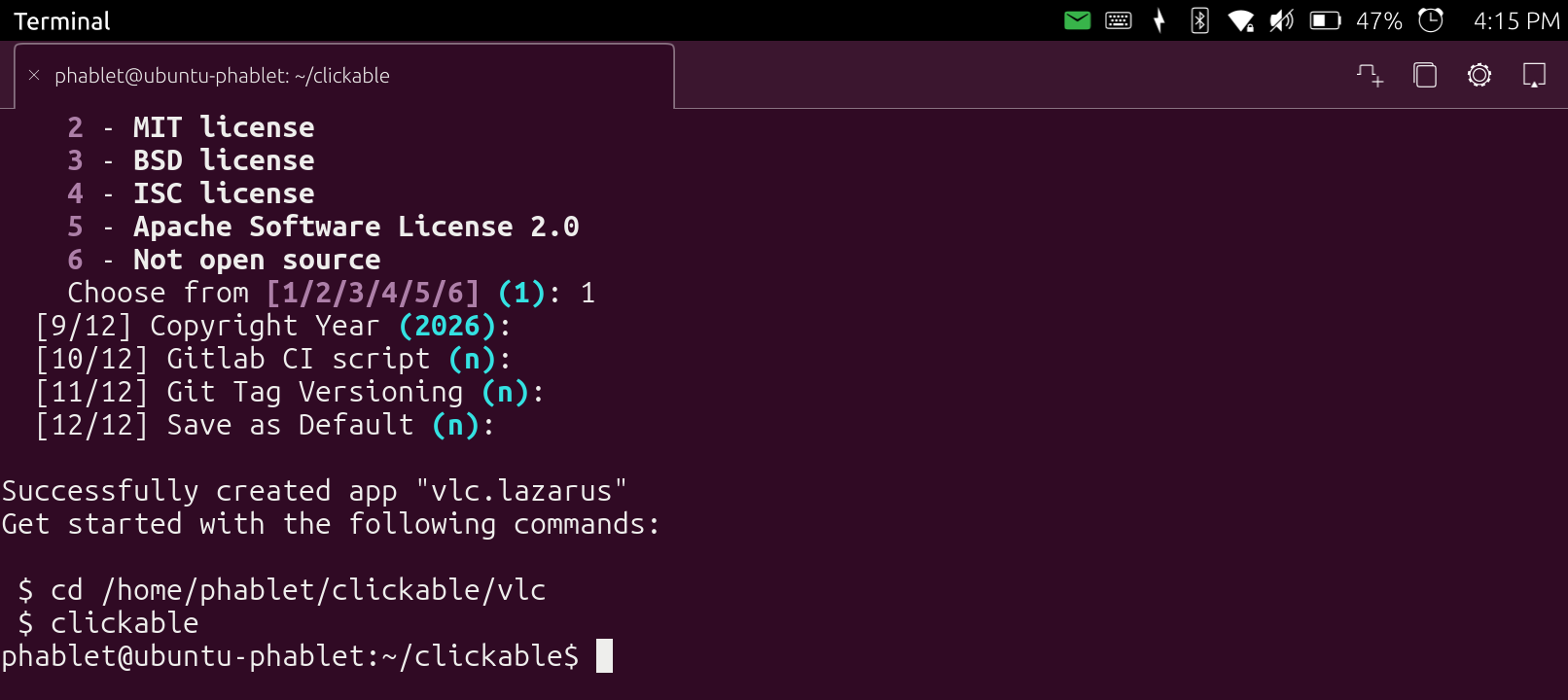
I did get this to install on UT using the snap instructions. I then went though building a package. I’m not sure if it was using things locally which I didn’t have or if it went onto GitHub and downloaded the sources for the package I was building which was vlc. I didn’t get an error and it made a new vlc directory with lots of files but nothing got installed. I need to go on their forums and see what help I can find there.
You would use the snap way in order to pack many dependencies and place them in the system directories that you can’t access and it wouldn’t be good to modify them manually.
It says that it’s only for AMD64, so there should be a guide for the UT specifically, on the computer you have to do cross-compiling , that is compile for aarch64 on an amd64 machine.
I don’t know if snapcraft can run on the BraX3 in UT. I added the home snap directory to the path of user phablet and root but I still get SE Linux errors but now about not being able to write where it wants.
Can snapcraft cross compile? I’m thinking about copying my UT clickable directory to my Linux Mint computer and install snapcraft there.
it will take some time to understand and achieve the snaps, for the time being try to run as more binaries as you can,
the AI says that UT can run the legacy APT packaging system, you have the same problems of not been able to write in the system directories, this is on purpose in order to run only sandboxed apps, it says that you can remount the system as writable but don’t do this
the way is to use Libertine containers to install .deb packages, so the way would be to repack different distribution packages as .deb and install through Libertine
Luckily UT uses Qt that most modern builds rely on.
for VLC and for most applications the directory they look into for the dependencies is hard-coded during compilation so it’s easier to skip this by deploying the package installer
what is the problem with the phone ? can it detect the SIM or it’s completely dead in that respect?
Not empty, load a SIM to watch the messages when it fails to recognize the card. On Android the SIM can be loaded while the phone is on, no need for reboot.
In fact the dmesg logs since the beginning so you can also boot the phone with the card inside and then continue to configure the things that don’t work.
The --follow is only for you to see the messages live, you can just save the dmesg in a file at the end.
I thought USA Sims wouldn’t work with UT because of VoLTE. My carrier is Mint Mobile, and Brave AI says this:
Mint Mobile, which operates on T-Mobile’s network, requires VoLTE for voice calls. This technology provides higher-quality calls with faster connection times compared to older voice networks. While VoLTE is supported by Mint Mobile, your phone must also be VoLTE-compatible to use the feature.
Are u running UT on your pine phone and are u in the USA?
I have tested it only on Pinephone but the situation is much easier there because the modem is a separate USB device, phone, SMS and internet all work.