UT has an app in the Open Store called Waydroid that emulates Android so u can run some Android apps. I saw a review of this on YouTube and it was said there that this app drains the battery. I tried to install this and it froze during installation so I’m not sure. This would be nice to get working on the BraX3:
Try to install it on terminal to see the errors.
How do I start the installation in the terminal?
sudo snap install waydroid or something similar.
I read the open store apps are clickables. I think the install is similar to snaps.
That’s good-I bookmarked it. I think I can build a clickable in Linux Mint with that!
I have a list of things and Brave browser is on there!
Maybe I can build a clickable for session messenger with that for Ubuntu Touch!
Here is the code to start developing, Session Technology Foundation (STF) · GitHub
Thanks-now I’ll see how easy it is to make these clickable files! What I noticed is that the arm CPU file for session are for the Mac. My Linux PC is x86_64 so hopefully the building process makes an arm CPU file for Linux that session didn’t provide.
That’s how cross compiling should work! 
On Arch ARM you can find most applications for desktop compiled for ARM, Session doesn’t exist but probably can be done, here are the instructions, session-desktop/CONTRIBUTING.md at dev · session-foundation/session-desktop · GitHub
The problem was that you have to tweak the code to make it adjust to the screen else it floods out and you drag the window.
Firefox is adjusted easily because it uses its own development framework and it’s made of modules written in a scripting language.
I successfully built a clickable file and got it to install this time. BUT it just says “HELLO WORLD”. It seems the build didn’t take. I tried it again but downloaded the github zip file and extracted it locally. The build was faster but when I transferred it to the UT, I got the same message.
Do u know of any videos that SHOW someone building a clickable and then installing in UT?
It seems that it builds a minimal test application for you to know that it works. Just search the internet and YouTube, there should be some examples, as far as I remember there are some configuration files where you set the build directories, the target architecture and similar things.
Slow but sure, I’m making progress! 
I will try building directly on UT again. I found the actual build command in the man page which gets installed on a Linux PC:
clickable build
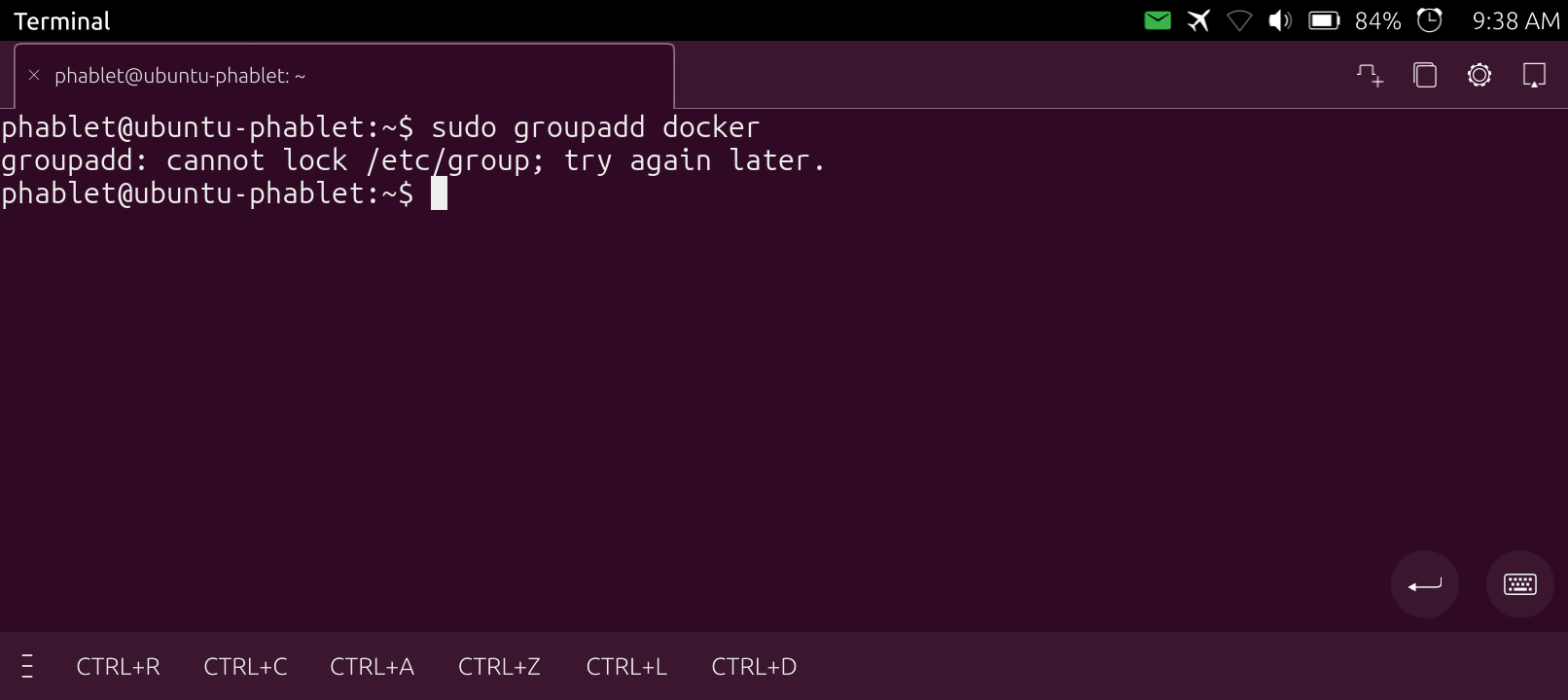
This is why I never used it again after trying once, Arch, Postmarket, OpenSUSE etc work like regular desktops, the limitations introduced to match Android security are painful because you always have to fix and build things on your own, it’s not suitable for such use.
I’ve NEVER seen that!
Maybe there is a group.lock file in /etc that if it’s removed it releases the lock but I don’t know whether this is supposed to be done.
Nope. No .lock files in that directory. It may be a dummy error since it cannot write? I think I will try building these on my Linux Mint PC with the clickable platform and have it write log files.