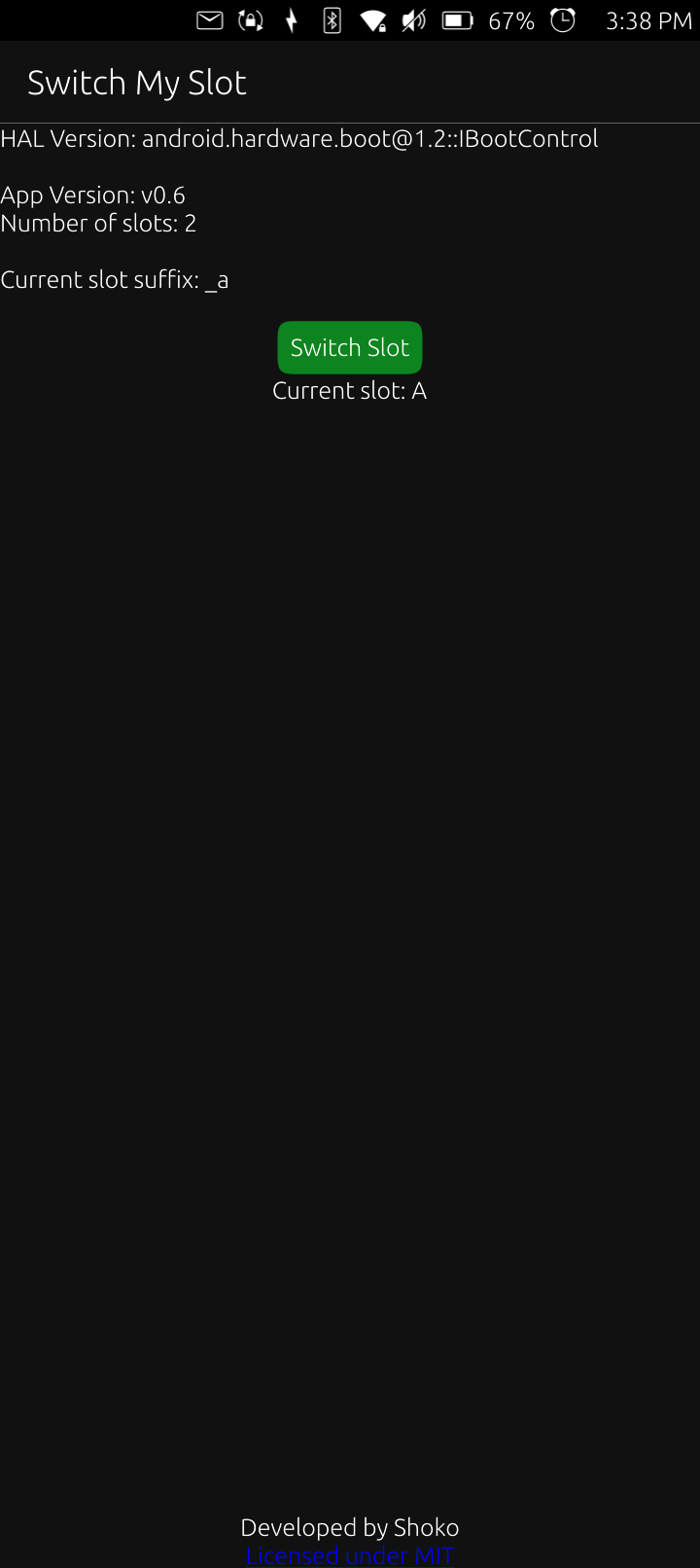
I was looking at the available apps for Ubuntu Touch and see there is a slot switcher. I installed it and it looks like it may work. Would this work with iode’ or Lunar OS?
The Android app on GitHub needs root access! I can and have done that in Lunar OS…is there a safer option?
Space limitations aren’t an issue. I have a bunch of apps installed on this and there are 227.9 GB free. I’m thinking about restoring the device back to iode’ and then Lunar OS where I will root it and then install UT with these install directions. Why does it have to be on slot A?
Connect your device and verify it is detected: bash adb devices
Reboot into fastboot mode:
adb reboot fastboot
Set Device Slot to slot b:
fastboot --set-active=b
Flash the system image:
fastboot flash system ubuntu.img
Reboot bootloader:
fastboot reboot bootloader
Flash the boot partitions:
fastboot flash boot_b boot.img
Flash the init_boot partitions:
fastboot flash init_boot_b init_boot.img
Wipe and format userdata for Ubuntu Touch:
fastboot -w
fastboot format:ext4 userdata
Reboot the device:
fastboot reboot
Just make sure your fastboot/adb version is >= 35.0.2-12147458s. First Ubuntu Touch boot may take 5–8 minutes.
These apps may still work but they are years old. I’m not sure if they work with modern hardware and kernels. The Android app is the oldest at 5 years. From what I’m reading, fastboot does not need root to change slots. Maybe I can get Ubuntu Touch and iode’ working on the same phone without rooting iode’. I will see!