I searched it up myself, so no one posted it around here! But it only works when I set the USB settings in Privacy> More Privacy>Trust> USB Permissions. They are automatically set to off. So thankfully I can now move all my files to my phone!
Idk why it does that. What i did was put the music on a flash drive then plug the flash drive into the phone w an adaptor. Ill transfer everything like that. the phone is never plug-in to the comp.
Well you just taught me something, I have never needed to look in there before, so am a bit surprised but will keep this in mind if others get stuck. Good work. You can mark your post as the “Solution” so people will see this is a resolved issue.
We did find a solution, i pinned it at the top.
hopefully it helps you too
I dont know why I didn’t think about this at all even though i have a 256gb microSSD <.<
Looks like I am having the same problem with my MacBook Sequoia 15.6. The phone not found in Finder menu. Tried reboot then connected as well as reboot while connected. The computer will charge the phone but there appears to be no data connection. I tried the MediaTek Driver link above and it looks like that driver is for Windows. The link wanted to add something to my browser. Any ideas? TIA
Update: I was able to connect my Brax to my MacBook via bluetooth. I was then able to transfer files from my MacBook to my Brax. I haven’t tried the other way.
@Fatigue : Thanks for the path to USB Permissions!
Quite the rabbithole! 
Ooops. I forgot to write that you connect the 2 devices via Bluetooth. Then you have to use the app Bluetooth File Exchange app in the Utilities folder. Select what you want to transfer, select the Brax3 and then select Send.
I’m having a similar problem where my Acer PC running Linux Mint is not connecting with Brax3 so I can’t transfer files from my phone. Under the privacy and security settings and “Trust”, I have enabled “always allow USB connections” but nothing happens. I cannot transfer any files.
I use Cinnamon (from the Mint team) on Ubuntu. On the phone do you see the “Charging via USB” message, and then when tapping it see the selection list where you can choose the “File Transfer” option?
Or instead have you done that but still nothing is showing on your file browser (Nemo)?
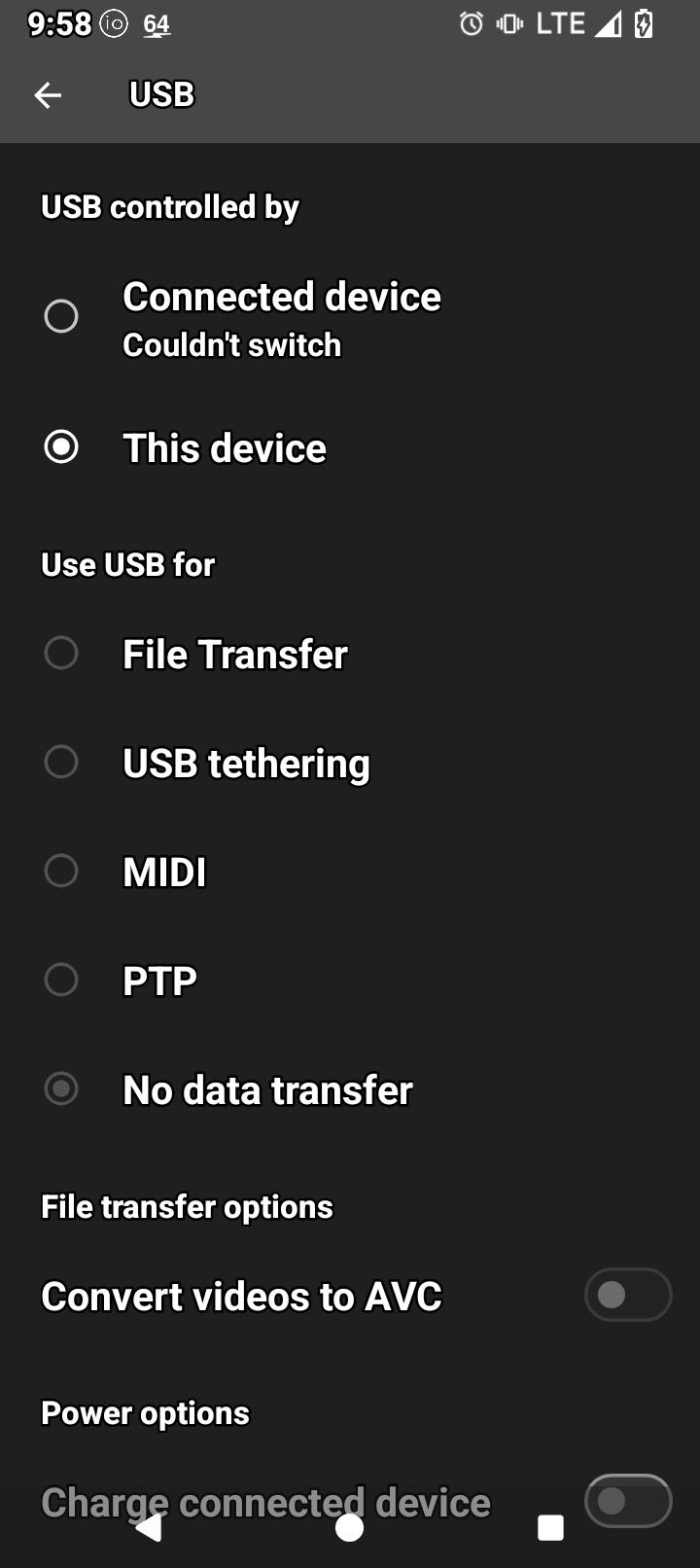
It is correct you have no data connection by default when plugging in. You need to select “File Transfer”. This is a “security feature”.
It won’t allow me to select file transfer, I’ve tried many times @rik
On Linux Mint or Ubuntu based derivatives, install android-sdk-platform-tools. I didn’t think it was needed just for file transfer, but it is good to have regardless.
I just installed it in terminal using this command line:
sudo apt install android-sdk-platform-tools
Can you reboot your PC then attempt connecting again to see if you can select “File Transfer” from the phone “charging via USB” notification? If still no good, do you have another USB cable, what about another computer USB port? This will work when we get it sorted why it isn’t working 
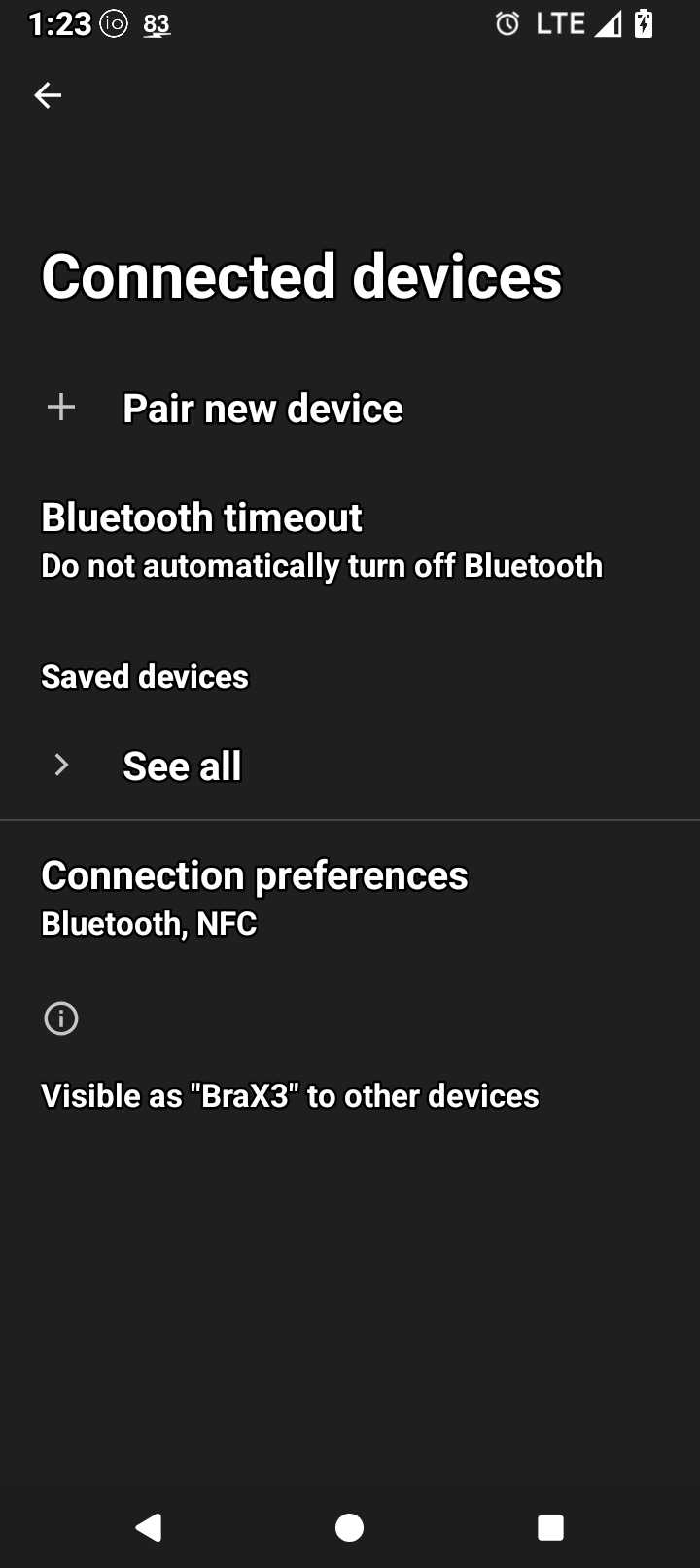
I installed the package on my PC with linux. The problem is that there is no usb connection screen on the phone, last time i had to use the search function just to screenshot the option that i cant connect to. If i dont do a search here is what i see…
If i do a search, i get this but cant select usb transfer…
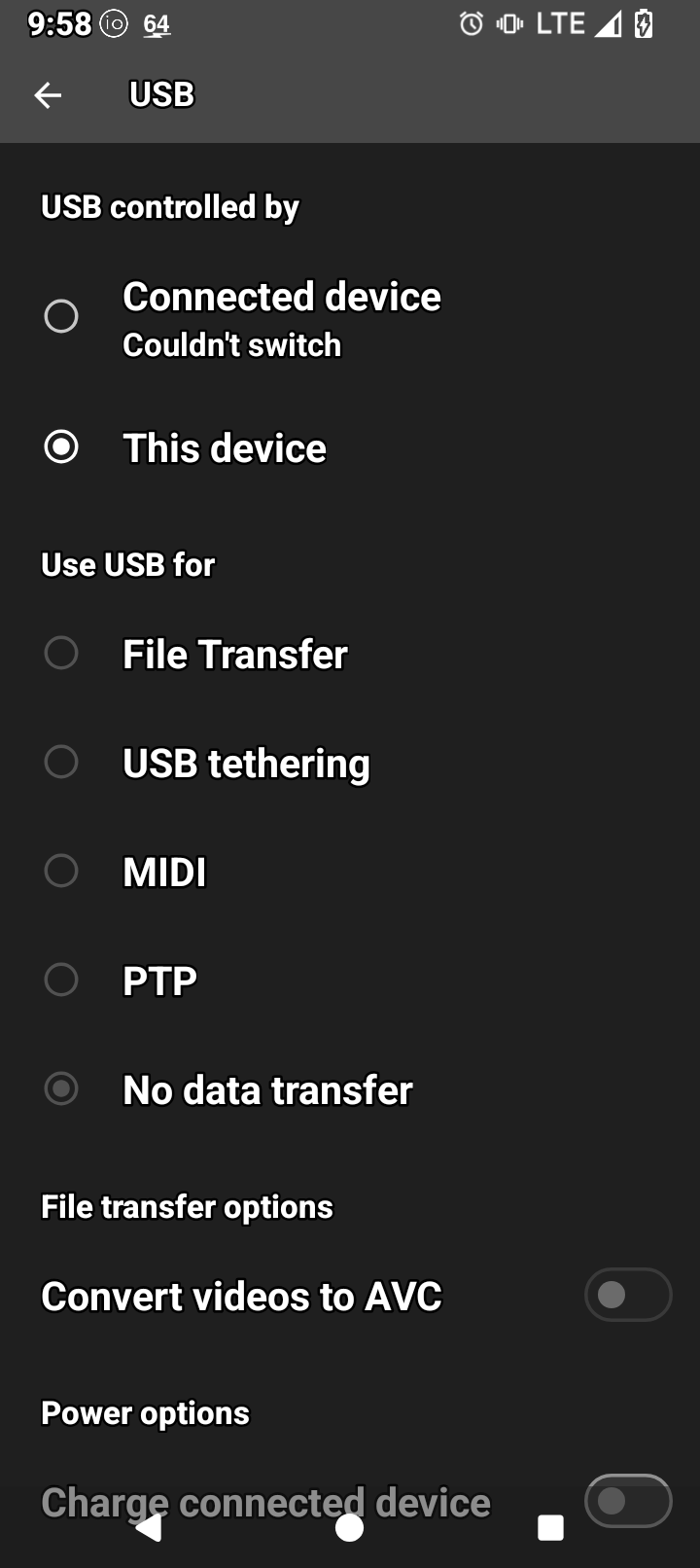
OK the cable / port / something else is not connecting to your PC. If you don’t see the notification on the phone there simply is no connection to the PC.
Hmmm, I tried a different USB cord and now it’s connecting…