Using just Linux u can flash your phone to take away the ability to make phone calls. However if u decide to go back to having it make phone calls, u will need Windows. I put a link to how I did that on my 2025 BraX3 using SN Writer.
Bluetooth works fine along with WiFi.
Make a note of your IMEI numbers and SN number. They are on the box it came in or the About section of your phone.
This will erase EVERYTHING on your phone!! The phone will ask if u wanna restore a backup file with seedvault. I haven’t tried this lately, but if u do then make a seedvault backup now and transfer it to a USB thumb drive for later
It may take a while the first time so charge up your phone and then power it off while doing this on your Linux PC.
I just used this iode’ 7.7 SP Flash and it works fine.
https://download.os-source.co/brax3/iodeos/v7/7.7/iode-7.7-20260724-brax3-spflash.zip
Then check the sha256 download integrity. Make a directory in your home folder called BraX3. Open a terminal (CTRL-ALT-T) and type this:
sha256sum iode-7.7-20260724-brax3-spflash.zip
Compare the result to the file online:
https://download.os-source.co/brax3/iodeos/v7/7.7/iode-7.7-20260724-brax3-spflash.zip.sha256
If everything checks out, extract it (right click on it and choose extract here).
Now u can open up SP Flash.
Here’s the link for the Linux version of SP Flash:
https://opensource.braxtech.net/assets/files/SP_Flash_Tool_v6.2228_Linux.zip
Then save the SP Flash file in BraX3. Extract it (right click on it and choose extract here. I’ve found it works right when moved into the root directory.
cd ~/BraX3
sudo mv SP_Flash_Tool_v6.2228_Linux /
cd /SP_Flash_Tool_v6.2228_Linux/
sudo chmod a+x SPFlashToolV6.sh
sudo ./SPFlashToolV6.sh
Now u should see this:
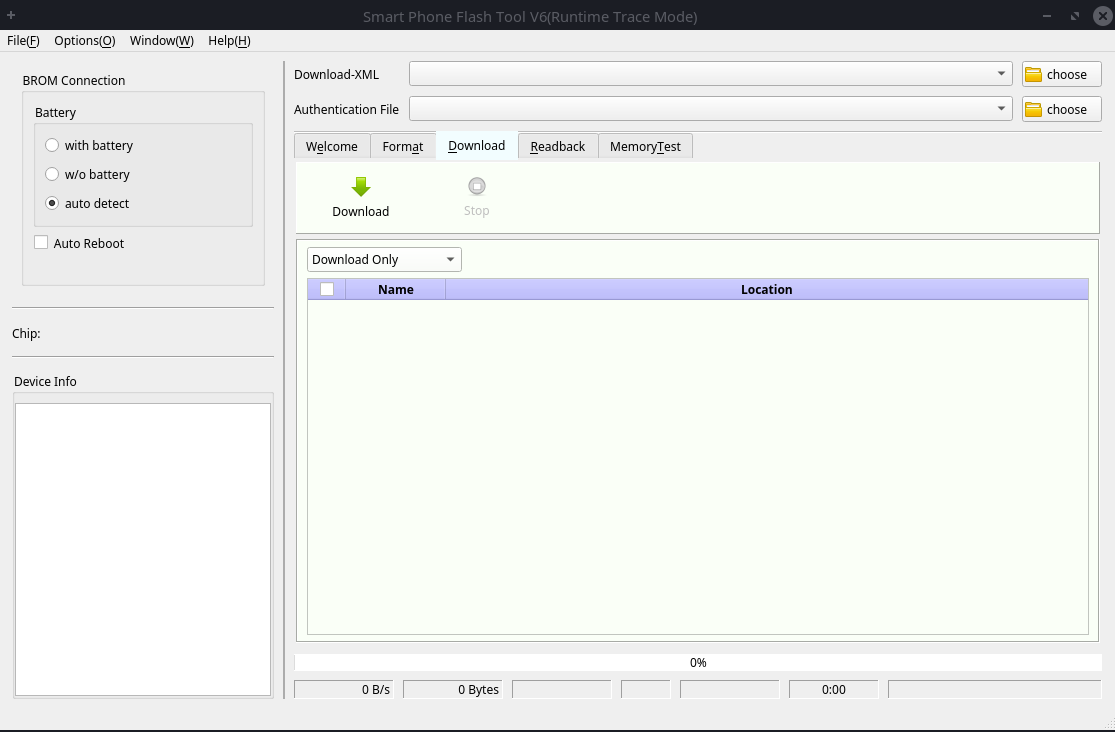
Open up the pull down for Download XML and choose the flash.xml file in the iodeoss7.7 package which is in the download_agent folder.
Pull down the download menu and change to Format All + Download. This is what it would look like before plugging in the phone:
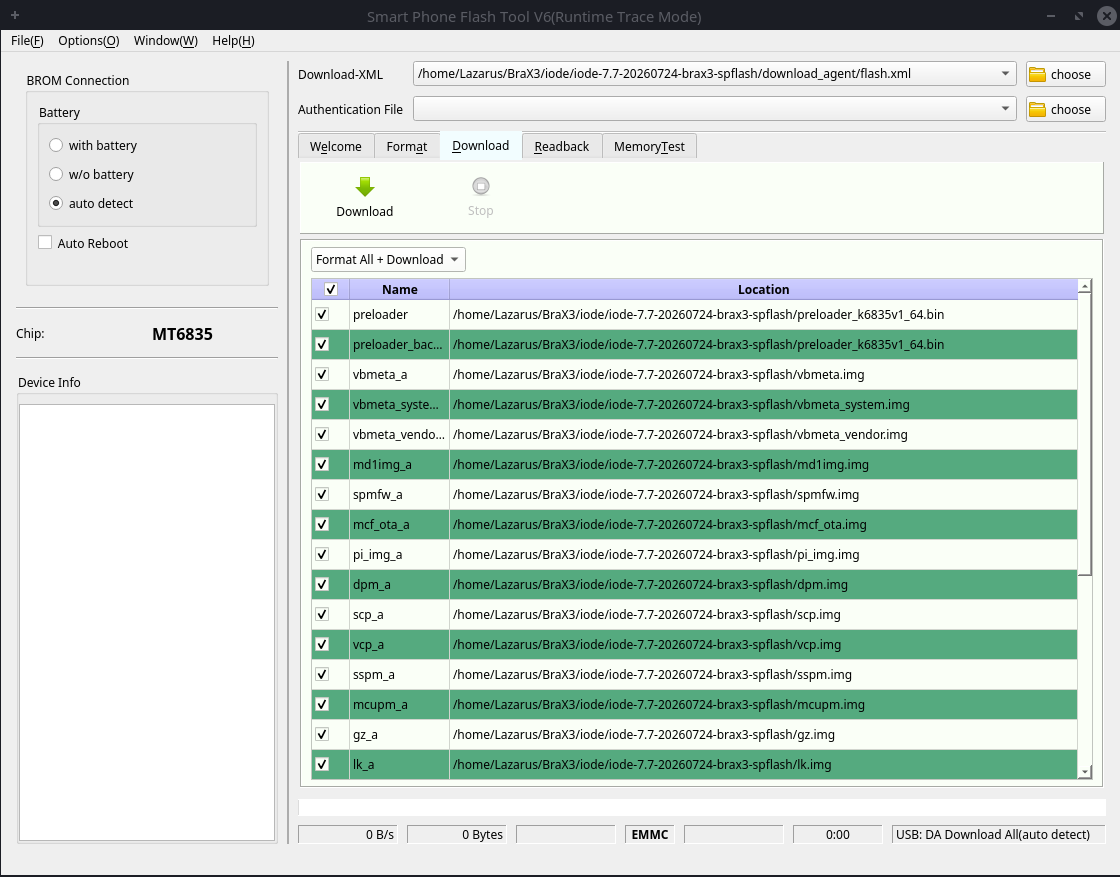
Click on Download.
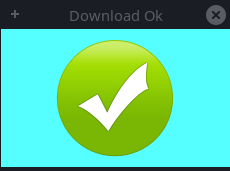
Now plug your powered off phone in using a data USB-C cable. U should see a progress bar at the bottom of your screen. On my computer it took 1:50 minutes and ended with this:
Now start your phone by holding the power button till u see the brax logo.
If u have a seedvault backup then u can restore that now. Going in phone settings>About will show that IMEI numbers are empty and that your serial number is no longer BraX3xxx but X41JFAxxx.
Now if u decide that u want the ability to make phone calls again, I posted some screenshots of doing that HERE: