Fixed…again! We should have an instructions page for how to go from Ubuntu Touch back to iode’ without wiping your IMEIs if it is possible…every time I’ve tried, SPFlash wipes my IMEIs but maybe it is because I used the Linux version.
Here is what I did to get the IMEIs back this time. Last time I read somewhere that u should disable a PIN code on the lockscreen. So I did that. I also picked the format option in SPFlash and wiped everything…this removed the serial number. Then I read this guide again on changing your IMEIs:
I then tried a different USB port (one by the power supply seems to work).
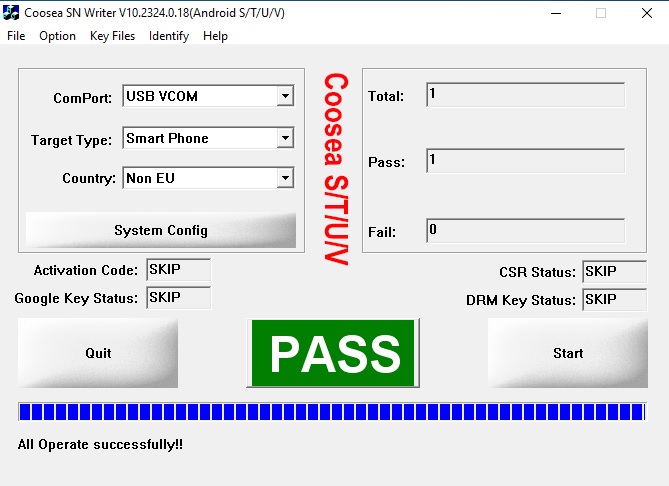
I unlocked the bootloader again which may have not been needed. I also did adb devices and made sure the device would accept a connection from my Windows mini PC. Then SN_Writer gave me this: