Hi there, I have the same problem. I just spent all day downloading apps and configuring everything. A factory reset would mean starting from scratch again. I’m hoping to avoid that because I finally have everything the way I want except for the wifi.
IodéOS has seedvault backup built into it.
Go to Settings > System > Backup
Back up everything to an SD card
4 Likes
The same thing is happening to me… it recognizes my SSID but not the password I type in “could not connect to wifi network”. I’m going to try downloading the 6.6 iode update and restart the phone. May restart the router too.
Short answer: nope, downloading update 6.6, restarting phone and router didn’t fix wifi connection problem.
@yum @Greenie what would be nice it’s if you would include the exact model of the router or wifi access point you have. 
I’m not sure how the model of the router (and access point? whatever that means?) would help. This appears to be a software issue with Iode, at least that’s what makes sense.
1 Like
@Greenie access point is the network device who generates the wifi in this context. a router is an access point, but there are also other network devices who generates wifi, like wireless repeater, AP wifi from a specific brand which does not act as a router, a computer, another phone, etc etc
And we all know here it’s bad coding implementation of the wifi module. That’s not what is important here. What is important is for you to give the model and brand of the router or access point you are trying to reach. Like every device it’s on a label behind or under the device.
A beta build has just been pushed as OTA, which may solve some problems with WPA2 (at least, it solved the issue on one test network).
To install it, the beta updater is required, which can be installed from here: beta/UpdaterBetaIode6v2.apk · master · ota / ota · GitLab
That beta updater can be uninstalled at any time, to come back to the stable channel (in App info, uninstall updates).
4 Likes
Thanks! I installed the beta updater. Not sure what to do from here though, other than reboot, which I did. Is there some kind of WPA2 patch I need to download now?
The updater should see the new 6.6 OTA. It does not ?
I already downloaded the 6.6 update yesterday. So my phone is up to date with iode.
No : a new beta OTA has been pushed today.
Open the updater and perform the OTA.
iode beta is giving me the option of deleting 6.6 after installing the beta app.
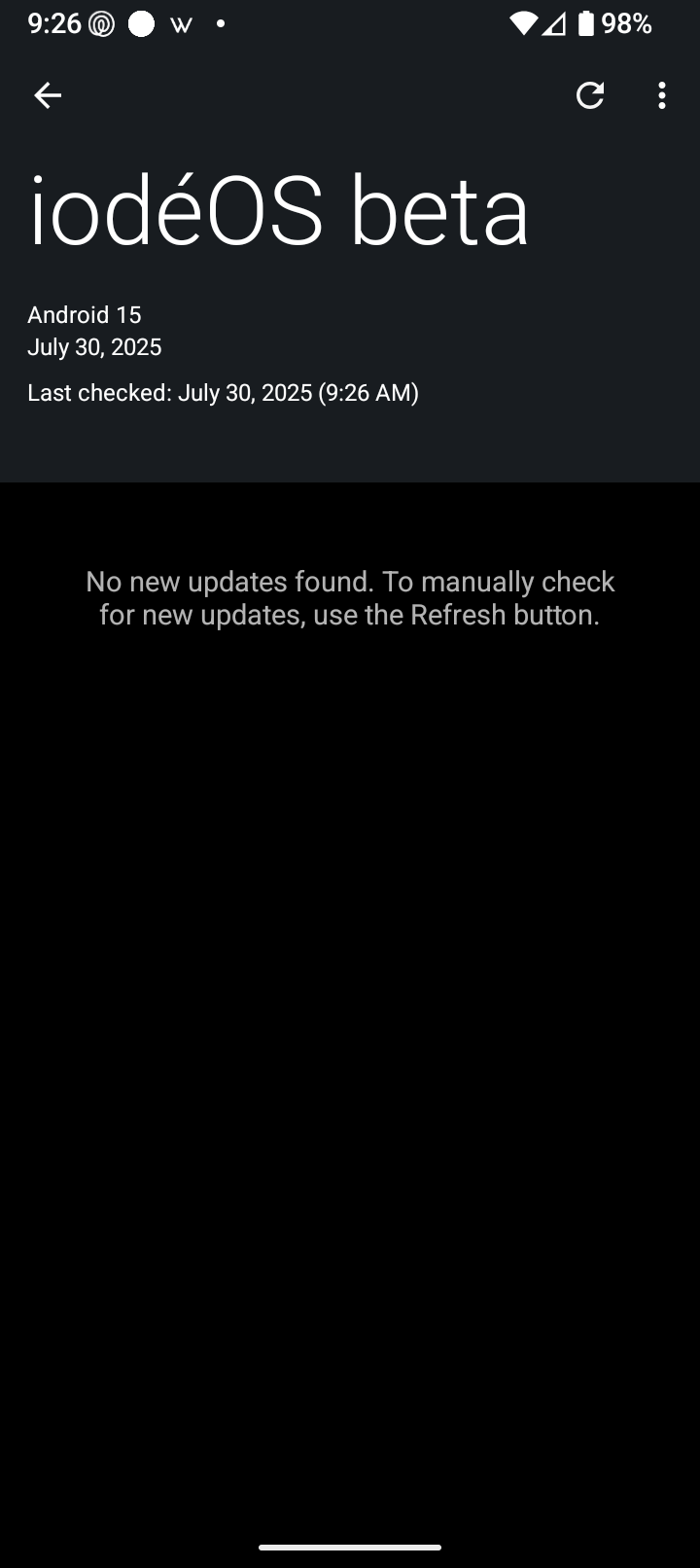
Buy does it show version from July 30 ?
I don’t know what I’m looking for or where to find it… ugh
1 Like
Did you download and install the beta updater posted above or are you using the same updater the phone came with?
1 Like
I did install the beta updater
1 Like
Download and install the linked beta updater, then check for updates. There will be a new 6.6 update available
when i click on the updater it says “ioteOS beta” July 23, 2025 last checked July 29… it then gives me the option of either deleting the July 23 update or exporting it. So I already have a 6.6 update installed.