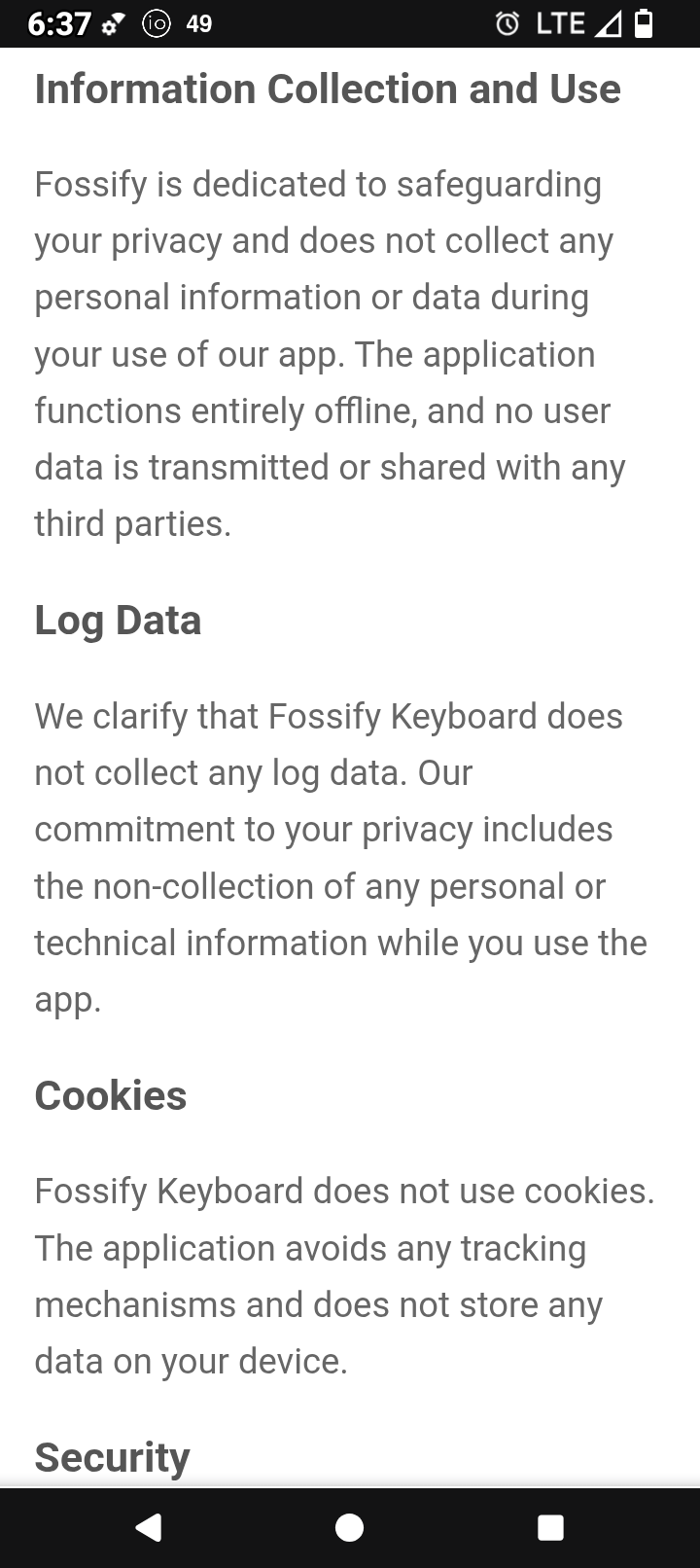
I know Rob Braxman says pretty much anything in the F-Droid store is safe but I’m wondering about the Fossify keyboard… when installing the app it said it collected a whole bunch of data and then in the app itself it says the opposite – they don’t collect anything and are privacy respecting. Very confusing.
Also, I tried to download Android Auto from the Aurora store and it claims it is installed but it is nowhere to be found in the apps. Strange!
once you have installed the keyboard (and the dictionaries if you are using multiple languages), simply remove it’s network privileges using the iodé blocker. This means you can even use privacy-invasive keyboards like gboard or swiftkey.
One privacy issue to keep in mind is that apps can see into your keyboard’s clipboard, so don’t copy-paste passwords. Use a safe tool for password copy/pasting like the one that comes with keepassdx password manager
I don’t have experience with Fossify Keyboard but yes it seems to be “local only”, the exact wording of the message you got when installing may be helpful, but regardless if the iodé app doesn’t report it, then it hasn’t attempted to use the internet.
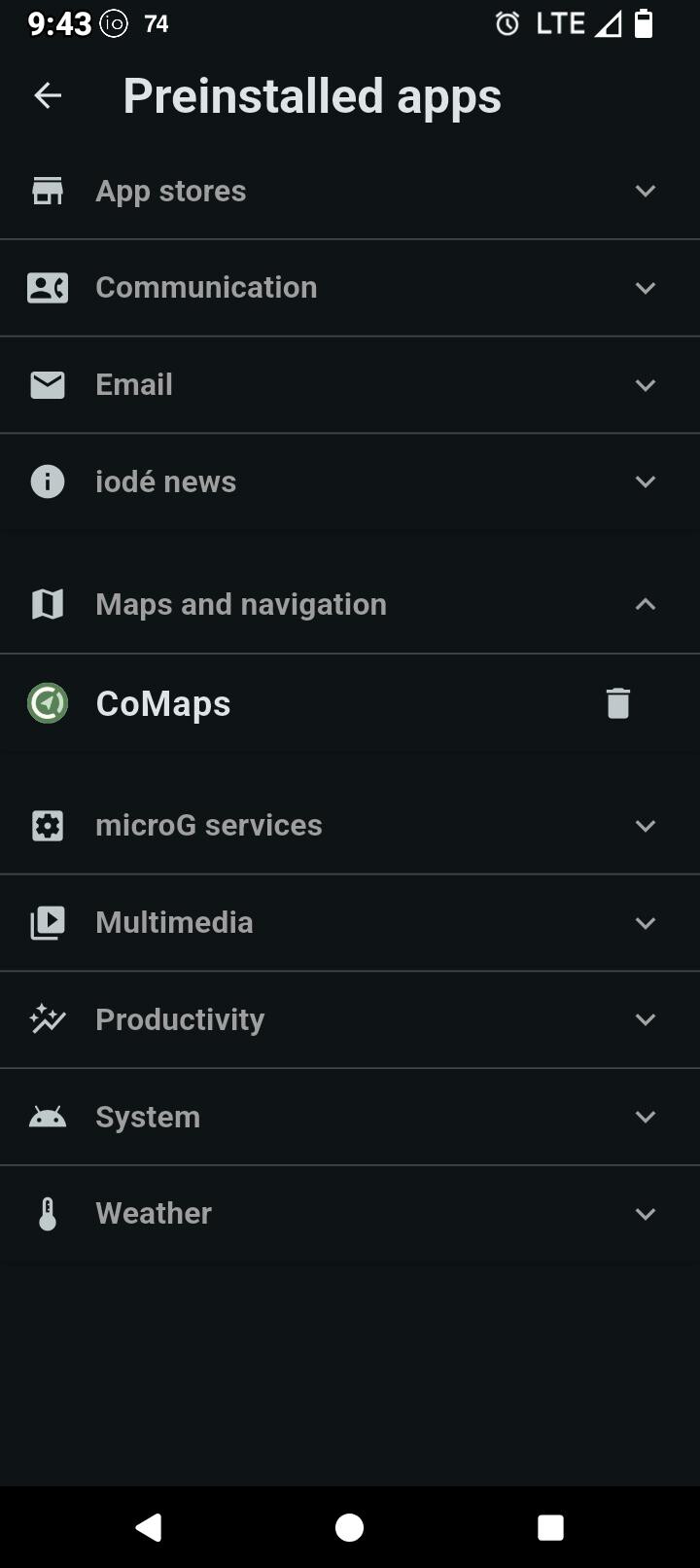
I have iodéOS 6.6 installed, and Android Auto is not in mentioned in the “Preinstalled apps”. It was neither with 6.3.
So the procedure from this thread won’t work for me.
Didn’t yet try to install it from Aurora.
However, installing from Aurora never succeeded for the few apps I installed, and I had to get the APK somewhere else.
I hear you, I’ve tried to download AA from Aurora several times… it says it’s installed but is nowhere to be found. Then if I go back to the Aurora store I can’t click “uninstall”, it still asks me to “install”.
Under system in “Preinstalled apps” you need to enable it there. Then AFTER that update / install Android Auto from Auorora (and get either the “Google apps” or “stubs” as discussed in the other thread).
AA is embedded deep at the system level, the “stub” from our “Preinstalled Apps” is effectively a placeholder for it to setup the underlying connection / permissions.
If you have 6.6 it is there. You have to enable it in Settings>Apps>preinstalled apps>system.
Note: it is under system, not maps.
You then must update it in Aurora store before beginning the setup process
It is not that kind of app. You need to connect it to an Android Auto compatible car and it launches on the car screen. You can’t use it just on the phone