The firmware flash is what I had to do with SPFlash to get back to iodé-is that what erased my IMEIs?
I’m looking at refurbished Windows computers. Does that SN Writer software work in Windows 10?
Your giving me hope that rooting the BraX3 is still possible!
I had adb and fastboot on my computer twice. I was using the Linux Mint 22.3 version which was adb and fastboot version 34.04 and the latest android tools linked on the build page is 36.02 which I also had. I was working in the directory where the newer tools were but it may have been grabbing the older tools. I have now uninstalled the older version and put the newer one in my path. I got OKAYS yesterday but got boot loops so I will try again with the most recent tools.
I haven’t worked with this and I don’t know what could be causing the bootloops.
They say on the Ubuntu Touch page that if the most recent version of Android Developer Tools is not used then u could get a boot loop.
Bottom of this page:
I got root in Lunar OS! The fastboot command in that thread I found was wrong. The one George posted has the right fastboot command. U need to have flash in there. I unlocked the bootloader first which is described here:
i used Magisk and it wanted to finish up things and reboot. I checked with the root checker app and see this:
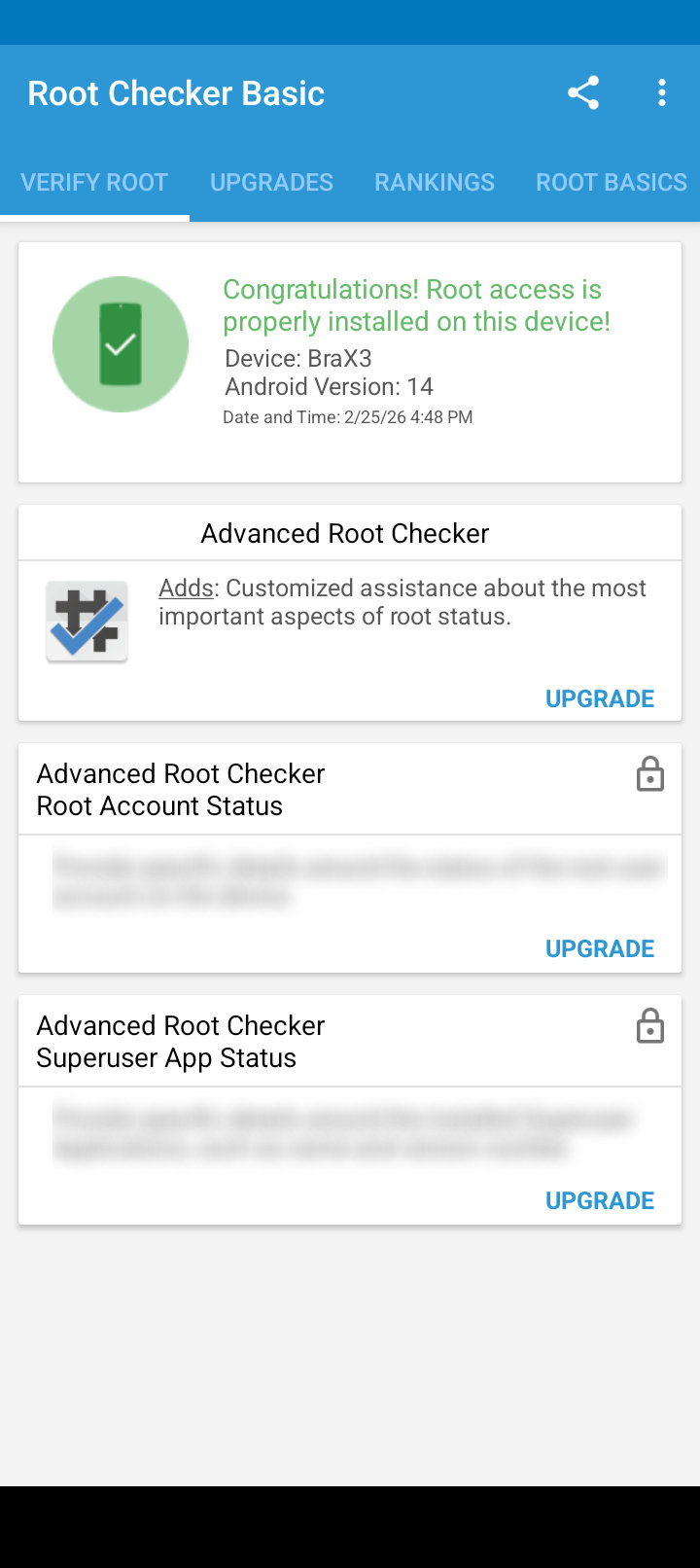
Now I need an app that can write my IMEI numbers back!
You should be able to get a dmesg now. Did you try the fastboot command to change the IMEI?
Full format erases IMEI and S/N. Firmware upgrade doesn’t.
I’ll keep that in mind. It still has the SN which is strange! I keep checking the IMEI numbers when I get a new OS installed and still blank. U see the SN in iodé when u do:
adb devices
dmesg still gives me a permission error. Same with su and adb root. One app made for our CPU to write IMEI wouldn’t install on our phone. These phones are really locked down!
I will try another IMEI app for our CPU and maybe rooted iodé. Also fastboot IMEI command. If those fail then buy a refurbished windows PC.
My neighbor still has a computer when mobile devices are what has replaced computers for some people. Windows computers really get on my nerves, but that is an option if all else fails!
I have a dual boot with Linux for such cases, mostly to get the Microsoft webcam to work on some Zoom seminars.
I used to do that because most computers come with Windows but I haven’t bought a computer in years and eventually I erased windows on my computer.
Aha-I can get su from an adb shell. I first had to go into the Magisk app and enable this in Superuser:
[SharedUID ] Shell
I can now get the dmesg log as well!
Get dmesg and LogCat for some USB hub to get an idea why it can’t be recognized.
fastboot cannot write IMEIs for our phone. The option fastboot oem writeimei would be needed but that doesn’t work on our phone. This is from Brave AI:
Fastboot cannot write an IMEI without OEM support.
The fastboot oem writeimei command is device-specific and only available on certain devices (e.g., HTC, some MediaTek-based phones). If your device does not support this command, it means the bootloader does not allow IMEI modification via fastboot.
I did confirm my IMEI is blank!
Lazarus@Paradise:~/Downloads$ fastboot getvar imei
imei:
Finished. Total time: 0.003s
I put the Sim card from my first phone into my second phone running Lunar OS and saw my phone # and carrier in about. I don’t think I should make a phone call without an IMEI so now it is back in my first BraX3.
I wasn’t the first person to have Sim issues in the experimental port of UT to the BraX3. Hopefully this issue will be fixed when it is released as 1.0! 
Nothing seems to work to get the IMEIs back without the Windows SN Writer tool. I am now convinced after hours of trying and hitting a wall. Next stop Windows! 
What will happen if you call without IMEI?
Probably you can’t make a call. There is still a probability that you can’t see the IMEI but it’s there.
Try *#06# on the phone dial.