How do I flash back to iode' or Lunar OS?

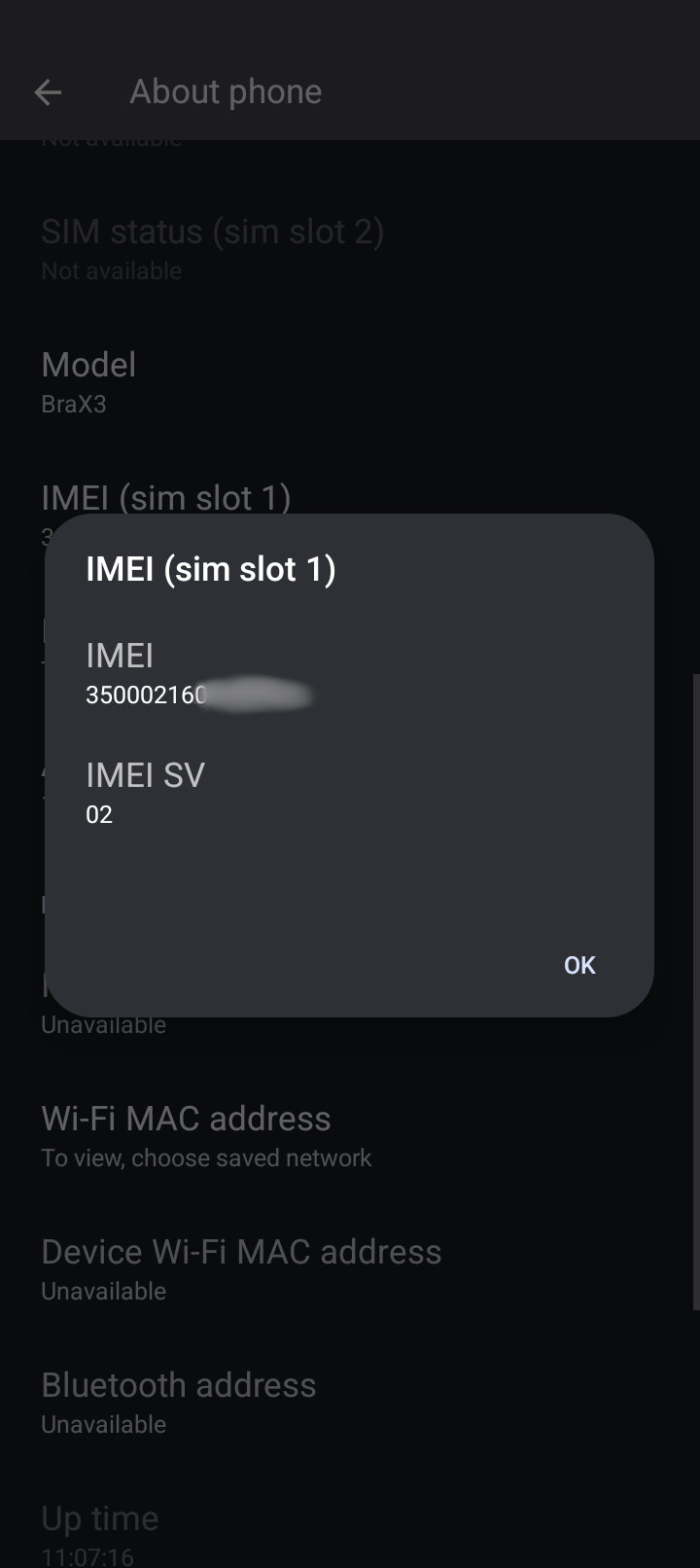
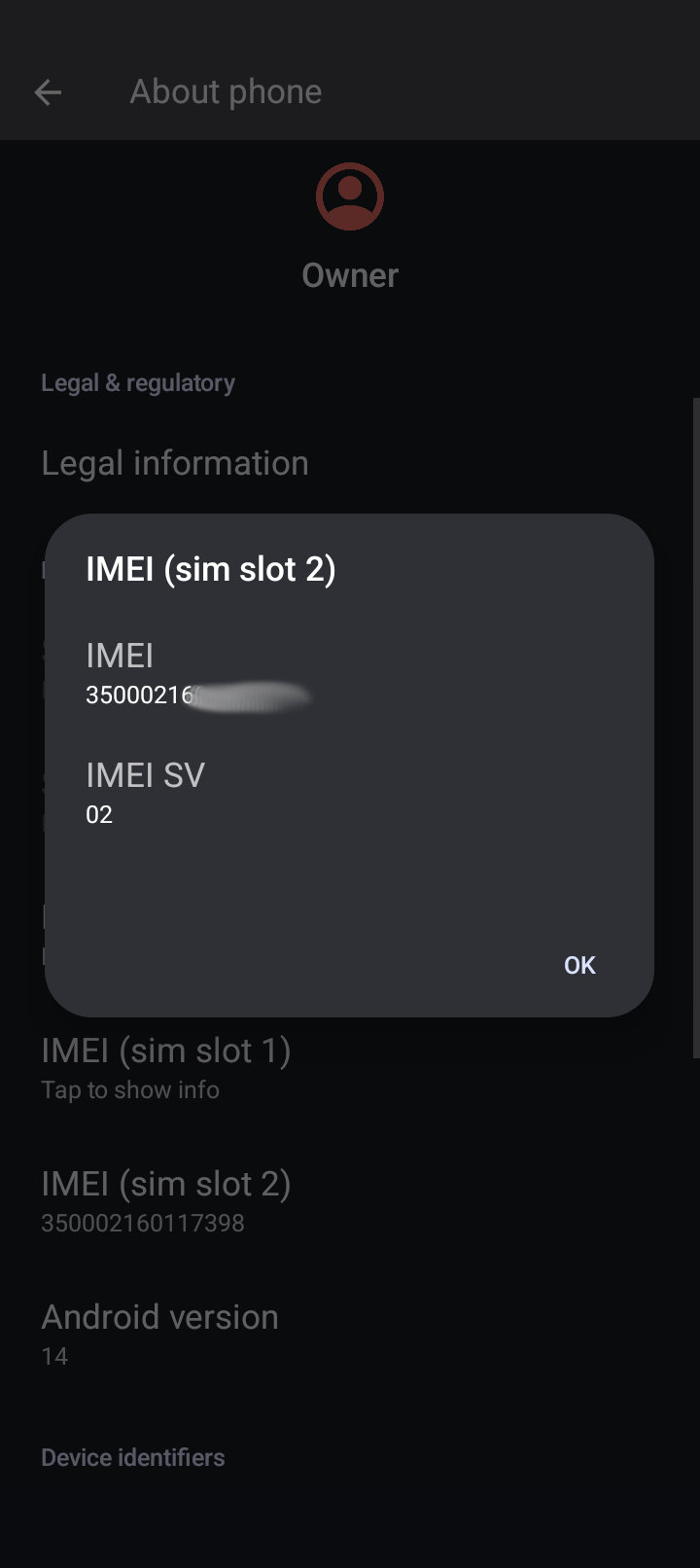
I took the SIM card out a while ago, but when I dial that on Lunar OS it shows that my IMEI is blank.

I was looking up what IMEI is and it seems that phone carriers take it pretty seriously and could black list u…maybe if I try to call without an IEMI I would lose my phone # and get a visit to my house!

I typed that in just for kicks and I get get a “I’m sorry your request was not recognized” message from AT&T.

That is not a phone number but a code on Android phones to display your phone IMEI. On my iodé BraX3 I see both IMEI numbers.

This is from Brave AI:

Dialing #06# on an Android phone displays the device’s International Mobile Equipment Identity (IMEI)* number.

This 15-digit unique identifier helps identify your phone on mobile networks. It is commonly used for:

  • Reporting a lost or stolen phone to your carrier for blocking.
  • Verifying a used phone’s legitimacy before purchase.
  • Handling warranty claims or technical support.

The code works… what does *#06# do on android phone - Brave Search

I successfully reset my IMEI - see How to Change the IMEI Number on Your BraX3 - #80 by J.D.Laub

1 Like

Thanks-I downloaded thst version. Is this guide right?

Does rhe SN Writer flash reset everything in Lunar OS and wipe your files? There is no backup utility like in iodé.

Looks right. My fiddling was several weeks ago, & it felt like I was trying everything under the sun - details getting a bit foggy at this point.

I had nothing on the phone at that point, so I wouldn’t have noticed if it had clobbered any files. Best to assume that yes it will clobber files & you should manually back up anything valuable before starting.

Thanks for the reply and for your detailed review of Ubuntu Touch a while ago now. That inspired me to try the UT install myself!:grin:

I found a way with adb to make a backup without root. I didn’t verify this still works but Brave AI found this:

adb backup -apk -all -nosystem -f backup.ab

I wont be able to try SN Writer for a couple days so I have time to do this.

that adb command works but the file is too small to be a backup file.

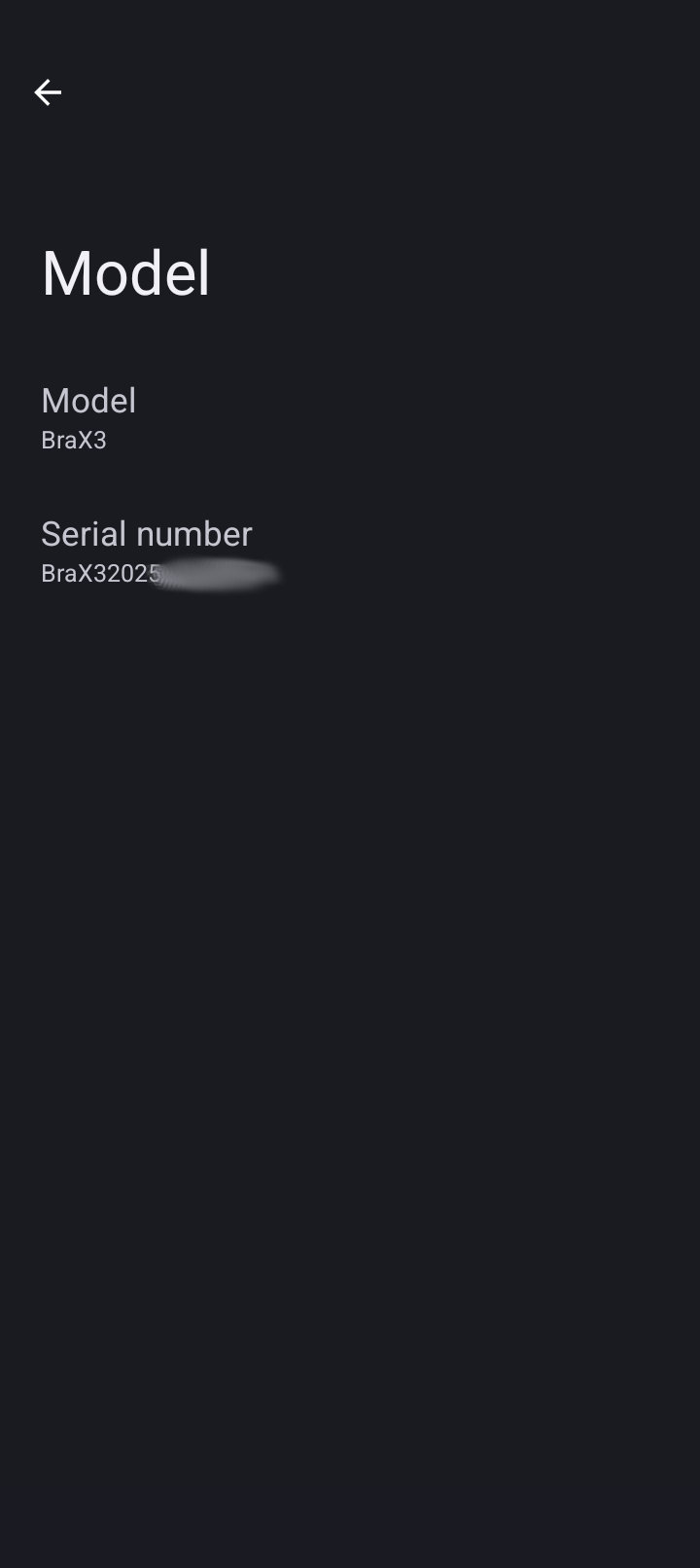
Last night I got SN Writer software to write my IMEIs and serial no back. I got a win 10 iso off the M$ site and made a bootable USB from open source software. It took hours and u can’t walk away from the installer like with Linux. Plus they wanted an email and verified it. They got one of my disposable emails.

Win should work for at least a month and then who knows. My experimental phone is fixed and I don’t plan on using win much anyway!:+1:t3:

This is where I got the win 10 iso:

https://www.microsoft.com/en-us/software-download/windows10ISO

I tried to make a bootable USB in Linux Mint and they recommended Ventoy:

This is where to get it:

1 Like

OK, I made a successful phone call with my experimental phone, flashed it to Iode’ OS and back to Lunar OS-the IMEIs and Serial No survived that. I must have done a format on SP Flash. I know now to NEVER do that. I did firmware upgrade twice now and no problems.

The version of SN Writer linked in the Tools and Resources page works for Windows 10. Follow Media Tek’s how to guide and all works out.

Here’s some screenshots that may help:

I did have trouble getting SN Writer to flash. What u need to do is install the adb batch file so that Windows downloads adb and fastboot. Then make sure adb debugging is enabled on your phone and plug it into the Win pc. The phone will pop up a screen to enable adb from the computer-check always. Run cmd in the search box and put in adb devices to make sure all looks good. Here is the batch file u need:

https://opensource.braxtech.net/assets/files/Latest-ADB-Installer.bat

Now proceed with the SN Writer! :smiling_face_with_sunglasses:

1 Like

This topic was automatically closed 4 days after the last reply. New replies are no longer allowed.