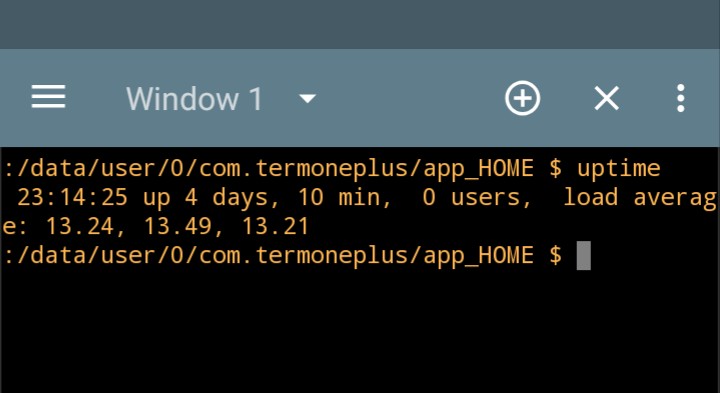
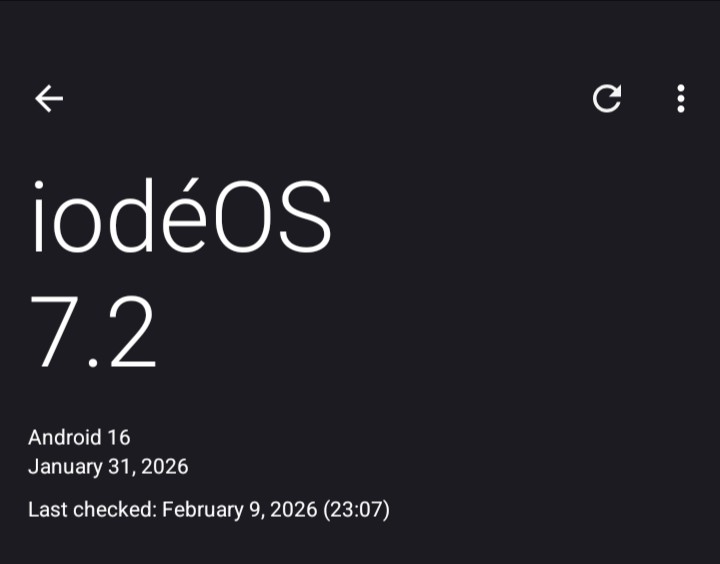
It looks like the new update to 7.2 is solid-no spontaneous unwanted reboots in 4 days now! 
1 Like
don’t be happy, those things come and go, 7.3 for example can be a disaster for some other reason, you can never know what LineageOS will push each month
I’ve used iodé for over 5 years now on 3 Sony Xperias and had no problems till the 7.1 update on our BraX3. Hopefully the 7.1 reboot error was just an anomaly that wont repeat itself!
The WiFi issue appeared on iodé 6.
I thought that was just our phone. I wasn’t watching the iodé forums.
Initially LunarOS was Android 14 and it was working but on Android 15 it broke, they probably changed the authentication process in the wpa_supplicant .
Oh. I turned the WiFi off on the Netgear router that had that WiFi problem. I have that router wired into a travel router that doesn’t have trouble with the WiFi password being recognized. I heard that WiFi problem got fixed but I didn’t notice.
It is a firmware problem so they turned off the multi_akm flag and it was fixed.
Do we need to update to 7.1 to get 7.2? I don’t see 7.2 in my updater.
Do it manually, check whether you have forgotten to remove the transitional updater.
What was the transitional updater name?
Hold on the updater icon > App info
If you can see 3 dots upper right click on them and select “Uninstall update” else you have already removed it.
I still get quite a few random reboots with 7.2
Did you try a factory reset ?
I haven’t tried factory reset. Not trying to hijack thread, merely commenting that 7.2 doesn’t fix anything. I get many random reboots. Yesterday I was on a normal call (not video) and my screen went crazy with scrambled square images then a really high pitched tone and everything went black. Rebooted on it’s own.
Another user had gotten rid of the reboots on 7.1 after a factory reset, if it persists on 7.3 talk to plamen for a potential replacement.
I uninstalled the updater and reinstall it again. Still only showing 7.1 update and when I try to download it, it’s telling me my download has failed and check my internet connection.
Since you are on 7.x you only need the native updater, now you’ll download manually the update and you will install it as a local update, brax3/iode-7.2-20260131-brax3-ota.zip · master · ota / release · GitLab
1 Like
I mostly like the cosmetic changes in the 7.3 beta. Iodé is making things better.
1 Like