Iode’ 7.4 went live yesterday:
1 Like
The 7.4 Files are there, but whatever is needed to support the update by way of the Updater App on the phone, has yet to be completed/finished as it still doesn’t update.
And yes, before it is said that one can manually update, I for one would prefer to wait for Brax to make things work the way they were supposed to through the updater app… I hope that can be done.
The new updater is in the 7.4 manual update, I would think!
@plamen could we have confirmation? I don’t to give bad advice.
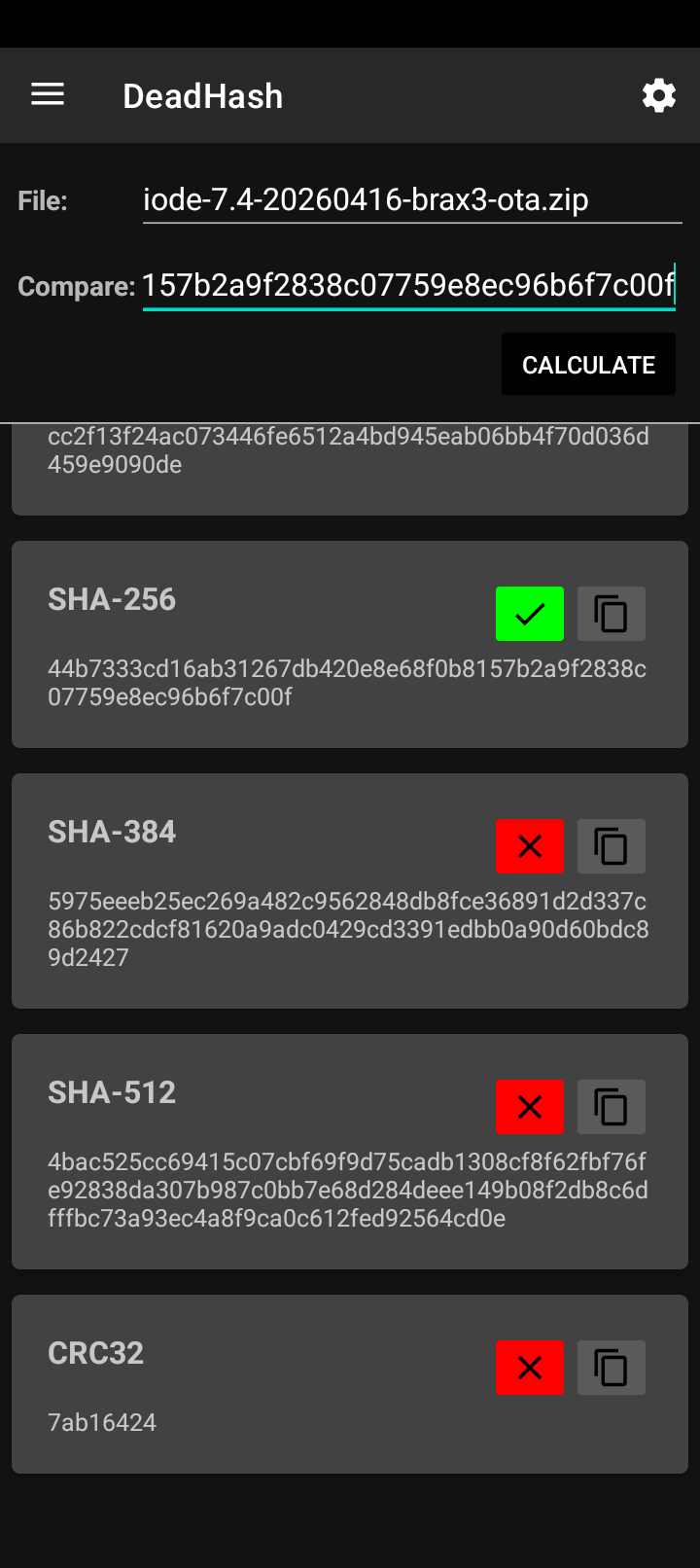
I just did a manual install of 7.4. All went smoothly but I can’t tell where the updater looks for web updates. It still says update check failed.
I did a hash check first for 256sum:
If you were to go back to the beginning of this thread, george indicates that the updater code from the 7.3 version phone is looking to access server: download.os-source.co . I don’t do code, but what I understood from his comments was that there is some kind of json file the updater consults, and then determines if an update is available for that phone’s version, and then provides a server to download it… If you have experience with code, what george actually posted might make a whole lot more sense to you … I was satisfied with understanding that the iode updater app didn’t seem to be the issue, nor was it being blocked by the iode app … what seems to be the issue is that the people who are putting things where they need to be, haven’t decided to give a response to the updater app that would allow for an update… at the day/time we were originally looking, there weren’t any files of the 7.4 series there… now there are, but they have yet to activate an updater app response which supports the updater allowing the update.
If the solution ,to the official updater app not supporting an update for whatever good reason there might be, is to circumvent the update process by manually doing it… Then what’s the point? Anyone who does this is taking a risk if the Official Host has not been set up to allow for the updater app to update the phone. The solution, to me, is to wait until the Host is ready to support the update officially.
2 Likes
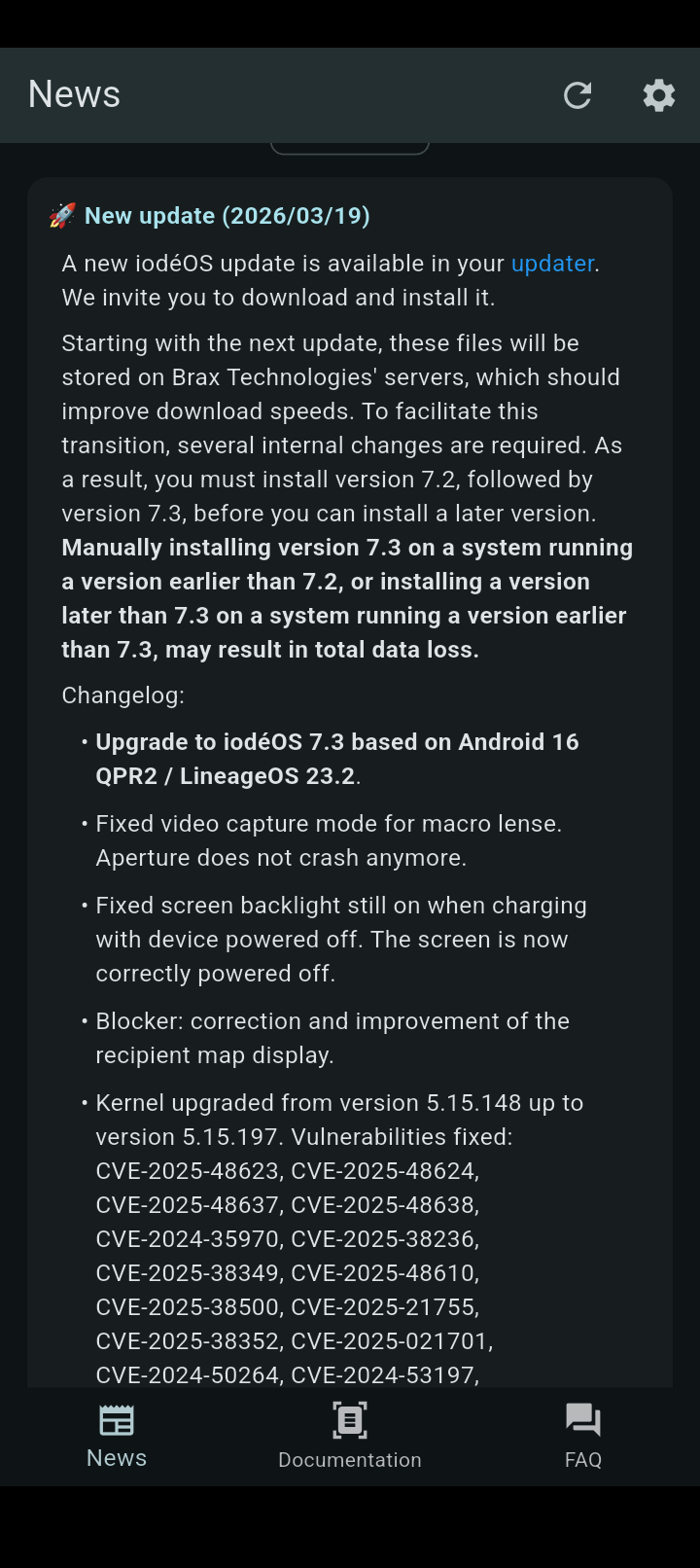
I think George just copied what was in the iodé news update for most of his post but they don’t mention the json file.
Hopefully the 7.5 update is automatic again!
The (7.4) json file (Response) is here : download.os-source.co/brax3/iodeos/v7/ota/ota.json.release … but I’m not totally sure if the 7.3 version is looking at the json file on Brax, or the json file on ota.iode.tech … it may be that in order to get to 7.4, the json file at ota.iode.tech has to be changed/updated to point to the new server for the 7.4 Update… then with the 7.4 Update the updater app may get updated… who knows, maybe ota.iode.tech will always host the json file and just point to the Brax server in the response… for the heavy download.
Thank you for the hints.
I’m bookmarking the hosting site for version 7.4 in case I need to update the device manually.
However, I’d rather wait a little longer for the development team to fix the issue so I can perform the update properly using the official method. Maybe @plamen knows a little more about this, as it seems it affects all Brax3 users…?
Thanks in advance.
2 Likes
I can only speak for the Brax3 Version 7.3 looking to download.os-source.co . I am not sure where previous versions were/are currently looking… If I had to guess I would say ota.iode.tech … I will say this though… If/when Brax does fix the pointer to the correct hosting server(s), that/those server(s) are likely to become busy. So they are just probably trying to “prepare” for the data load (of which they haven’t had before) to insure it can’t disrupt whatever else the host servers might be doing. They also will probably want to capture a good bit of information on the first official hosted update, so as to fine tune how they choose to support update demands in the future.
2 Likes
I did finally update manually to 7.4. No issue so far. Still the updater is not able to check for updates…
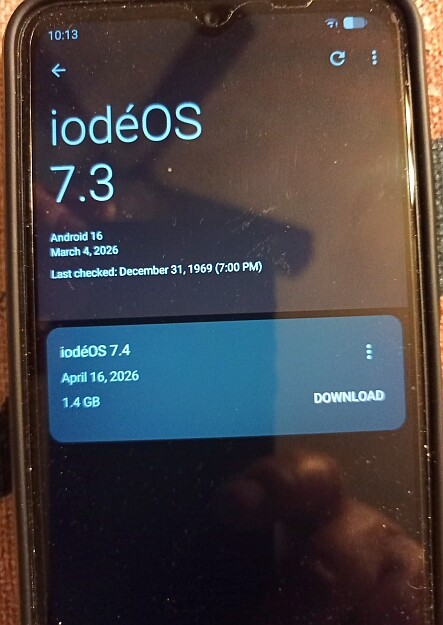
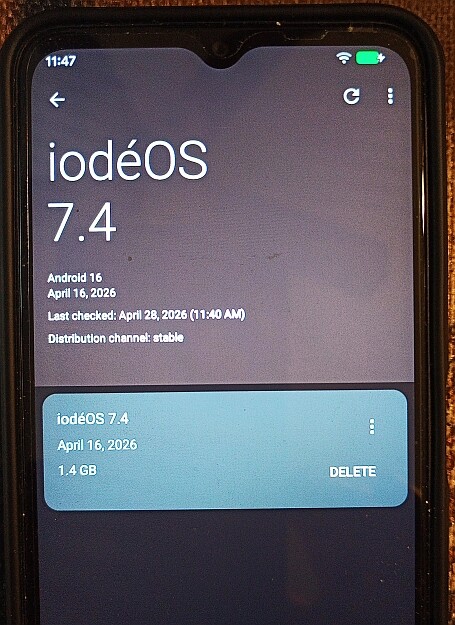
Indeed, updater works again 
1 Like