My understanding is unless you bought it from Google, or originally came from Google, it will have a locked bootloader and you won’t be able to de-google it. Since you already ordered, I hope I’m wrong though. Otherwise, hopefully the de-googling will go well for you. My current phone (still “current” until my brax3’s wifi works) is a moto g7 that I de-googled myself before I started following Rob’s channel years ago. I love being de-googled and Rob’s a great teacher on how to protect your privacy.
1 Like
I’m partial to ASUS routers since there’s alternative firmware available. In particular, Asuswrt-Merlin is built from ASUS published GPL code with enhancements and bug-fixes. The dev has a working relationship with ASUS and his mods are often backported into the stock ASUSWRT firmware.
I typically pick the best non-gaming residential grade ASUS router and they cost a bit more than $60. My latest purchase is an RT-AX86U Pro AX5700 WiFi 6 router (advertised as a “Gaming” model but without those quad- or hex-copter style antennae). MSRP is $199.99 USD but you can get it for cheaper than that (e.g. directly from ASUS, or even cheaper at eBay).
My Pixel 9a purchase was discounted at $349 USD, so still more than a new router. But I’ve been looking for a good price on this model as it’s time to refresh my Pixel 6a, which is at the bottom of the HCL for GrapheneOS (and will likely fall off LineageOS support after that).
(Yeah, I’m a bit of a collector…)
1 Like
So speaking of routers, I’d previously promised @LostEther that I would test my BraX3 with all three of my ASUS routers when it finally arrived. I provided a “failure” report for my ASUS RT-AC68P Wireless-AC1900 Router earlier in this thread. I also have an ASUS RT-AX68U AX2700 Dual Band WiFi 6 Smart Router that I planned to test with the BraX3, but that hardware was deprecated by ASUS before I could get around to deploying it and it probably doesn’t make much sense to bother testing the BraX3 with that model.
When ASUS deprecated that (and earlier) models their shipping product line was migrated to a new Broadcom chipset architecture. So then I bought the RT-AX86U Pro AX5700 WiFi 6 router, but I’ve been postponing deployment here at home, because my setup is a bit convoluted and the router migration will require rebuilding all that from scratch…
Anyway, good news is that I finally bit the bullet today and installed the latest Asuswrt-Merlin firmware on this RT-AX86U Pro and I’m happy to report that this is working with my BraX3:
This WORKS:
ASUS RT-AX86U Pro AX5700 Dual Band WiFi 6 Gaming Router
Firmware Version: Asuswrt-Merlin 3006.102.5 (3-Aug-2025)
Broadcom BCM6710 802.11 Wireless Controller 17.10.188.6401 (r808804)
BraX3 with iode-6.6-20250803-brax3-ota.zip installed via “Manual” option
Authentication Method: WPA2-Personal
(edited to add Auth Method)
1 Like
I mentioned my ISP earlier in this thread so I won’t do any more shameless advertising for them, but they provide pre-paid plans only and this specific phone is advertised as “Unlocked”. Hopefully there are no painful gymnastics to actually enable OEM Unlocking and unlock via fastboot, but since this is Google hardware I’m assuming that won’t be an issue.
2 Likes
bought a new TP Link AC1900 1300 mbps 5GHz + 600 mpbs 2.4 GHz Archer C80 and it has WP3. it is working on my Brax3. Phone does not work on some external public wifi.
1 Like
My ASUS RT-AX86U Pro AX5700 is a Wi-Fi 6 / 802.11ax router that supports WPA3 per that standard. But the AP settings default to WPA2 Personal, and that’s what my BraX3 shows in the details for the network connection. I didn’t try WPA3 and most of my client devices don’t support that mode.
1 Like
Updated to 6.6 still no wifi on netgear 6700 v3, thanks
1 Like
Since you now may have a bit more freedom to test some things on your older non-working TP Link AC1900 Archer C9 I am wondering if you would be able to confirm if its firmware is up-to-date, and if not attempt to update it and test again?
LineageOS often has supported builds way past manufacturer timelines. My understanding is that LineageOS is essentially running as an overlay / container on top of the vendor source. So that vendor base source will not get updates after Google abandons it, but the Android userspace is much easier to keep updated to new versions with this structure rather than the Graphene / Calyx (RIP) approach of making full “from scratch” AOSP builds. For example, I am running a bang up to date iodéOS 6.6 (Lineage 22.2 / Andoid 15) on my Pixel 3a XL, whereas there was no Android version made available newer than Android 13.
So what this means is I fully expect a Pixel 6a to have official Lineage builds well into the ??Android 19-20?? range?? Still, P9a looks like a great device to have as a newer “brax3 alternative” 
1 Like
We do have userdebug builds that @brinerustle has been able to provide logcat output from, feel free to check it out
@rik I had started from there and this is why I checked the captured handshake frames. The Mediatek binaries haven’t been changed since 4 months ago. I’m not skillful with the Android repositories so still I haven’t found out what are the changes of the wpa-supolicant_8 from A14 to A15, if there are no changes then the problem is somewhere else in the stack.
1 Like
what do you mean by firmware? and is it the firmware of the old TP Link?
Yes, I was wondering if for your non-working TP-Link router if you are able to go to TP-Link’s support portal and see if there is a newer version available than what is currently on it, and if so then upgrade it and re-check if it addresses the issue?
1 Like
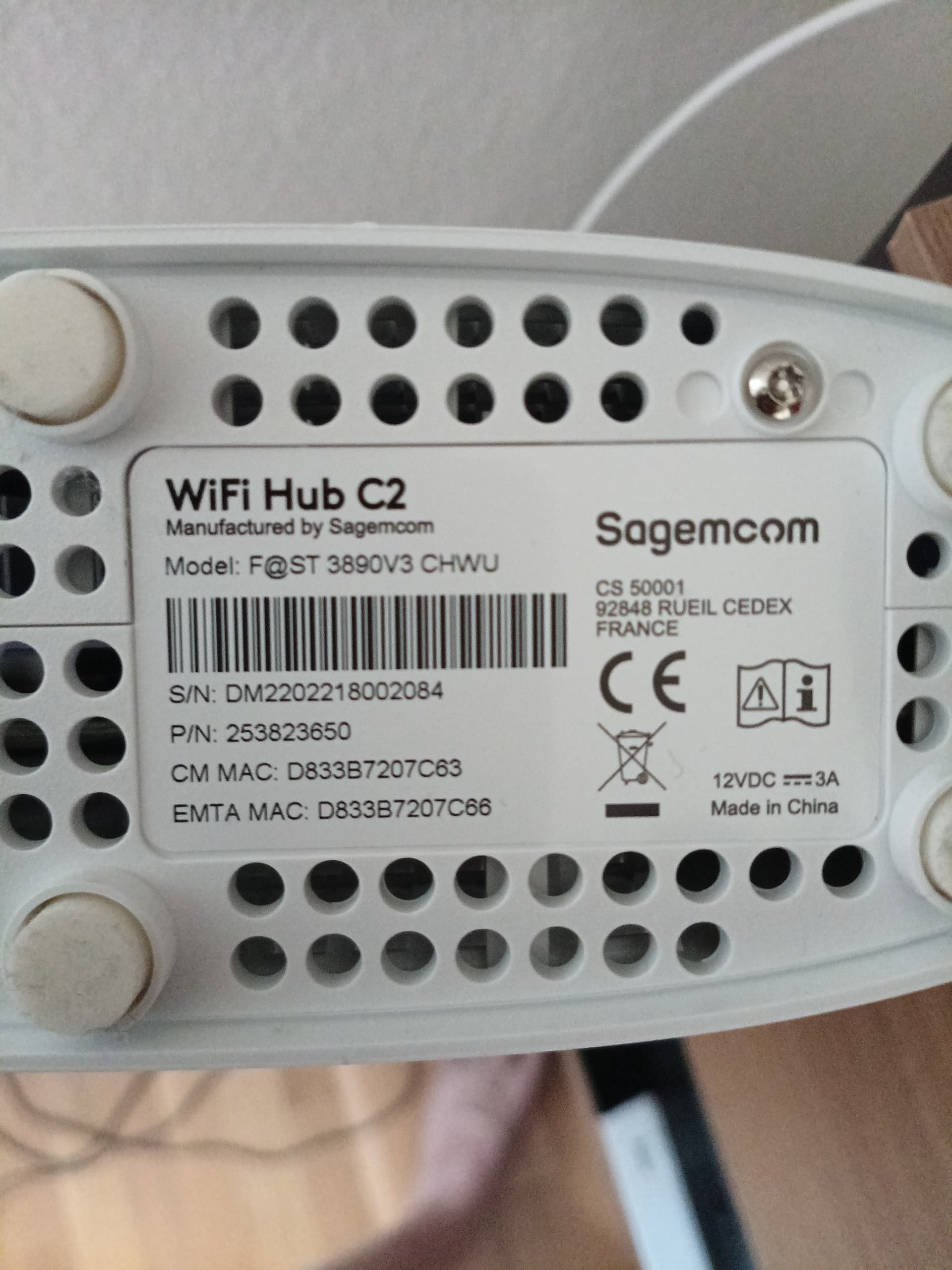
We can add the Optimum Gateway 5 cable modem and wireless router combo manufactured by Ubee, under model number UBC1322 which has DOCSIS 3.1 technology and supports Wi-Fi 6 to the list of unsupported routers. Same “check password and try again” issues despite beta update.
ok will try to do that. not sure where to go and get this support portal. have to do some research on their web site and see if there are updates for their old model I have.
@Nefer it should be this one, but check the instructions in order to select the correct region and hardware model else you may brick your router or make it non-functional
1 Like
My home ISP, Bellaliant told me to-day I have DSL internet service. The BraX3 is the newest device here. The customer service rep. offered that the new Android device may require a higher bit rate than DSL and the older Actiontec WPA/WPA2 router can provide. Is this a possible clue to the no connection to the Actiontec router issue?
Was able to install two apps on the Brax3 over WiFi while I was at the mall to-day.
@GromPilot There is no correlation between Brax3 WiFi problem and the DSL speed. The phone doesn’t require any specific connection speed, the slower the speed the more you wait for something to be downloaded.
In case he meant the WiFi version it works for me with 802.11b which is the oldest so there is no such issue.
@rik this the diff for the wpa-supplicant_8 between Android 14 r67 and Android 15 r14
where would you look for the problem ?
Files 1467/aidl/Android.bp and 1514/aidl/Android.bp differ
Files 1467/aidl/android.hardware.wifi.supplicant.xml and 1514/aidl/android.hardware.wifi.supplicant.xml differ
Files 1467/aidl/sta_iface.cpp and 1514/aidl/sta_iface.cpp differ
Files 1467/aidl/supplicant.cpp and 1514/aidl/supplicant.cpp differ
Files 1467/Android.bp and 1514/Android.bp differ
Files 1467/android.config and 1514/android.config differ
Files 1467/Android.mk and 1514/Android.mk differ
Files 1467/ap.c and 1514/ap.c differ
Files 1467/bgscan.h and 1514/bgscan.h differ
Files 1467/bgscan_learn.c and 1514/bgscan_learn.c differ
Files 1467/bgscan_simple.c and 1514/bgscan_simple.c differ
Files 1467/bss.c and 1514/bss.c differ
Files 1467/bss.h and 1514/bss.h differ
Files 1467/bssid_ignore.c and 1514/bssid_ignore.c differ
Files 1467/ChangeLog and 1514/ChangeLog differ
Files 1467/config.c and 1514/config.c differ
Files 1467/config_file.c and 1514/config_file.c differ
Files 1467/config.h and 1514/config.h differ
Files 1467/config_ssid.h and 1514/config_ssid.h differ
Files 1467/ctrl_iface.c and 1514/ctrl_iface.c differ
Files 1467/dbus/dbus_dict_helpers.c and 1514/dbus/dbus_dict_helpers.c differ
Files 1467/dbus/dbus_dict_helpers.h and 1514/dbus/dbus_dict_helpers.h differ
Files 1467/dbus/dbus_new.c and 1514/dbus/dbus_new.c differ
Files 1467/dbus/dbus_new.h and 1514/dbus/dbus_new.h differ
Files 1467/dbus/dbus_new_handlers.c and 1514/dbus/dbus_new_handlers.c differ
Files 1467/dbus/dbus_new_handlers.h and 1514/dbus/dbus_new_handlers.h differ
Files 1467/dbus/dbus_new_handlers_p2p.c and 1514/dbus/dbus_new_handlers_p2p.c differ
Files 1467/dbus/dbus_new_helpers.c and 1514/dbus/dbus_new_helpers.c differ
Files 1467/dbus/dbus_new_introspect.c and 1514/dbus/dbus_new_introspect.c differ
Files 1467/defconfig and 1514/defconfig differ
Files 1467/dpp_supplicant.c and 1514/dpp_supplicant.c differ
Files 1467/driver_i.h and 1514/driver_i.h differ
Files 1467/eapol_test.c and 1514/eapol_test.c differ
Files 1467/events.c and 1514/events.c differ
Files 1467/gas_query.c and 1514/gas_query.c differ
Files 1467/hs20_supplicant.c and 1514/hs20_supplicant.c differ
Files 1467/ibss_rsn.c and 1514/ibss_rsn.c differ
Files 1467/interworking.c and 1514/interworking.c differ
Files 1467/Makefile and 1514/Makefile differ
Files 1467/mbo.c and 1514/mbo.c differ
Files 1467/mesh.c and 1514/mesh.c differ
Files 1467/mesh_mpm.c and 1514/mesh_mpm.c differ
Files 1467/mesh_rsn.c and 1514/mesh_rsn.c differ
Only in 1514: nan_usd.c
Only in 1514: nan_usd.h
Files 1467/notify.c and 1514/notify.c differ
Files 1467/notify.h and 1514/notify.h differ
Files 1467/offchannel.c and 1514/offchannel.c differ
Files 1467/op_classes.c and 1514/op_classes.c differ
Files 1467/p2p_supplicant.c and 1514/p2p_supplicant.c differ
Files 1467/p2p_supplicant_sd.c and 1514/p2p_supplicant_sd.c differ
Files 1467/pasn_supplicant.c and 1514/pasn_supplicant.c differ
Files 1467/README and 1514/README differ
Only in 1514: README-NAN-USD
Files 1467/robust_av.c and 1514/robust_av.c differ
Files 1467/rrm.c and 1514/rrm.c differ
Files 1467/scan.c and 1514/scan.c differ
Files 1467/scan.h and 1514/scan.h differ
Files 1467/sme.c and 1514/sme.c differ
Files 1467/sme.h and 1514/sme.h differ
diff: 1467/src: No such file or directory
Files 1467/wmm_ac.c and 1514/wmm_ac.c differ
Files 1467/wnm_sta.c and 1514/wnm_sta.c differ
Files 1467/wnm_sta.h and 1514/wnm_sta.h differ
Files 1467/wpa_cli.c and 1514/wpa_cli.c differ
diff: 1467/wpa_client_include/libwpa_client/qca-vendor.h: No such file or directory
diff: 1467/wpa_client_include/libwpa_client/wpa_ctrl.h: No such file or directory
Files 1467/wpa_priv.c and 1514/wpa_priv.c differ
Files 1467/wpas_glue.c and 1514/wpas_glue.c differ
Files 1467/wpas_module_tests.c and 1514/wpas_module_tests.c differ
Files 1467/wpa_supplicant/Android.bp and 1514/wpa_supplicant/Android.bp differ
Files 1467/wpa_supplicant.c and 1514/wpa_supplicant.c differ
Files 1467/wpa_supplicant.conf and 1514/wpa_supplicant.conf differ
Files 1467/wpa_supplicant_i.h and 1514/wpa_supplicant_i.h differ
Files 1467/wps_supplicant.c and 1514/wps_supplicant.c differ
1 Like