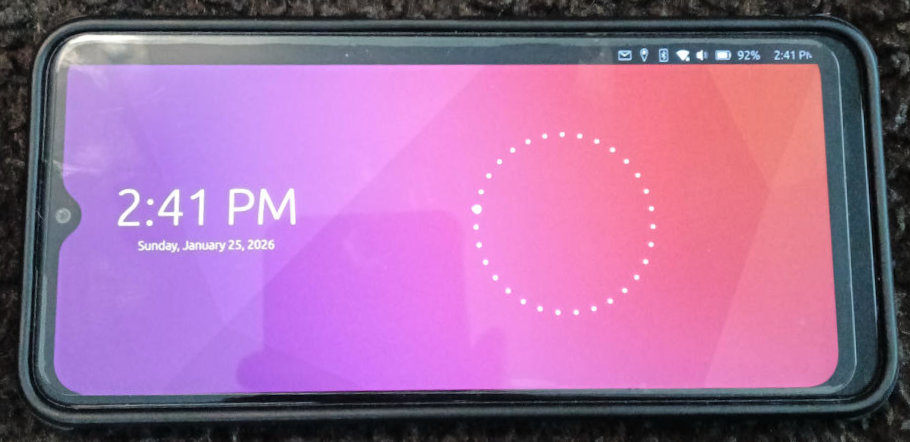
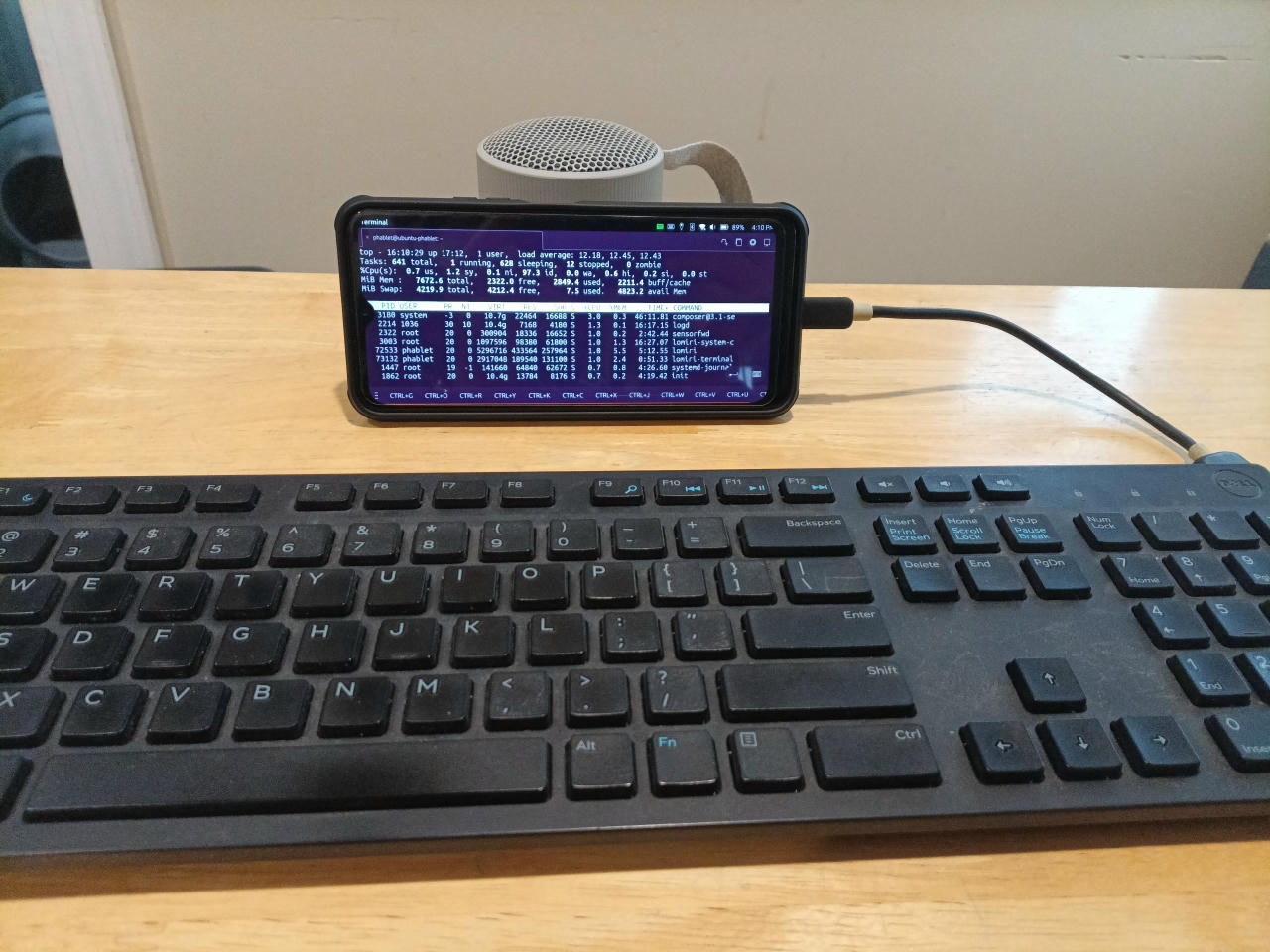
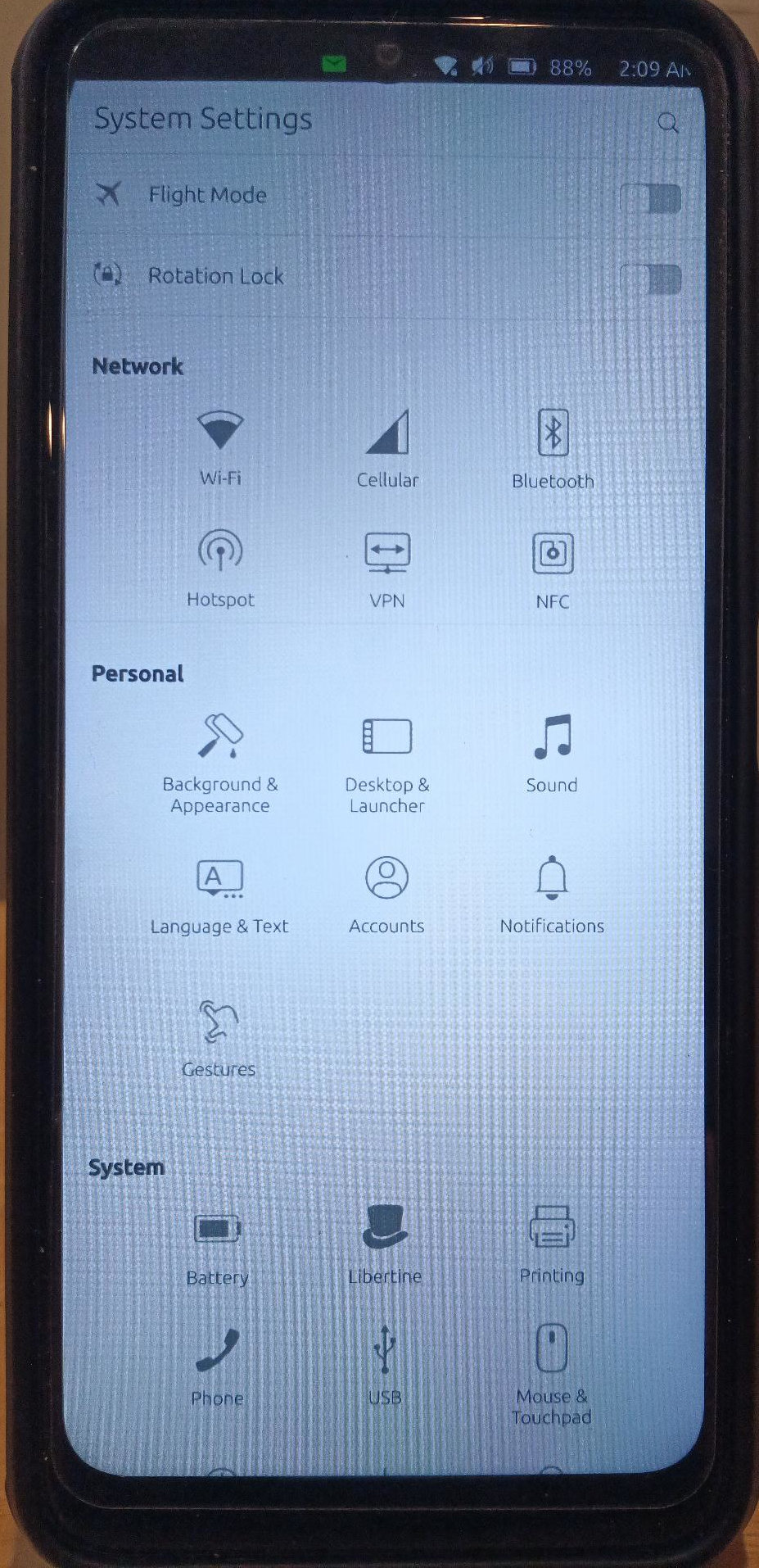
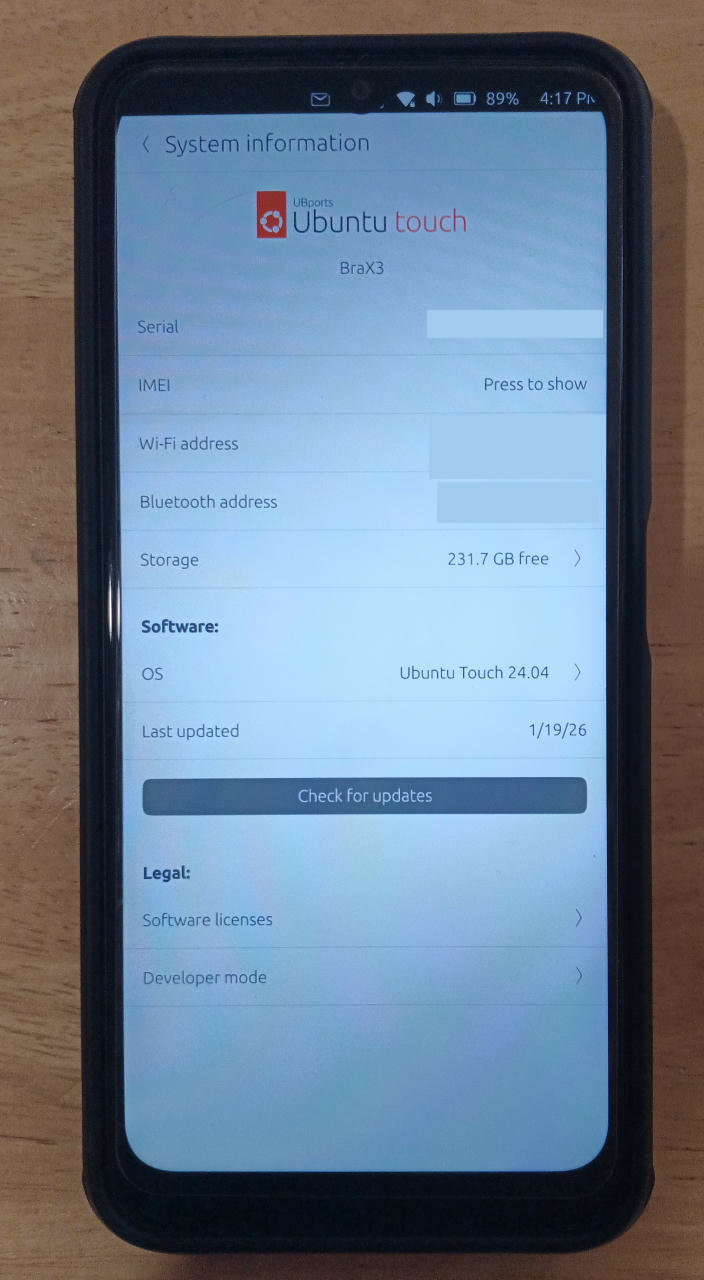
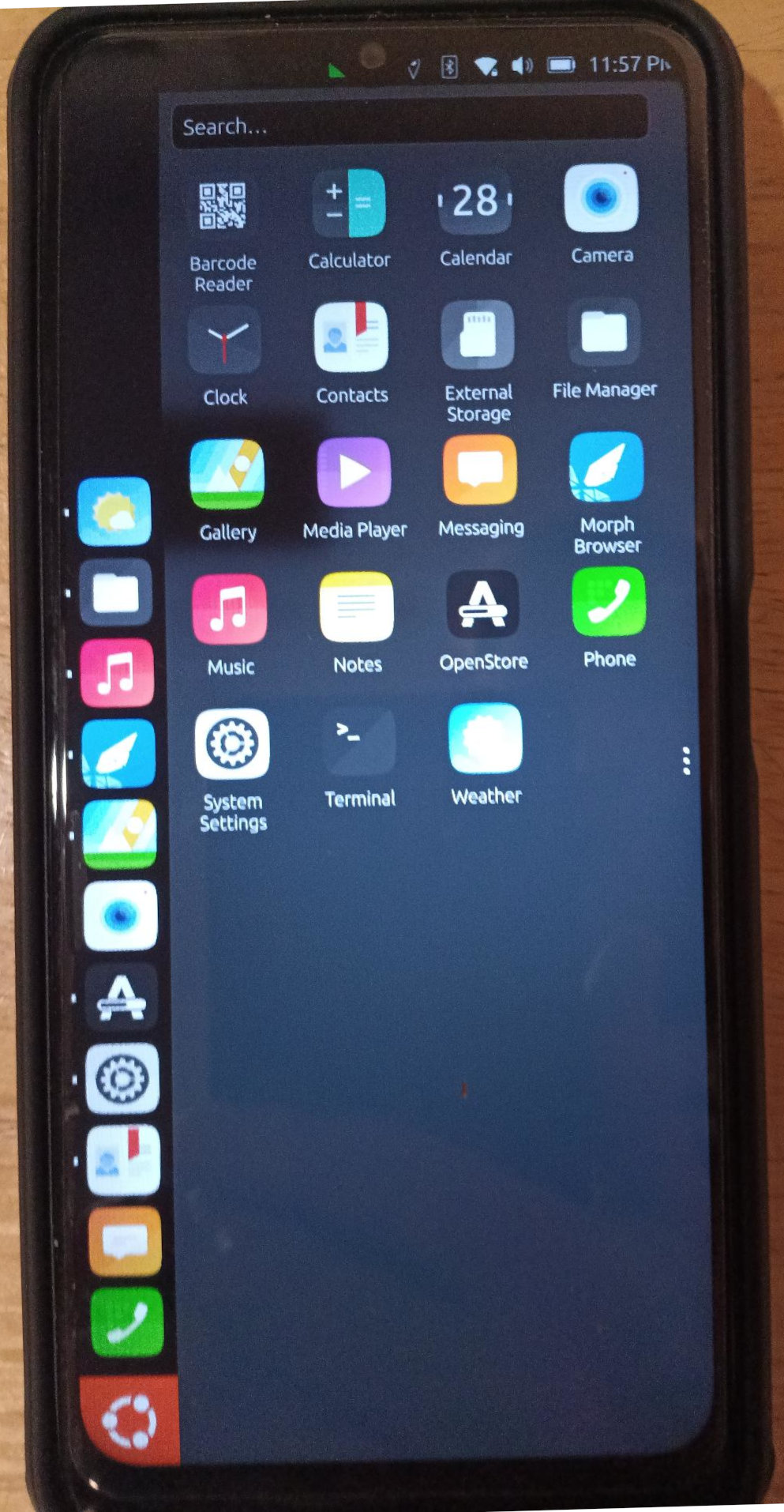
Well, I decided to finally take the plunge after weeks of reading here how to get Ubuntu Touch on the BraX3. All went pretty smoothly but it did take hours because the instructions aren’t in 1 thread…also the instructions for flashing Lunar OS within Linux needs help! Specifically this page. I used SPFlash which works in Linux but in the root directory. I did a sudo thunar to be able to copy the extracted SPFlash here:
I did this on my second BraX3 that wasn’t being used. I bookmarked every thread that pertained to this but the main thread seems to be here:
Also, do your self a favor and never try to boot once u unlock the bootloader as it goes into a boot loop. The key combination of POWER while holding the VOLUME UP will get u to where u can pick fastboot again.
Ubuntu Touch seemed to be stable for the 6 1/2 hours after installation and the user is able to use dmesg from the included terminal. As noted in another thread, the camera does not work. Also, the finger print sensor doesn’t work as well as anything inside that would wake it up when moved…accelerometer? The OTG storage mounts a thumb drive but the entire system freezes for a long minute. I did have 1 zombie process going after the OTG storage freezes and I would think that process had to do with them. I rebooted and zombie process gone!
Linux Phablet. I like it!
Thank you for sharing the feedback. We should be able to get our issue tracking board for ub touch set up soon and we can start to properly follow up on your feedback.
Bluetooth audio is a problem. It connects to my Sony SRS-XB100 speaker OK at first but sounds garbled on reconnect. Forget the pairing and do pairing over to get a one time good connection!
this is so cool. Brax 3 is my first non-normy experience. Loving it. would LOVE to be full-on Linux with my brax 3. seeing the last pic gave me hope. since most “apps I need are web based” I really just need to,of course, use my tmobile or other prepaied carrier with Ubunto on Brax 3.
Use Waze maps (or something else with good search) and get around with it in car via GPS.
Take a picture of my kids, and text them to my normy iphone mom.
Bank app would be nice. Signal would be nice (forcing my friends to it slowly).
only things I can think of that still require apple or android app is my Starlink app, VOIP work app, and HCP conference app. Thanks for your hard work.
They do have a VPN u can install from that open store called hide.me VPN. They provide free accounts. They also have an android app on their site that u can download. This is the UT version:
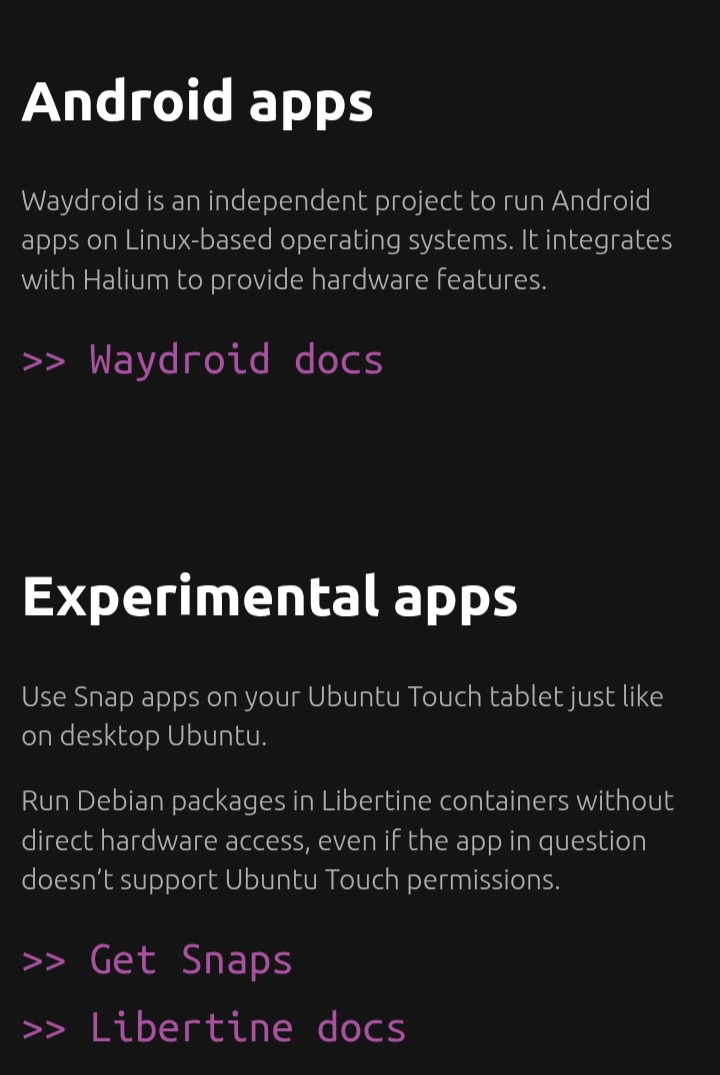
There are other ways to get more common apps on the UT. I got an experimental version of Brave Browser on it with snaps but the font is real small and it seems like I need to plug a keyboard in to make it go to a site. This is from the Ubuntu Touch site:
I’ve been using the Ubuntu Touch Phablet as a WiFi device tethered from my BraX3 Iode’ data. Today I tried to take my Sim card out of the Iode’ device and put it in the UT device ready with my carrier’s (Mint Mobile) APN settings. That was a problem.
The Sim card was seated in the tray but most of the time it did not detect the card in the UT phone. When it finally did detect it, the APN settings would only work for 5G and SMS but I got no voice and it would not send or receive MMS messages.
There also is no setting for eSIM. I did a search on this and it seems that UT does not have this functionality.
So the SIM card went back in my iode’ phone and the UT is just a WiFi device for now!
Yesterday I did get Tor working using an Ubuntu snap. To configure it I had to use the terminal. I am very comfortable with CLI entry and was able to get it anonymizing my location with Delta Chat on port 9050.
Today I got another app from the Ubuntu snap packages and this one works well as it uses the CLI interface in the terminal. It is a simple media player that can play video and stream music. I listen to lots of streaming music, so this is helpful. The program is called mpv. Get a snap easily by opening your terminal and typing this:
sudo snap install mpv
enter the password for your phone and then it will download and install. Getting it to work is super easy.
mpv YOUR_MUSIC_STREAM
Updating those snaps are easy too:
sudo snaps refresh
There’s an app for UT called the UT Tweak Tool. Install this from the OpenStore and then u can background any installed app. Background the terminal so it doesn’t suspend your music when u go to another app or turn the screen off.
You should be able to run yt-dlp in terminal, it’s written in Python, GitHub - yt-dlp/yt-dlp: A feature-rich command-line audio/video downloader , it should be installable but you can also run the executable which is useful because it is updated everyday and fixes mostly YouTube which breaks often.
mpv uses it in the background to play YouTube and other websites, --no-video will let you play only the music either of video or of a livestream.
That snap for yt-dlp seemed to work OK as I was able to download a YouTube video with it! I actually downloaded and installed it first from github before seeing it was also available as a snap and that worked also. This system doesn’t have curl and doesn’t seem to be able to get curl. The brave-browser website only has directions for curl so it didn’t work that way. I see this YT downloader also modified that curl command to use wget which this does have. Maybe those directions for brave would also work with wget…
Ubuntu Touch does have the ability in the software to use an external display. I cannot get our phone to recognize an HDMI connection with a wired adapter with iode’ or UT.
UT has the option then to use a wireless display in the software (Settings>Battery>Display Brightness>External Display>Wireless Display. This cannot find my wireless display adapter either that is only 4 months old.
Hopefully this will be fixed with the SIM card issue! Here is my wireless adapter that does work in iode’:
I have lost the dock that came with Pinephone, as soon as I find it I will update you. It connects with USB-C and exports USB-As, Ethernet, HDMI and can accept a USB-C for charging.
I was thinking about getting a USB-C hub for the BraX3 so I can do that. I have a Belkin Ethernet adaptor that they say allows the phone to charge when u hook a USB-C into it but it doesn’t. The Ethernet connection is good with iode’ but doesn’t work with Ubuntu Touch! This is the adapter:
Today I put my Ubuntu Touch BraX3 in my car and streamed internet radio for miles. I turned my other BraX3 running iode’ into a hotspot turning my 5G from Mint Mobile into WiFi. I used mpv from the command line.
Also the BT in my 2022 Subaru Impreza connected flawlessly to my Ubuntu Touch BraX3. I was also able to wire the audio in with a 3.5 mm audio jack. To get this to work, u first need to turn off the Bluetooth on the device and then plug in the audio wire.