Good call-unfortunately Ubuntu Touch doesn’t have unxz and there is no snap for this. I downloaded this SMPlayer file in Linux Mint and was able to extract it and then copy 4 binary files to a USB thumb drive to transfer to Ubuntu Touch. How are these typically executed…there’s smplayer, simple_web_server, smplayer.desktop, and smplayer_enqueue.desktop
unxz seems to be just an alias for xz --decompress
Give ./smplayer in the location of the file to run it, you’ll probably get errors for missing dependencies.
I did get that to run. U first need to make it executable:
chmod +x smplayer
./smplayer
How do I use this as a frontend to mpv?
In the settings you configure the path of the player you prefer. It should be also able to read some configuration file like MPV does.
I think snaps are sandboxed so that they don’t have global access to the device. Can I put a snap in the device path?
Maybe I should just use pipe to make mpv go through SMPlayer?
It should be somewhere in /snap or /snap/bin.
Try whereis mpv
xz, xz (aarch64) | Packages | Arch Linux ARM
VLC, vlc (aarch64) | Packages | Arch Linux ARM ,
the only dependency is this, vlc-gui-qt (aarch64) | Packages | Arch Linux ARM , it seems to have many dependencies but start by trying to run the vlc command and proceed accordingly with the errors
you may need to copy this library in the Linux tree like /usr or put it in the same directory with the VLC executable, you may need to pass some parametre in the vlc command to let it know where to search or make some auto-detectable config file or pass the config file through the command parametres
here I can see an AppImage library, libappimage (aarch64) | Packages | Arch Linux ARM , probably you can use it in order to run applications as AppImages which is a self-contained sandboxed system
this means that you have to collect all the necessary components of the app for the ARM archtecture from ArchLinux|ARM repository and create an AppImage executable, it’s much work and much to learn but you may be able to run much more applications than Ubuntu Touch offers in a safe way, Packaging Guide — AppImage documentation
Thanks George-lots to bookmark! Hopefully the Arch Linux VLC will work!
Just bookmark the Arch repository and search for the packages but be careful to download only the arm8 versions, not 7.
Ok. What does work well in UT is Delta Chat. They have an app for this in the OpenStore. I shared the link to your post above in Delta Chat with myself so that I can easily find it in my Linux Mint PC and my BraX3 phones!
The whereis command does work in UT. When I first installed UT I was trying to find things using locate and that is not installed. Using Libertine I was able to install plocate but it should include updatedb and did not, so I’m not sure if plocate works. Thanks for letting me know about the whereis command!
It may be using busybox, try the busybox command
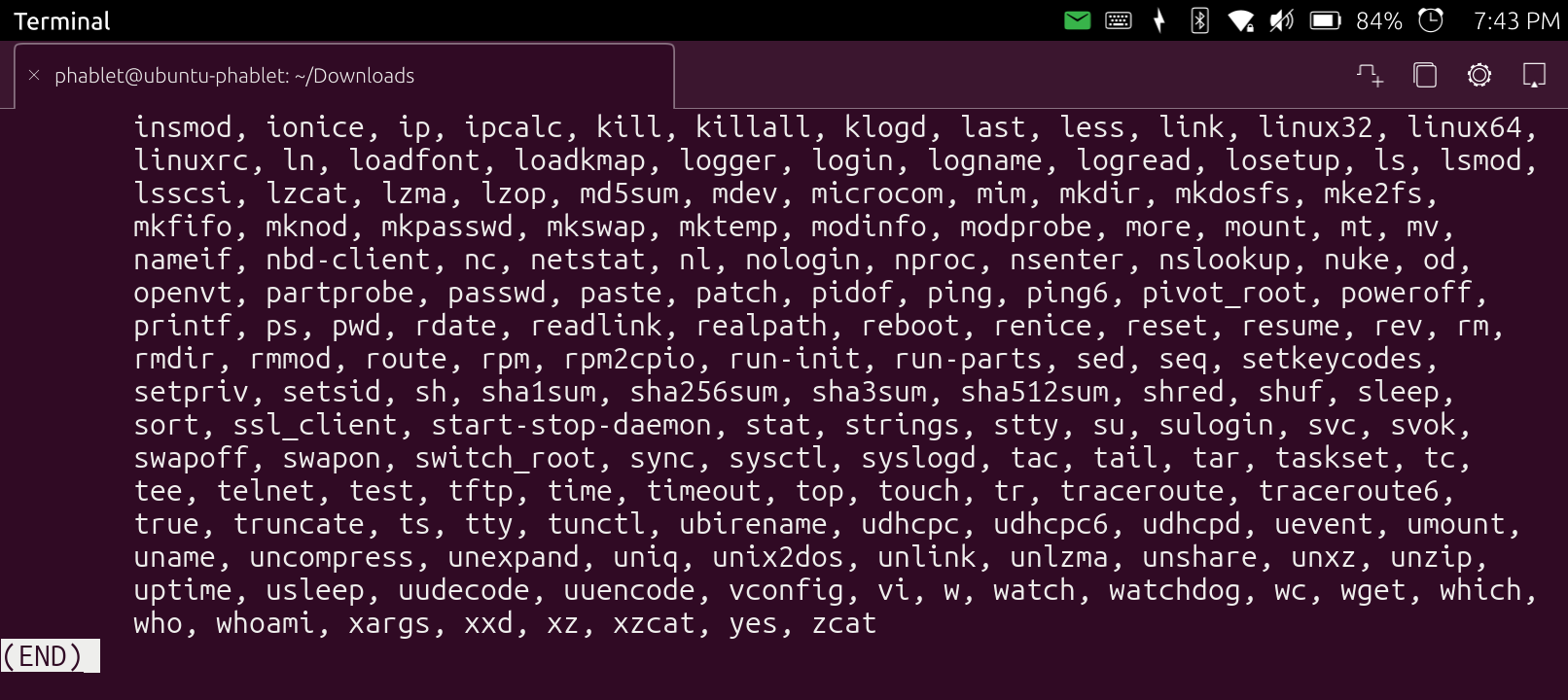
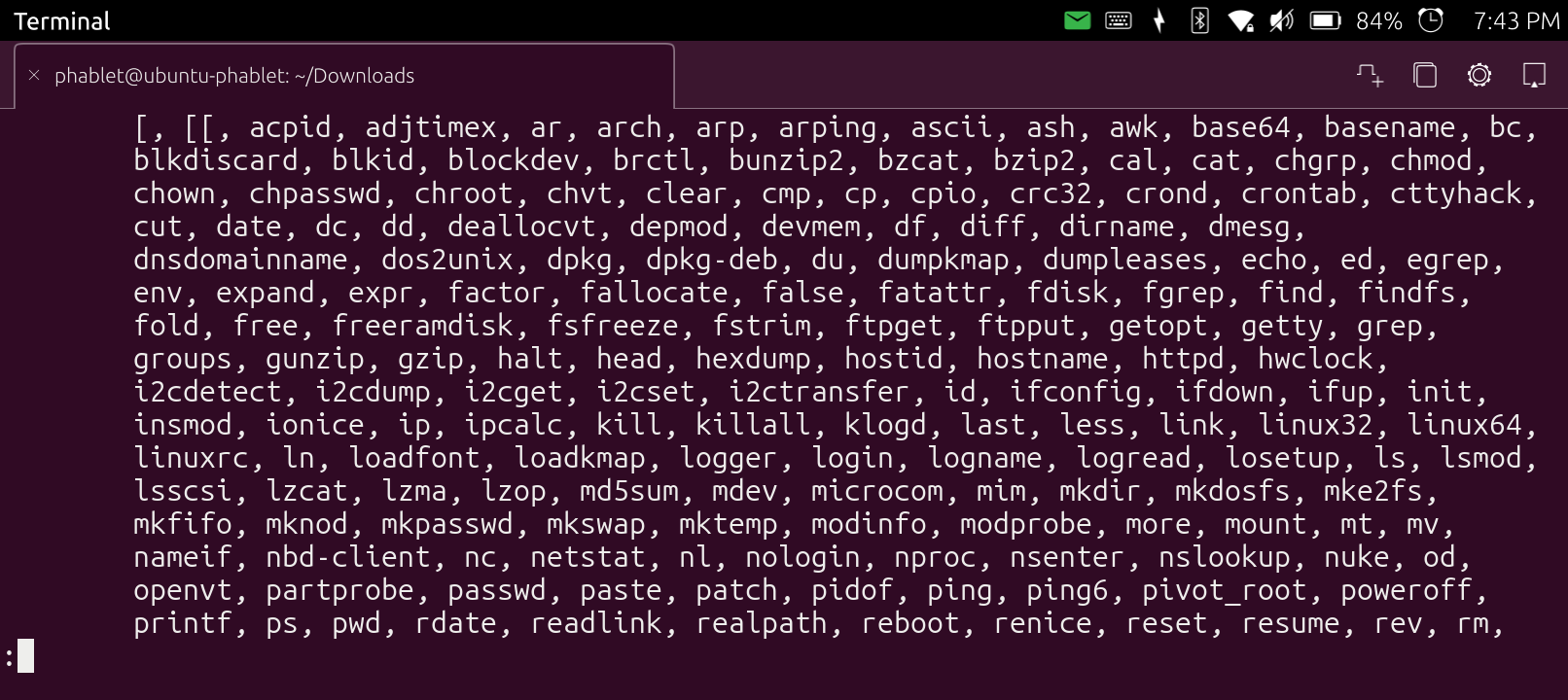
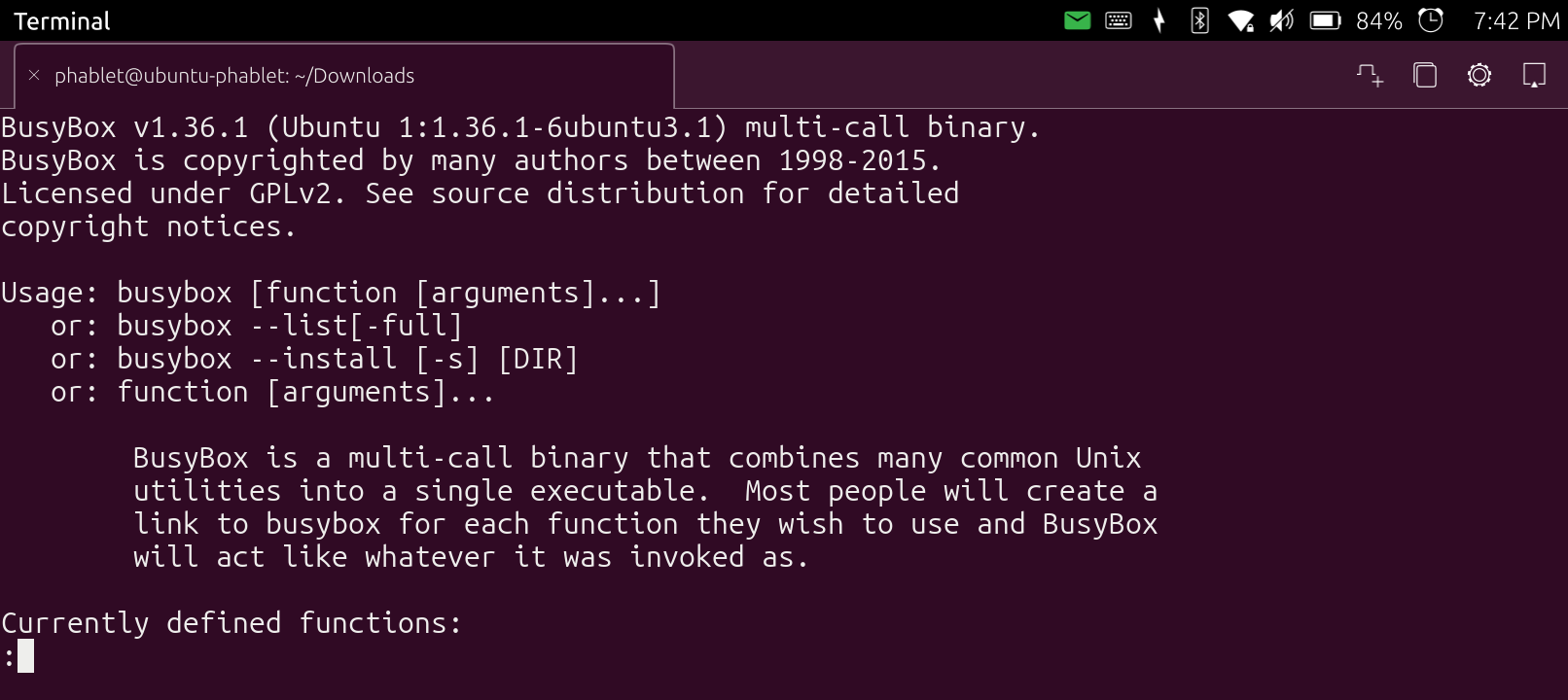
It seems to use some mixed configuration, xz exists there but not whereis, try to run xz like busybox xz or somehting similar.
Can you run xz alone?
Why tar couldn’t find it?
You’ll have to create symbolic links to busybox inside the /bin directory so that you can call busybox commands directly.
xz by itself says command not found.
It is found with this:
busybox xz
So you can create a link in /bin
sudo ln -s /bin/busybox xz /bin/xz
Or
sudo busybox ln -s /bin/busybox xz /bin/xz
Or something like that
Problem Houston-this version of UT is a read-only file system. The second command took but returned the statement twice that this is a read-only file system.
It lets me create files in my /home directory so this might be something that the rest of the system is read only.
It’s an 11 year old version of busybox and needs to be updated.
I was able to get those VLC packages extracted within UT this time by using busybox unxz and then tar -xfv. I will now mess with VLC and see if I can get it to stream radio!
I also got libappimage uncompressed on my UT.
I put vlc uncompressed in my home directory and then moved the vlc-gui executable into the same directory as the executables from the first vlc package but it is looking for /usr/bin/vlc and that directory has been mounted read-only.
Similarly to the AppImage you can compile a snap package and install it, search on the internet how this can be done.
I’m looking at that and was able to extract that on my UT. Do I need to make the appimage on the phone or can I make it on my Linux Mint PC, then transfer to my phone, and then use that app from Arch Linux to run it?