Unable to download iodeOS 7.1 upgrade

Hi there!
as there were some the problems with iodeOS upgrade 7.0 I decided to wait for version 7.1. Now I´m still on version 6.9 which was no problem at all to upgrade from 6.8.

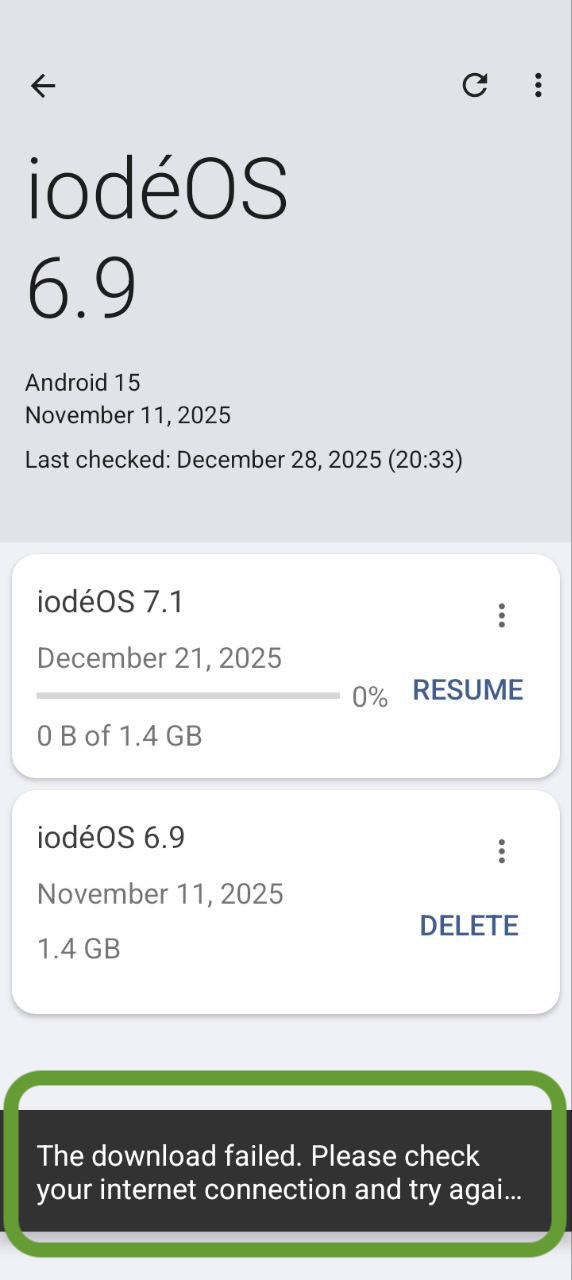
After following the instructions for the upgrade procedure I first updated the updater, which seemed to work. Now: when starting the upgrade, it stops immediately and saying “The download failed please check internet connection…”

Of course Internet connection is fine, no firewalls, nothing special, did work in the past for updates.

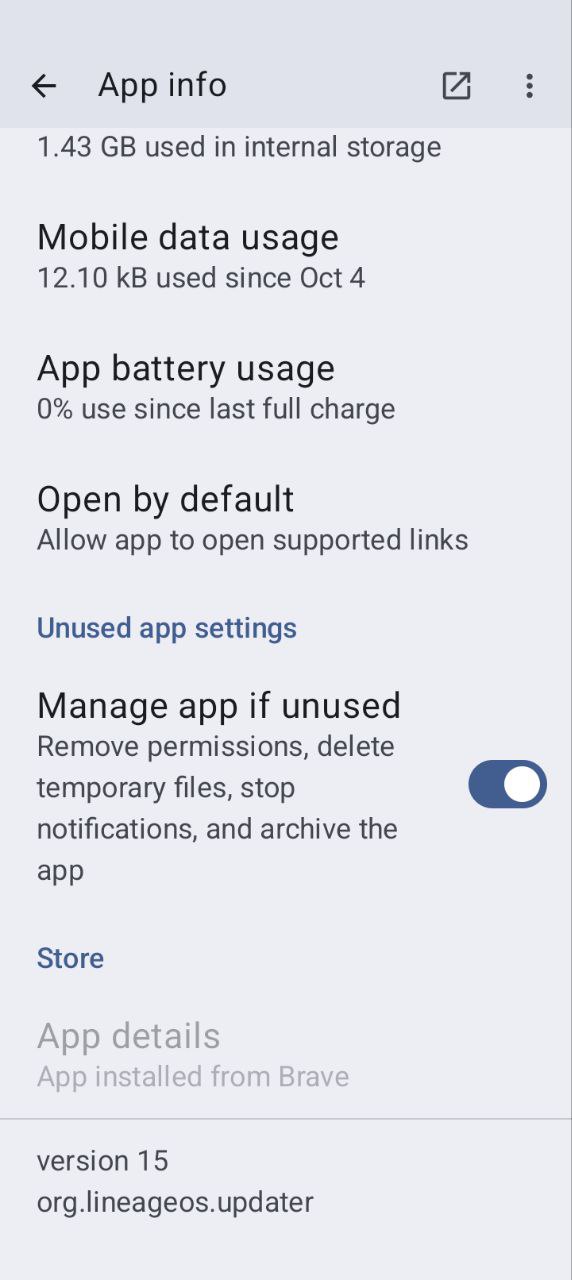
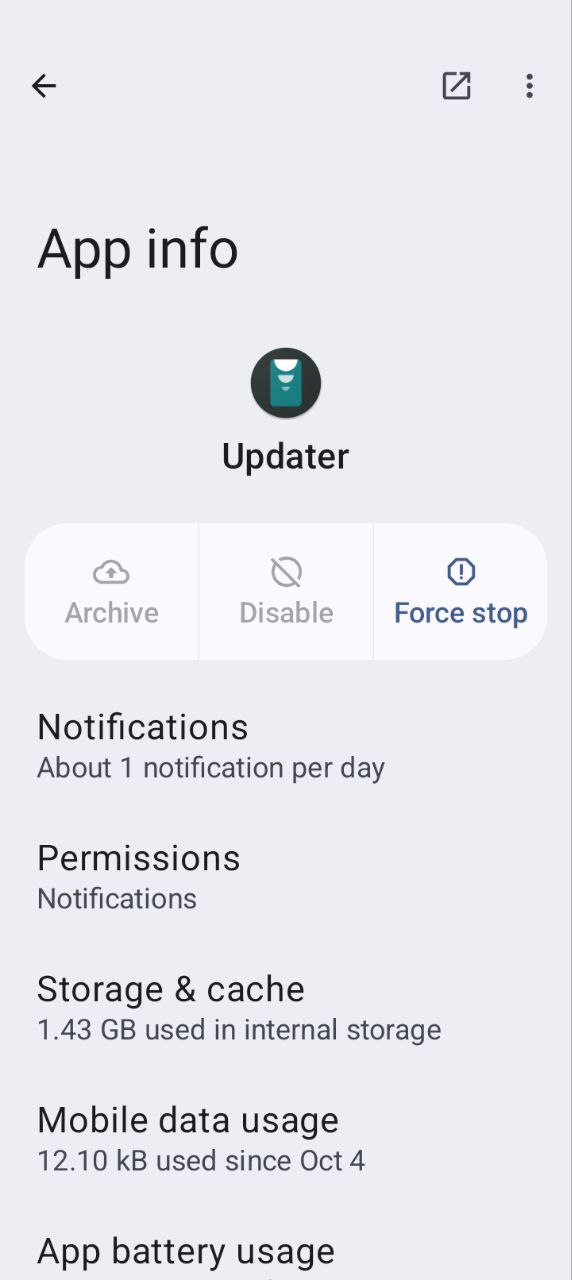
I did not change any permissions for the updater, here is the app info:

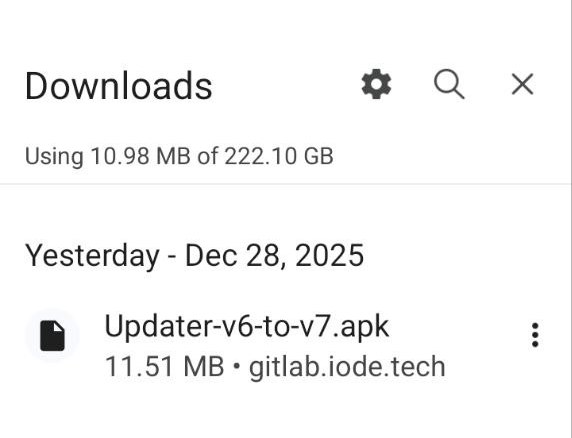
that is the updater download I installed:

I also restarted the phone, but no change.

is there any hint how to fix this issue?

Thanks, Thomas

2 Likes

George, thanks for this hint!
I encountered the same issue like Deni: “There was a problem parsing the package”, so I will download the ota directly.

One thing is not clear to me: for doing the local update with the ota file do I still need to have the updater updated or can I use the orgininal one?

Note: I just gave it a go with the original (not updated) Updater. The upgrade was successful, now running iodeOS 7.1 !

1 Like

Probably they fixed the problem with the version and the Beta updater isn’t necessary anymore.

just to clearify: I did download the ota file and installed the update locally. And for that action I used the original updater. The install function directly in the Updater app did not work.

It’s probably some bug in 6.9, let’s see if you’ll have the same problem with future updates like a patch of 7.1 or 7.2

Downloaded the 7.1 from GitHub to my Brax 3 with Wi-Fi only. Downloaded and installed fine. Had to send the link from my other Bracks 3 so that I could update it.
This topic was automatically closed 4 days after the last reply. New replies are no longer allowed.