I think the user it attempting to connect the BraX3 to the pc, so they can copy the brax update to local storage, and perform a Local Update via Updater
But its not working… Hence my question 
I think the user it attempting to connect the BraX3 to the pc, so they can copy the brax update to local storage, and perform a Local Update via Updater
But its not working… Hence my question
And yes, you truly have a LOT happening at the moment…
Goodness! I now see your reply up above, while below mine, was a reply to them (I first read it as a reply to me :-). OK I‘ll be quiet now, maybe even remove my excess replies since they are just cluttering things up.
No, unfortunately I am not optimistic it will help, but possibly. About “tether” sorry I was thinking of wireless hotspotting to your Linux machine, not simple USB connection.
So I went out and bought an extender/booster to substitute for my router to see if that would cure the wifi password authentication issue. Here is the one I used… Amazon.ca
Result: I was able to connect to wifi using the extender as long as there was no password, as soon as I set a new password (factory setting is blank), I no longer had internet access and had to go back and change all the settings so that my router was the main AP again. We are back to being able to use our phones at home using data only. UGH.
Ok, gotcha. Yeah there’s no point to using my computer to tether as it would only work when I’m in range of my network, and I can just use the computer. I’ll sit tight and wait for someone smarter than me to figure this out. Thanks for trying.
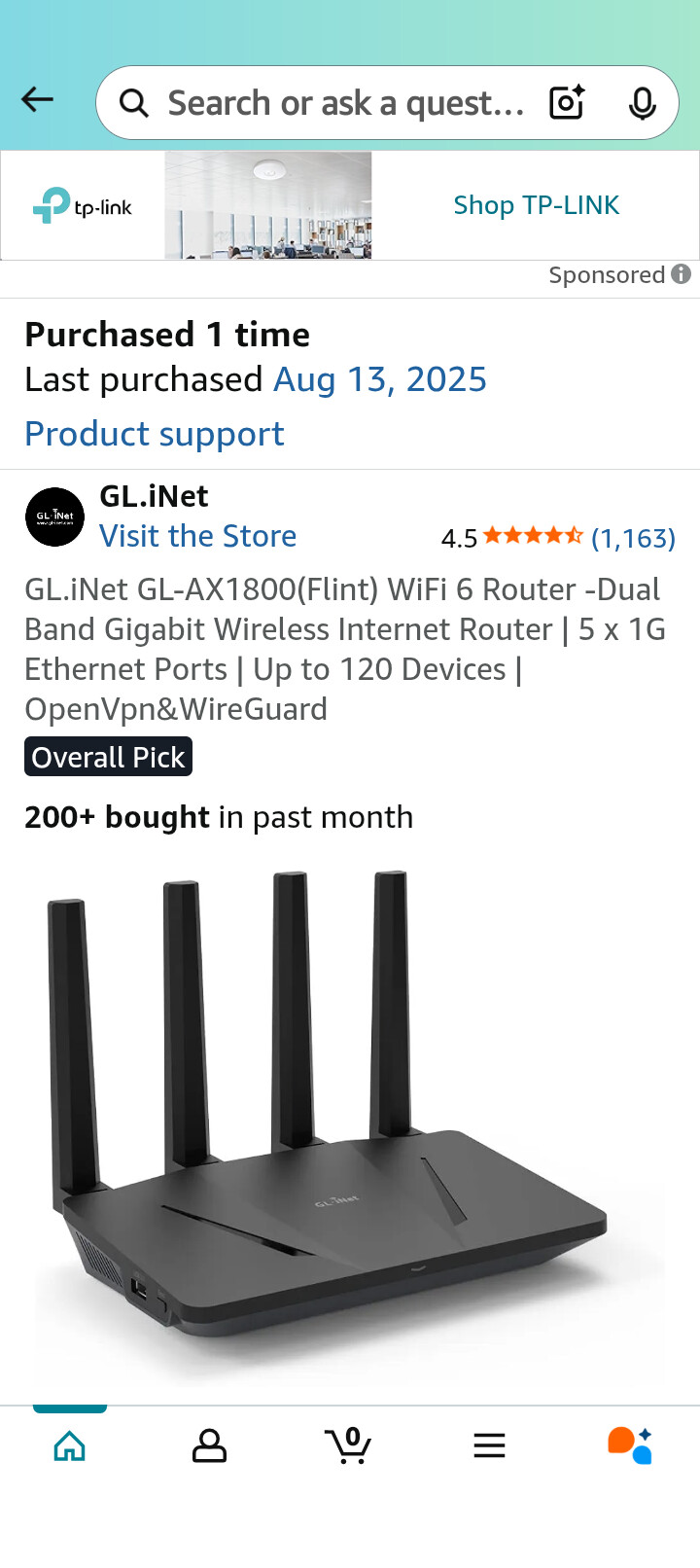
Installed GL.iNet GL-AX1800(Flint) WiFi 6 Router -Dual Band Gigabit Wireless Internet Router using Repeater Mode. Work great.
Thanks Mike. We just bought the NetGear router a year or so ago because my ISP made changes that my old Lynksys couldn’t work with, so I really don’t want to replace the router again to make this phone work. I will keep it in mind and I do appreciate your reply.
Adding my observations (iodé OS version 6.6-20250803)
I got a Fritz!Box in the basement and three TP-Link Routers with a wired connection to it to provide Wifi to different places.
I CAN connect to the FRITZ!Box (model 7490) Wifi (WPA2 Personal, hidden network, password)
I CANNOT connect to any of the TP-Link Routers (all models TL-WR840N) Wifi (WPA2 Personal, hidden network, password)
Maybe this is about to be added to the table…
Another router that does not work:
Asus RT-N66R
This router works:
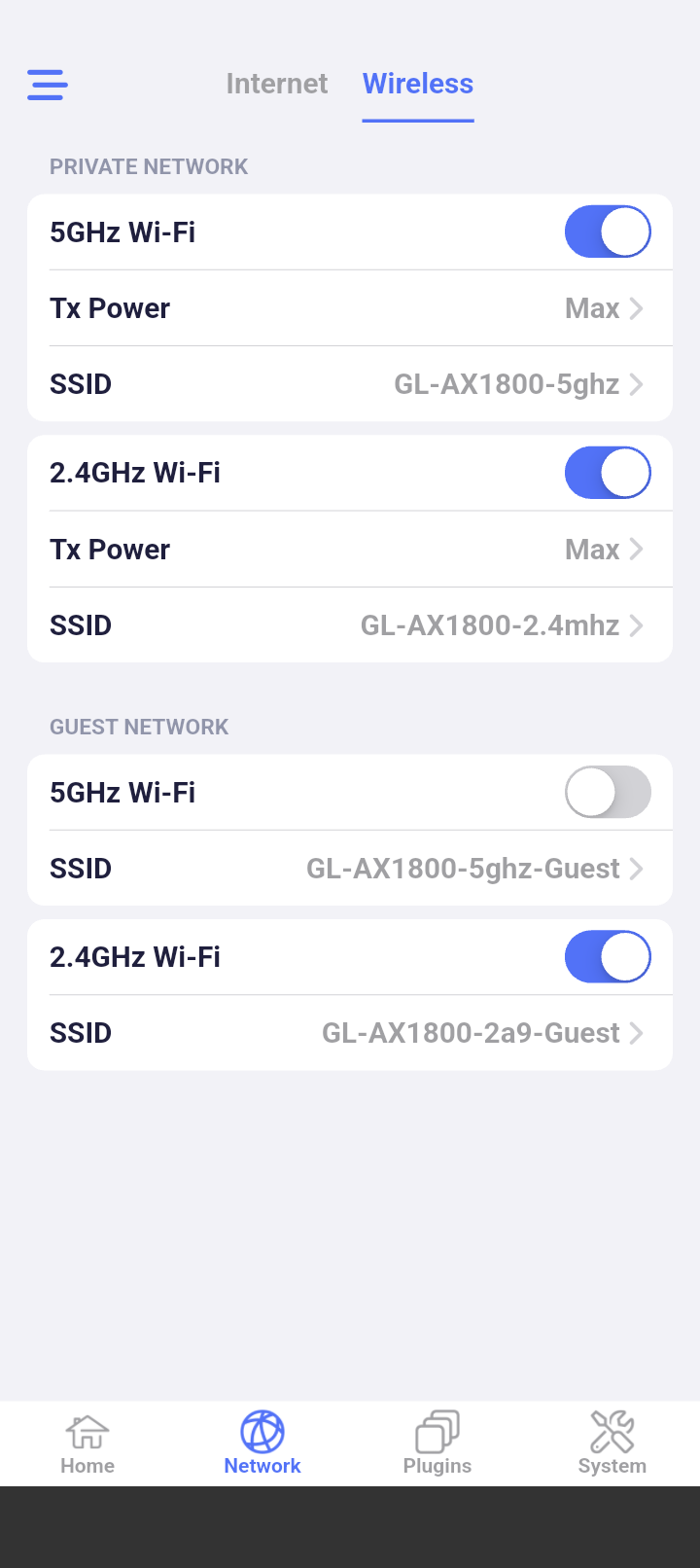
GL-iNet GL-MT3000 Beryl AX
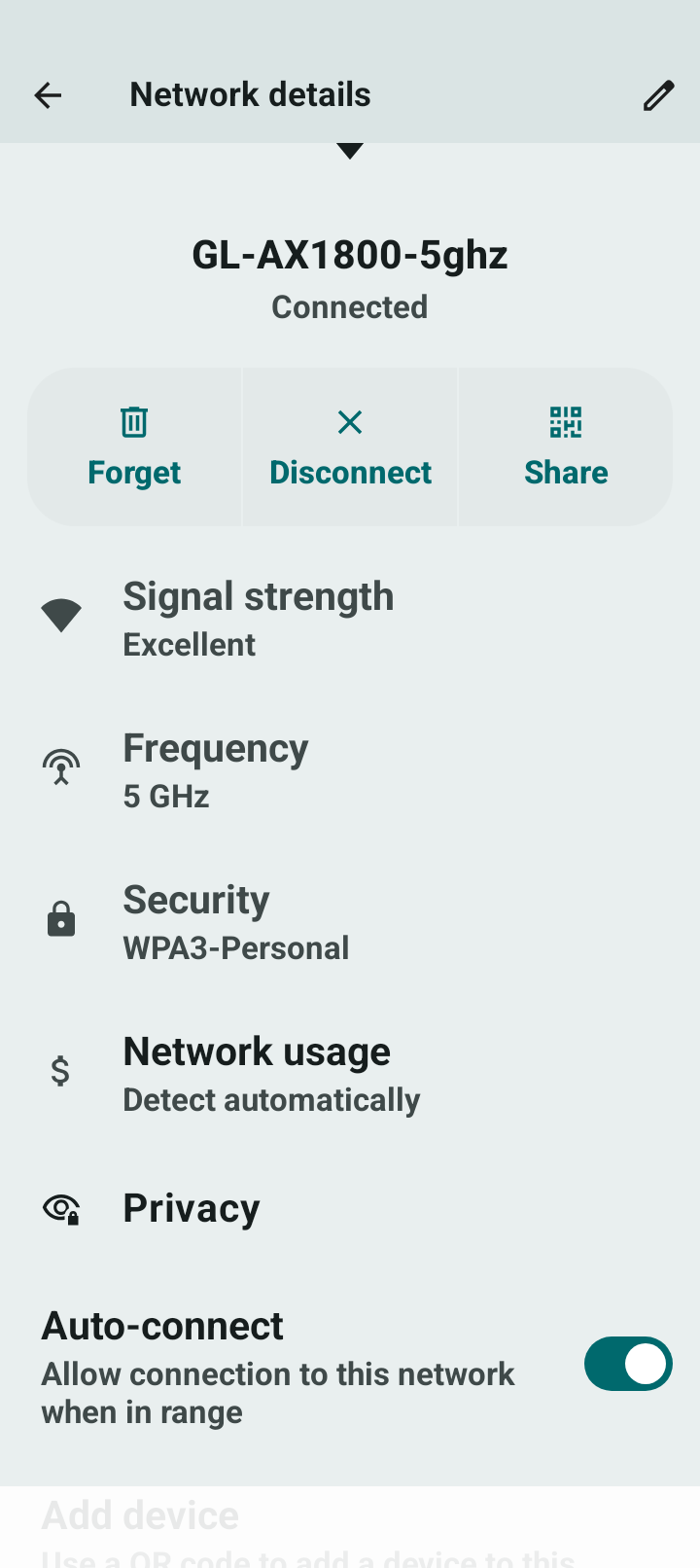
using WPA3–SAE
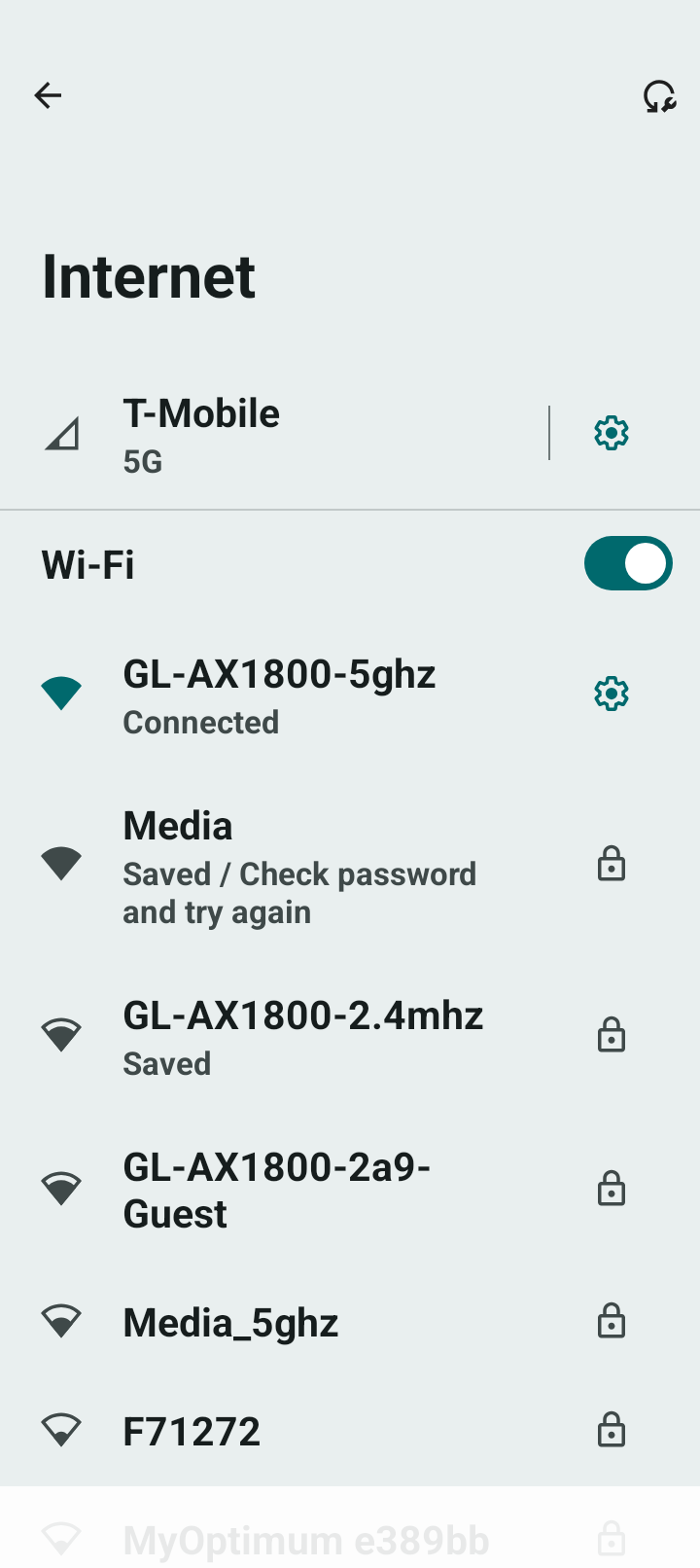
Just receieved my Brax3 and it does not connect to home wifi, bluetooth - please help
Just got a new GL.iNET GL-B3000 /Marble AX3000. Cheap and Works well out of the box with brax3. Replacing my netgear dinosaur that didn’t connect with brax.
Bluetooth will be a different issue. For the home wifi, please provide your router make and model.
Huawei Technologies, Echolife HG8245Q, GPON Terminal - I hope this is what you are looking for. Bluetooth is with MacBook Air.
OK I am marking that device as not working. Sorry for the problems. For a workaround, try another phone as a hotspot to your wifi, consider enabling a guest network without a password on your wifi, get a usbc <=> ethernet adapter and plug into your router, get a compatible wifi extender, steal your neighbor’s wifi, etc. We do hope to get this solved, but it has been very hard to reliably reproduce and then reliably debug.
For Bluetooth please start a new thread or search for an existing thread matching if you find one.
As a reminder for the newer followers here, I am tracking wifi devices here: Brax3 wifi connection issues chart
You can add Ubee evw32c to the list.
Try typing into a new tab on your browser,http://192.168.0.1, see if this link connects to your router. It should come up with a login screen for your router. This was the link I used with my TP-Link router. Good luck
As a  not a
not a  I assume?
Another router not working - Netgear Nighthawk AC1900 Smart WiFi Router Model: R6900
Data also does not look to work either when I put in the SIM card. I am only able to connect to internet when tethering to my current phone.