Make a note of your IMEI numbers and Serial Number before doing this!
There should be a guide as to how to get your BraX3 phone running Ubuntu Touch back to Android safely. I’ve looked for it and nobody seems to have put a guide together so I do what seems right and lose my IMEIs from a Linux PC. Before I get moved into UT again, I decided to mess with this R&D phone!
Watch the phone boot. When it is unlocked there will be small righting near the B on the brax logo that says orange state-this means unlocked.
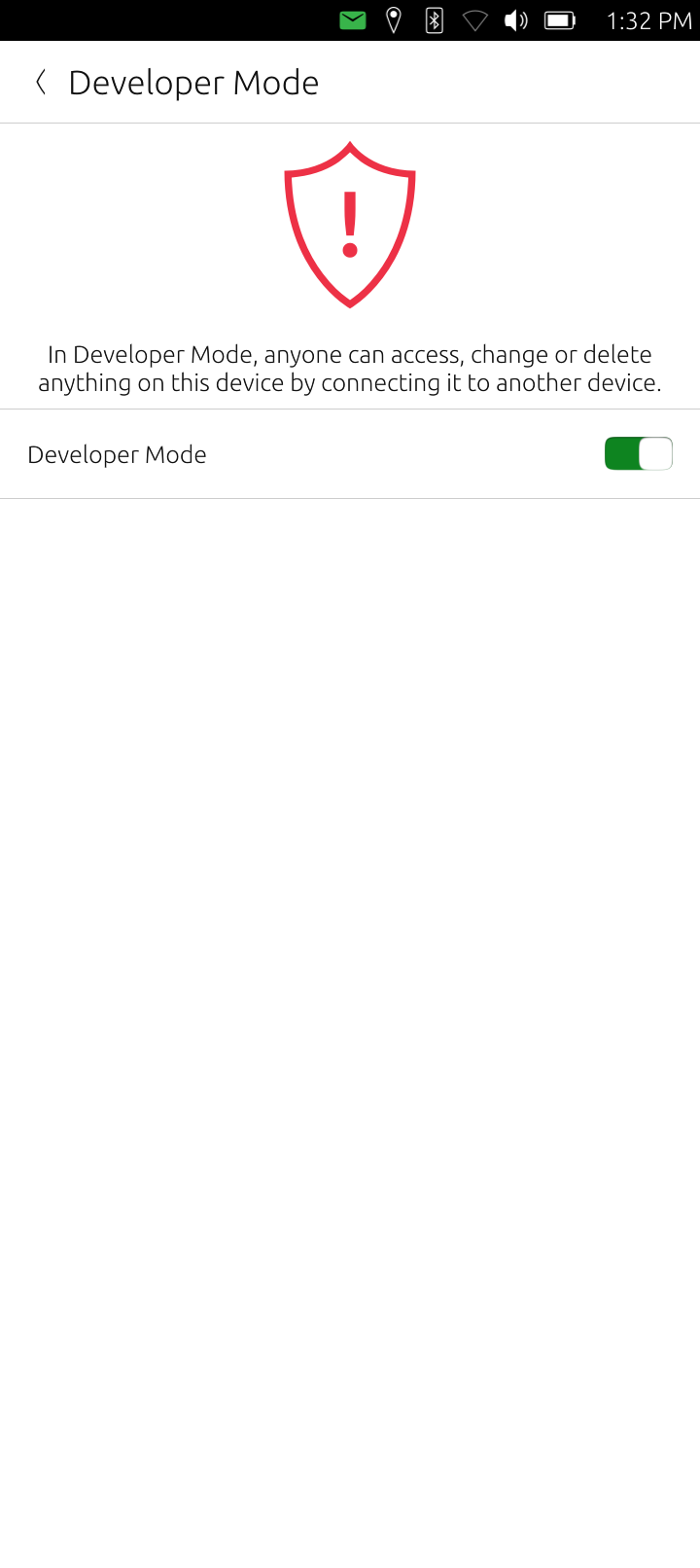
Once booted, the next thing I did was enable the developer mode on the phone (I think this is what Android calls USB debugging):
Right click and do an extract here on the SPFlash zip file. Open a terminal. From my Linux PC as root I run SPFlash.sh. Copy the entire SPFlash folder to / as root:
sudo su
cp -r SP_Flash_Tool_v6.2228_Linux /
cd /SP_Flash_Tool_v6.2228_Linux
chmod +x SPFlashToolV6.sh
./SPFlashToolV6.sh
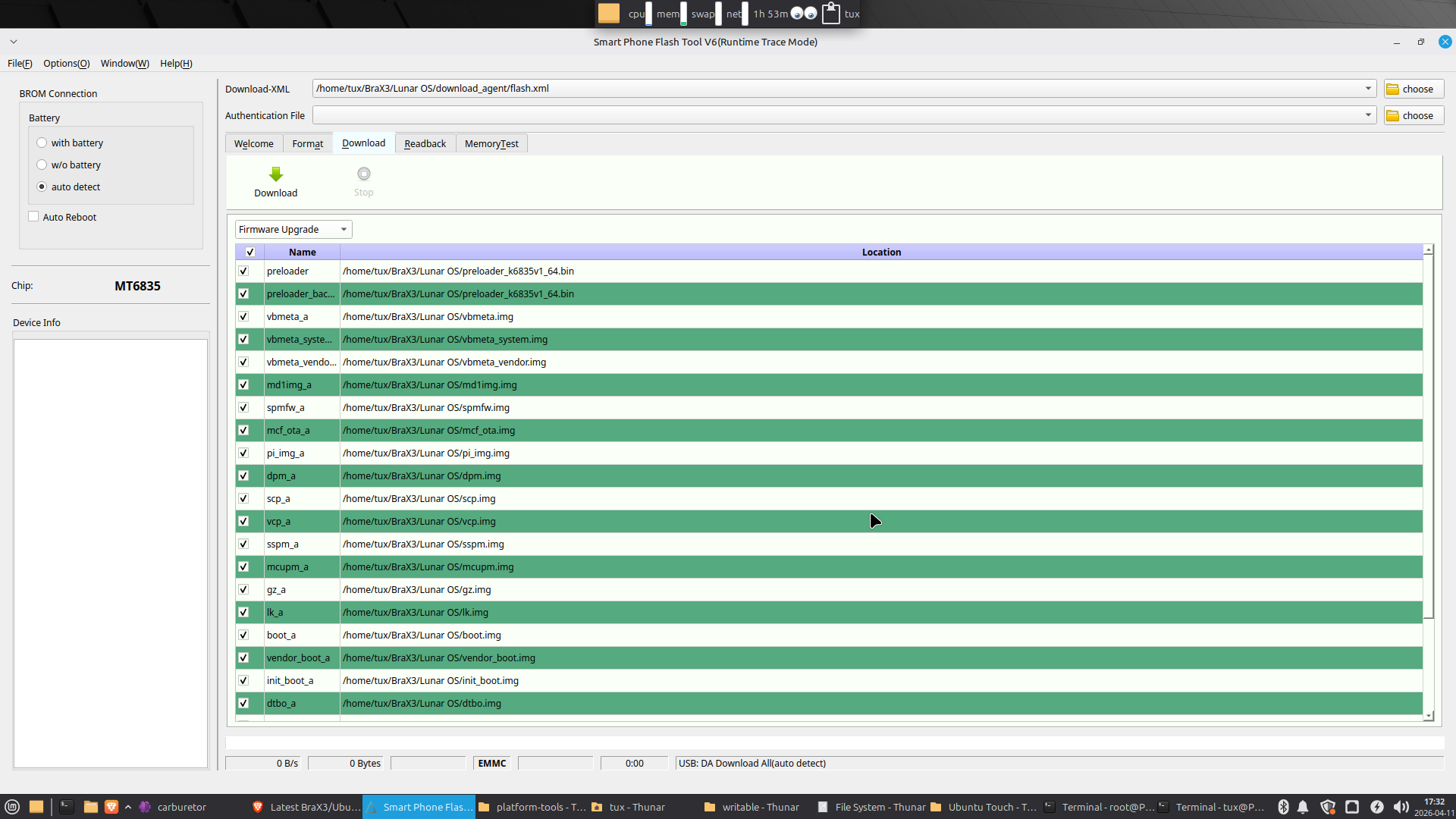
The SPFlash tool GUI should open. Choose the Lunar OS flash.xml file in the download agent folder and then set download to firmware upgrade:
Press Download and then plug in your powered off computer. U should see some prompts in colors at the bottom of the SPFlash screen saying it detected your phone. After about a minute the flashing begins.
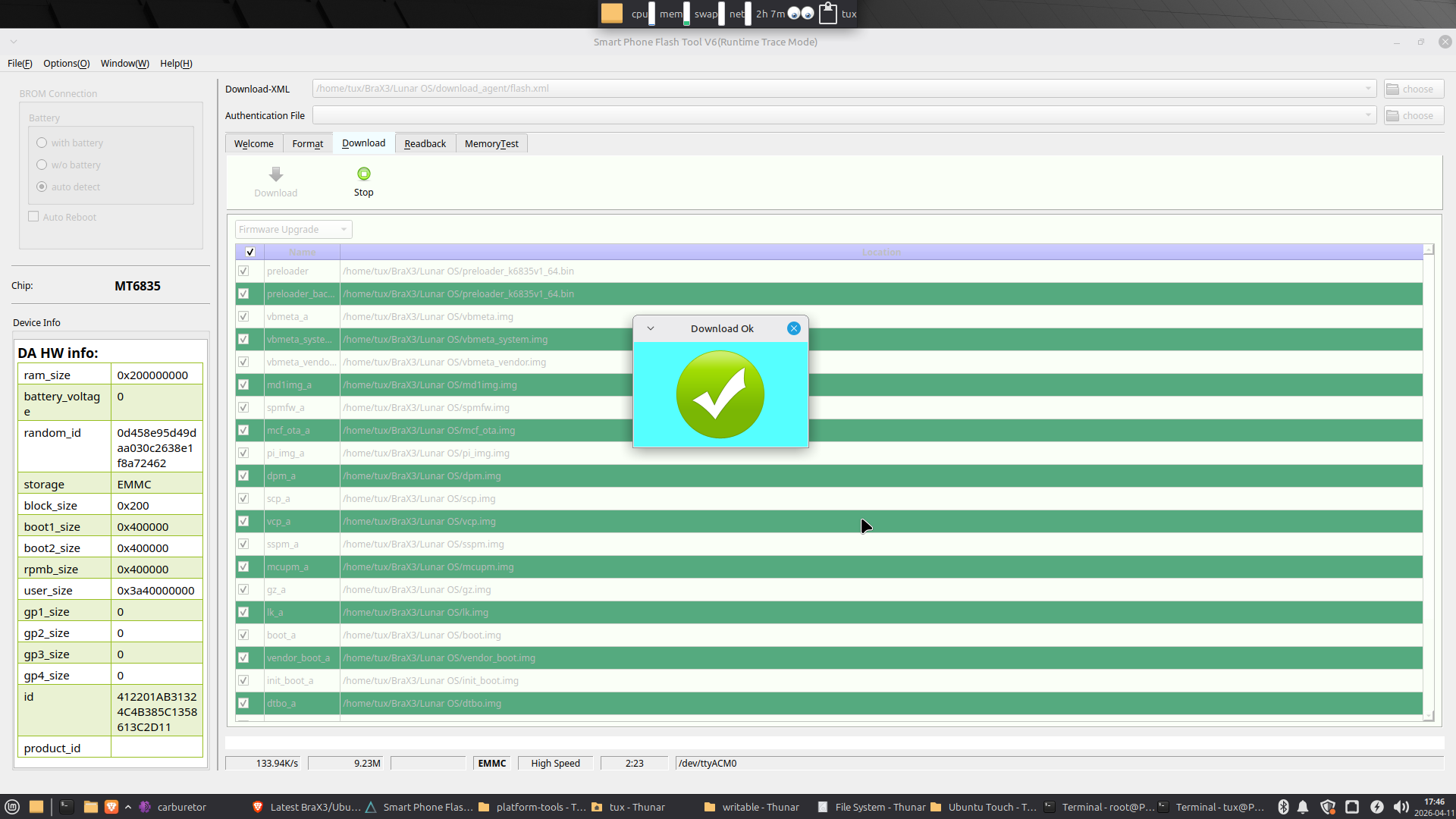
After a couple more minutes it should finish with this success screen:
IMEIs restored again. They failed the first time I just did this so I formatted the thing with instead of just upgrading the firmware. That seems to do the trick! Now to install UT again and mess with it more tomorrow!
I just tried to use the previous version of SP Flash available from Media Tek which was SP_Flash_Tool_v6.2152_Linux. Same thing-wipes IMEIs when u pick Firmware Upgrade. I didn’t have developer mode activated in Ubuntu Touch this time.
I’m out of ideas. I tried SPFlash in Windows with different settings and lost my IMEIs. I restored them and then tried just using fastboot and again lost my IMEIS. I restored them and now have Ubuntu Touch installed.
I think the only way to get back to Android from UT will involve wiping your IMEIs. Write them down first with your Serial Number!
In order for SN Writer to work properly in Windows, u must do the format option.