UART and JTAG are very essential tools for fast debugging in factory, even if you can’t see them directly they exist on the board as unnamed pads
1 Like
no what I mean is I can’t believe they were ever on an audio jack! Convenient but a security risk!
I saw something that it must activated through fastboot so this can only be done if you can unlock the phone, I don’t consider it irrational to have such a jack though it is on the daughter board while I would expect it to be on top on the motherboard but still the ribbon cable transfer the signal.
1 Like
that sounds safer!
OK-my BraX3 was stable in iode’ 7.1 for a week!
All my settings are now restored and uptime is reset. Now I see if my settings were causing the reboots!
@Lazarus: Thanks for the follow-up. I also am interested. So all you did was a factory reset then you restored your seedvault. BTW, how did the seedvault restore go? Did you restore all your files with it or just the settings?
When I did my seedvault backup it seemed like it took FOREVER. It wouldn’t do it to a flash drive. So I did it to internal memory then transferred it to a flash drive.
Thanks again!
1 Like
Had another occurrence. Last night scrolling a web page I was getting some momentary freezing. Seemed to clear up, but then it started happening again this morning and I started getting prompted about System UI being unresponsive. Since that kept happening I decided to just preemptively reboot rather than keep struggling with unresponsiveness until it rebooted on it’s own like it did before.
Sure hope this is being looked at and fixed.
1 Like
That was the plan, I made a backup with seedvault last week. It made a backup of 252 folders. Now I looked at it last week and there were files there as well, but those files disappeared in a week. So I can’t answer how well seedvault is at restoring.
Fortunately, I did have another backup method which just involved putting all my account logins on a second phone. So I copied those settings back to my BraX3 and grabbed fresh installs of the apps from open sourced places. It may have taken longer than seedvault but now I’m not so sure since u said it took forever.
@Lazarus, once again, thanks for letting us know. I need to get another BraX3 so I can test operations like this. Just in case I wasn’t clear, it took forever when I originally created the Seedvault backup. I haven’t yet performed a restore of the Seedvault.
1 Like
I just made a backup of my BraX3 setup in iode’ 7.1 and put it on an older Sony running iode’ 6.11. Seedvault is problematic. Usually it can’t even see the backup and when it finally does it doesn’t restore 100% of you apps and settings. For the most part it works, but have a secondary backup and passwords available.
My phone is running fine in iodé 7.1 once I factory reset it and restored backup settings! It has been stable for a week and a half now!
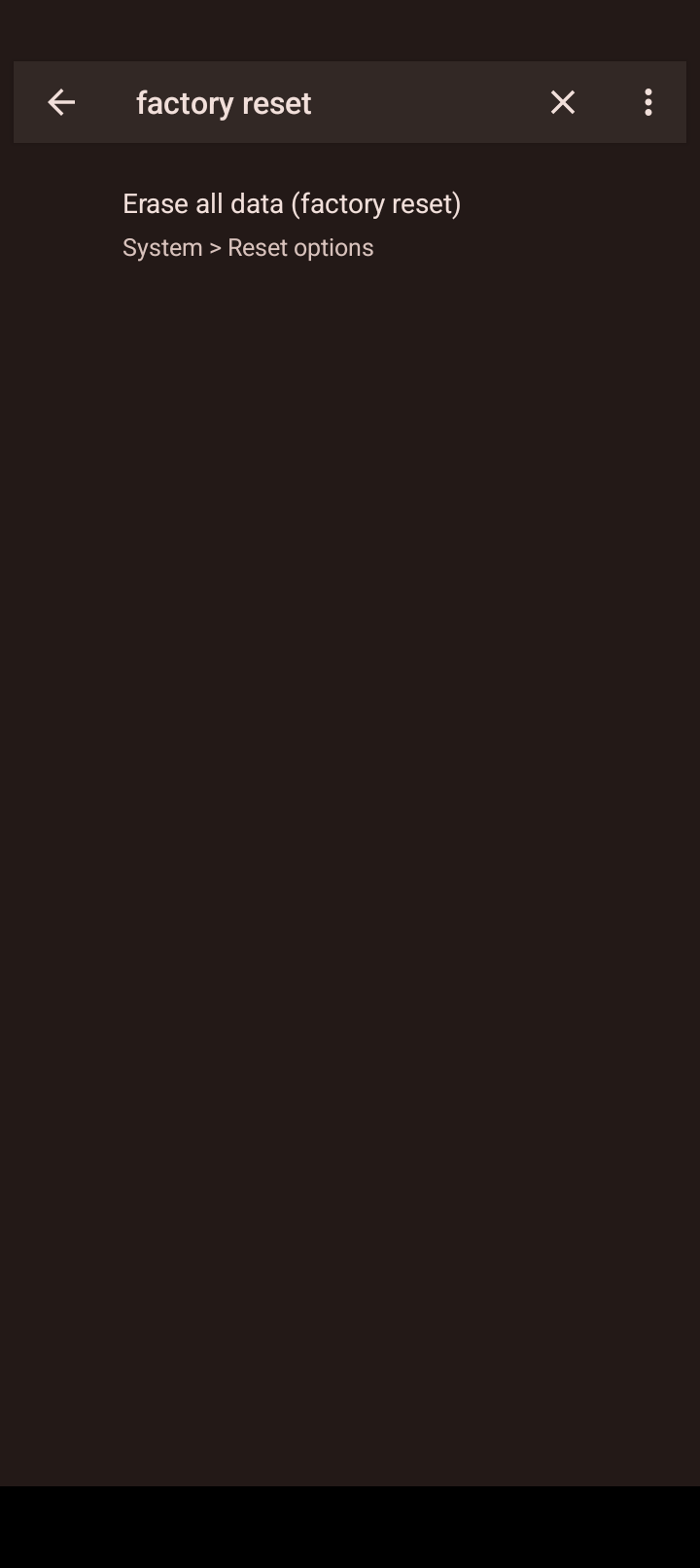
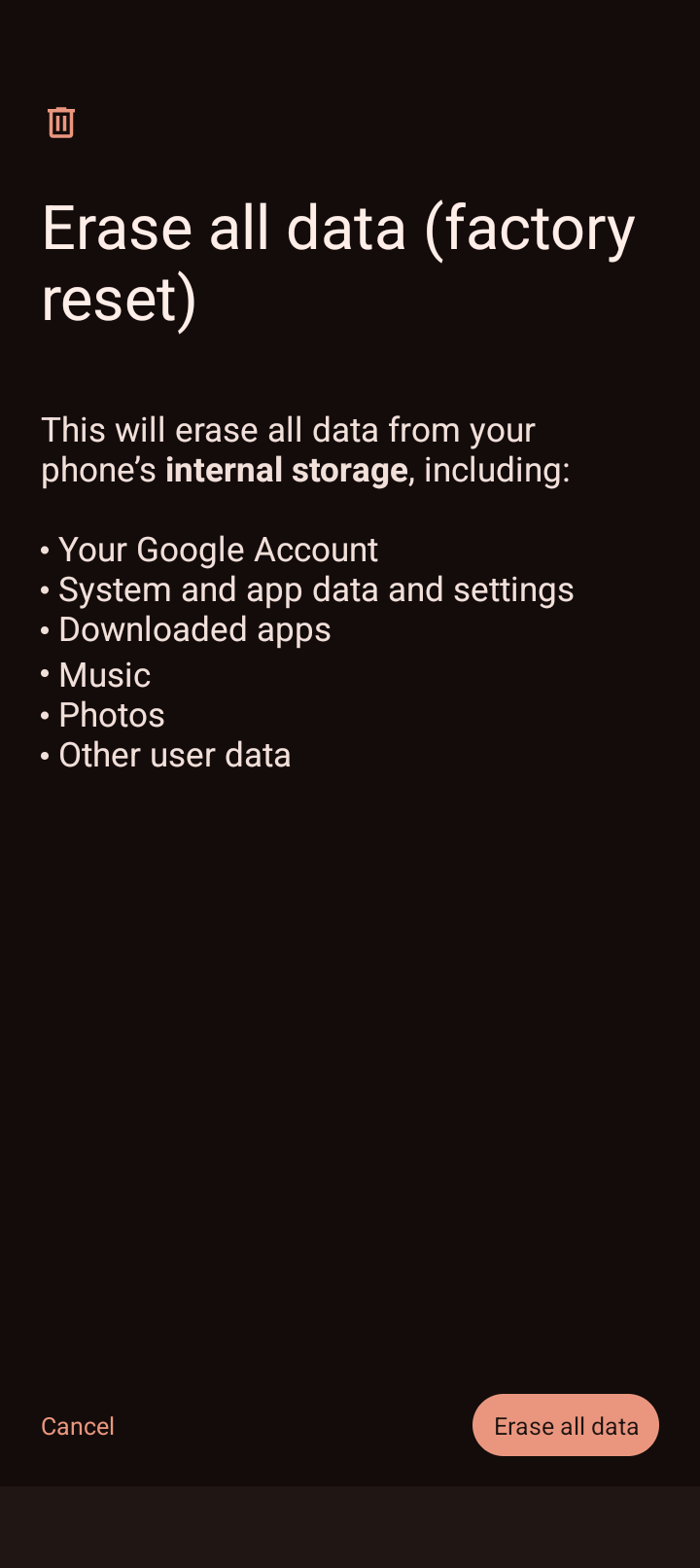
That’s great, and it is your thread so of course you can mark it solved. But jumping through seedvault and factory reset hoops I don’t think is an ideal solution, and I still hope they can fix whatever causes this, or at least isolate it so the fix doesn’t require such drastic steps (e.g. clear storage on some system app or whatever). Glad it’s stable for you though.
Have you not updated either still running version 6 don’t think will be doing so for some time until there is a official announcement?
This behaviour seems very random and there is little feedback. Factory reset shouldn’t be considered as something extreme, it could be caused by something during the initial setup as it seems with Lazarus. If it disappears for you in the next update it may be because the update is a soft reset. Windows comes with guaranteed life-long formats but it keeps for decades to be the de facto standard, nobody cares.
Maybe drastic is a better word than extreme. I put a lot of time into setting my phone up. I don’t want to risk seedvault not going well or otherwise having to spend a bunch more time with setup and then possibly find that it didn’t help. This problem has only happened to me a handful of times and only resulted in a random reboot or having to force a reboot. That’s not the end of the world. So a reset for me would be an extreme or drastic measure. Take your pick. Haha!
I didn’t think these reboots were the end of the world either till it went from something I noticed to happening multiple times during 1 task. This was listening to a podcast with antennapod through wired in headphones.
Are you writing this because it pertains specifically to the issue discussed here or should the battery always be charged to 80% max? If the latter applies, it is news to me. I always try to keep the battery fully charged.
Supposedly the batteries’ chemicals dry when it stays charged while it gets destroyed below a certain voltage so you avoid fully charging or letting it empty and this is why the battery circuit turns off and disconnects the battery under a certain voltage. I have set it to charge up to 92% and connect it again at 20%.
FWIW since I updated to 7.0 (actually 7.1) on New Years Eve my BraX3 is doing random soft restarts too, usually while being used - it’s never the same app and sometimes when no app is open. Has done it about 5-6 times now in 3 weeks.
I need to monitor it a bit more closely and test to validate but if it continues I’ll start a new thread on it - but just wanted to put it out there for now in case anyone else is experiencing the same (and it sounds similar to, or the same as, the issue in this thread)…
2 Likes
i see. you can only set it to charge up to 92% while USB debugging?