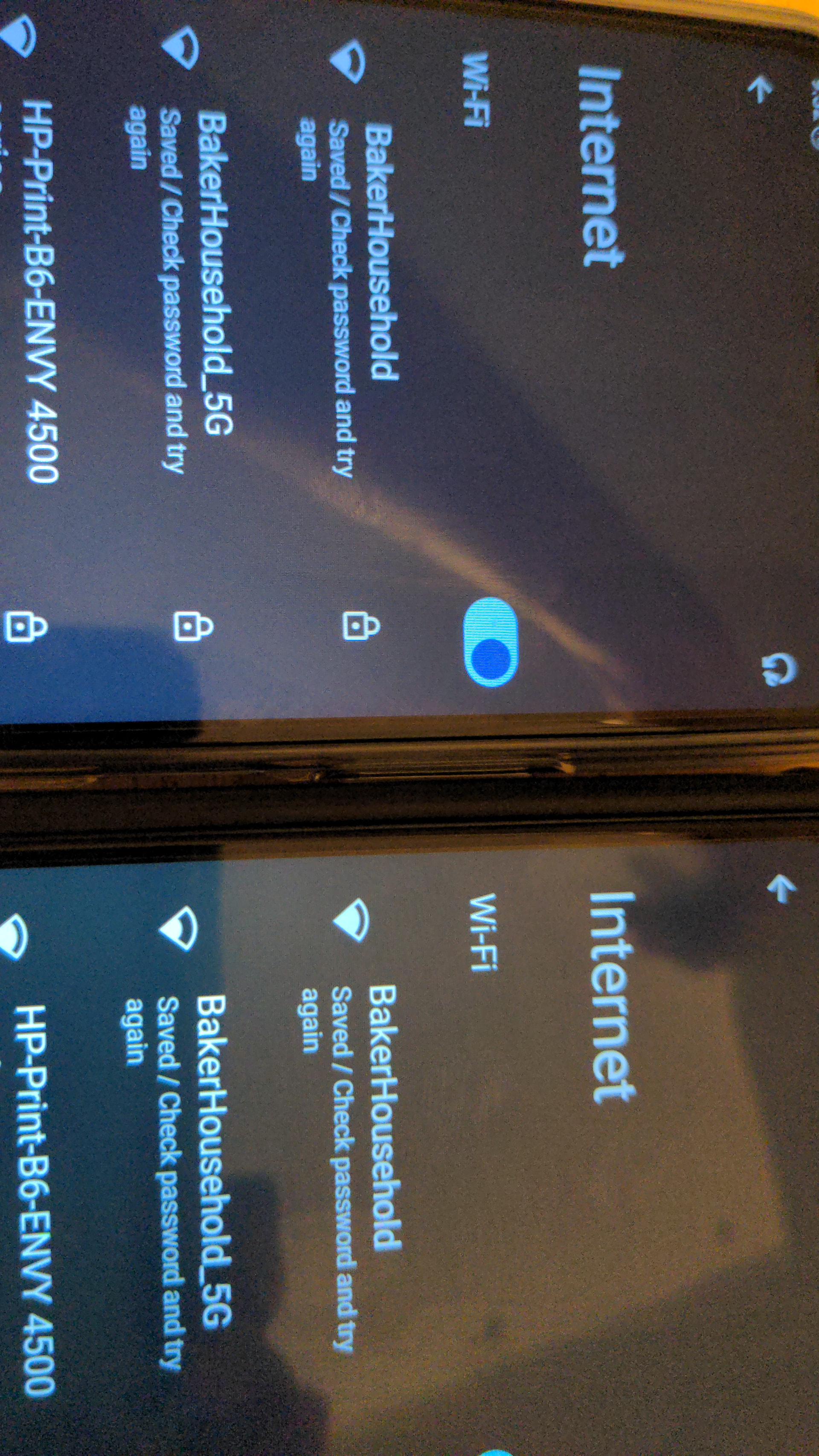
I received our Brax3 phones in May and am just now setting them up. Neither my or my husband’s phone will connect to our home’s WiFi. The phones have saved the network but is acting like password is wrong even though I have entered the correct password.
Any ideas of what to do next?
I do not yet have a Sim card in place but that should not be relevant.
It’s a firmware problem that was side-fixed later in version 6.11 of the operating system. Do the following steps to update the operating system.
If you can’t use the mobile data you can transfer the files by connecting to a computer or through an SD card or a USB stick.
For computer USB connection go to Settings(gear icon on homescreen) and search for USB to activate the File transfer mode.
The SD card fits in a specific slot of the SIM tray where you can alternatively insert a second SIM. Open the tray very gently with the tool, if it doesn’t pop out help it very gently with something very thin like a needle.
You can also use an Ethernet cable with an appropriate adapter USB-C to Ethernet, maybe not everyone will work.